

Marktplaats Car Scraper Netherlands
Pricing
from $1.00 / 1,000 results
Marktplaats Car Scraper Netherlands
Extracts used car listings from Marktplaats.nl, the Netherlands' largest classifieds marketplace, including price, mileage, year, fuel type, and location, with real pagination.
Pricing
from $1.00 / 1,000 results
Rating
0.0
(0)
Developer

MrDoe
Maintained by CommunityActor stats
0
Bookmarked
2
Total users
1
Monthly active users
2 days ago
Last modified
Categories
Share
Turn Marktplaats' car listings into structured data in minutes - no coding, no manual copy-pasting. Get price, mileage, year, fuel type, and location for used cars listed on Marktplaats.nl, the Netherlands' largest classifieds marketplace, paged through automatically.
What does Marktplaats Car Scraper Netherlands do?
Marktplaats Car Scraper Netherlands collects used car listings from Marktplaats.nl, the Dutch equivalent of eBay Classifieds, covering both dealers and private sellers nationwide. Optionally filter by make and it pages through the results automatically, extracting every listing it finds.
Why use Marktplaats Car Scraper Netherlands?
- Sourcing - build a shortlist of cars matching your criteria from both private sellers and dealers.
- Market research - track pricing, mileage, and fuel-type trends by make, including private-sale prices you won't find on dealer-only sites.
- Lead generation - find private sellers or dealers in a specific area for trade buying.
- Data enrichment - pull structured listing data into your own spreadsheet, CRM, or valuation tool.
How to use Marktplaats Car Scraper Netherlands
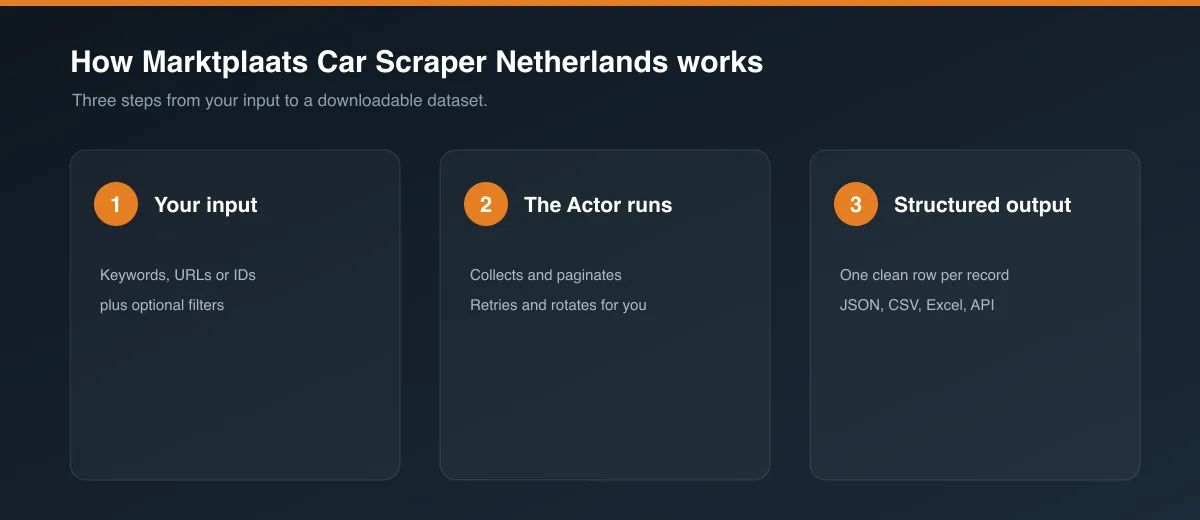
- Go to the Input tab.
- Optionally set Make to filter by a specific brand (e.g.
bmw), or leave empty for all cars. - Set Max items and Max pages to control how much to collect.
- Click Start and wait for the run to finish.
- Open the Dataset tab to preview, filter, and export your results.
Input
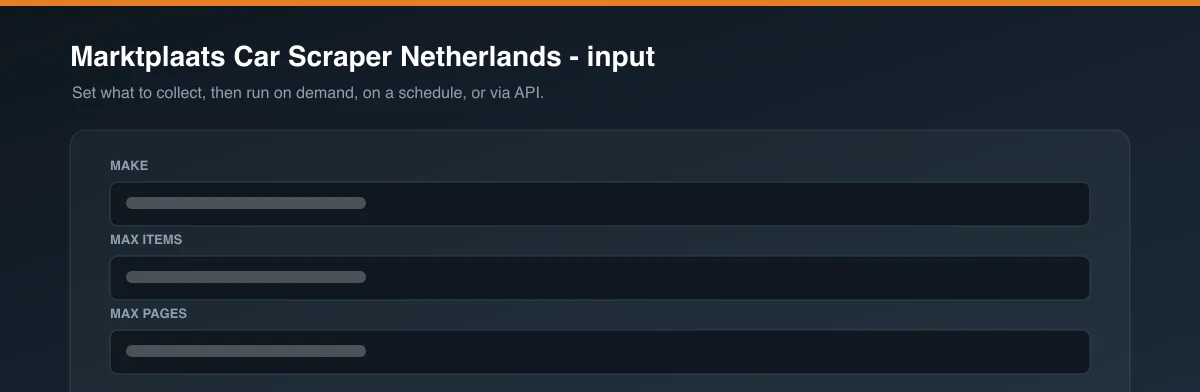
| Field | Type | Description |
|---|---|---|
make | String | Car make to filter by, e.g. bmw (optional - leave empty for all cars). |
maxItems | Integer | Maximum number of listings to scrape (default: 100). |
maxPages | Integer | Safety cap on how many pages to page through (default: 20). |
Example input:
Output
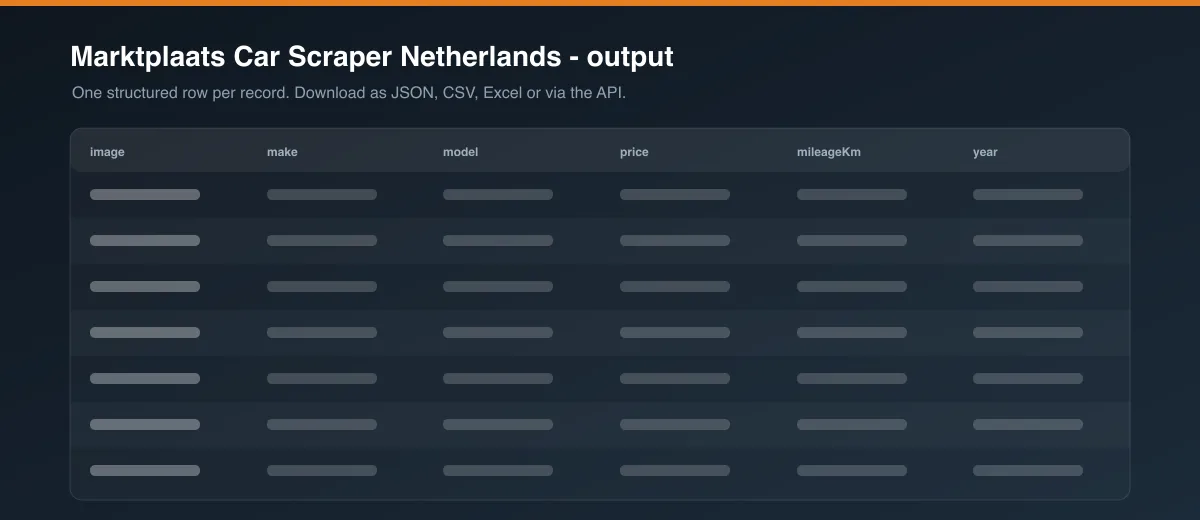
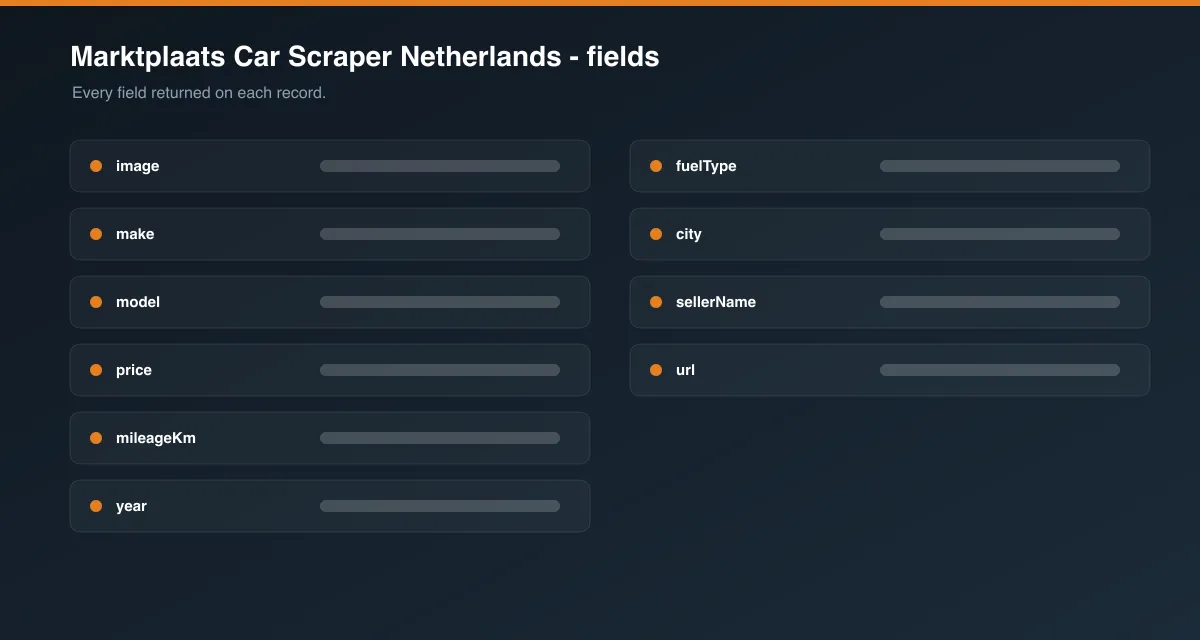
Each listing is saved as one item in the dataset, for example:
Data table
| Field | Description |
|---|---|
id / url | Marktplaats' ad ID and its own listing page |
title, make, model | Vehicle identification |
year | Construction year, as listed |
price, currency, priceType | Asking price, and whether it's a fixed price (FIXED) or a minimum/starting bid (MIN_BID, FAST_BID) |
mileageKm, fuelType, transmission, body | Core spec, where the seller provides it |
city | Seller's listed location |
sellerName | Seller's display name |
image | Listing photo URL |
scrapedAt | ISO timestamp when the item was scraped |
Pricing / Cost estimation
How much does it cost to scrape Marktplaats listings? Pricing depends on your Apify plan's compute unit rate and how many listings you request. Each page of results is a single fast request.
Tips for better runs
- Set Make for a focused pull instead of scraping the entire cars category.
- Keep Max items/Max pages modest for daily monitoring runs to control cost and run time.
- Use the Apify Schedule feature to re-run this Actor periodically and track new listings over time.
FAQ
Is this legal? This Actor only collects publicly visible listing data. You are responsible for using the data in accordance with Marktplaats.nl's Terms of Service and any applicable laws in your jurisdiction.
Why does make sometimes show a category name instead of a brand? Marktplaats doesn't expose "make" as its own data field - this Actor reads it from the listing's own URL path, which normally is the brand (e.g. /v/auto-s/bmw/...). Vans, campers, and trucks are occasionally filed under a sub-category slug there instead (e.g. bestelauto-s for vans), so those specific listings will show that sub-category name in make rather than the actual brand.
Why did some fields come back empty? Not every listing includes every field (e.g. some sellers omit transmission or body type). The Actor returns null for anything that isn't available for a given car.
Found a bug or have a feature request? Please use the Issues tab on this Actor's page - feedback directly shapes future updates.


