

Multi Hotel Review Synthesizer
Pricing
from $3.00 / 1,000 results
Multi Hotel Review Synthesizer
Compare guest reviews across several hotels in one destination into a single consolidated pick, shared pros and cons, and a one-line verdict per hotel - no more reading five separate review pages by hand.
Pricing
from $3.00 / 1,000 results
Rating
0.0
(0)
Developer

MrDoe
Maintained by CommunityActor stats
0
Bookmarked
2
Total users
1
Monthly active users
2 days ago
Last modified
Categories
Share
What does Multi-Hotel Review Synthesizer do?
Multi-Hotel Review Synthesizer reads a real sample of recent guest reviews for several hotels in the same destination and turns them into one consolidated comparison instead of a separate review dump per property. For each run it returns a single ranked pick with a stated reason, the pros and cons that showed up across multiple hotels' reviews, and a one- or two-sentence verdict with standout pros and cons for every individual hotel. You give it a destination and 2-6 hotel names; it gives you back one comparison, grounded only in what the guest reviews actually said.
It is built for travellers shortlisting hotels in the same area, travel agents preparing options for a client, and hospitality teams tracking how their property reads against nearby competitors.
Why use Multi-Hotel Review Synthesizer?
- One consolidated pick, not five review dumps — a ranked recommendation and a stated reason, not a wall of individual star ratings.
- Shared themes surface automatically — pros and cons that came up across multiple hotels are separated from one-off comments.
- Per-hotel verdicts — a short, specific verdict and standout pros/cons for every hotel in the comparison.
- Grounded in real reviews — every claim traces back to a real sampled review, never invented.
- Confidence-tagged — each comparison carries an overall high/medium/low confidence.
- Flexible input — a hotel name, or a direct hotel review-page URL when you already have one.
What makes this different
Most hotel-review tools return one long list of star ratings per property, leaving the actual comparing to you. This Actor does the comparing: it reads a real sample of recent guest reviews for every hotel you list in a destination, then produces a single cross-hotel comparison — a ranked pick, the pros and cons shared across multiple properties, and a specific verdict for each individual hotel. Nothing is invented outside what the sampled reviews say, and confidence is reported honestly when the sample is thin.
How it works
- Your input — a destination and 2-6 hotel names in it (or direct hotel review-page URLs).
- The Actor collects it — it reads a real sample of each hotel's recent guest reviews, working fully anonymously with no login and no account needed.
- Your output — one dataset record per run: a ranked pick, shared pros and cons, and a verdict for every hotel. Export to JSON, CSV, or Excel.
What data can you extract?
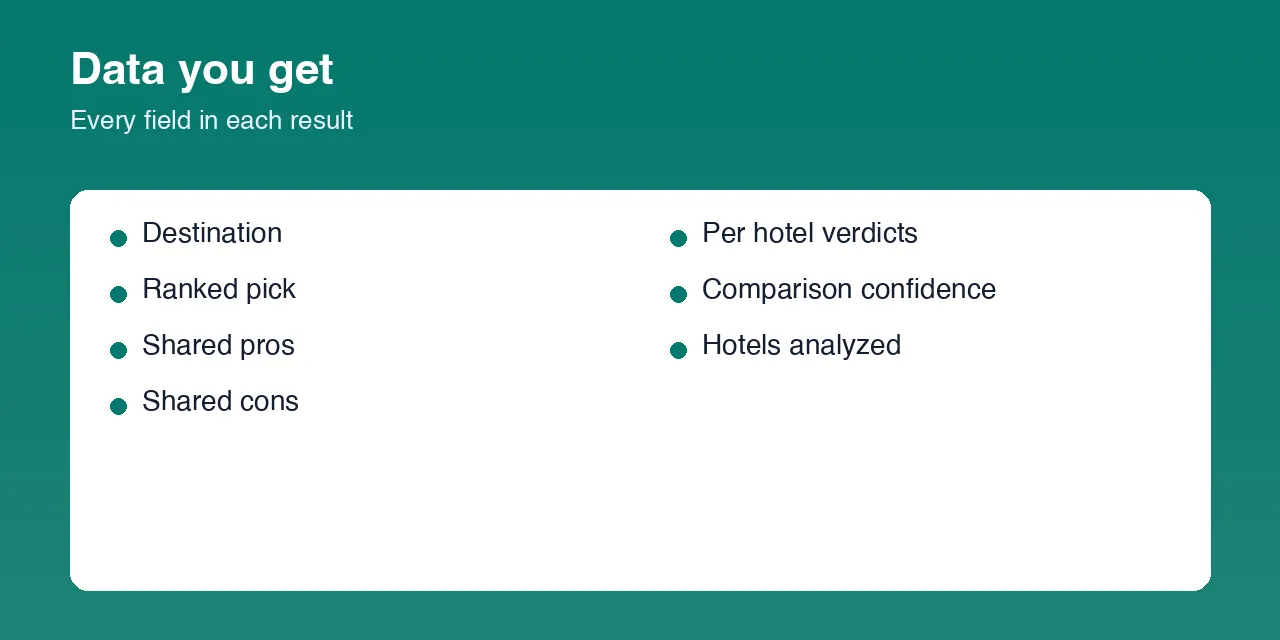
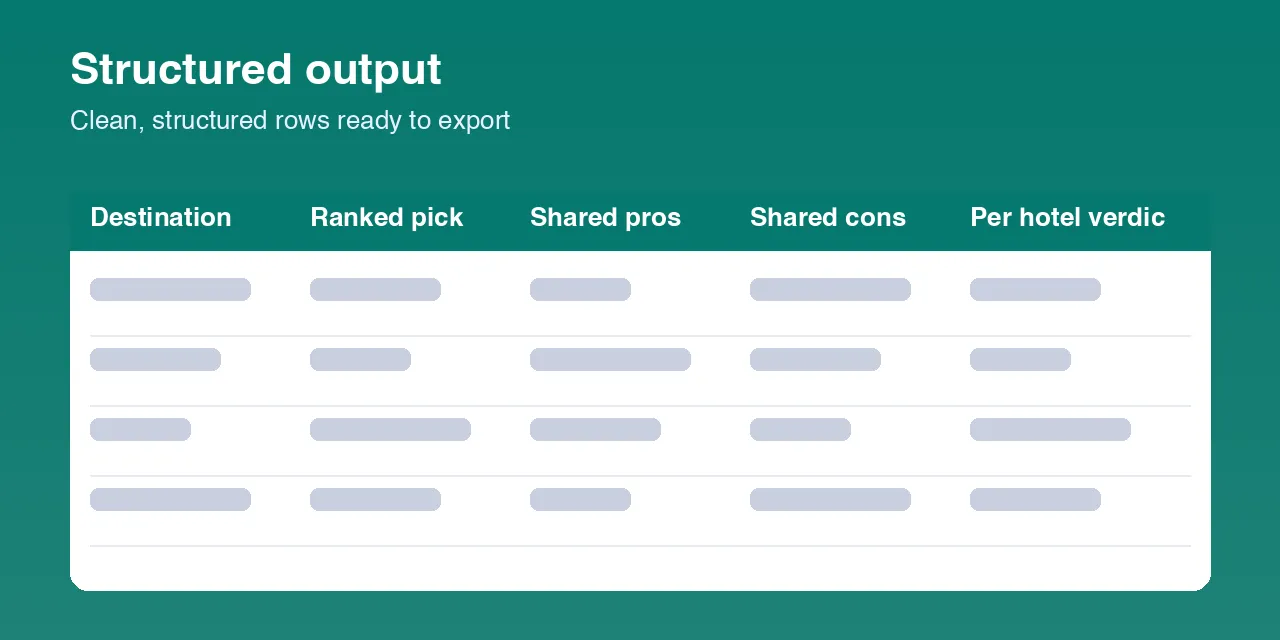
| Field | Description |
|---|---|
destination | The destination you entered. |
hotelsRequested | The hotel names/URLs you passed in. |
hotelsAnalyzed | Per-hotel detail: resolved name, review-page URL, reviews sampled, average sampled rating, and status. |
rankedPick | { hotelName, reason } — the single best overall pick and why. |
ranking | Every hotel's name, best to worst. |
sharedPros | Pros that came up across multiple hotels' reviews. |
sharedCons | Cons that came up across multiple hotels' reviews. |
perHotelVerdicts | One entry per hotel: { hotelName, verdict, standoutPros, standoutCons }. |
comparisonConfidence | Overall confidence in the comparison: high, medium, or low. |
enrichmentStatus | Whether the comparison was produced, and if not, why. |
scrapedAt | ISO timestamp of the run. |
How to use Multi-Hotel Review Synthesizer
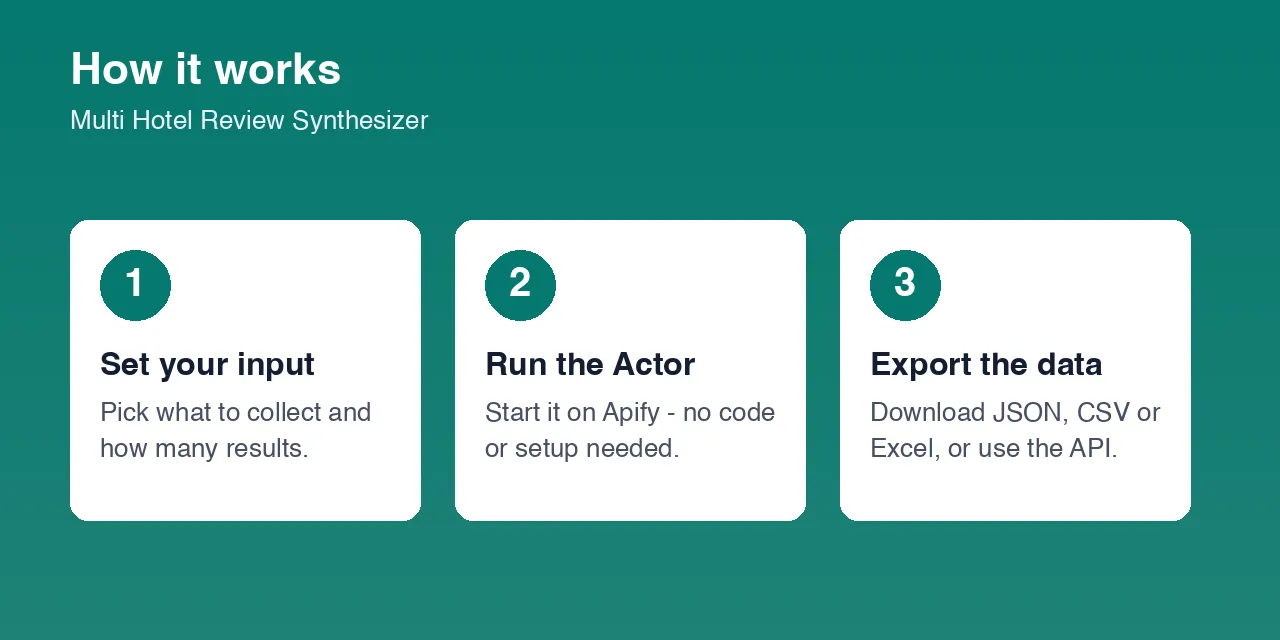
- Open the Actor in the Apify Console.
- Set Destination — the city all the hotels below are in, e.g.
New York City. - In Hotels to compare, list 2-6 hotel names in that destination (or paste a full review-page URL for any hotel you already have a link for).
- Set Reviews sampled per hotel if you want more or fewer than the default.
- Press Start.
- When the run finishes, open the Dataset tab and export to CSV, JSON, or Excel.
Input Parameters
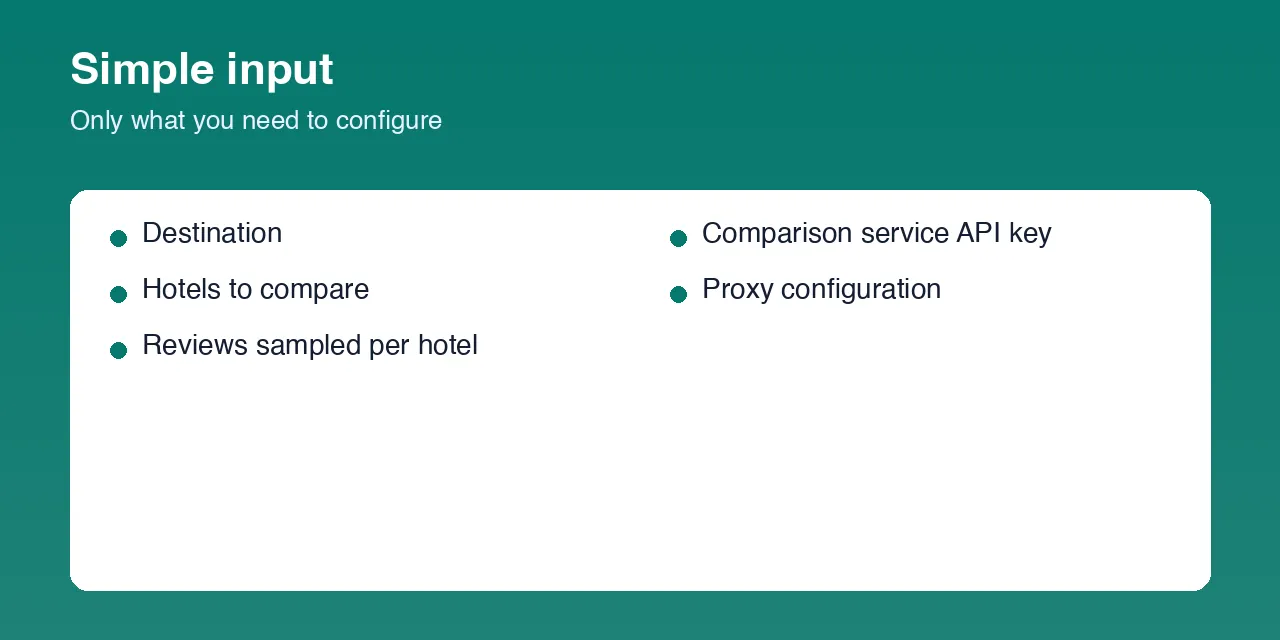
| Parameter | Type | Required | Default | Description |
|---|---|---|---|---|
destination | string | Yes | New York City | The city all the listed hotels are in. |
hotelNames | array | Yes | 3 hotels | 2-6 hotel names in that destination, or full hotel review-page URLs. |
maxReviewsPerHotel | integer | No | 20 | How many recent reviews to read per hotel. Range 5-30. |
openRouterApiKey | string (secret) | No | — | Optional key for the service that writes the comparison. Without it, raw per-hotel review data is still returned. |
proxyConfiguration | object | Yes | Residential Apify Proxy | Proxy settings. A residential proxy is required. |
Supported destinations include: Amsterdam, Bangkok, Barcelona, Berlin, Boston, Chicago, Dubai, Hong Kong, Istanbul, Las Vegas, London, Los Angeles, Miami, New York City, Orlando, Paris, Rome, San Francisco, Seoul, Singapore, Sydney, Tokyo, Toronto, and Washington DC. For a destination not on this list, pass each hotel as a direct review-page URL instead.
Output Data
One dataset record per run — the whole consolidated comparison. Real sample record:
Usage Examples
- Shortlist 3 hotels before booking:
destination: "Paris",hotelNames: ["Hotel Plaza Athenee", "Le Bristol Paris", "The Peninsula Paris"]. - A travel agent comparing budget-friendly options:
destination: "London",hotelNamesset to 4-5 mid-range hotel names in that city. - A hospitality team benchmarking their own property: include your own hotel's name alongside 2-3 nearby competitors.
- Already have review-page links: pass full hotel review-page URLs directly in
hotelNamesinstead of names, useful for destinations not in the supported list.
Tips for Best Results
- Use the exact hotel name as it appears on a booking or review site for the best match within a destination.
- If a hotel name is not found, try a shorter, more distinctive part of the name, or pass a direct review-page URL instead.
- Raise
maxReviewsPerHotelfor hotels with very few recent reviews so the comparison has enough signal. - Keep the hotel list to properties genuinely being considered together — the comparison quality depends on all of them being read from real reviews.
Known Limitations
- Only destinations in the supported list (see above) can be searched by hotel name; other destinations need a direct review-page URL per hotel.
- A hotel not found within its destination's current review listing returns a
not_foundstatus for that hotel instead of guessed data. - The written comparison reflects the quality of a default free-tier analysis model; supplying your own key can improve results.
- Very new or very low-review-count hotels may not have enough sampled reviews for a confident verdict — check
comparisonConfidence. - Runs typically finish in under two minutes for the default 3-hotel input; a full 6-hotel run at the maximum review sample can take a few minutes longer.
Integrations
Connect the dataset via the Apify API, webhooks, Zapier, Make, or Google Sheets, and schedule recurring runs from the Apify Console to re-check a comparison over time.
Export Formats
JSON, CSV, Excel, and XML — from the Dataset tab in the Console or via the Apify API.
Frequently Asked Questions
How many hotels can I compare in one run?
Between 2 and 6 hotels per run, all in the same destination.
Can I use a hotel review-page URL instead of a name?
Yes. Any entry in hotelNames can be a full review-page URL, which is also the way to include a hotel in a destination outside the supported city list.
Why is a field null?
A field is null when the sampled reviews did not support it — for example sharedCons is null when no complaint came up across more than one hotel, and the whole comparison is left with raw per-hotel data only when the written-comparison step is unavailable.
Do I need a TripAdvisor, Google, or hotel-site account?
No. The Actor works fully anonymously — no login, no account, no cookies.
Am I charged for failed results?
You are only charged for hotels that actually returned a real sampled review set and for a comparison that was actually produced.
Can I schedule this to re-run periodically?
Yes, from the Apify Console's Schedules feature, using the same input.
Does it use my own analysis key?
Only if you provide one in openRouterApiKey. Without it, the Actor still returns full per-hotel review data with the written comparison left empty.
Support
Use the Issues tab on this Actor's Apify Console page to report a problem or ask a question.
Legal / Responsible Use
You are responsible for complying with the terms of the sites this Actor reads from, applicable law, and responsible data-use requirements in your jurisdiction. Guest review text may include personal opinions; you are responsible for applicable privacy and data-protection law for any personal data you retain from the output.


