
AI Consensus vs Market: Multi-Model Win Probability Check
Pricing
from $10.00 / 1,000 results
AI Consensus vs Market: Multi-Model Win Probability Check
Several independent AI models estimate each match's win probabilities blind, without seeing the odds. Get the consensus, how much the models disagree, and where the consensus differs from the market's no-vig fair probabilities.
Pricing
from $10.00 / 1,000 results
Rating
0.0
(0)
Developer

MrDoe
Maintained by CommunityActor stats
0
Bookmarked
3
Total users
2
Monthly active users
4 days ago
Last modified
Categories
Security
Limited permissionsShare
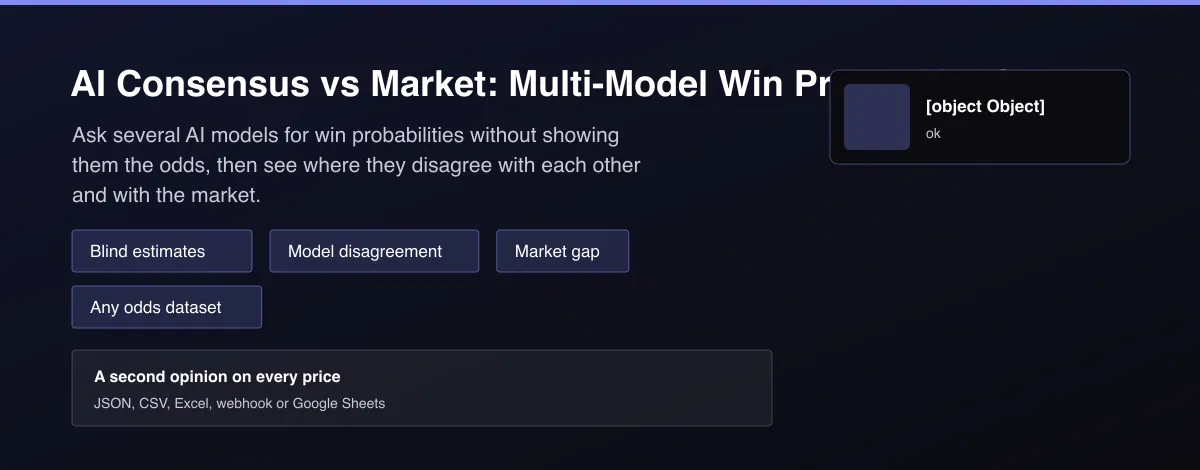
What does AI Consensus vs Market: Multi-Model Win Probability Check do?
AI Consensus vs Market runs several independent AI models on each match and compares their answers with the betting market. For every game it builds a fact sheet from your data (injuries, standings and notes) without the odds, asks each model for home, draw and away probabilities, and returns the consensus, how far apart the models were, and the difference between the consensus and the market's no-vig fair probabilities. Flags mark matches where the models disagree with each other or with the market.
Why use AI Consensus vs Market: Multi-Model Win Probability Check?
- Models never see the odds, so estimates are independent of the market.
- Several models, so one model's quirk does not decide the result.
- Disagreement flag shows where the estimate is unreliable.
- Market gap flag shows where the consensus differs from fair odds.
- Uses the datasets you already collect.
What makes this different
A single AI opinion is easy to over-trust. This Actor asks several models blind to the market, reports how much they disagree, and compares the consensus with no-vig fair odds, so a disagreement is a prompt to look closer rather than a bet signal.
How it works
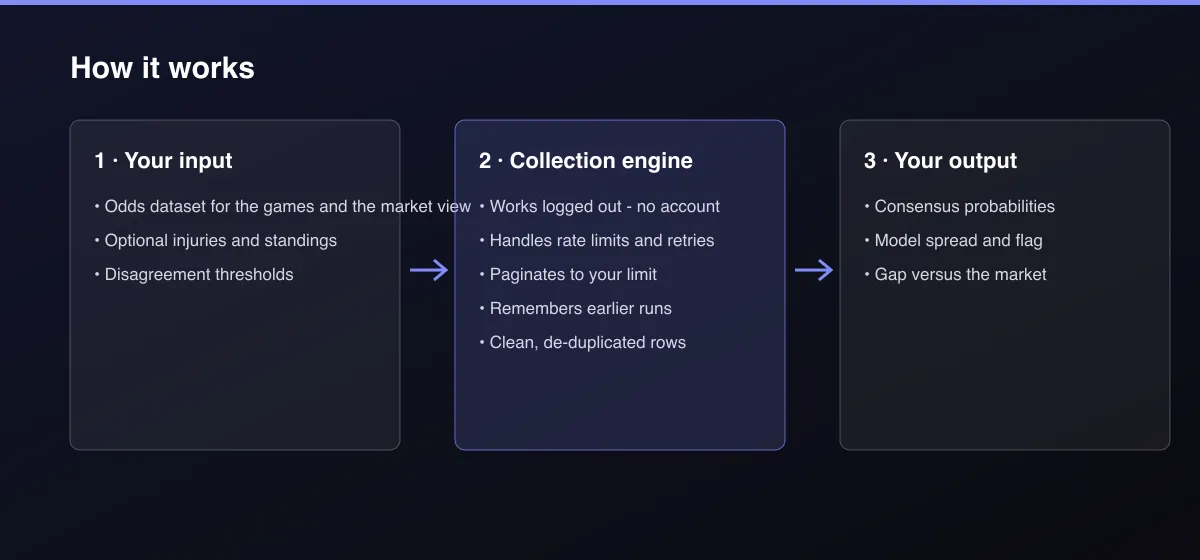
- Your input — pick the odds dataset and optional injuries and standings datasets.
- The Actor collects it — the Actor builds a fact sheet for each game and asks several models blind to the odds.
- Your output — you get the consensus, the model spread and the gap versus the market.
What data can you extract?
The dataset has 12 fields per row:
| Field | Type | Description |
|---|---|---|
id | string | Match id. |
event | object | Home, away, sport, league and start time. |
market | object | Market's fair probabilities. |
modelsAnswered | number | Models that answered. |
consensus | object | Average probabilities across models. |
modelSpread | number | Widest gap between models. |
modelsDisagree | boolean | Models differ above the threshold. |
edgesVsMarket | object | Consensus minus market per outcome. |
marketDisagrees | boolean | Consensus differs from the market above the threshold. |
estimates | array | Each model's probabilities and one-line reasoning. |
analysisStatus | string | ok or unavailable. |
demo | boolean | True for the built-in sample. |
How to use AI Consensus vs Market: Multi-Model Win Probability Check
- Open the Actor and go to the Input tab.
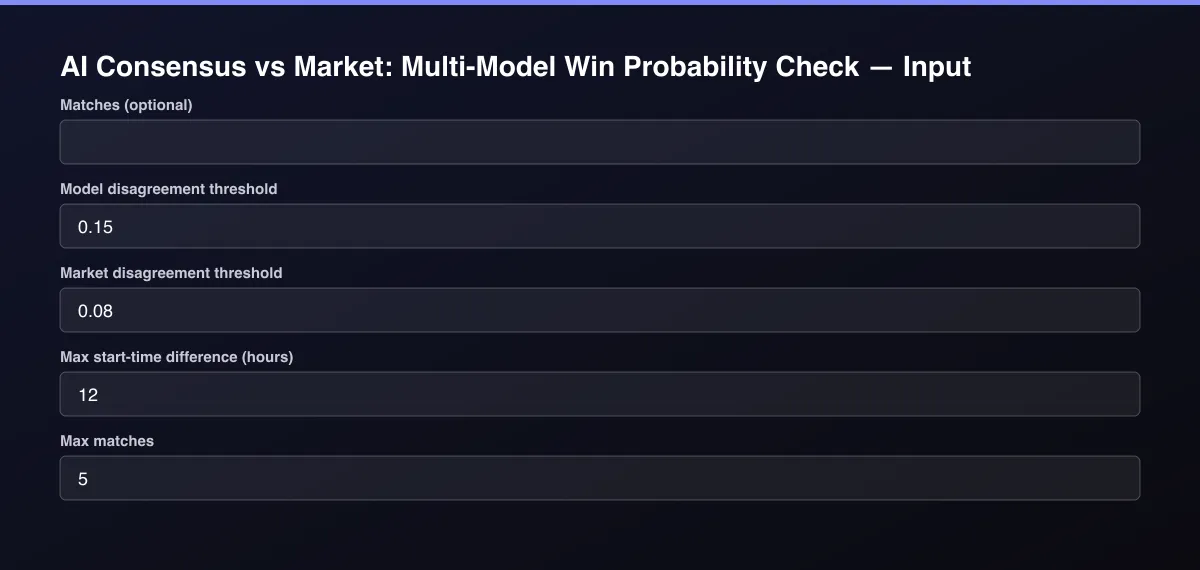
- Pick an Odds dataset (and optional Injuries and Standings), or paste Matches as JSON, set the thresholds if you want, and press Start. With no input it checks a sample.
- Optionally set filters and a Max results limit.
- Click Start. A default run finishes in under a minute.
- Open the Output tab, then download the dataset or connect it to your tools.
Input Parameters
| Parameter | Type | Required | Default | Description |
|---|---|---|---|---|
matches | array | No | [] | Matches to check, as JSON, each with home and away and optional sport, league, startTime, id and notes. Leave empty to check the games found in the odds datasets, or leave everything empty to try a built-in sample. |
oddsDataset1 | string | No | — | Odds dataset (Pinnacle, FanDuel, DraftKings, MelBet, 22Bet or 1xBet): the market's fair probabilities to compare with, and the list of games. |
oddsDataset2 | string | No | — | Another dataset of the same kind. |
injuriesDataset | string | No | — | A dataset from the Sports Injury Report Tracker (or any dataset with team, player, status). |
standingsDataset | string | No | — | A dataset from the League Standings Actor (or any dataset with team, rank, record, points). |
modelDisagreement | number | No | 0.15 | Flag a match when the models differ by at least this probability on any outcome. |
marketDisagreement | number | No | 0.08 | Flag a match when the models' consensus differs from the market's fair probability by at least this much. |
maxStartDiffHours | number | No | 12 | Odds listings count as the same match when start times are within this many hours. |
openRouterApiKey | string | No | — | Optional key for the analysis service. Leave empty to use the built-in service. |
maxResults | integer | No | 5 | Maximum number of matches returned. Default is 5 for a quick test; set 0 to return everything available. |
Output Data
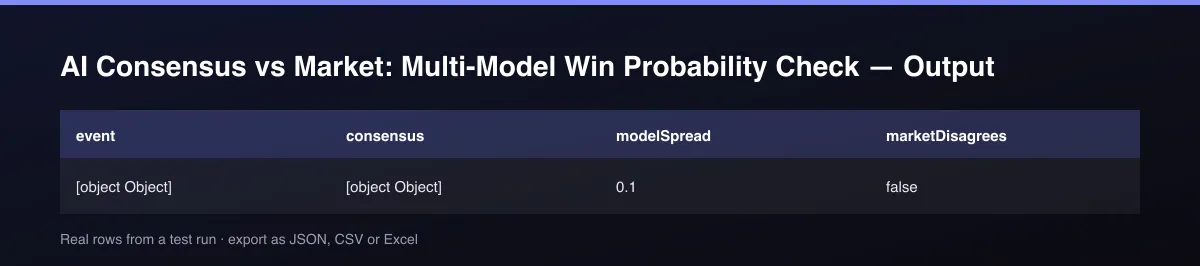
consensus averages the models that answered (modelsAnswered); modelSpread is the widest gap between models on any outcome, flagged in modelsDisagree. edgesVsMarket is consensus minus the market's fair probability per outcome, flagged in marketDisagrees when it passes the threshold. Model names are not shown. analysisStatus is unavailable when no model answered.
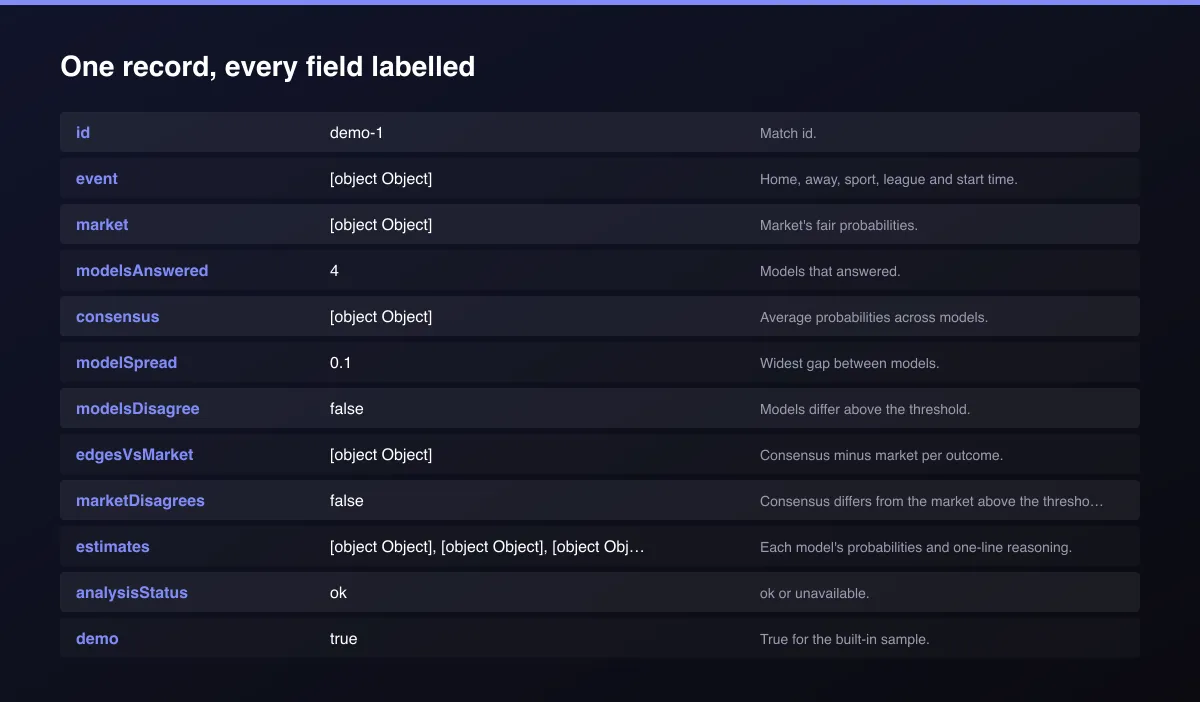
A real dataset item:
Usage Examples
Check every game in an odds dataset
Stricter market flag
Try the sample
Tips for Best Results
- Default is 5 results for a fast test. Set the max to 0 to return everything available.
Known Limitations
- Models only know the facts you provide; they are not a substitute for a real forecasting model.
- Some models can be busy, so a match may have fewer answers; check
modelsAnswered. - Estimates are not betting advice; a gap versus the market is a reason to investigate, not a signal.
- Only win, draw and loss probabilities are estimated.
Integrations
Run it from the Apify API, on a schedule, or from a webhook. Send results straight to Google Sheets, Make, Zapier, Slack or your own database with Apify's built-in integrations.
Export Formats
Download the dataset as JSON, CSV, Excel, XML, HTML table or RSS from the Output tab or the API.
Frequently Asked Questions
Does it need an account or API key?
No. The Actor only needs the datasets or matches you provide.
Am I charged for failed results?
No. You are only charged for results that are written to the dataset.
Do I need an account or login?
No. The Actor only needs the datasets or matches you provide.
Am I charged for failed runs or empty results?
You are only charged for results that are actually written to the dataset.
Can I run it on a schedule?
Yes. Create a Task with your input and add a schedule in Apify Console. With monitor mode on, each scheduled run returns only what changed since the previous one.
Support
Questions or a missing field? Open an issue from the Issues tab on this Actor's page and it will be looked at.
Legal / Responsible Use
You are responsible for how you use these results. They are automated estimates from the data you provide, not betting advice or a prediction guarantee. This Actor does not place bets. Gambling is age-restricted; if you or someone you know has a problem, seek support such as BeGambleAware or 1-800-GAMBLER.


