Propertyfinder Scraper
Pricing
from $1.50 / 1,000 results
Propertyfinder Scraper
Scrape property listings from PropertyFinder.ae - price, location, size, bedrooms, amenities, and agent contact details across the UAE real estate market. No login required, built for Gulf property market research and lead generation. Give it a search URL and get one row per listing.
Pricing
from $1.50 / 1,000 results
Rating
0.0
(0)
Developer

MrDoe
Maintained by CommunityActor stats
0
Bookmarked
2
Total users
1
Monthly active users
a month ago
Last modified
Categories
Share
What does Property Finder Scraper do?
Property Finder Scraper collects property listings from Property Finder, the largest real estate portal in the UAE, covering Dubai, Abu Dhabi, Sharjah and the rest of the Emirates. The easiest way to start is to open a search on the site with the filters you want (city, community, price, bedrooms, buy or rent), copy the URL from your browser, paste it into Start URLs, and run the Actor. You get back a clean, structured dataset of every matching property — price, size, location, agent, broker, RERA permit details and more — ready for market research, price benchmarking, lead lists, or feeding a valuation model.
Why use Property Finder Scraper?
- Full UAE coverage — sale and rent listings across every emirate and community, residential and commercial.
- Deep per-listing detail — not just price and beds, but size, furnishing, completion status, amenities, coordinates, project and handover dates, and the full listing description.
- Agent and broker data — agent name and languages, brokerage name and office address, and the public contact phone number for lead generation.
- Compliance fields — RERA permit number, broker license number, and issuing authority, so you can verify listings.
- Simple input — paste a search URL, set how many results you want, run. No scraping knowledge required.
- Automation-ready — schedule recurring runs to track new listings, price drops, and inventory changes over time.
What makes this different
This Actor is built specifically for Property Finder's UAE marketplace and reads the structured data behind each listing page rather than scraping visible text, so fields like RERA permit numbers, broker license numbers, geo-coordinates, project handover dates and the complete amenity list come through reliably. It works without a proxy for most runs, which keeps it fast and cheap compared with generic real estate scrapers.
What data can you extract?
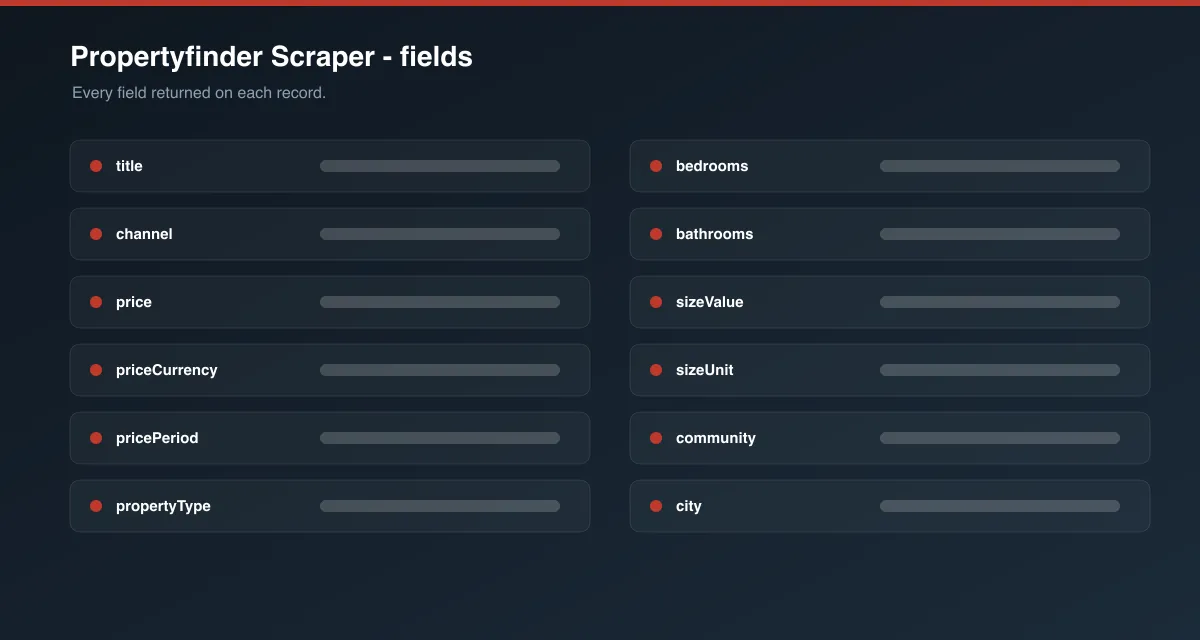
| Field | Description |
|---|---|
id | Property Finder listing ID |
reference | Agency reference code for the listing |
url | Canonical listing URL |
channel | buy or rent |
title | Listing headline |
description | Full listing description |
propertyType | Apartment, Villa, Townhouse, Office, etc. |
offeringType | e.g. "Residential for Sale", "Commercial for Rent" |
completionStatus | completed, off_plan, etc. |
furnishing | Furnished / unfurnished / partly |
price | Numeric price |
priceCurrency | Currency code (usually AED) |
pricePeriod | sell, yearly, monthly, etc. |
pricePerArea | Price per unit area, when published |
bedrooms / bathrooms | Room counts (0 = studio) |
sizeValue / sizeUnit | Built-up area and its unit (usually sqft) |
locationName | Full location string |
city / community / subCommunity / tower | Location broken into levels |
latitude / longitude | Map coordinates |
amenities | List of amenity names |
isVerified | Whether Property Finder marks the listing verified |
listedDate / lastRefreshedAt | Listing timestamps |
agentName / agentLanguages / agentLicenseNo | Agent details |
brokerName / brokerAddress | Brokerage details |
contactPhone | Public contact phone number |
reraPermitNumber / reraLicenseNumber / reraAuthority | Compliance details |
projectName / projectDeliveryDate | Off-plan project name and handover date |
videoUrl | Listing video, when available |
floorPlanCount | Number of floor plans attached |
imageUrls | Listing photo URLs |
scrapedAt | ISO timestamp of collection |
How to use Property Finder Scraper
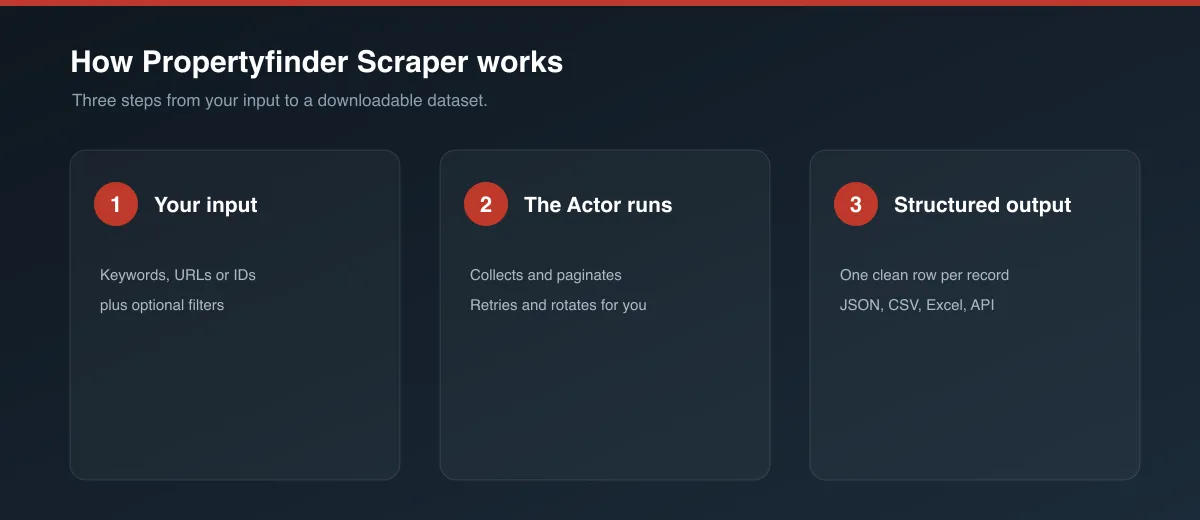
- Open propertyfinder.ae and build a search with the filters you want.
- Copy the URL from your browser's address bar.
- Open this Actor, paste the URL into Start URLs (you can add several).
- Set Max properties per start URL — start small (3–5) to test, then raise it.
- Click Start and wait for the run to finish.
- Download the dataset as JSON, CSV or Excel from the Dataset tab, or connect it via API.
Input Parameters
| Parameter | Type | Required | Default | Description |
|---|---|---|---|---|
startUrls | Array | Yes | A Dubai "for sale" search | Property Finder search result pages or direct property page URLs. |
maxItems | Integer | No | 5 | Maximum listings to collect per start URL. |
useCache | Boolean | No | false | Reuse data collected for a property in an earlier run to speed up recurring runs. |
proxyConfiguration | Object | No | Apify Proxy off | Optional proxy settings. Enable only if you see blocked or incomplete results. |
Output Data
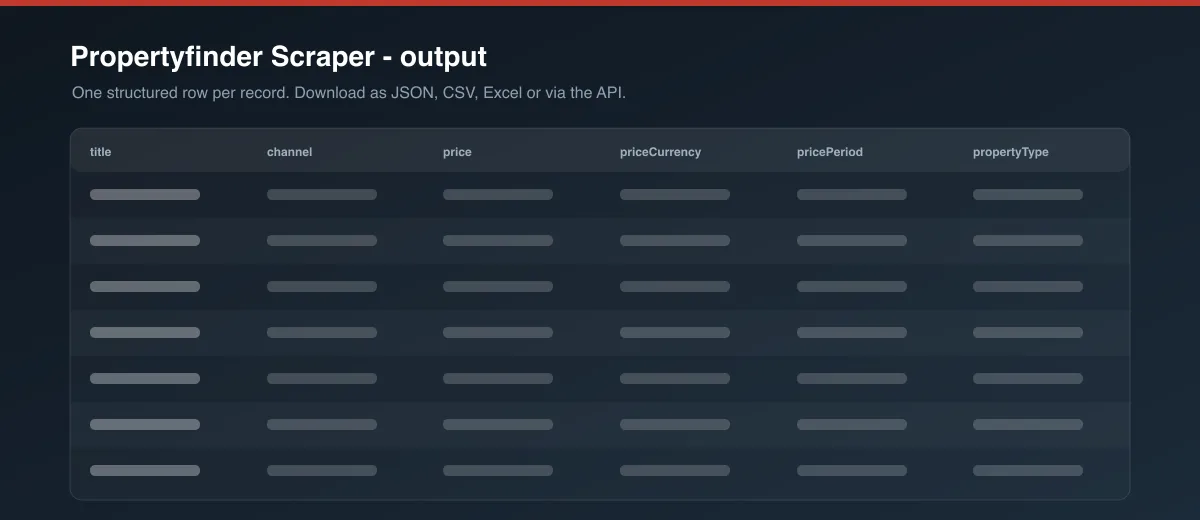
Each dataset item is one property. Example:
Usage Examples
- All Dubai apartments for sale:
https://www.propertyfinder.ae/en/search?c=1&l=1&t=1&fu=0&ob=mr - Villas for rent in Dubai:
https://www.propertyfinder.ae/en/rent/dubai/villas-for-rent.html - Downtown Dubai only: build the search on the site with the community filter applied, then paste that URL.
- A single property: paste any
.../en/plp/...property page URL to collect just that listing.
Tips for Best Results
- Apply as many filters as possible on the site before copying the URL — a tighter search returns more relevant data faster.
- Add multiple search URLs in one run (for example one per community) —
maxItemsapplies to each URL separately. - For ongoing monitoring, schedule the Actor daily and sort the search by "newest" so new listings appear first.
Known Limitations
- Some listings hide the price ("Ask for price");
pricewill be null for those. agentLicenseNo,projectNameandpricePerAreaare only present on listings where Property Finder publishes them.- Contact details are limited to what the portal shows publicly (usually a phone number); agent email is not published.
- Very large searches are capped by the site's own pagination depth.
Integrations
Connect results to Google Sheets, Make, Zapier, Slack or your own systems via the Apify API and webhooks. Schedule recurring runs from the Actor's Schedule tab.
Export Formats
JSON, CSV, Excel, XML and RSS via the Dataset tab or the Apify API.
Frequently Asked Questions
How many results can I get per run? As many as you set in maxItems, up to the site's pagination limit for that search. maxItems is per start URL.
Can I scrape a specific community, building or price range? Yes — apply those filters on propertyfinder.ae and use the resulting URL as a start URL.
Are duplicates removed? Yes. Each property URL is only collected once per run.
Why are some fields null? The listing didn't publish that field. Missing values are always null, never guessed.
Does caching affect freshness? With useCache on, a property already collected in a previous run is reused instead of re-fetched. Leave it off (the default) when you need current prices and availability.
Can I schedule it? Yes, from the Actor's Schedule tab, or via the API.
Support
Found a bug or a missing field? Open an issue from the Issues tab on the Actor's page and include the run ID and the input you used.
Legal / Responsible Use
You are responsible for ensuring your use of this Actor complies with Property Finder's terms of service and all applicable laws. Listings can include personal data such as agent names and phone numbers; if you collect personal data you are responsible for complying with applicable privacy and data-protection laws (for example GDPR) and for using that data lawfully.
Preview