Rockauto Parts Scraper
Pricing
from $0.80 / 1,000 results
Rockauto Parts Scraper
Scrape RockAuto auto parts and car parts by year, make, model, engine, category and part type. Extract part numbers, brands, prices, availability, fitment, categories, images and more from the RockAuto catalog for pricing and market research.
Pricing
from $0.80 / 1,000 results
Rating
0.0
(0)
Developer

MrDoe
Maintained by CommunityActor stats
0
Bookmarked
2
Total users
1
Monthly active users
22 days ago
Last modified
Categories
Share
What does RockAuto Parts Scraper do?
RockAuto Parts Scraper walks the RockAuto catalog the same way a shopper does — year, make, model, engine, category, part type — and returns every part it finds as structured data: brand, part number, description, current price, availability, and the vehicle it fits. The quickest way to try it is to open a RockAuto part-type page in your browser, copy the URL into RockAuto catalog URLs, and press Start. It is built for teams that need an always-current view of RockAuto pricing and fitment without keeping a full copy of the catalog.
Data is pulled live from RockAuto on every run, so prices and availability reflect what the site shows at that moment.
Why use RockAuto Parts Scraper?
- Navigate by vehicle, not guesswork — give it a make (and optionally year, model, engine, category, part type) and it follows the real RockAuto selection path to the parts.
- Current prices and availability — every run reads live pages; nothing is served from a stale database unless you explicitly turn caching on.
- Clean, structured output — one row per part with consistent fields, ready for a spreadsheet, database, or pricing tool.
- Scales sensibly — target one part type, a whole category, or several vehicles at once, with limits that keep large jobs from running away.
- Repeatable — schedule it, connect it to Google Sheets or your own systems, and refresh only the vehicles or part types you care about.
What makes this different?
Two things. First, the input follows RockAuto's own Year → Make → Model → Engine → Category → Part Type tree, matching your plain-text selections to the on-site options, so you never need internal codes. Second, it is designed for incremental, on-demand refresh: an optional cache lets recurring runs re-price only the part-type pages you ask for instead of re-crawling everything, which is what makes covering a large slice of the catalog practical.
What data can you extract?
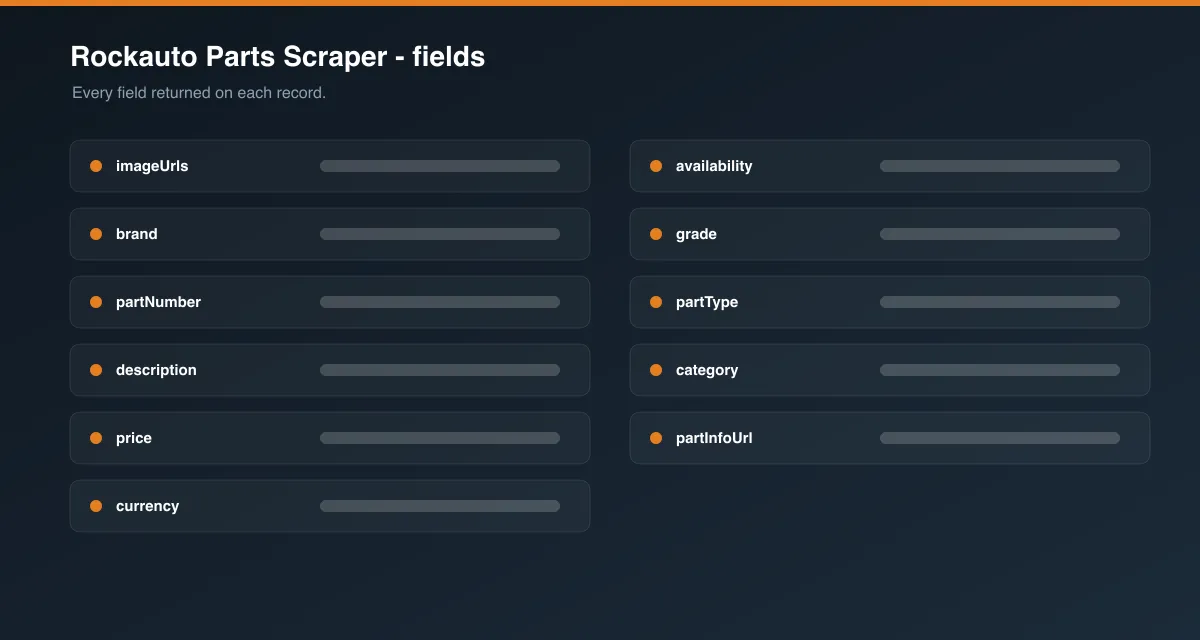
| Field | Description |
|---|---|
brand | Manufacturer / brand of the part (e.g. MOTORCRAFT, BOSCH). |
partNumber | The manufacturer part number. |
description | Fitment and specification text shown with the listing (position, material, options). |
price | Current part price, as a number. |
corePrice | Refundable core charge, if any (0 when there is none). |
totalPrice | Price plus core charge. |
currency | Always USD. |
availability | In stock, Out of stock, or Unknown based on the listing's order controls. |
shipsFromWarehouseCount | How many warehouses can ship the part. |
grade | RockAuto quality tier when shown (Economy, Daily Driver, Premium, High Performance, …). |
note | Closeout / warranty note attached to the listing, if any. |
vehicle | The selected vehicle: make, year, model, engine. |
category / partType | Where the part sits in the catalog. |
partKey | Stable RockAuto identifier for the listing (used for de-duplication). |
partInfoUrl | Link to the part's information page on RockAuto. |
catalogUrl | Link to the part-type page the part came from. |
imageUrls | Image URL(s) for the part (when Include part images is on). |
alternatePartNumbers | Equivalent inventory numbers (only when Fetch extra part details is on). |
installationTips | RockAuto's install notes for the part type (only when Fetch extra part details is on). |
scrapedAt | ISO timestamp when the row was collected. |
How to use RockAuto Parts Scraper
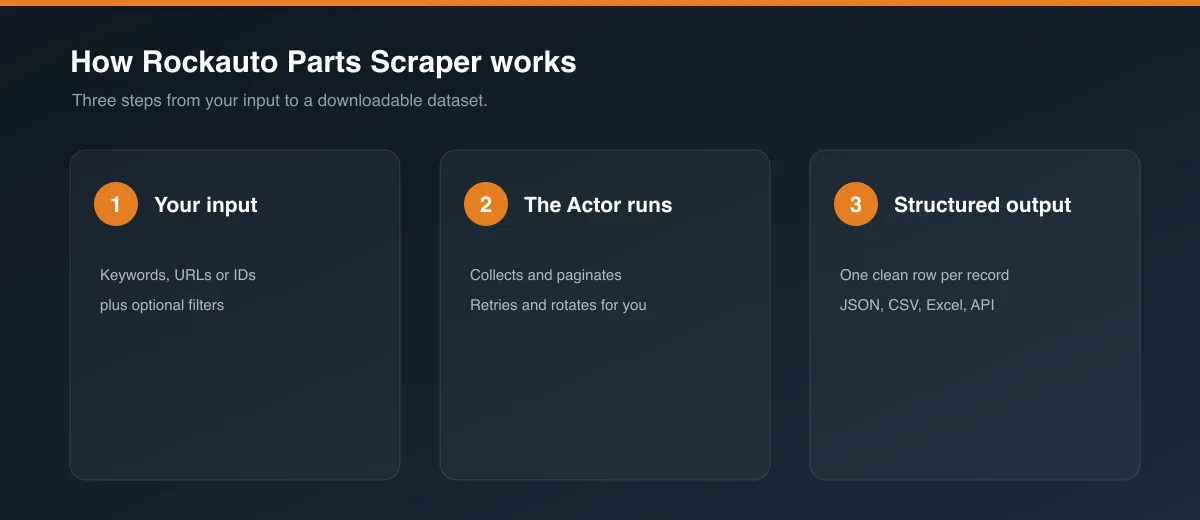
- Open the Actor in Apify Console.
- Either paste one or more RockAuto catalog URLs into RockAuto catalog URLs, or add entries under Vehicles (make required; year, model, engine, category, part type optional).
- Set Max parts per selection and, for broad selections, the part-type limits.
- Keep Proxy configuration enabled (US).
- Press Start.
- When the run finishes, download the dataset (JSON, CSV, Excel) from the Storage tab or pull it through the API.
Input Parameters
| Parameter | Type | Required | Default | Description |
|---|---|---|---|---|
startUrls | Array of URLs | One of startUrls / vehicles | Example Ford brake-pad page | RockAuto catalog pages copied from your browser. Any level works — make, model, engine, category, or a full part-type page. The Actor crawls down to the parts from wherever you point it. |
vehicles | Array of objects | One of startUrls / vehicles | – | Select vehicles by name. Each entry: make (required), year, model, engine, category, partType. Leave a field out to collect everything below that level. |
maxItems | Integer | No | 20 | Maximum parts returned per Start URL or Vehicle entry. Raise it to get a full part-type list (often 100+). |
maxPartTypesPerCategory | Integer | No | 3 | When a selection stops at category level, how many part types to open per category. 0 = all. |
maxLeafPages | Integer | No | 5 | Safety cap on part-type listing pages opened per selection. 0 = no cap. |
includeImages | Boolean | No | true | Collect part image URLs. |
fetchPartDetails | Boolean | No | false | Also open each part's info page for alternate part numbers and installation tips. Slower. |
useCache | Boolean | No | false | Reuse recent part lists to speed up recurring runs. See the FAQ. |
cacheMaxAgeHours | Integer | No | 24 | How old a cached part list may be before it is refreshed. |
proxyConfiguration | Object | Yes | Apify Proxy, US | A US IP is required (see Known Limitations). |
Output Data
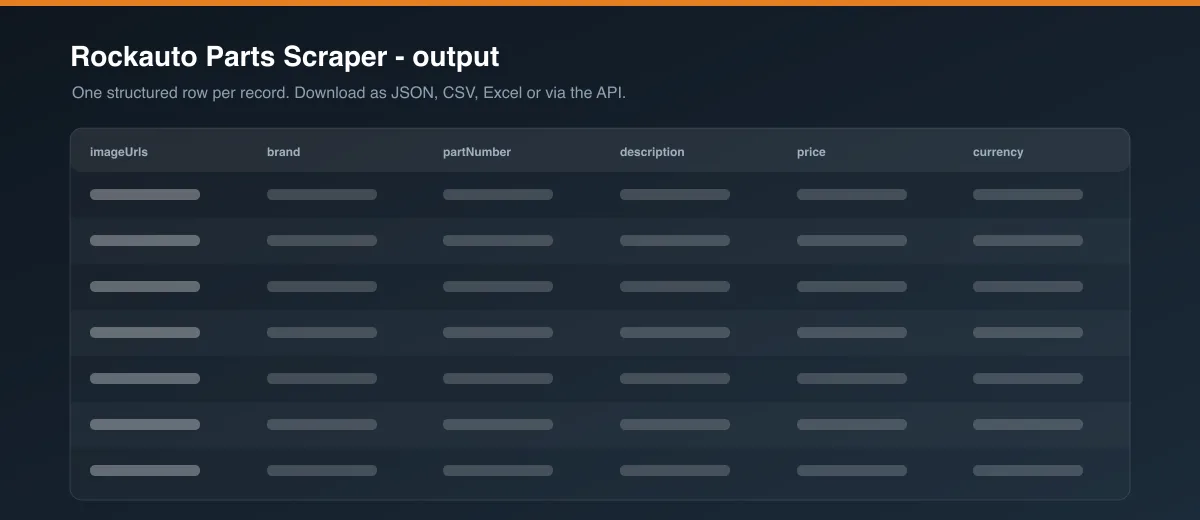
Each dataset item is one part. Example:
Usage Examples
One part type by URL
Three different vehicles, one part type each
A whole category for one vehicle, bounded
Tips for Best Results
- For the most reliable runs, copy a part-type URL straight from RockAuto — it removes any ambiguity in matching names.
- Match the engine text to how RockAuto writes it (e.g.
3.5L V6,2.0L L4 Turbocharged). - Start with a small
maxItemsto preview the output shape, then raise it. - Use Vehicles with only
make,year,modelfilled in to discover the exact engine, category, and part-type names RockAuto uses, then pin them. - For recurring pricing checks on the same parts, turn on Use cache and schedule the run.
Known Limitations
- US IP required. RockAuto shows a verification page for part-listing requests from non-US IP addresses, so the Actor needs a US proxy. Keep proxy configuration enabled.
- No stock quantities. RockAuto does not publish unit counts.
availabilityreflects whether the listing can be ordered; it is not a live inventory number. - Name matching depends on RockAuto's wording. If your
engine,category, orpartTypetext doesn't match an on-site option, the run logs which options were available and skips that branch. Using a URL avoids this. - Broad selections are capped. Selections above part-type level are bounded by
maxPartTypesPerCategoryandmaxLeafPagesso a single run can't try to crawl an entire make. - Fitment detail is limited to what RockAuto shows on the listing (
description) plus the selected vehicle; deep application tables are not collected.
Integrations
Connect runs to Google Sheets, Make, Zapier, Slack, or your own backend via webhooks and the Apify API. Schedule runs to keep a pricing sheet current. Every run's dataset is available through the API immediately.
Export Formats
JSON, CSV, Excel, and XML — from the Storage tab in Console or via the dataset API.
Frequently Asked Questions
How many parts can it return?
As many as RockAuto lists. maxItems caps results per selection; set it high (e.g. 100000) for no practical limit. A single part-type page often has 100–200 parts.
Can I scrape by search term instead of a vehicle?
No. RockAuto's catalog is organised by vehicle, so this Actor navigates by vehicle. Provide a catalog URL or a vehicle selection.
Why are some fields null?
RockAuto doesn't show every field for every listing. grade, note, corePrice details and images vary by part and brand. Missing values are returned as null rather than guessed.
How fresh is the data?
Live as of the run, unless Use cache is on. With caching enabled, part-type lists newer than Cache max age (hours) are reused; older ones are refreshed. The vehicle navigation pages are always re-read so new part types are picked up.
Does caching hide price changes?
Only within the cache window you set. Leave Use cache off (the default) for always-current prices, or set a short Cache max age for near-current prices on recurring runs.
How are duplicates handled?
Parts are de-duplicated per run using RockAuto's stable listing identifier, so the same part won't appear twice from one selection.
Can I run it on a schedule?
Yes. Use Apify Schedules. Combine with Use cache to re-price a fixed set of part types cheaply.
Will Apify's automated daily test pass?
Yes — the default input scrapes a single part-type page and completes well within the time limit.
Support
If a run fails or the output looks wrong, open an issue on the Actor's Issues tab in Apify Console with the input you used and the run link. Most breakages are caused by RockAuto layout changes and are quick to patch.
Legal / Responsible Use
You are responsible for ensuring your use of this Actor complies with RockAuto's Terms of Use, applicable laws, and any contractual obligations. This Actor collects product and pricing data, not personal data. Use the output for legitimate purposes such as market research, pricing analysis, and catalog integration.
Preview