

RVontheGo RV Resort Scraper
Pricing
$0.50 / 1,000 results
RVontheGo RV Resort Scraper
Scrape RVontheGo.com to collect structured RV resort data from the Thousand Trails and Encore RV Resorts network, including resort names, addresses, phone numbers, amenities, site counts, descriptions, images, and direct booking URLs.
Pricing
$0.50 / 1,000 results
Rating
0.0
(0)
Developer

MrDoe
Maintained by CommunityActor stats
0
Bookmarked
1
Total users
0
Monthly active users
15 days ago
Last modified
Categories
Features
Share
Turn RVontheGo.com's RV resort directory into structured data in minutes - no coding, no manual copy-pasting. Get resort names, addresses, phone numbers, amenities, site counts, and direct booking links for every RV resort and campground in the Thousand Trails / Encore RV Resorts network, delivered straight to your dataset.
What does RVontheGo RV Resort Scraper do?
RVontheGo RV Resort Scraper collects RV resort listings from RVontheGo.com, the campground directory for the Thousand Trails and Encore RV Resorts network. Point it at one or more US states (or Canadian provinces) and it visits every resort listed there, pulling the address, contact info, amenities, site count, and a direct link to check live rates and availability.
Why use RVontheGo RV Resort Scraper?
- Trip planning - build a shortlist of RV resorts in the states you're traveling through, with amenities and contact details in one table.
- Market research - track how many sites, and what amenities, competing RV resort networks offer in a given region.
- Lead generation - build a contact list of RV resorts and campgrounds for partnership or vendor outreach.
- Data enrichment - pull resort addresses and phone numbers into your own CRM, spreadsheet, or trip-planning tool.
How to use RVontheGo RV Resort Scraper
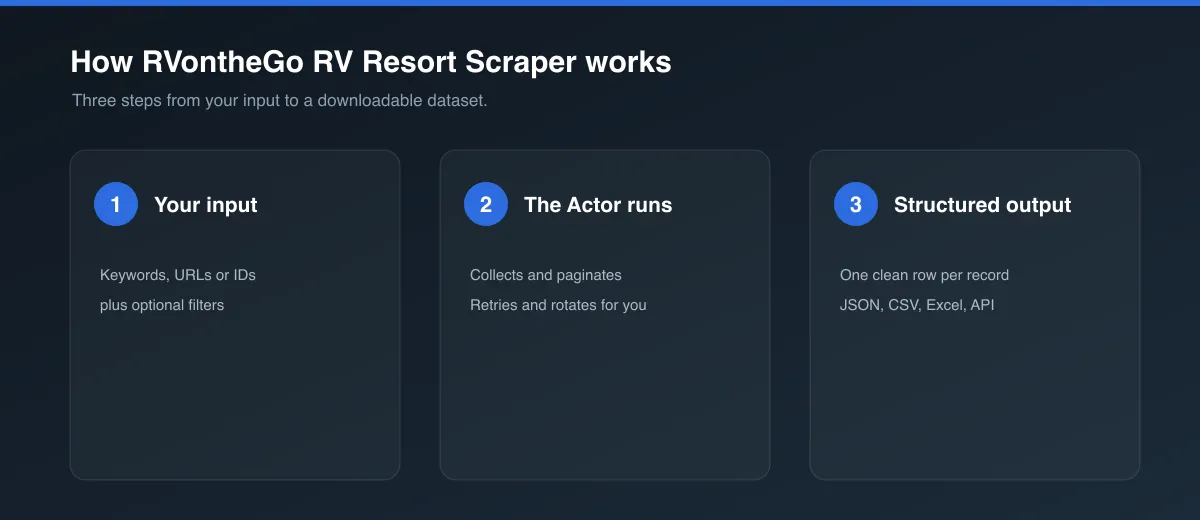
- Go to the Input tab.
- Pick one or more States/provinces to scrape, or leave it empty to scrape every state RVontheGo.com currently lists resorts in.
- Set Max resorts to scrape to control how many results to collect.
- Click Start and wait for the run to finish.
- Open the Dataset tab to preview, filter, and export your results.
Input
| Field | Type | Description |
|---|---|---|
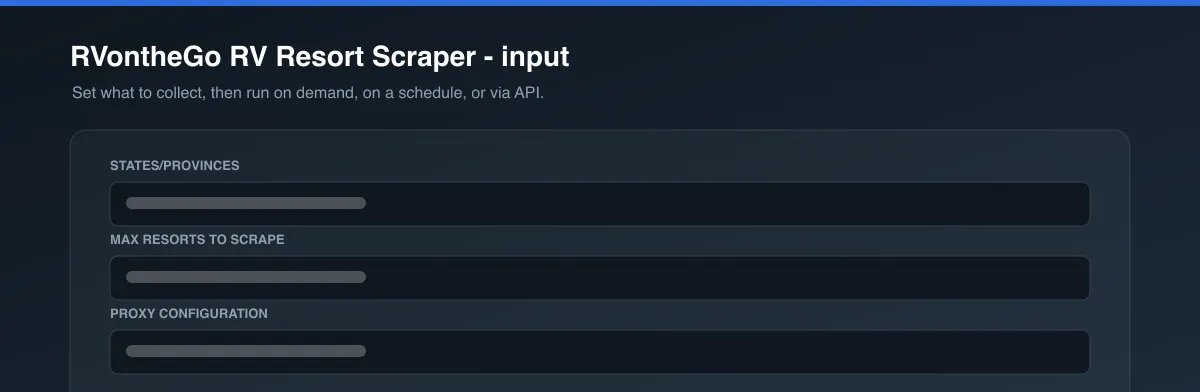
states | Array | Which state/province listings to scrape (e.g. north-carolina, california). Leave empty to scrape all of them. |
maxItems | Integer | Maximum number of resorts to scrape across the selected states (default: 50). |
proxyConfiguration | Object | Proxy settings. RVontheGo.com returns HTTP 403 to datacenter IPs, so Apify Proxy with residential IPs is required and enabled by default. |
Example input:
Output
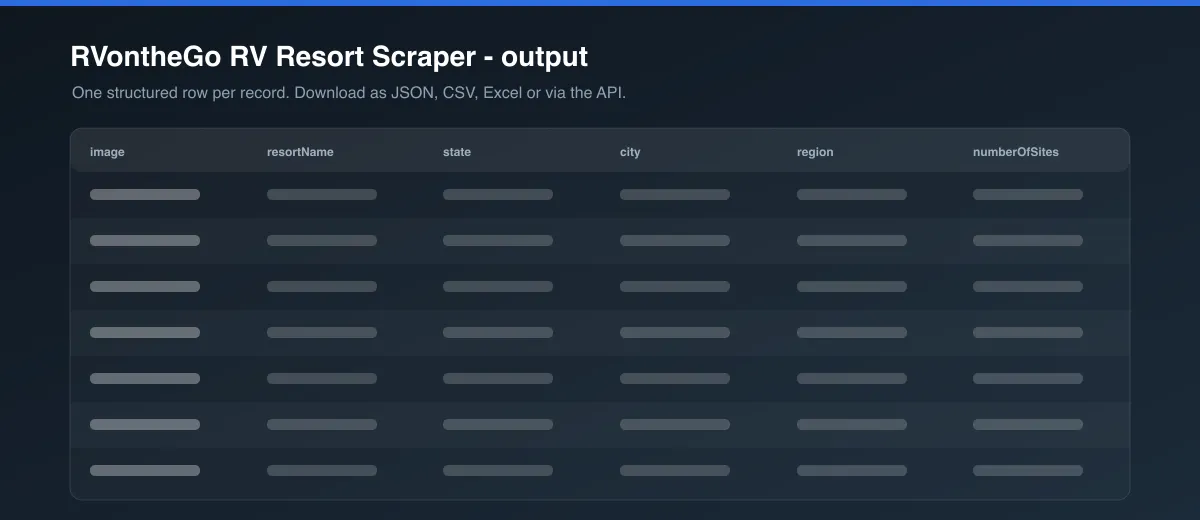
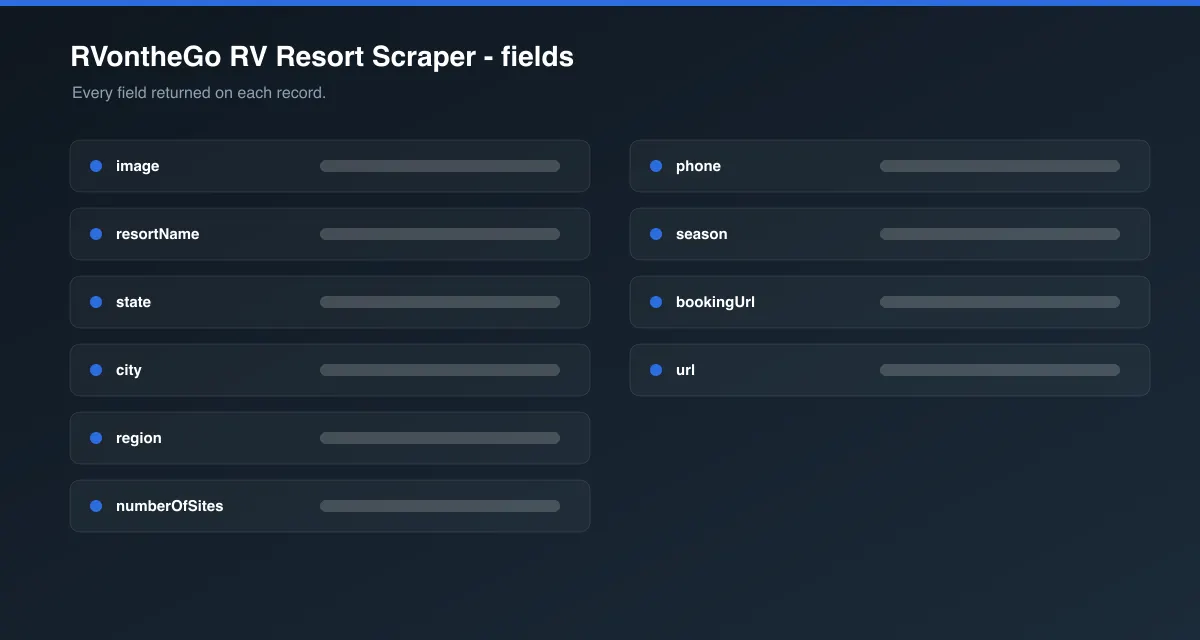
Each resort is saved as one item in the dataset, for example:
Data table
| Field | Description |
|---|---|
resortName / url | Resort name and its RVontheGo.com page |
state, stateSlug | Full state/province name and its URL slug |
streetAddress, city, region, postalCode | Mailing address |
phone | Resort contact phone number |
numberOfSites | Total RV sites at the resort |
season | Whether the resort is open year-round or seasonally |
description | The resort's description text |
amenities | List of amenities (WiFi, pool, pet friendly, etc.) |
image | Resort photo URL |
resortId | RVontheGo.com's internal resort ID |
bookingUrl | Direct link to check live rates and availability and book a stay |
Live per-night pricing and date-based availability live behind RVontheGo's own booking/reservation system rather than on the resort page itself, so this Actor gives you a direct bookingUrl to check current rates instead of an estimated number - keeping every field this Actor returns something you can independently verify on the resort's own page.
Pricing / Cost estimation
How much does it cost to scrape RVontheGo RV Resort data? Pricing depends on your Apify plan's compute unit rate, the number of resorts you request, and residential proxy usage. A run covering a single state typically finishes within a couple of minutes. Start with one state and a low Max resorts to scrape value to estimate cost before scaling up to all states.
Tips for better runs
- Select only the states you need - scraping every state in one run takes longer and uses more proxy bandwidth than a targeted run.
- Keep Max resorts to scrape modest for a quick sample before running a full multi-state pull.
- Use the Apify Schedule feature to re-run this Actor periodically and track changes in amenities or resort counts over time.
FAQ
Is this legal? This Actor only collects publicly visible resort listing data. You are responsible for using the data in accordance with RVontheGo.com's Terms of Service and any applicable laws in your jurisdiction.
Does this book a site or check exact nightly rates? No - RVontheGo's live rates and availability are handled by their own reservation system. This Actor gives you the resort's real bookingUrl so you (or your own workflow) can check current rates and book directly.
Why did some fields come back empty? Not every resort page publishes every field (e.g. some resorts don't list a site count). The Actor returns null for anything that isn't available for a given resort.
Found a bug or have a feature request? Please use the Issues tab on this Actor's page - feedback directly shapes future updates.


