

SEEK Jobs Scraper (Australia & New Zealand)
Pricing
from $0.70 / 1,000 results
SEEK Jobs Scraper (Australia & New Zealand)
Scrape SEEK job listings across Australia and New Zealand with structured data including job title, company, location, salary, employment type, job description, posting date, and application URL. Search by keyword and location for recruitment, job market research, and lead generation.
Pricing
from $0.70 / 1,000 results
Rating
0.0
(0)
Developer

MrDoe
Maintained by CommunityActor stats
0
Bookmarked
1
Total users
1
Monthly active users
5 days ago
Last modified
Categories
Share
What does SEEK Jobs Scraper do?
SEEK Jobs Scraper extracts job listings from SEEK, Australia's and New Zealand's largest job site - title, company, location, work type, salary, work arrangement (remote/hybrid/on-site), classification, a description snippet, and posted date. Give it a keyword and (optionally) a location and it scrapes every listing on the search results, following pagination automatically until it has enough.
Global coverage
SEEK operates two country sites on the exact same platform - pick one via the Country input:
| Country | Domain |
|---|---|
| Australia | seek.com.au |
| New Zealand | seek.co.nz |
Why use SEEK Jobs Scraper?
- Track newly posted openings for a role, skill, or city across Australia's and New Zealand's largest job market without manually paging through SEEK.
- Feed ANZ hiring data (salary bands, remote/hybrid mix, in-demand classifications) into research, recruiting, or competitor-hiring-intelligence tools.
- Source candidate leads or sales prospects for recruitment or B2B tools targeting Australian and New Zealand employers.
- Monitor a role/location combination over time by scheduling recurring runs and comparing dataset snapshots.
How to use SEEK Jobs Scraper
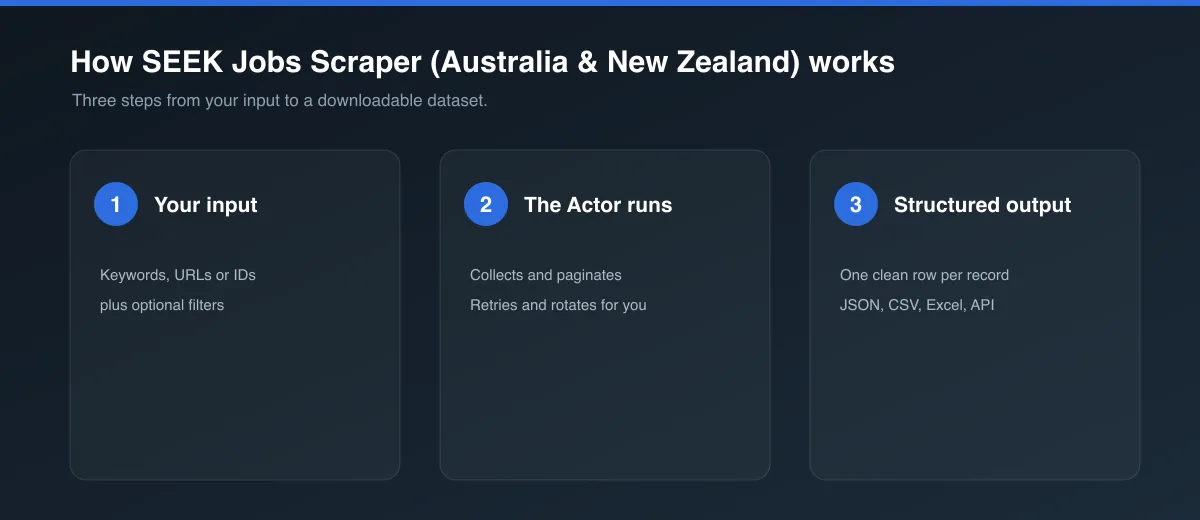
- Click Try for free (or Start) to open the Actor.
- Set Keyword to a job title or skill (e.g.
software engineer,registered nurse,project manager). - Optionally set Location to a city or region (e.g.
Sydney NSW,Melbourne VIC,Auckland) and pick the Country site. - Set Max results and Max search result pages.
- Click Start and wait for the run to finish, then open the Dataset tab to view, filter, and export the results.
Input
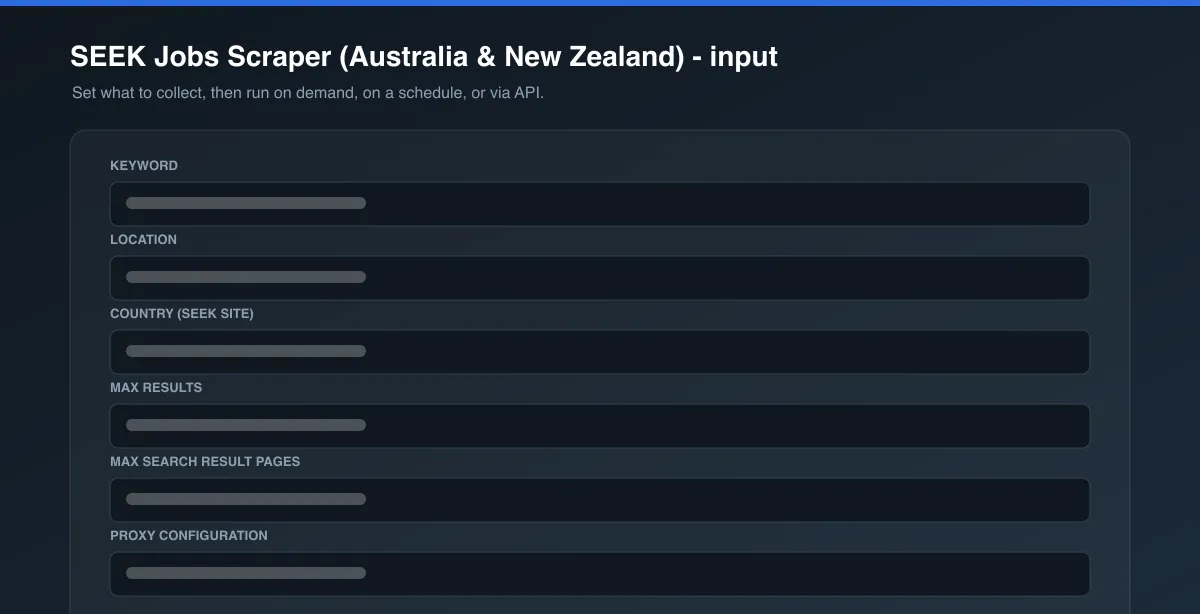
| Field | Type | Description |
|---|---|---|
keyword | string (required) | Job title, skill, or keyword to search for. |
location | string (optional) | City or region to narrow the search to (e.g. Sydney NSW). Leave empty to search nationwide. |
country | string (optional) | Which SEEK site to search: au (seek.com.au) or nz (seek.co.nz). Defaults to au. |
maxItems | integer (optional) | Maximum number of job listings to return. Defaults to 20. |
maxPages | integer (required) | Safety cap on how many result pages (~20-30 jobs each) to fetch. Defaults to 3. |
proxyConfiguration | object (optional) | Proxy settings. Defaults to Apify Proxy's Residential group (see Limitations below). |
See the Input tab for the full schema.
Example input
Output
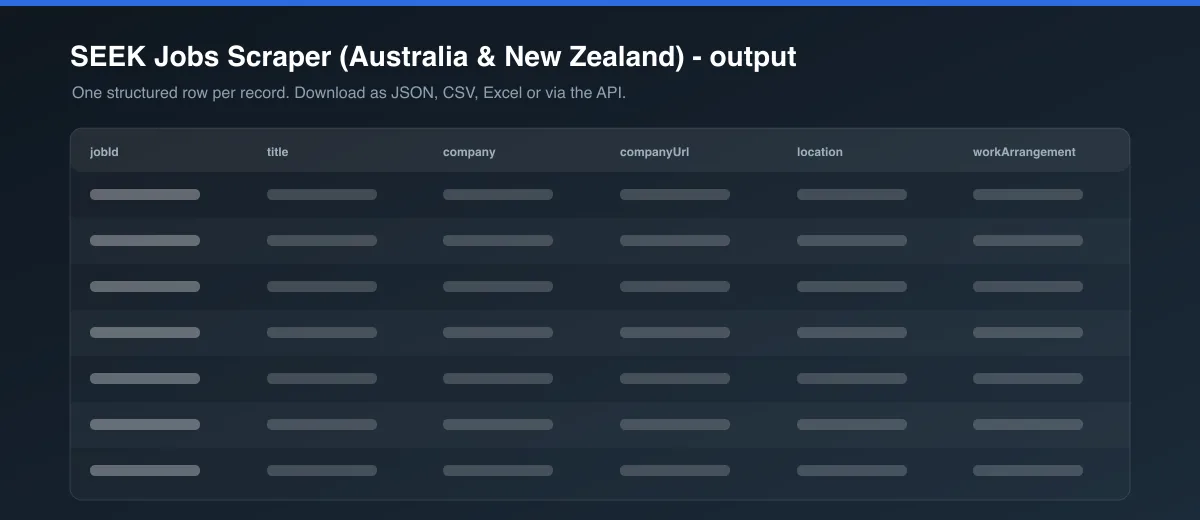
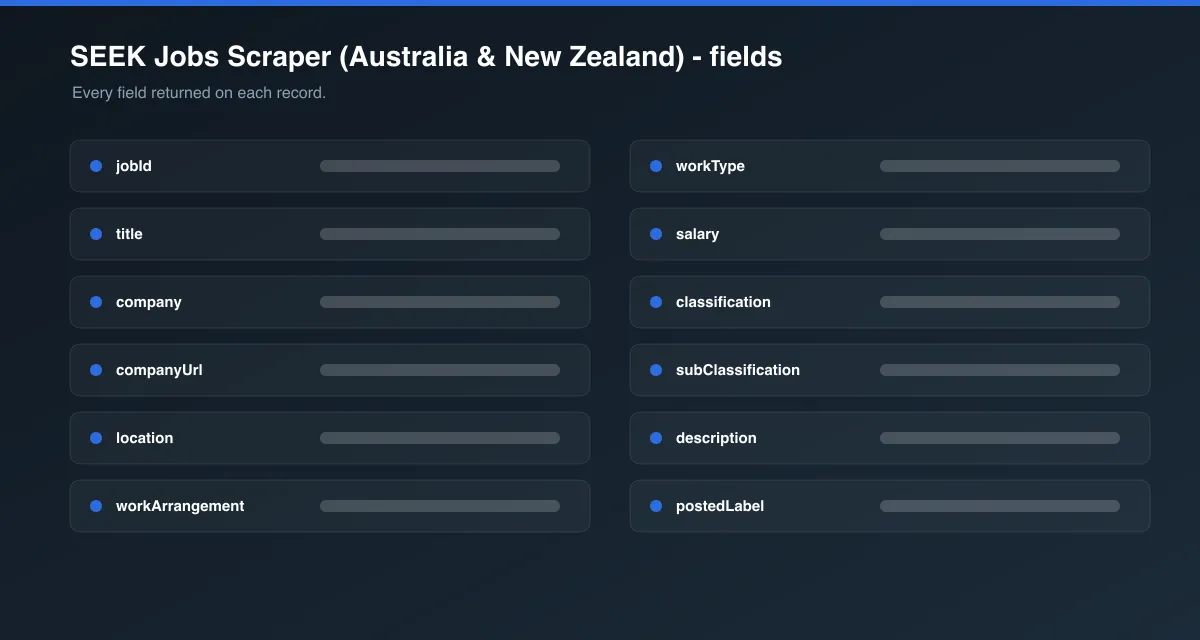
Each dataset item looks like this:
You can download the dataset in various formats such as JSON, HTML, CSV, or Excel.
Data table
| Field | Description |
|---|---|
jobId | SEEK's internal job listing ID |
title | Job title |
company | Hiring company name (or recruitment agency) |
companyUrl | Link to that company's other listings on SEEK |
location | Job location as shown on the listing (e.g. "Sydney NSW") |
workArrangement | "Remote", "Hybrid", or "On-site" when SEEK shows one; null otherwise |
workType | "Full time", "Part time", "Contract/Temp", or "Casual/Vacation" as SEEK shows it |
salary | Salary text exactly as shown on the listing (e.g. "$130K - $160K + Super"); null when not disclosed |
classification | SEEK's top-level job category (e.g. "Information & Communication Technology") |
subClassification | SEEK's more specific job category (e.g. "Engineering - Software") |
description | Short teaser/description snippet shown on the search results card |
postedLabel | Raw relative posting label as SEEK shows it (e.g. "3d ago", "7h ago"); "Featured" for sponsored listings with no timestamp |
postedAt | Best-effort ISO 8601 approximation of postedLabel; null when the label couldn't be parsed (including "Featured") |
jobUrl | Link to the live listing on SEEK |
source | Always "seek" |
scrapedAt | When this Actor scraped the item, as an ISO 8601 timestamp |
How search, pagination, and anti-bot handling work
SEEK sits behind a Cloudflare managed challenge: the initial page load always returns a "Just a moment..." challenge page before the real search results render client-side a few seconds later. To get real results reliably, this Actor drives Camoufox - a fingerprint-patched Firefox build - through Crawlee's PlaywrightCrawler, waits out the challenge, and reads the job cards straight out of the rendered DOM. Search URLs follow SEEK's own slug pattern (e.g. seek.com.au/software-engineer-jobs/in-sydney-nsw, page 2 at ...?page=2), and the Actor pages through results until it hits maxItems or maxPages.
Limitations
- Cloudflare's challenge escalates to a much slower, harder-to-clear form when it sees a datacenter IP (confirmed live) - this Actor defaults to Apify Proxy's Residential group specifically to avoid that; switching to a datacenter proxy group will make runs far less reliable.
- Because this Actor renders full browser sessions (needed to get past Cloudflare) rather than calling a lightweight API, it's slower per page than a plain HTTP/Cheerio scraper - budget for that when setting
maxPageson larger runs. salaryis only present on listings where the employer discloses a figure on the search card; many listings show no salary at all (null), which reflects SEEK's own listings, not a scraping gap.postedAtis a best-effort approximation computed from SEEK's own relative label ("3d ago","7h ago", etc.) - SEEK never exposes an exact timestamp on the search results page, so treatpostedAtas approximate and usepostedLabelfor the exact wording SEEK shows. Featured/sponsored listings show no relative date at all, so both fields come back accordingly (postedLabel: "Featured",postedAt: null).- This Actor scrapes the public search results page (title, company, salary/work-type summary, classification, description snippet) and does not open each individual job's full detail page.
FAQ, disclaimers, and support
This Actor only collects publicly listed SEEK data via the site's own public search results pages. It is not affiliated with or endorsed by SEEK Limited. Respect SEEK's Terms of Service when using the scraped data. Found a bug or have a feature request? Use the Issues tab on this Actor's page. Custom scraper solutions are also available on request.


