
Sports Injury Report Tracker (NFL, NBA, MLB, NHL, WNBA)
Pricing
from $0.79 / 1,000 results
Sports Injury Report Tracker (NFL, NBA, MLB, NHL, WNBA)
Injury reports for NFL, NBA, MLB, NHL and WNBA teams: player, position, status (Out, Questionable, Day-To-Day), injury type, body part, expected return date and latest news. Filter by team and status. No login.
Pricing
from $0.79 / 1,000 results
Rating
0.0
(0)
Developer

MrDoe
Maintained by CommunityActor stats
0
Bookmarked
3
Total users
2
Monthly active users
3 hours ago
Last modified
Categories
Share
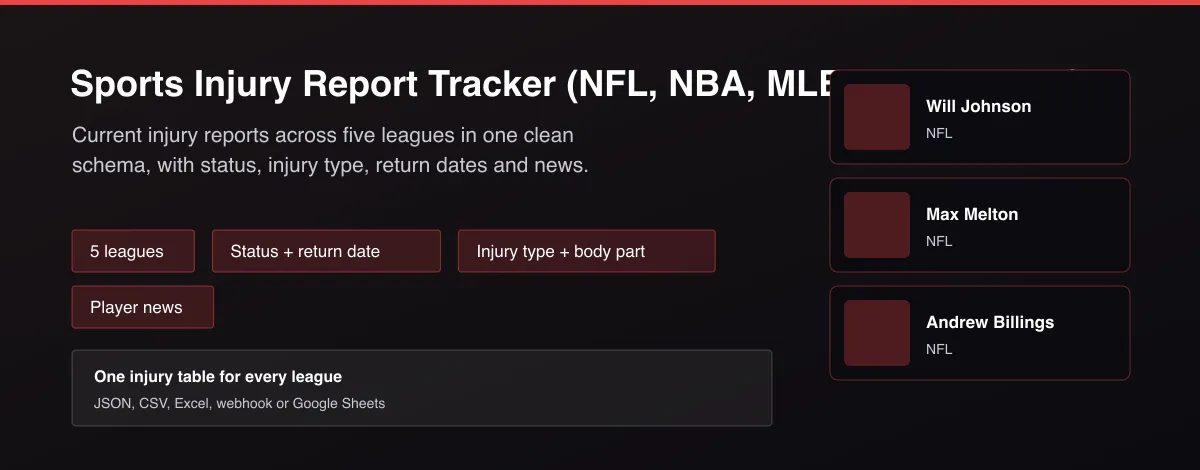
What does Sports Injury Report Tracker (NFL, NBA, MLB, NHL, WNBA) do?
Sports Injury Report Tracker returns the current injury report for NFL, NBA, MLB, NHL and WNBA teams as one flat table. Each row has the league, team, player, position, status such as Out, Doubtful, Questionable or Day-To-Day, injury type, body part, side, expected return date, fantasy status, last update time, a short news note and a player link. Filter by team or status, and choose one league or all of them.
Why use Sports Injury Report Tracker (NFL, NBA, MLB, NHL, WNBA)?
- Five leagues in one schema, ready for betting and fantasy tools.
- Status, injury type and return date in structured fields, not free text.
- Team and status filters for focused alerts.
- Short news note per player, with optional full write-up.
- Works logged out; no key needed.
What makes this different
Injury pages differ for every league and mix news with injuries. This Actor returns one clean table across five leagues, drops non-injury news by default, and keeps status and return date as separate fields you can filter and alert on.
How it works
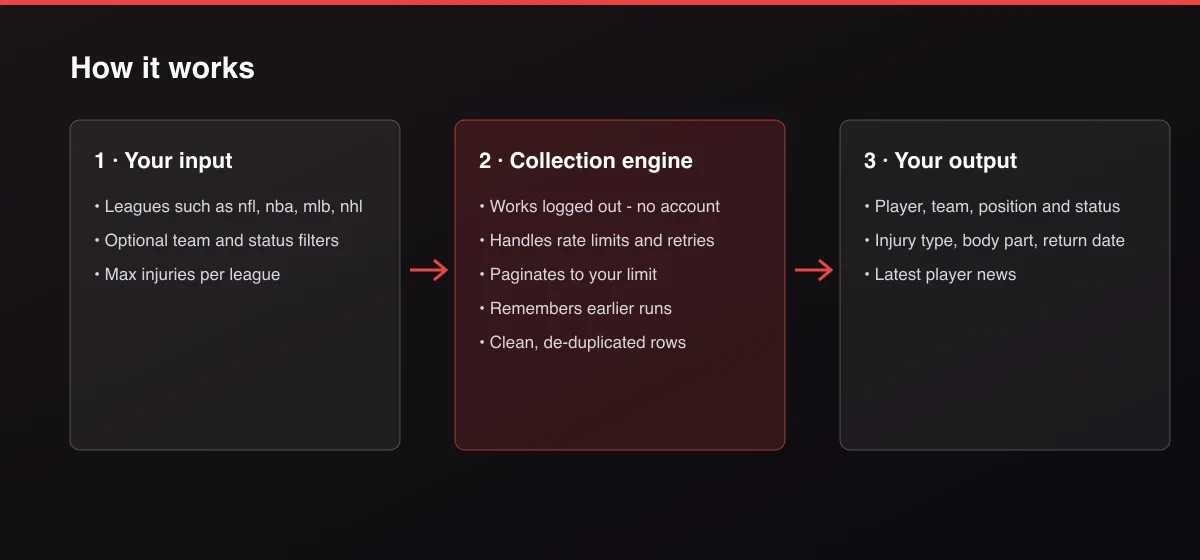
- Your input — choose leagues and optional team or status filters.
- The Actor collects it — the Actor reads each league's current injury report.
- Your output — you get one clean row per injured player.
What data can you extract?
The dataset has 19 fields per row:
| Field | Type | Description |
|---|---|---|
league | string | League name. |
leagueCode | string | League code such as nfl. |
team | string | Team name. |
teamId | string | Team identifier. |
playerId | string | Player identifier. |
player | string | Player name. |
position | string | Position abbreviation. |
status | string | Out, Doubtful, Questionable, Day-To-Day and so on. |
injuryType | string | Type of injury. |
bodyPart | string | Body part. |
detail | string | Extra detail. |
side | string | Left, right or not specified. |
returnDate | string | Expected return date. |
fantasyStatus | string | Fantasy status label. |
updatedAt | string | Last update time (ISO 8601). |
shortComment | string | Short news note. |
longComment | string | Full news write-up when requested. |
playerUrl | string | Player page link. |
scrapedAt | string | Collection time (ISO 8601). |
How to use Sports Injury Report Tracker (NFL, NBA, MLB, NHL, WNBA)
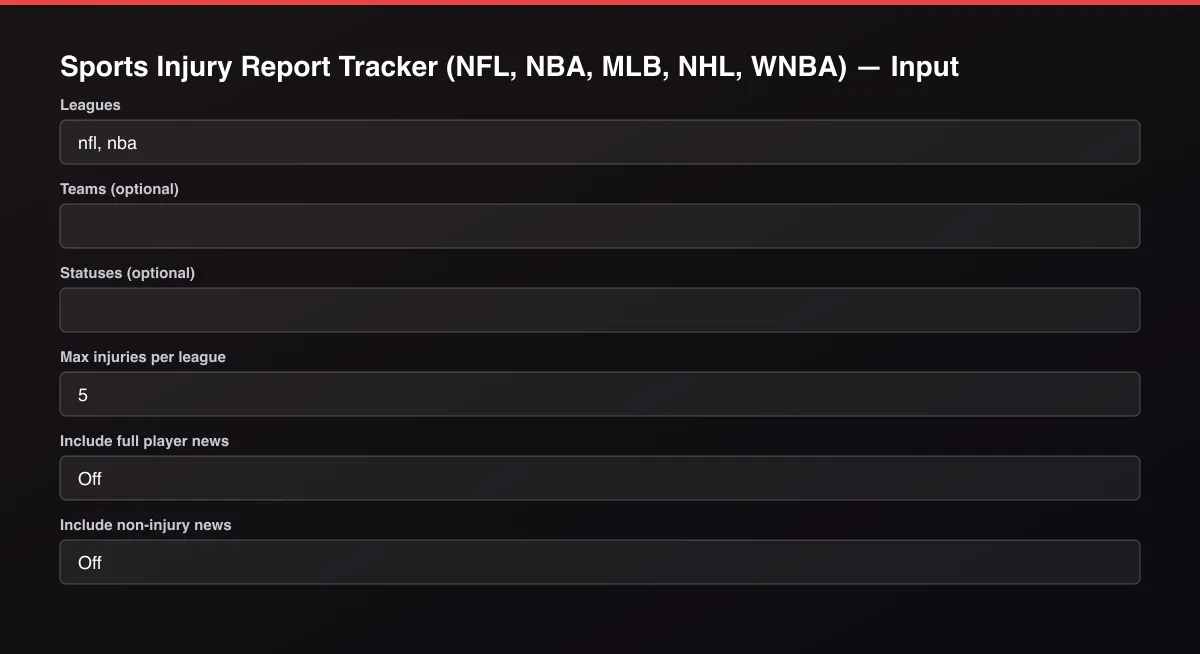
- Open the Actor and go to the Input tab.
- Pick one or more Leagues, optionally filter by Teams or Statuses, and set Max injuries per league.
- Optionally set filters and a Max results limit.
- Click Start. A default run finishes in under a minute.
- Open the Output tab, then download the dataset or connect it to your tools.
Input Parameters
| Parameter | Type | Required | Default | Description |
|---|---|---|---|---|
leagues | array | No | [] | League codes: nfl, nba, mlb, nhl, wnba. Use ["all"] for every league. |
teams | array | No | [] | Only injuries for teams whose name contains one of these words, for example Chiefs, Lakers, Yankees. |
statuses | array | No | [] | Only these statuses, for example Out, Doubtful, Questionable, Day-To-Day, Injured Reserve. Leave empty for all. |
maxInjuries | integer | No | 5 | Maximum number of injuries returned for each league. Default is 5 for a quick test; set 0 to return everything available. |
includeComments | boolean | No | false | Add the longer news write-up for each player (larger rows). |
includeNews | boolean | No | false | Also return players marked Active who have a recent status note. |
proxyConfiguration | object | No | {"useApifyProxy":false} | Optional. The data is public and works without a proxy. |
Output Data
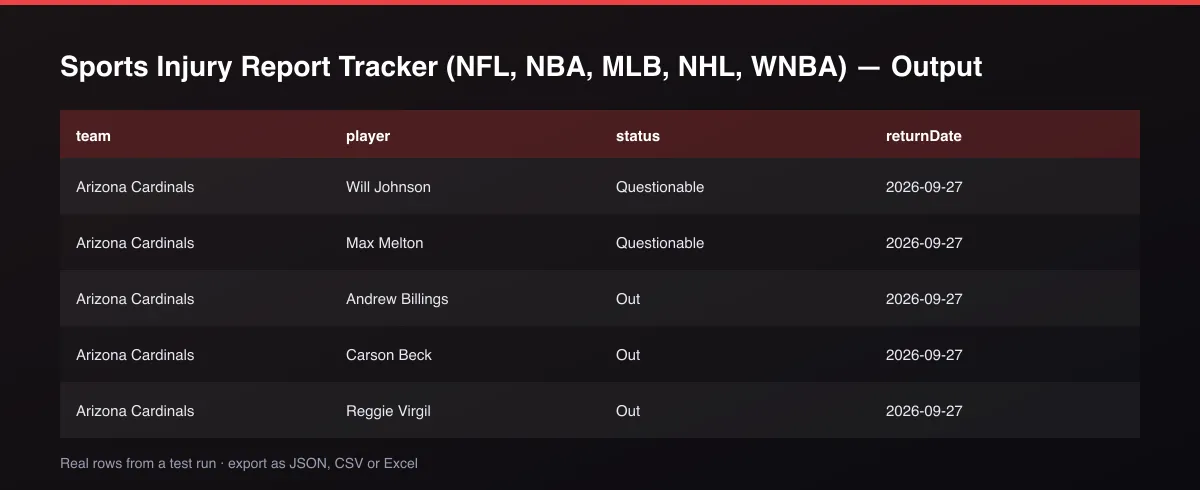
status is the team's designation such as Out or Questionable. returnDate is the expected return when one is given, otherwise null. longComment is only filled when Include full player news is on. Fields that do not apply are null.
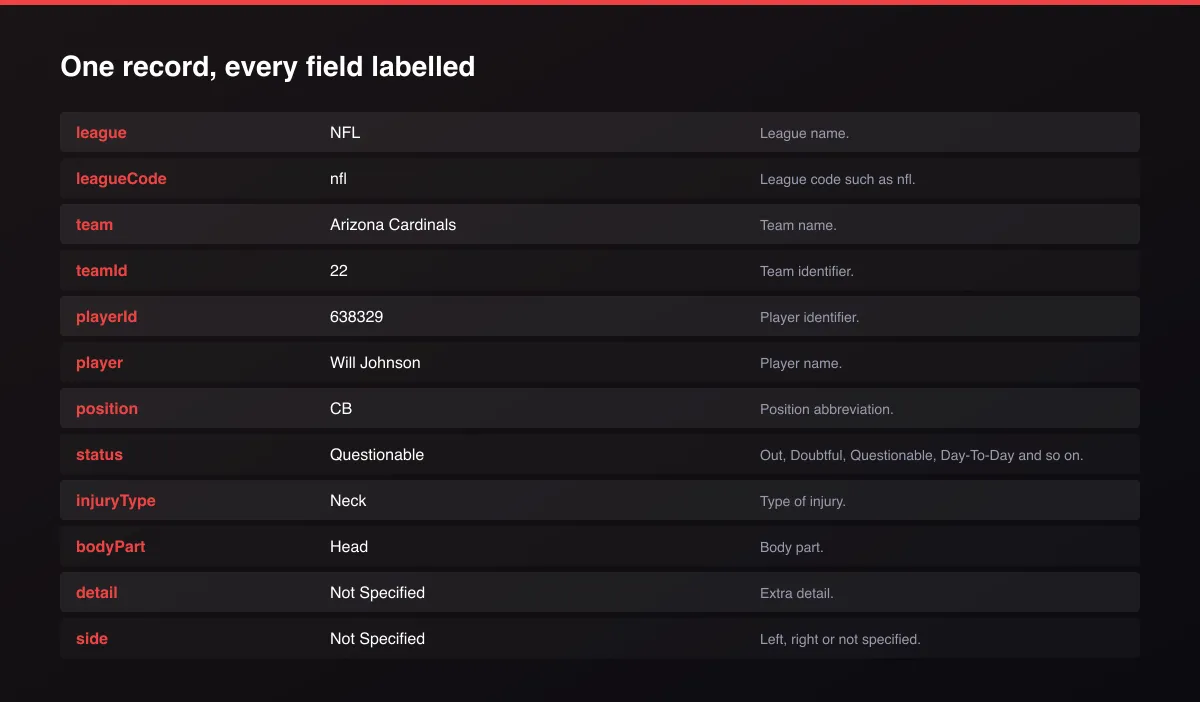
A real dataset item:
Usage Examples
Every NFL injury
Players who are Out in the NBA
One team across leagues
Tips for Best Results
- Schedule the Actor before games and diff the results to get status-change alerts.
- Filter statuses to Out and Doubtful to focus on likely absences.
- Default is 5 results for a fast test; set the max to 0 to get everything available.
Known Limitations
- Reports reflect what teams and leagues have published; timing differs by league.
- Return dates are estimates and often missing.
- Soccer and other leagues are not included.
- Preseason and offseason reports can be short.
Integrations
Run it from the Apify API, on a schedule, or from a webhook. Send results straight to Google Sheets, Make, Zapier, Slack or your own database with Apify's built-in integrations.
Export Formats
Download the dataset as JSON, CSV, Excel, XML, HTML table or RSS from the Output tab or the API.
Frequently Asked Questions
Does it need an account or API key?
No. It reads public injury report data.
Are non-injury updates included?
Not by default. Turn on Include non-injury news to also return players marked Active with a recent note.
Am I charged for failed results?
No. You are only charged for injuries written to the dataset.
Do I need an account or login?
No. The Actor reads public injury report data and needs no account or key.
Am I charged for failed runs or empty results?
You are only charged for results that are actually written to the dataset.
Can I run it on a schedule?
Yes. Create a Task with your input and add a schedule in Apify Console. With monitor mode on, each scheduled run returns only what changed since the previous one.
Support
Questions or a missing field? Open an issue from the Issues tab on this Actor's page and it will be looked at.
Legal / Responsible Use
You are responsible for using the data in line with the source's terms and applicable law. This Actor is not affiliated with any league or team. Injury information is provided as published and is not medical advice.


