

Sports News Headlines Feed: NFL, NBA, Soccer, Tennis & More
Pricing
from $1.00 / 1,000 results
Sports News Headlines Feed: NFL, NBA, Soccer, Tennis & More
Latest sports headlines from ESPN, BBC Sport, The Guardian, CBS Sports and Yahoo Sports across 20 leagues and sports, deduplicated and newest first, with team and player tags and keyword filtering for injury and lineup news.
Pricing
from $1.00 / 1,000 results
Rating
0.0
(0)
Developer

MrDoe
Maintained by CommunityActor stats
0
Bookmarked
2
Total users
1
Monthly active users
2 days ago
Last modified
Categories
Share
What does Sports News Headlines Feed: NFL, NBA, Soccer, Tennis & More do?
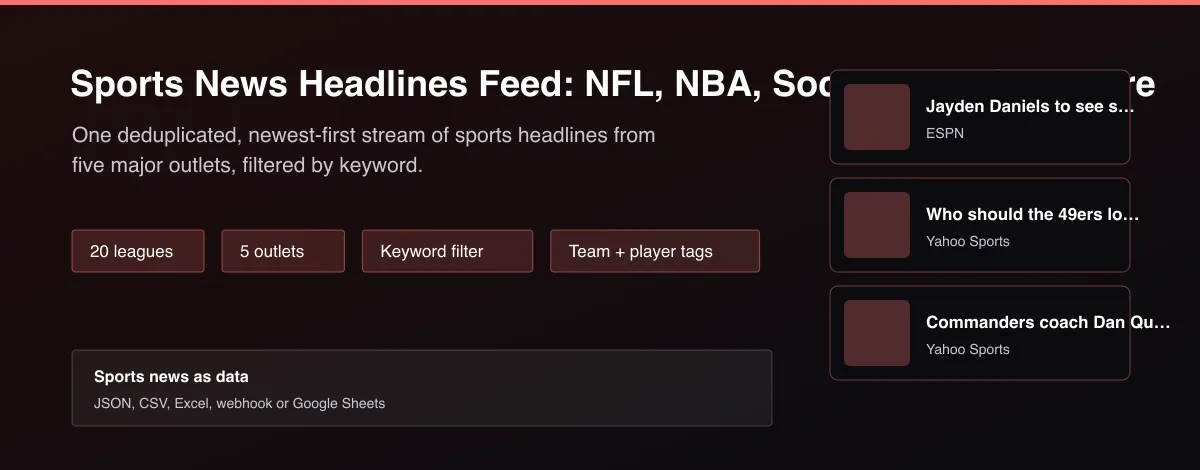
Sports News Headlines Feed collects the latest sports headlines from ESPN, BBC Sport, The Guardian, CBS Sports and Yahoo Sports for 20 leagues and sports, including the NFL, NBA, MLB, NHL, college sports, soccer, tennis, golf, MMA, Formula 1 and cricket. The same story from several outlets is returned once, newest first, with the headline, summary, link, publication time and, for ESPN, the teams and players the article is about. Add keywords such as injury or a player name to follow one story, or set a maximum age to get only fresh news.
Why use Sports News Headlines Feed: NFL, NBA, Soccer, Tennis & More?
- Five major outlets in one deduplicated stream.
- 20 leagues and sports.
- Keyword and age filters for injury and lineup news.
- Team and player tags on ESPN articles.
- Fast: a run takes seconds.
What makes this different
News sites each publish their own feed in their own format. This Actor merges them into one clean table, removes the same story published by several outlets, and lets you filter by keyword or age, so an alert or a model can react to injury and lineup news within minutes.
How it works
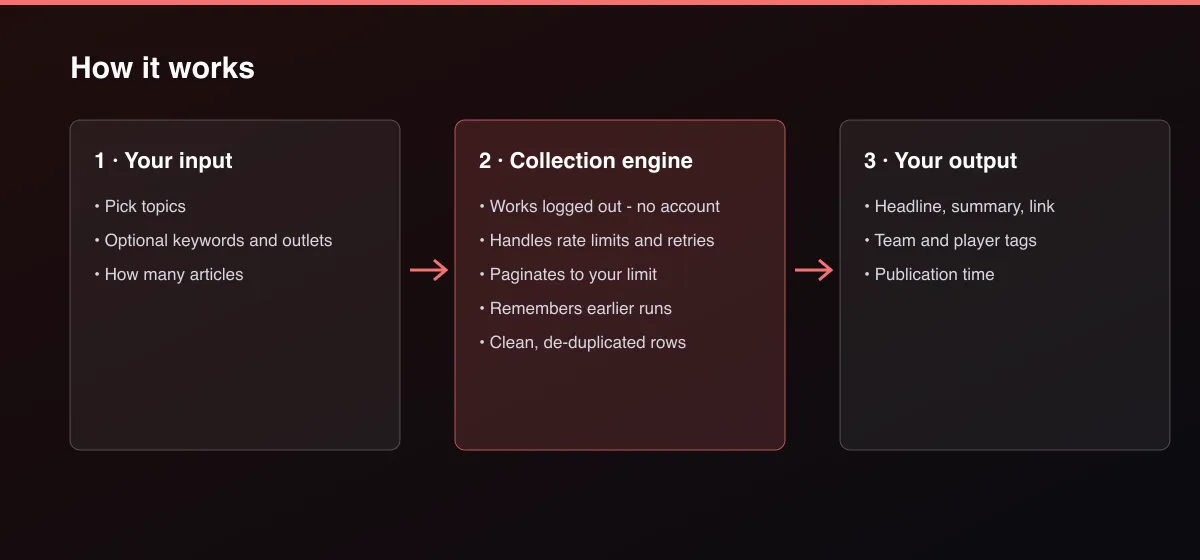
- Your input — choose the topics and any keywords.
- The Actor collects it — the Actor reads the latest headlines from each outlet.
- Your output — you get one deduplicated row per article, newest first.
What data can you extract?
The dataset has 12 fields per row:
| Field | Type | Description |
|---|---|---|
source | string | Outlet that published the article. |
topic | string | Topic the article was found under. |
title | string | Headline. |
summary | string | Short summary. |
url | string | Link to the full article. |
publishedAt | string | Publication time (ISO 8601, UTC). |
author | string | Author or byline when given. |
imageUrl | string | Lead image. |
teams | array | Teams the article is tagged with (ESPN articles). |
athletes | array | Players the article is tagged with (ESPN articles). |
matchedKeywords | array | Which of your keywords the article matched. |
scrapedAt | string | ISO timestamp of collection. |
How to use Sports News Headlines Feed: NFL, NBA, Soccer, Tennis & More
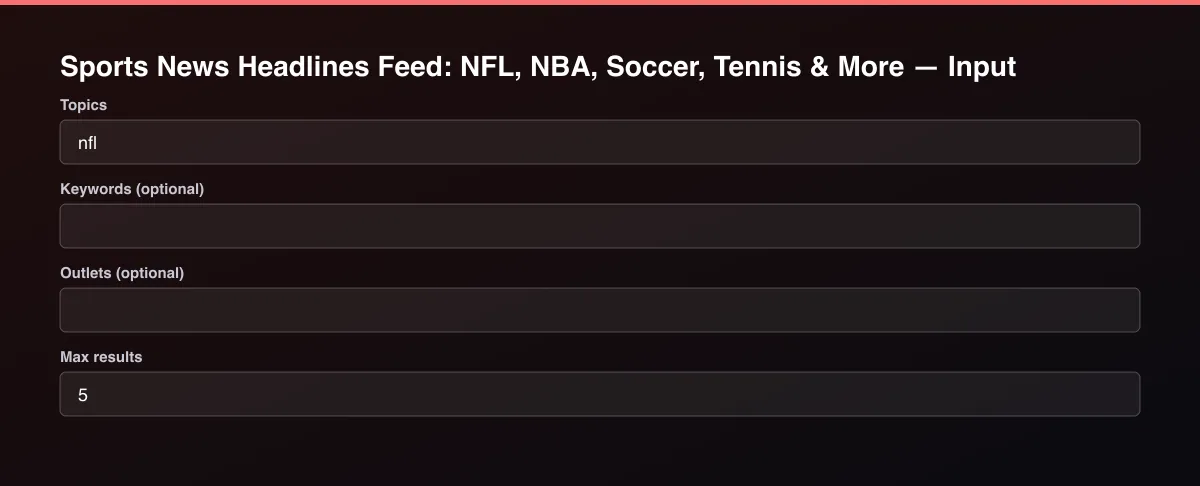
- Open the Actor and go to the Input tab.
- Pick one or more Topics and press Start. Add Keywords (for example injury or a player name) or a Max age to narrow it, and set Max results to 0 for everything found.
- Optionally set filters and a Max results limit.
- Click Start. A default run finishes in under a minute.
- Open the Output tab, then download the dataset or connect it to your tools.
Input Parameters
| Parameter | Type | Required | Default | Description |
|---|---|---|---|---|
topics | array | No | ["nfl"] | Leagues or sports to read news for. |
keywords | array | No | [] | Only articles that mention one of these words in the headline, summary or the team and player tags, for example injury, Mahomes or Arsenal. |
sources | array | No | [] | Only these outlets: ESPN, BBC Sport, The Guardian, CBS Sports, Yahoo Sports. Leave empty for all available for the topic. |
maxAgeHours | integer | No | — | Only articles published in the last this many hours. Leave empty for no age limit. |
maxResults | integer | No | 5 | Maximum number of articles, newest first returned. Default is 5 for a quick test; set 0 to return everything available. |
proxyConfiguration | object | No | {"useApifyProxy":false} | Optional. The data is public and works without a proxy. |
Output Data
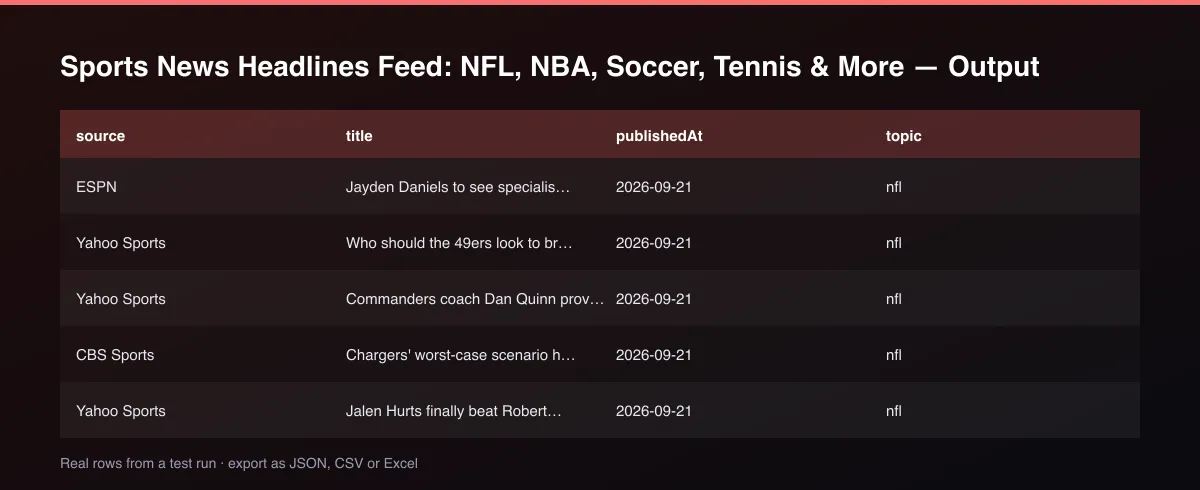
Each row has the title, summary, url, publishedAt and source. teams and athletes list the tags on ESPN articles, and matchedKeywords shows which of your keywords the article matched.
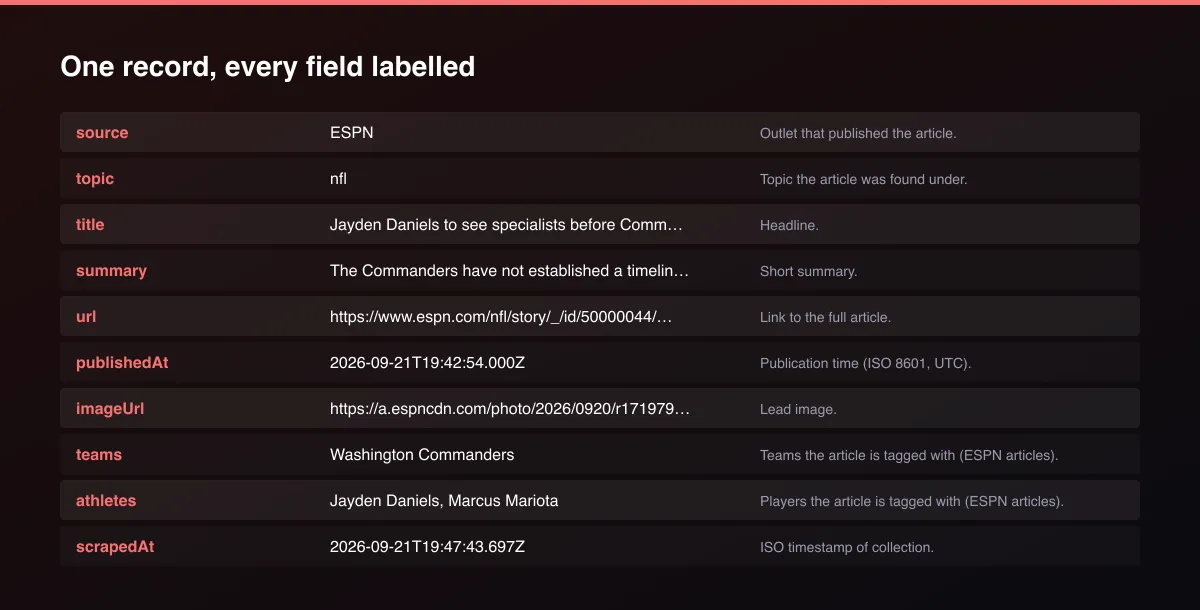
A real dataset item:
Usage Examples
Latest NFL headlines
NBA injury news, last 24 hours
Several sports at once
Tips for Best Results
- Default is 5 results for a fast test. Set the max to 0 to return everything available.
Known Limitations
- Each outlet exposes only its most recent articles, so this is a live stream, not an archive.
- Team and player tags exist only on ESPN articles.
- Full article text is not included, only the headline, summary and link.
- Some topics are covered by fewer outlets than others.
Integrations
Run it from the Apify API, on a schedule, or from a webhook. Send results straight to Google Sheets, Make, Zapier, Slack or your own database with Apify's built-in integrations.
Export Formats
Download the dataset as JSON, CSV, Excel, XML, HTML table or RSS from the Output tab or the API.
Frequently Asked Questions
Does it need an account or API key?
No. The Actor reads public data and needs no account or key.
Am I charged for failed results?
No. You are only charged for results that are written to the dataset.
Do I need an account or login?
No. The Actor reads public data and needs no account or key.
Am I charged for failed runs or empty results?
You are only charged for results that are actually written to the dataset.
Can I run it on a schedule?
Yes. Create a Task with your input and add a schedule in Apify Console. With monitor mode on, each scheduled run returns only what changed since the previous one.
Support
Questions or a missing field? Open an issue from the Issues tab on this Actor's page and it will be looked at.
Legal / Responsible Use
You are responsible for using the data in line with the source's terms and applicable law. The Actor collects publicly available data only and is not affiliated with the source.


