

TikTok Hashtag Scraper - Video & Sound Downloader
Under maintenancePricing
from $1.50 / 1,000 results
TikTok Hashtag Scraper - Video & Sound Downloader
Under maintenanceScrape TikTok videos by hashtag - play, like, comment, share and favorite counts, captions, creator and sound info - plus optional MP4 video and MP3 sound download. No TikTok login required.
Pricing
from $1.50 / 1,000 results
Rating
0.0
(0)
Developer

MrDoe
Maintained by CommunityActor stats
0
Bookmarked
3
Total users
2
Monthly active users
a month ago
Last modified
Categories
Share
TikTok Hashtag Scraper — scrape videos by hashtag & download them (MP4 + MP3)
Give it a TikTok hashtag and get every video under it as clean data — play, like, comment, share and favorite counts, the caption, the creator, and the sound — plus an optional download of the video file and its audio track. No TikTok login, no cookies, no account.
This Actor is a TikTok hashtag scraper, a TikTok video downloader, and a TikTok sound / audio downloader in one.
What does the TikTok Hashtag Scraper do?
Point it at one or more TikTok hashtags (#cooking, cooking, or https://www.tiktok.com/tag/cooking). It collects the videos under each hashtag and returns one dataset row per video. By default it also downloads each video as an .mp4 and its sound as an .mp3 to storage, with direct links on the row.
Why use this TikTok hashtag scraper?
- Trend & campaign tracking — pull the full engagement set (plays, likes, comments, shares, favorites) for every recent video on a hashtag, in one run.
- Sound & creator research — every row carries the video's music/sound (title, author, original vs. licensed) and the creator's handle, nickname and verification.
- Content archives — download the actual
.mp4and.mp3files straight into Apify storage, not just links that expire. - No login — no account, no cookies, nothing to connect and no account to get restricted.
- Just works — the Actor handles the hard part (bot detection, rate limits, rotating identities, retries) so you don't manage any of it.
- Standard exports — JSON, CSV, Excel, XML, or the Apify API.
What makes this Actor different?
- Complete data in one pass — every engagement count, the caption, the creator, the sound, and the actual video and audio files. No second tool, no stitching results together.
- Reliable at scale — built to keep working through TikTok's frequent anti-scraping changes, with automatic retries and identity rotation handled for you.
- Real downloads — MP4 + MP3 saved straight to storage with permanent links, so what you collect today still opens next month.
- No account risk — nothing is ever logged in, so there's no account to rate-limit, flag or ban.
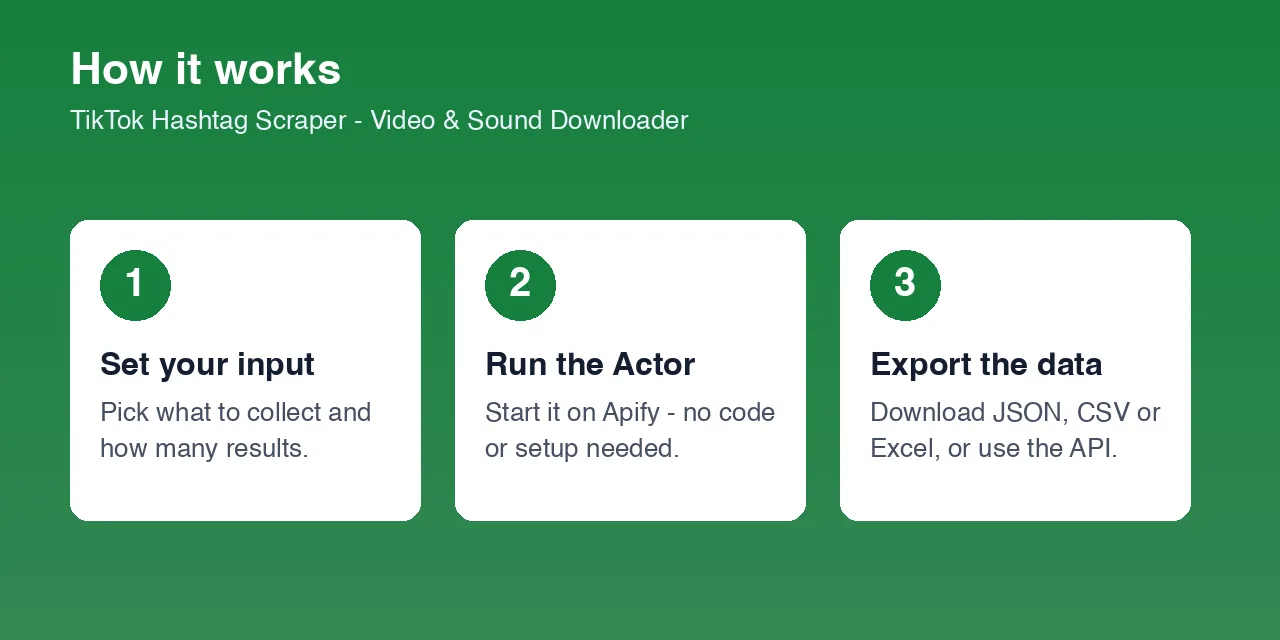
How it works
- Your input — one or more hashtags, plus
maxItemsper hashtag and adownloadType. - The Actor collects the data — it takes care of everything between your input and clean results: anti-bot handling, rate limiting, rotating identities over residential IPs, retries and pagination.
- Output — one dataset row per video, plus the downloaded media files in the key-value store.
What data you get
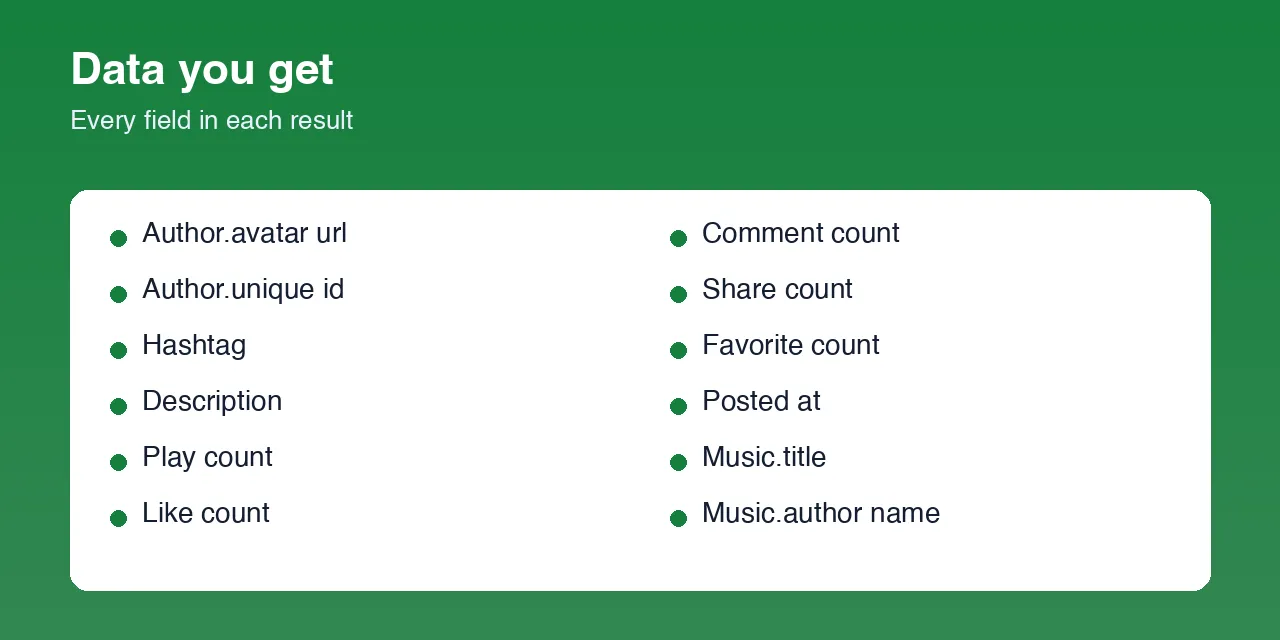
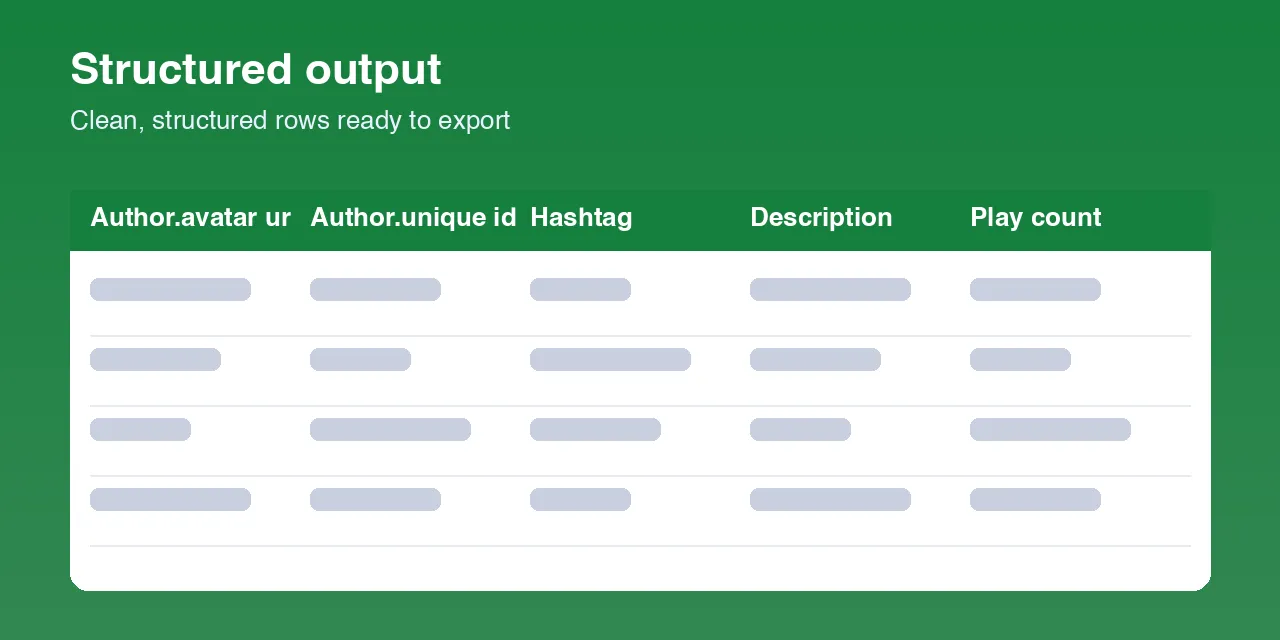
| Field | Description |
|---|---|
url / id | Video permalink and ID |
hashtag | The input hashtag this video was collected under |
hashtagsInCaption | Every hashtag used in the video's caption |
postedAt | Publish time, ISO 8601 |
description | Caption text |
playCount | Views |
likeCount / commentCount / shareCount / favoriteCount | Engagement counts |
duration | Video length in seconds |
videoTemporaryUrl | TikTok CDN link to the video (expires) |
audioTemporaryUrl | TikTok CDN link to the sound (expires; original sounds only) |
videoStorageUrl | Permanent key-value-store link to the .mp4 — set when the download includes video |
audioStorageUrl | Permanent key-value-store link to the .mp3 — set when the download includes audio |
music | { id, title, authorName, original } |
author | { id, uniqueId, nickname, avatarUrl, verified, signature } |
Where do the downloaded video and audio go?
Based on downloadType (default Video + sound), the files are written to the run's key-value store:
| downloadType | Files saved | Fields with the links |
|---|---|---|
video+audio | <hashtag>-<videoId>.mp4 and <hashtag>-<videoId>.mp3 | videoStorageUrl, audioStorageUrl |
video | <hashtag>-<videoId>.mp4 | videoStorageUrl |
audio | <hashtag>-<videoId>.mp3 | audioStorageUrl |
Each link looks like:
Those links are permanent (they live as long as the run's storage) and need no auth for a public run. Browse every file under the run's Storage → Key-value store tab in the Apify Console, or list them via the API.
videoTemporaryUrl / audioTemporaryUrl are temporary source links that expire within hours — use them only if you're fetching immediately; otherwise use the storage links.
The MP3: for original sounds you get the clean source track; for licensed / commercial tracks the audio is taken straight from the video. Either way you get one .mp3 per video.
Input parameters
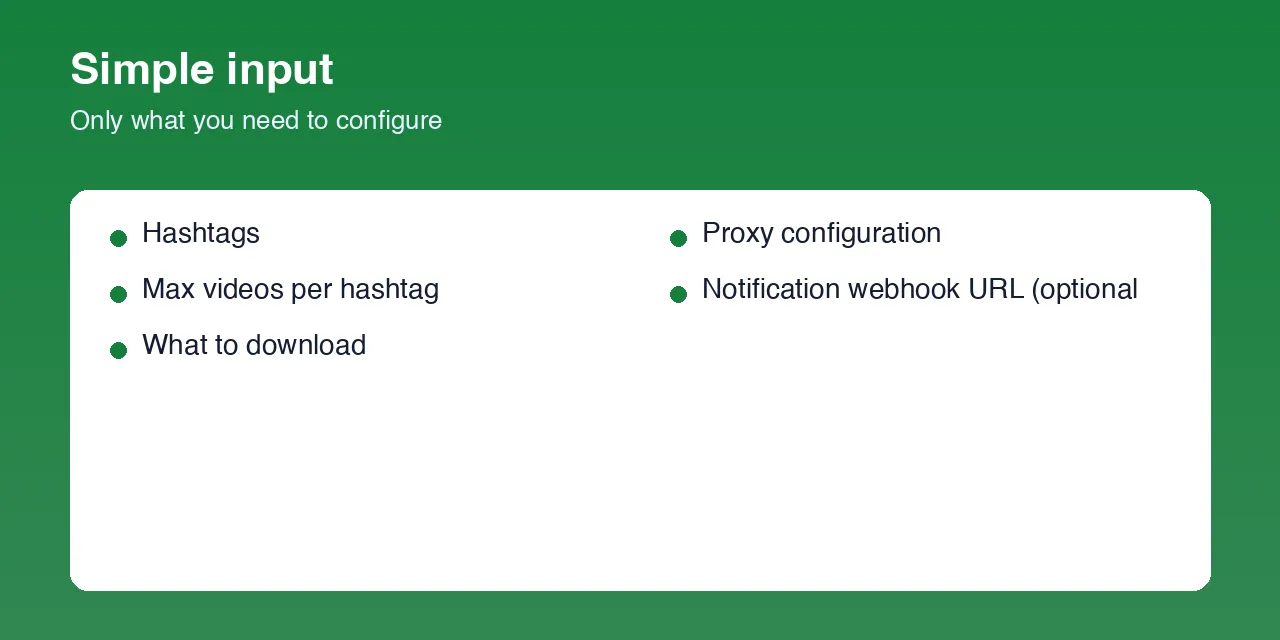
| Parameter | Type | Required | Default | Description |
|---|---|---|---|---|
hashtags | Array | Yes | — | TikTok hashtags to scrape (#name, name, or a tiktok.com/tag/name URL). |
maxItems | Integer | No | 5 | Stop after this many videos per hashtag. Raise it for a full export. |
downloadType | Select | No | video+audio | video+audio (MP4 + MP3), video (MP4 only), or audio (MP3 only). |
proxyConfiguration | Object | Yes | Apify Residential | Required. TikTok flags datacenter IPs hard — a residential proxy is strongly recommended. |
notificationWebhookUrl | String | No | — | A Discord or Slack incoming webhook (or any endpoint) to notify when the run finishes. |
Example output
You can download the dataset as JSON, CSV, Excel, or XML.
How to use the TikTok Hashtag Scraper
- Open the Actor's Input tab.
- Add one or more
hashtags(#cooking,cooking, or atiktok.com/tag/...URL). - Set
maxItems— how many videos per hashtag. - Pick a
downloadType— video + sound, video only, or sound only. - Press Start. Rows appear in the Dataset tab; the
.mp4/.mp3files land in the Key-value store tab.
Usage examples
Sound library from a hashtag — audio files only
Download every video + sound for a campaign hashtag
Several hashtags with a Slack ping on finish
Tips for best results
- Residential proxy, always. A good residential proxy pool is the single biggest reliability factor. If a run returns 0 videos, try a different proxy country.
- Temporary links expire. Use
videoStorageUrl/audioStorageUrl(or download promptly) for anything you keep. maxItemsis per hashtag, not per run.- A retried request is normal and clears on its own.
Limitations
- Public content only. Private or age-restricted videos, and hashtags with no public videos, return nothing.
- TikTok's anti-scraping posture changes often; a run may need a retry or two, and very large exports go faster with a bigger residential proxy pool.
videoTemporaryUrl/audioTemporaryUrlexpire within hours.- A row is a snapshot at collection time; counts keep moving.
- For licensed / commercial tracks the
.mp3is taken from the video rather than a standalone source.
FAQ
Can I download TikTok videos by hashtag with this Actor?
Yes. Set downloadType to video or video+audio — each video's .mp4 is saved to the key-value store with a permanent link in videoStorageUrl.
Can I download the sound / music from hashtag videos?
Yes. Set downloadType to audio or video+audio — you get an .mp3 per video in audioStorageUrl: the clean source track for original sounds, and the track taken from the video for licensed music.
Where are the downloaded files saved?
In the run's key-value store, as <hashtag>-<videoId>.mp4 / .mp3. The dataset rows carry the links, and you can browse or download them from the Storage tab in the Apify Console.
Do I need a TikTok account or login? No. It only uses what TikTok shows to logged-out visitors — no account, no cookies.
How many videos can it collect per hashtag?
As many as maxItems. It keeps paging through the hashtag feed until it reaches your limit or the end of the feed.
Why did a run return 0 videos? Almost always a temporary block (try a different residential proxy country) or a hashtag with no public videos. The run log says which.
How fresh is the data? Every run reads the live feed. Schedule the Actor to build a trend history for a hashtag.
Support
Found a bug or a field that changed shape? Open an issue on the Actor's Issues tab in the Apify Console.
Legal / responsible use
This Actor accesses only data TikTok serves publicly to logged-out visitors and does not use login credentials. You are responsible for how you use the Actor and its output, including compliance with TikTok's Terms of Service, copyright in the videos and music you download, and the data-protection laws that apply to you.


