

Bluesky Account & Keyword Monitor
Under maintenancePricing
from $3.00 / 1,000 new match delivereds
Bluesky Account & Keyword Monitor
Under maintenanceWatch Bluesky accounts and keywords on a schedule and get only posts you have not seen before. Cross-run memory, Discord and Slack alerts, digest mode. Account watching needs no credentials.
Pricing
from $3.00 / 1,000 new match delivereds
Rating
0.0
(0)
Developer

Muhammad Zuhaib Zahid
Maintained by CommunityActor stats
0
Bookmarked
2
Total users
1
Monthly active users
a day ago
Last modified
Categories
Share
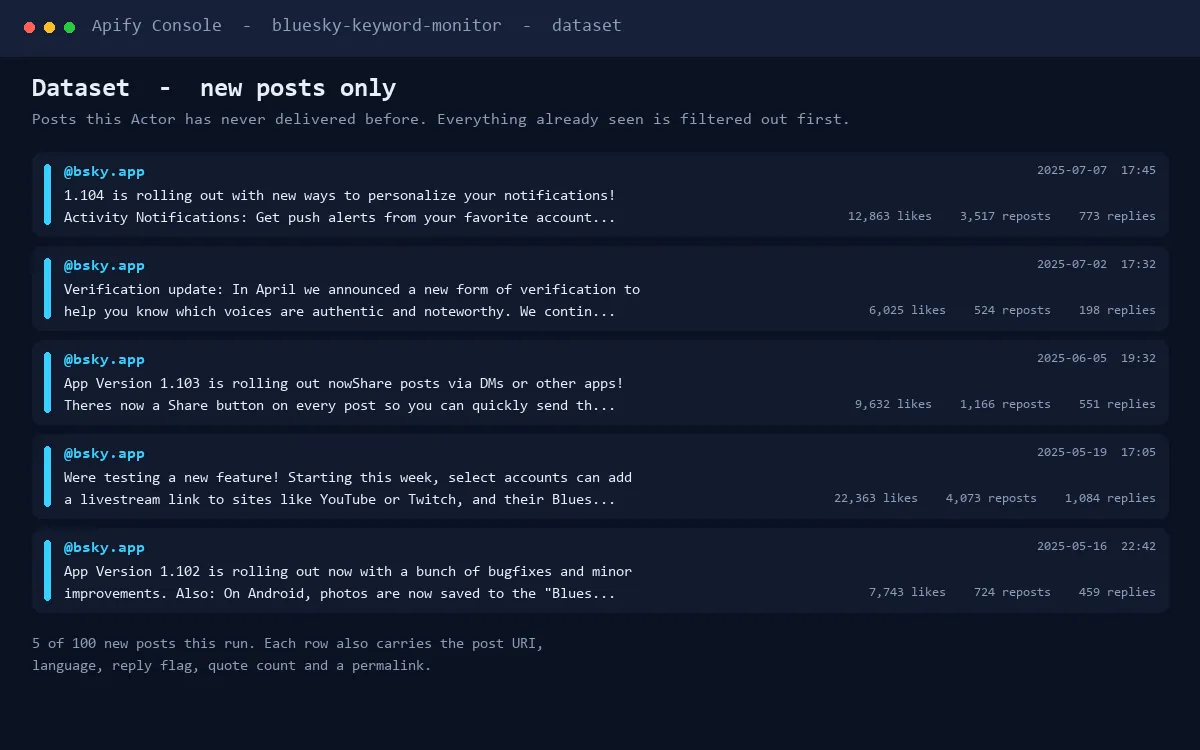
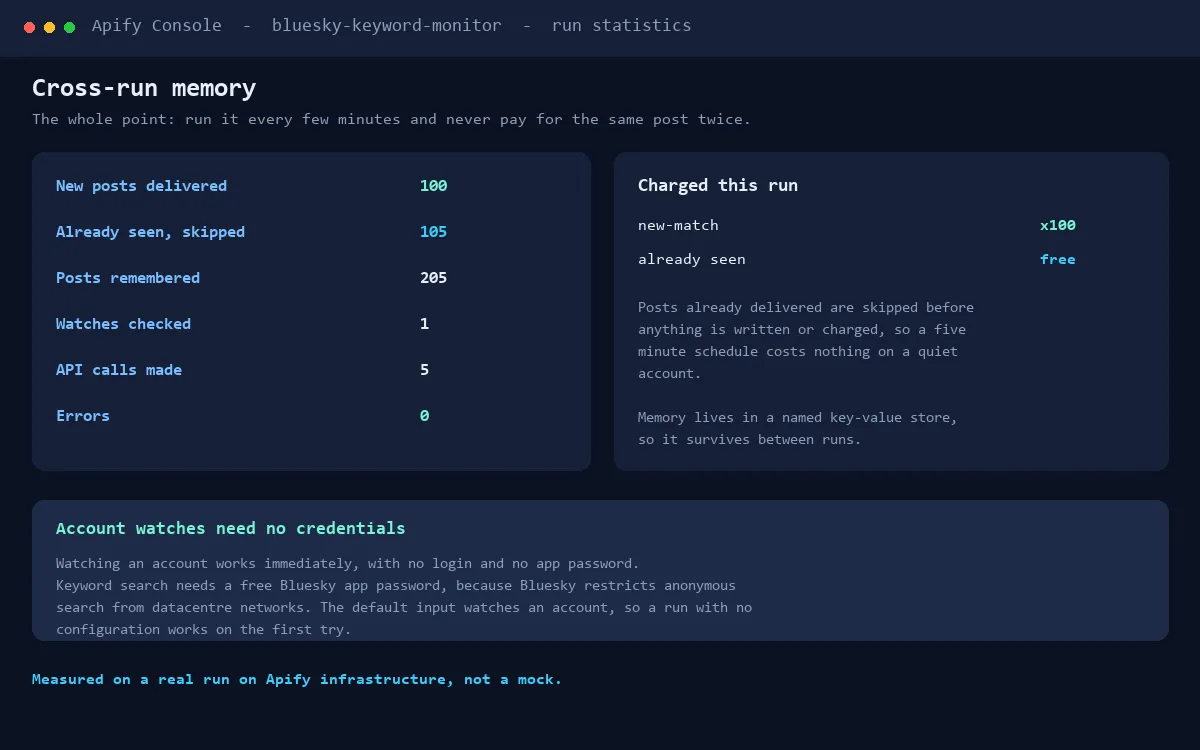
Watch Bluesky accounts and keywords on a schedule. Each run remembers exactly which posts it has already delivered and returns only the NEW ones, so you can poll every few minutes without noise and without paying twice for the same post.
Built entirely on the open AT Protocol API (public AppView). No scraping, no unofficial endpoints.
Read this before you start: which watches need a login
| Watch type | Credentials | Works out of the box |
|---|---|---|
| Account watches (every new post by a handle) | none | Yes |
| Keyword watches (search queries) | a free Bluesky app password | No |
Bluesky restricts anonymous use of its search endpoint from datacentre networks, which is where this Actor runs. Account watches use a different endpoint and are unaffected.
To enable keyword watches, create a free app password in Bluesky under Settings, App Passwords, then
put your handle in blueskyHandle and the app password in blueskyAppPassword. An app password is
revocable and is not your account password.
The default input watches active accounts, so a run with no configuration works immediately, with no credentials, from any network.
What it does
- Keyword watches use the full Bluesky search syntax:
"exact phrase",from:handle,mentions:handle,-negative,lang:en,has:media, and any combination. - Account watches deliver every new post by one account, straight from the stable author-feed endpoint.
- Cross-run memory - seen posts are stored between runs; a scheduled run emits only posts that are genuinely new.
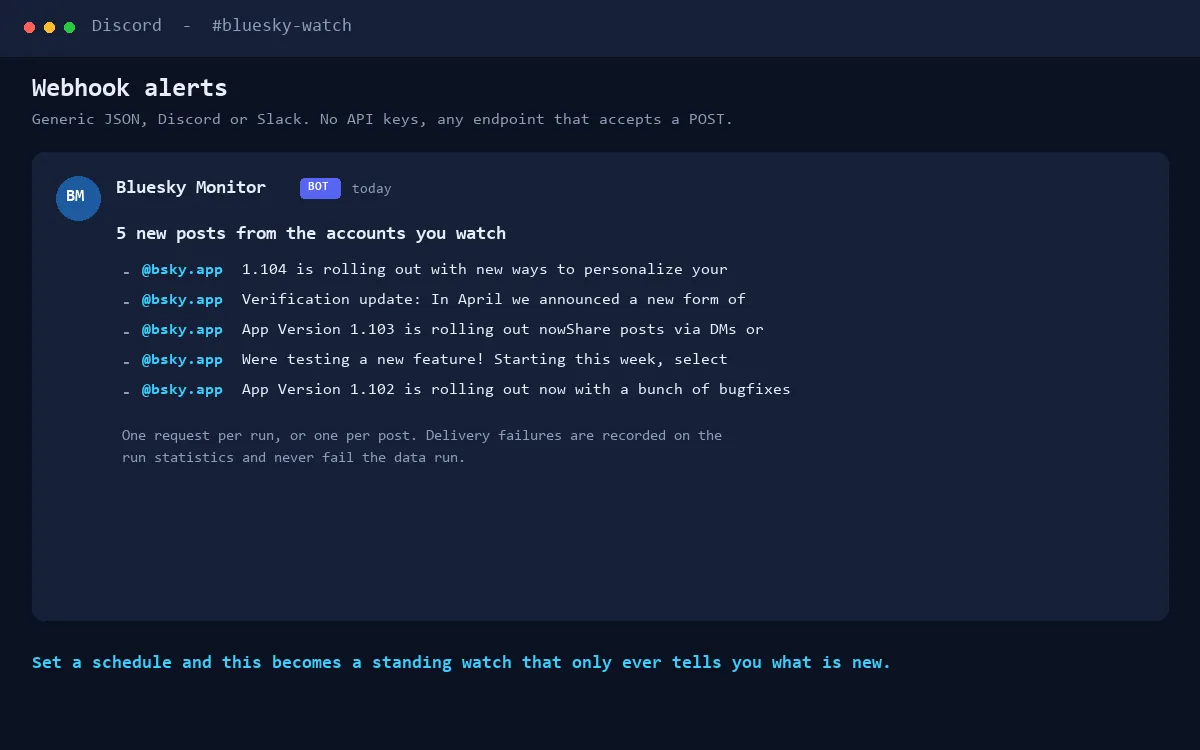
- Webhook alerts - post each batch (or each match) to Discord, Slack, or your own receiver as ready-to-use payloads.
- Digest mode - write one summary item per run instead of one item per match; the cheapest way to poll frequently.
- Filters - minimum likes, languages, exclude replies, exclude reposts, per-watch caps.
Quick start
- Run the actor with the default input. It watches two active accounts (The New York Times and NPR), fetches their latest posts, and writes new posts to the dataset plus a run-stats summary item. Account watches need no credentials.
- Open the Input panel and replace the watchlist with your own keywords and accounts.
- Open the actor's Schedule tab and set an interval (15 minutes is a good start). Keep
the look-back window (
sinceMinutes) a bit longer than your interval.
Authenticating (recommended)
Add your Bluesky handle and an app password (Bluesky: Settings, Privacy and security, App passwords) to the input. Authentication raises API rate limits and avoids edge blocks on unauthenticated traffic. Use an app password, never your main password - and you can revoke it at any time in Bluesky settings.
Pricing (pay per event)
You pay only for what the run actually delivers:
| Event | Price | When |
|---|---|---|
| new-match | $0.003 | each new matching post written to the dataset |
| digest-delivered | $0.01 | each digest-mode run that found new matches |
| alert-delivered | $0.01 | each webhook POST actually delivered (2xx) |
| apify-actor-start | $0.00005 | platform default, per GB per run |
A keyword with a few hundred new mentions per month costs well under a dollar. The per-run spending cap shown on the run dialog always protects you. Re-running on the same data charges nothing new, because already-seen posts are never emitted.
Input reference
See the Input schema on the right for every field with descriptions and prefilled examples. The default input is a working configuration.
Troubleshooting
- 403 edge block - Bluesky sometimes blocks unauthenticated API traffic from datacenter IPs. Add your handle and app password (see above); authenticated calls take the normal route. The actor stops with a clear message instead of retrying into a wall.
- 429 rate limit - lower your schedule frequency (15 minutes unauthenticated, 1 minute authenticated are safe), or authenticate. The actor already retries with backoff.
- No matches but the keyword is active - check the look-back window: keyword search only
returns posts newer than
sinceMinutes. Raise it to cover your schedule gap. - Webhook fails - the URL must be a public http(s) endpoint; private and local addresses are rejected by design. Delivery failures are logged in the run-stats errors list and never break the run.
Privacy
Your app password is stored only in your own Actor input (use the secret field) and is sent only to Bluesky's sign-in endpoint. Webhook URLs are sent only the alert payloads described above. The actor stores only post URIs and timestamps between runs.


