Analyze Website Content: Extract Keywords and Terminology
Pricing
from $0.01 / 1,000 results
Analyze Website Content: Extract Keywords and Terminology
The tool analyzes the textual content of a website, scrapes pages, cleans the html, analyze text and extract the terminology (keywords, words, n-grams and seed related keywords). It can be used to identify the main topics covered, analyze competitor content, find new ideas or trends and help for SEO
Pricing
from $0.01 / 1,000 results
Rating
0.0
(0)
Developer

LilaK
Maintained by CommunityActor stats
0
Bookmarked
31
Total users
1
Monthly active users
2 months ago
Last modified
Categories
Share
Analyze Website Content
Description
This tool allows you to analyze the textual content of a given website or domain name. The tool scrapes the pages at a given depth, cleans the html pages (removes unimportant text such as navigation links and menus), analyze the text and extract the content terminology (keywords, words, ngrams and terms related to given seed keywords). Terminology or keywords extraction allows to summarize the content of a website and identify the main topics covered. The tool can be used for many applications: SEO keyword research, analyzing competitor content, find new ideas and trends, etc.
Main features
- Scrape a given website at a specific depth (extra domain links are ignored)
- Clean and process HTML and plain text pages
- Extract the most frequent words (single word terms) and most frequent ngrams (multiple word terms made of 2 to 4 words / bigrams, trigrams and quadrigrams)
- Extract keywords from the HTML metadata
- Identify terms similar to given seed keywords
- Merge all the extracted data, by language, for a global website analysis.
- Extract social media links and emails
- Output results in CSV/JSON formats and SVG wordcloud images
Supported formats
- HTML
- Plain text
Language identification
- The language is identified for each scraped page.
- The identified language is affected to the terms extracted from the page.
- Language stopwords (the most common words, short function words, such as the, is, at, which, etc for english) are used to filter the final term list.
- Stopwords are discarded in words, and forbidden as first or last word af an ngram.
Supported languages
French, English, German, Spanish, Italian, Portuguese
Input
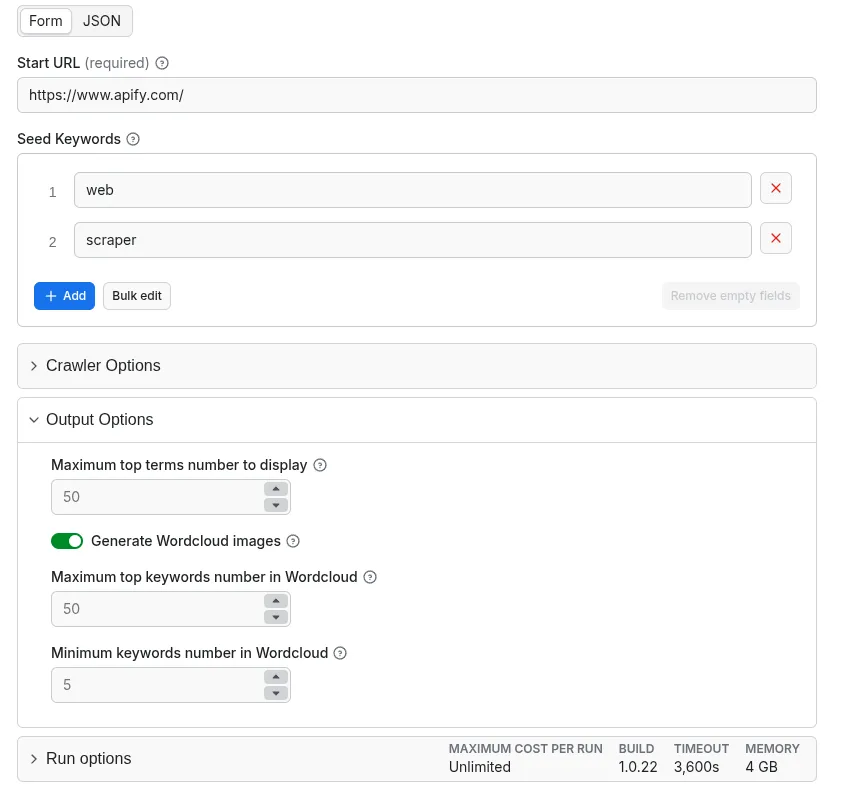
- The main input of the tool is a starting url for the website to process.
- A set of seed keywords. If provided, all terms (metadata keywords, ngrams or words) similar to one of the seed keywords will be identified and grouped together in a separate category (Seed Related).
Output
The result of analysis is:
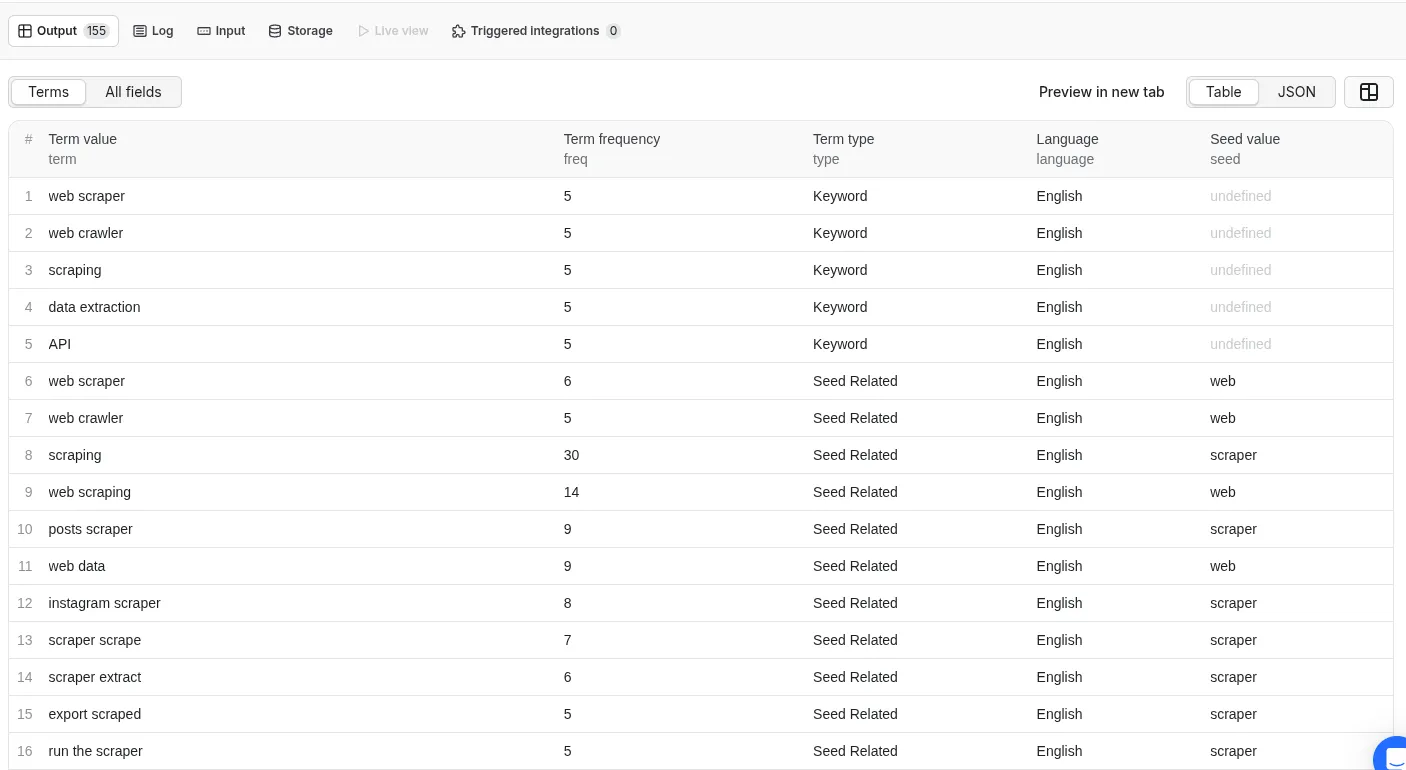
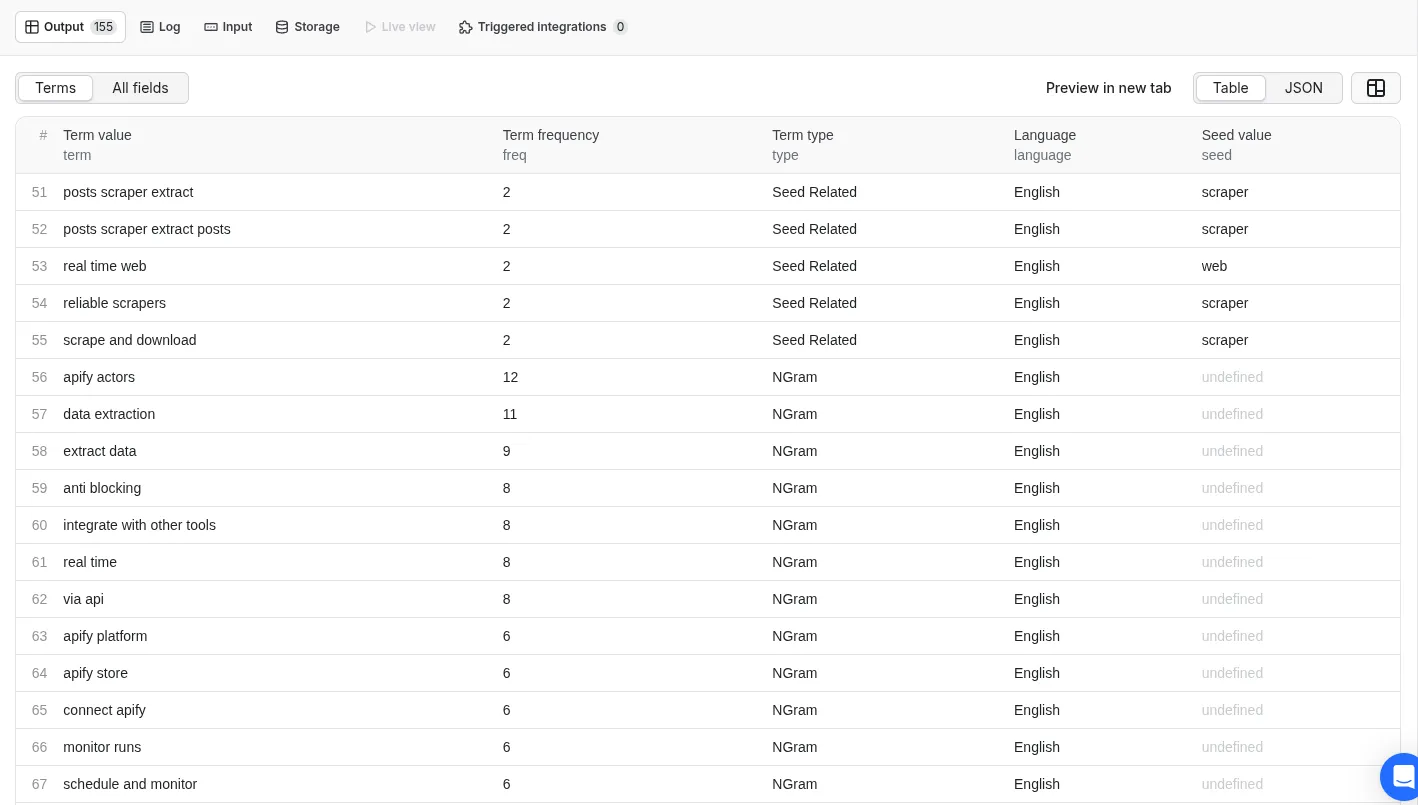
- A dataset with the most frequent extracted terms. The data includes keywords, seed related terms, ngrams and words. For each term: value, frequency, language, type and seed keyword are given. The dataset can be found in Output and storage (terms.json)
Terms table view with seed keywords
- The scraped pages list is provided in JSON format. Each page is described by: url, title, description, author, date, keywords and language. The file can be found in storage (pages.json)
- The emails and social media links are provided in JSON format. The file can be found in storage (contact.json)
- A global file combining all the output (terms, contact and pages) can be found in storage (all.json)
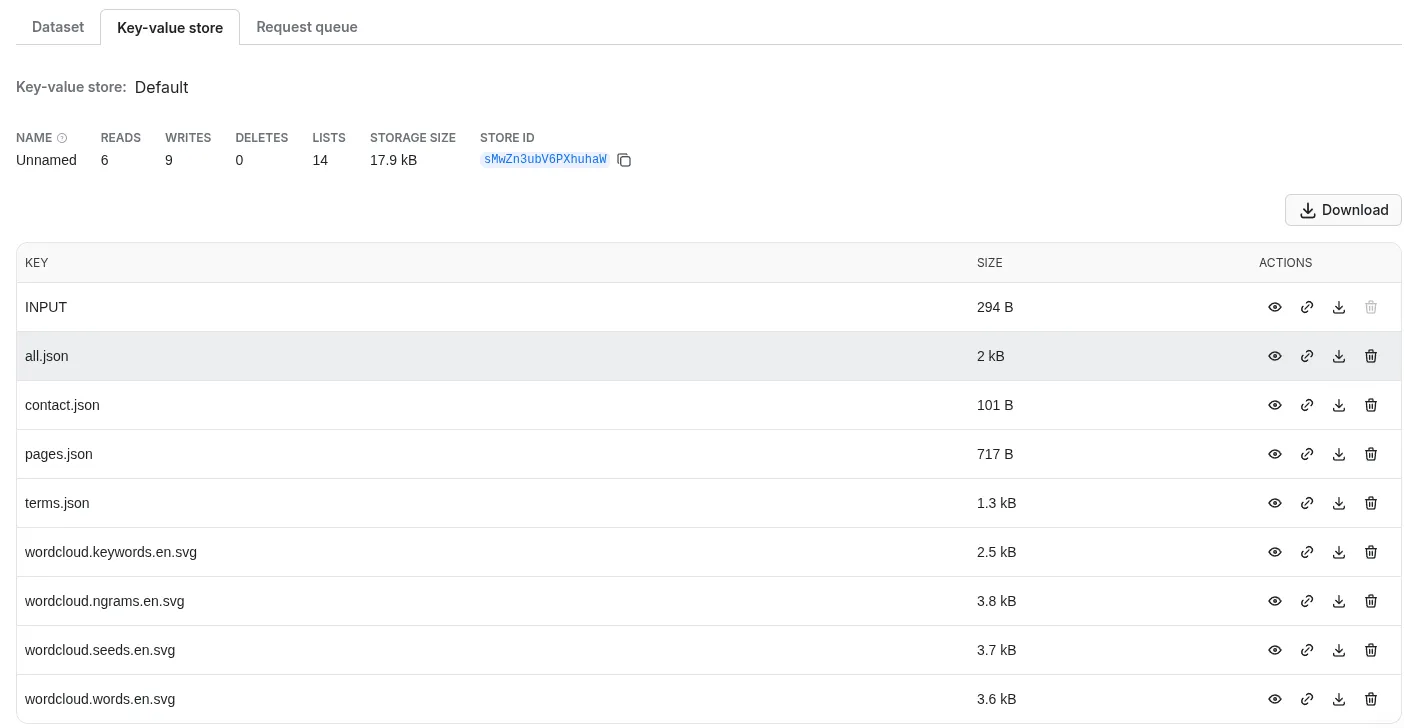
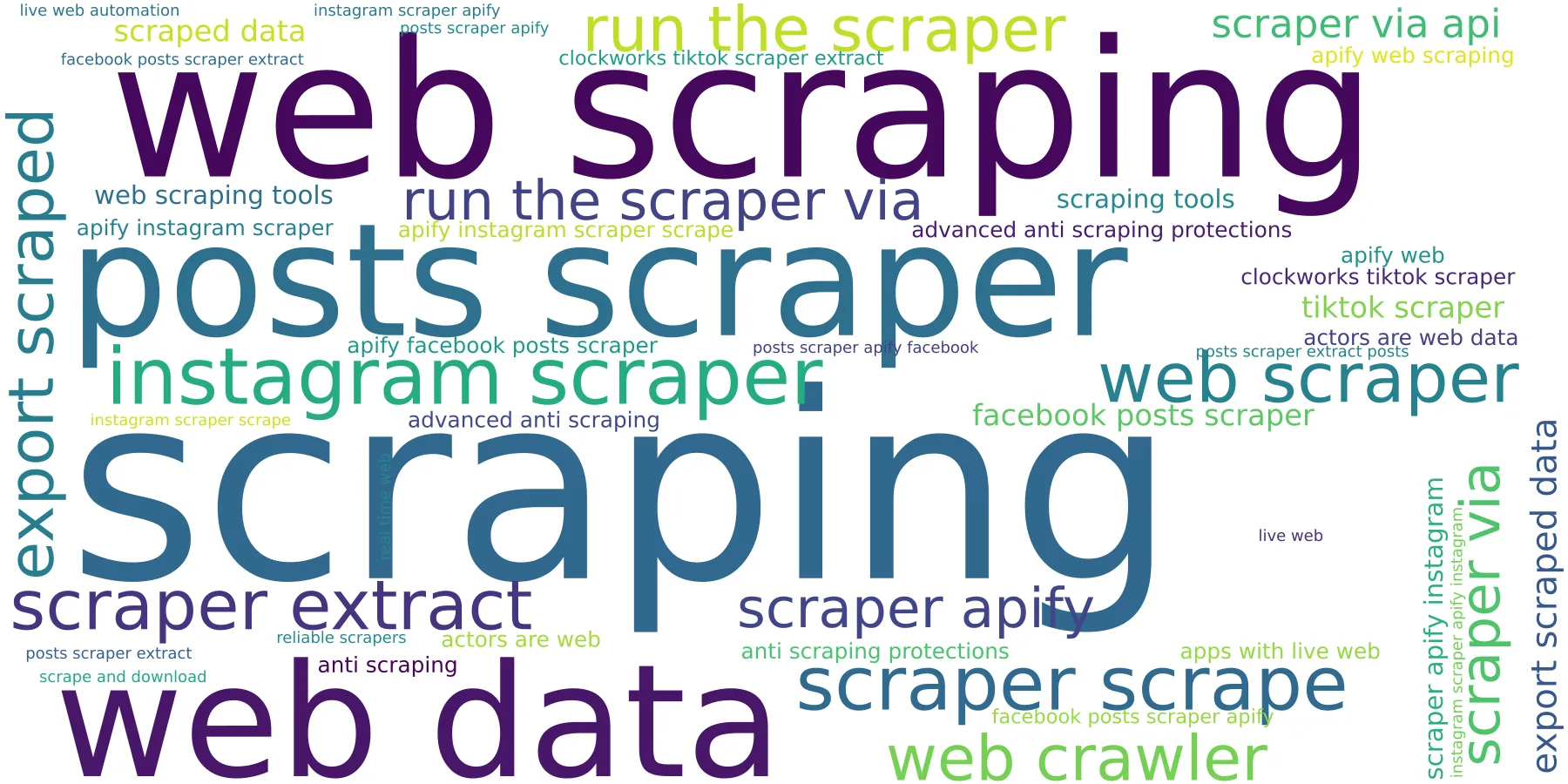
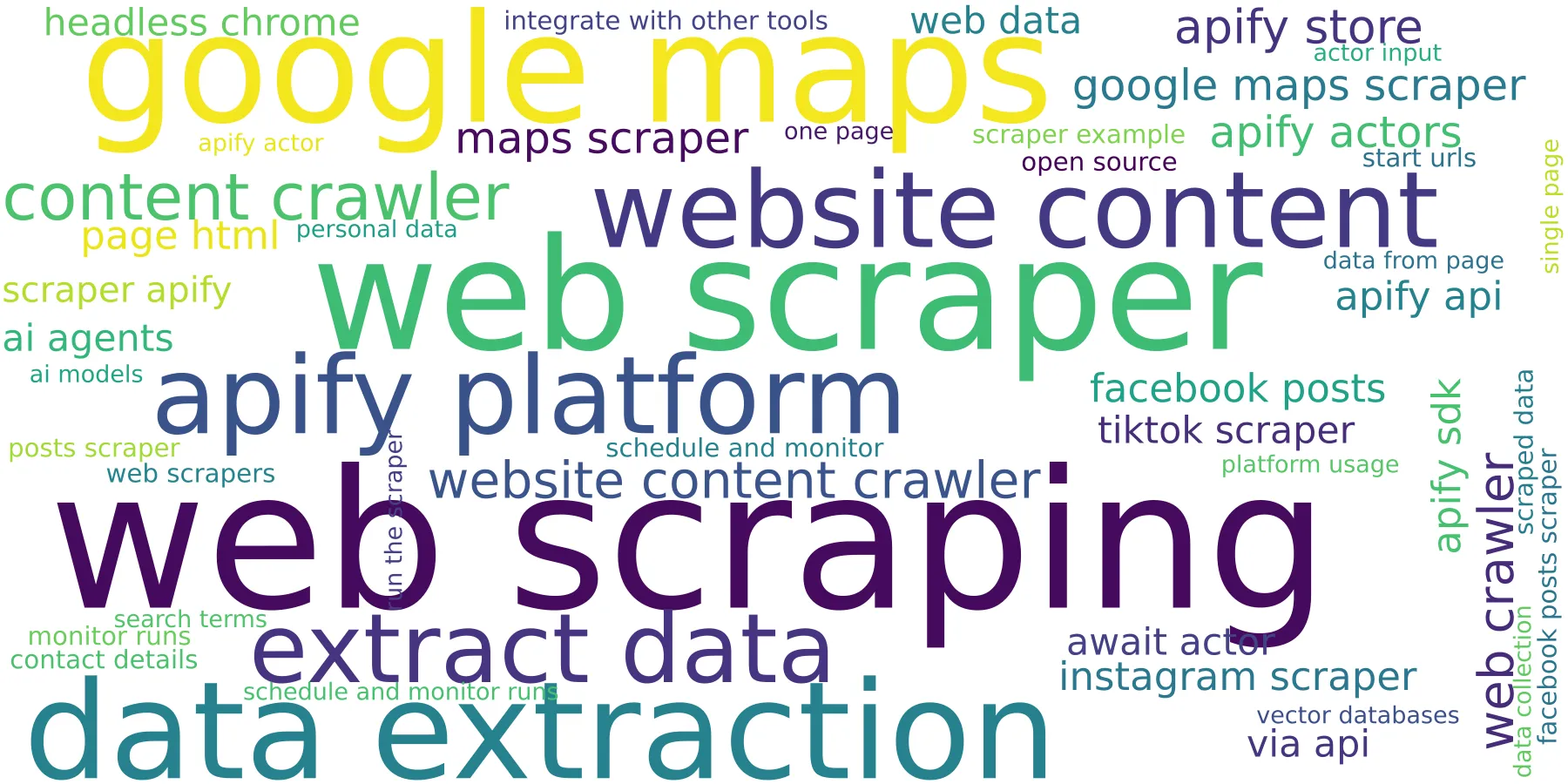
- The extracted terms can be represented as wordcloud SVG images. The images can be found in storage (wordcloud..svg)
Wordcloud representation of the seed related terms
Seed keywords: web and scraper
WordCloud representation of the general terms (ngrams and words)
Your feedback
If you’ve got any technical feedback, a bug to report or any suggestion to improve the actor usage, please create an issue on the Actor’s Issues tab.