

BoundHub Video Downloader | How to Download BoundHub Videos
Pricing
Pay per usage
BoundHub Video Downloader | How to Download BoundHub Videos
Keep BoundHub videos from the page you're already on, with no redirects and no interruptions.
Pricing
Pay per usage
Rating
0.0
(0)
Developer

pornvidsdownload
Maintained by CommunityActor stats
0
Bookmarked
2
Total users
1
Monthly active users
6 days ago
Last modified
Categories
Share
Keep BoundHub videos from the page you're already on, with no redirects and no interruptions.
Saving a video shouldn't pull you off the page. The BoundHub Video Downloader adds a save option directly to the BoundHub video page, so the workflow stays simple. Open the extension once the player has loaded and it finds the available source.
Get it Here
👉 Get it here: BoundHub Video Downloader
- ✅ Files go straight to your device and never pass through our servers
- ✅ Free of ads, tracking and analytics
- ✅ Runs on Windows, Mac and Linux
- ✅ Questions go by email to the team that made it
Preview
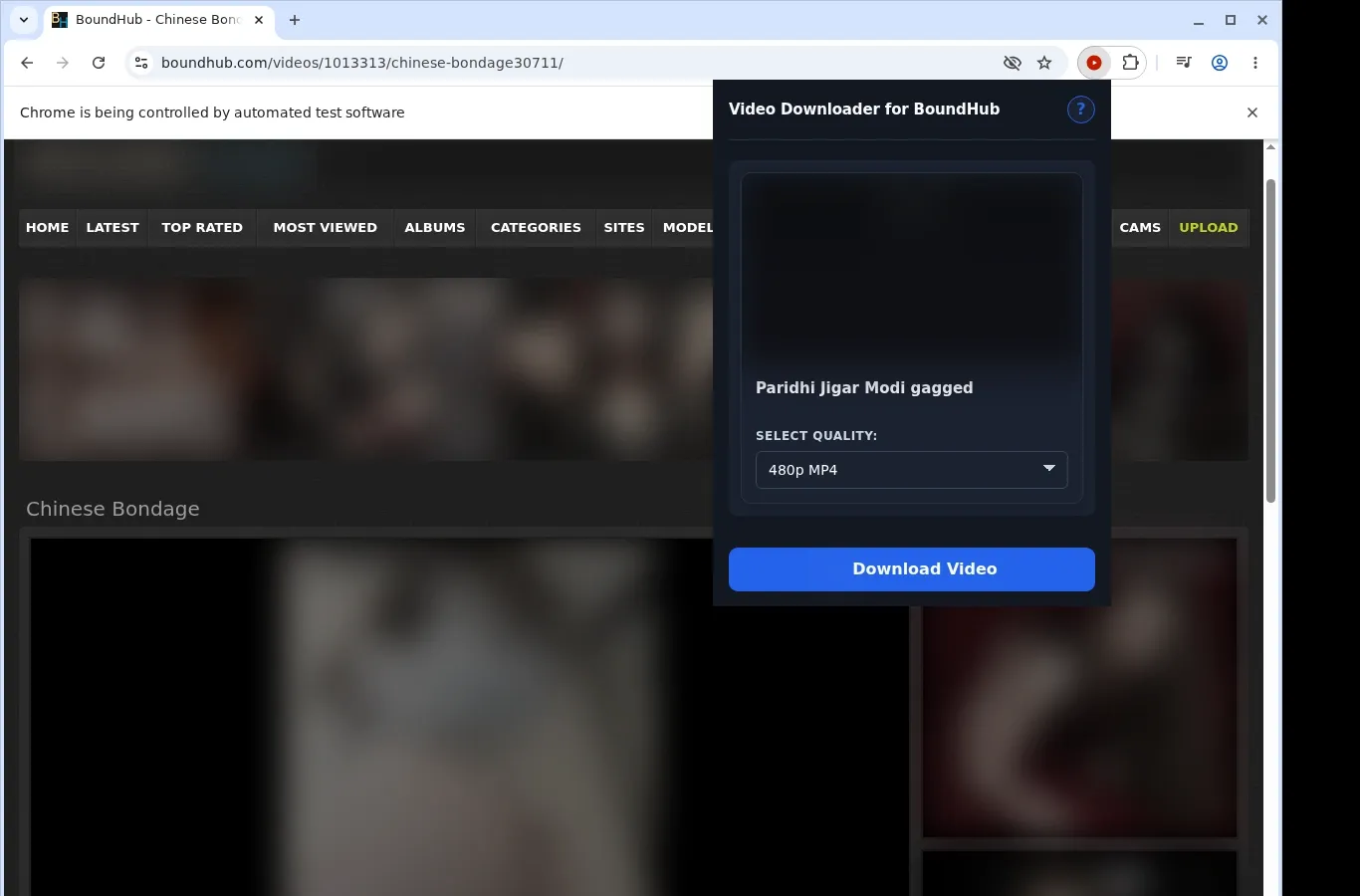
How It Works
- Visit the page: Open the BoundHub page with the video you want and let it load in your browser as usual.
- Find the source: Start the extension so it can locate the video source and show a download option for this page.
- Choose and save: Use the format menu to select a file option, then store the completed video on your device.
What It Does
- BoundHub videos are captured and kept on your own machine.
- The button on the video page you're viewing starts a download.
- The extension icon in your toolbar can start one too.
- Videos are queued and handled in sequence, so transfers never overlap.
- Your browser's built-in download engine manages the transfer.
- A progress bar appears in the browser's download shelf.
BoundHub Video Downloader vs. Online downloader website
BoundHub content goes into a dedicated folder on your device, with file handling that an online downloader site can't match.
| BoundHub Video Downloader | Online downloader website |
|---|---|
| MP4 files are written to a dedicated BoundHub folder | The output format differs from site to site |
| Files remain on your device to watch later | Results frequently stay on the tool's page |
| Each video arrives as a standard MP4 file | File names may be generic or random |
| Any media player you like can open it | Some sites add steps before you can reach the files |
| Nothing more happens after the download | How files are managed depends on the site's design |
Compatibility
Browsers: Chrome, Firefox, Edge, Brave, Opera, Whale, Yandex
Works With:
- Video pages on BoundHub
- Desktop browsers that support extensions
- Videos your current browser session can access
- Pages exposing a usable video source
- Windows, Mac and Linux systems
Not Designed For:
- Mobile browsers
- Safari
- Protected or DRM-encrypted streams
- Taken-down or unreachable videos
- Crawling in bulk or scraping galleries
- Bypassing private, paid, regional or age-gated restrictions, or site permissions
FAQ
What's the first step to download a BoundHub video? Visit the BoundHub page holding the video and let it load. Then press the on-page download button or the toolbar extension icon. The extension finds the source and gets it ready to save.
Where on my computer do files end up? In a dedicated BoundHub folder, using your browser's standard download system. Look in the browser's download list or the default downloads directory to find them.
Which video format is saved? The MP4 stream that BoundHub serves is retrieved and stored as a standard MP4 file. Nothing is converted or processed further, so the original format is preserved.
Are simultaneous downloads possible? No. Videos are queued and handled in order, so a single download runs at once. That prevents overlapping transfers and keeps your browser's download engine steady as you keep using the BoundHub tab.
Know Before You Use It
- The page has to offer a video that can be saved
- The video must already be viewable in your browser
- You may need to start playback before the extension detects the active source
- Available quality depends on the current player or host
Only download videos you own or have permission to save.


