

Flink German Grocery Price & Stock Scraper
Under maintenancePricing
from $0.37 / 1,000 grocery products
Flink German Grocery Price & Stock Scraper
Under maintenanceSearch Flink (goflink.com) for grocery products and export names, EUR prices, unit prices, stock, categories, and photos. Pick a German city so prices match local delivery. No login required. Schedule runs, download JSON/CSV/Excel, and monitor quick-commerce prices on Apify.
Pricing
from $0.37 / 1,000 grocery products
Rating
0.0
(0)
Developer

rainminer
Maintained by CommunityActor stats
0
Bookmarked
2
Total users
1
Monthly active users
3 days ago
Last modified
Categories
Share
What does Flink Grocery Product Scraper do?
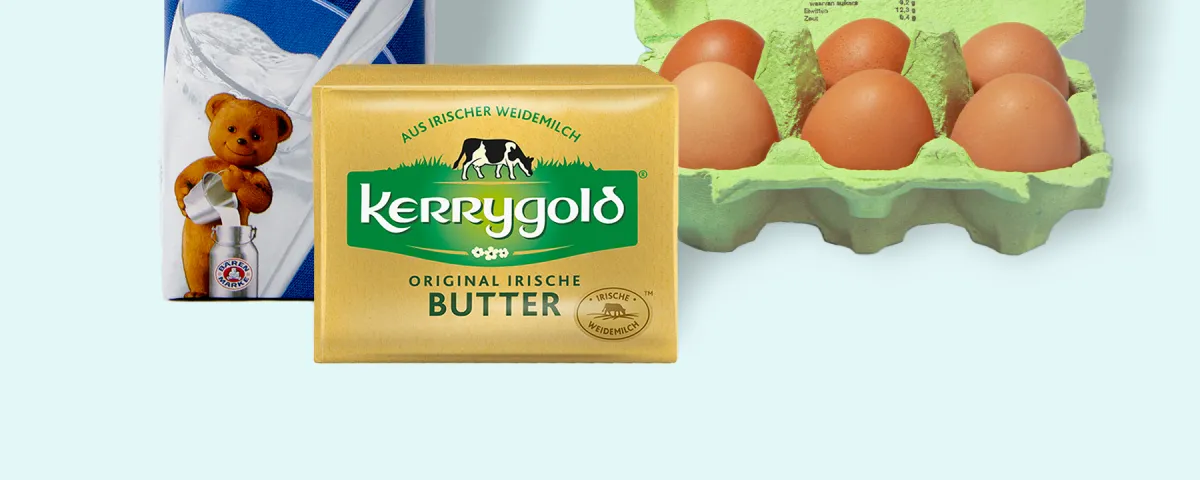
Flink Grocery Product Scraper extracts public grocery listings from Flink (goflink.com) — the German quick-commerce supermarket that delivers everyday products in minutes. Type a search such as Milch or Bananen, pick a city, and export structured catalog data — product name, EUR price, unit price, stock, category, and photos — without writing any code and without logging in.
Run it on the Apify platform to schedule crawls, export JSON/CSV/Excel, rotate proxies, monitor failures, and integrate results via API.
Why scrape Flink grocery data?
- Price monitoring — Track EUR shelf prices and unit prices (per kg / per liter) in Berlin, Hamburg, Munich, and other German cities.
- Assortment research — See which SKUs Flink lists for milk, produce, snacks, and household brands.
- Stock visibility — Flag out-of-stock items and remaining quantity for replenishment models.
- Promotions — Capture original vs current price and on-pack labels such as best-price badges.
- Competitive intelligence — Compare Flink’s catalog with other German grocery and quick-commerce players.
- City comparison — Re-run the same search in another city to see local prices and availability.
- Product content — Optionally pull origin, ingredients, storage, and manufacturer from product pages.
- Data pipelines — Feed structured grocery rows into BI dashboards, pricing tools, or internal catalogs.
- Market entry — Size assortment depth before expanding a brand into quick commerce.
- Journalism / reporting — Document grocery prices in a specific German delivery area.
- Retail media — Spot sponsored search placements next to organic hits.
- Brand tracking — Watch a SKU or brand (for example Arla, Oatly, Red Bull) across Flink search.
How to scrape Flink (goflink.com)
- Open the Actor in Apify Console.
- Enter one or more search terms (for example
Milch,Skyr,Coca-Cola). - Choose a city. Prices and stock follow the warehouse that delivers there.
- Set Maximum products per search term (keep it small for a test run).
- Keep German residential proxies enabled — Flink blocks datacenter traffic.
- Run the Actor and download results from the Dataset tab (JSON, CSV, Excel, or HTML).
What data can you extract from Flink?
| Field | Description |
|---|---|
| id / sku | Stable product identifier |
| name | Product title |
| price | Current shelf price |
| originalPrice | Pre-discount price when advertised |
| currency | Price currency (EUR) |
| unitPrice | Price per kg, liter, or other base unit |
| unitPriceUnit | Base unit (kg, l, st, …) |
| stockQuantity | Available quantity in that city |
| isOutOfStock | Whether the SKU is sold out |
| city | Delivery city you selected |
| category / subcategory | Aisle names |
| imageUrl / imageUrls | Primary photo and gallery |
| description, origin, ingredients | Extra fields when Include ingredients and origin is on |
Input
Flink Grocery Product Scraper asks for search terms, a city, and Maximum products per term. Optionally turn on ingredients/origin and change the shop language (German or English). See the Input tab in Apify Console.
Flink prices are local. Berlin milk is not Hamburg milk — pick the city that matches the market you care about.
Output
Each result is a structured grocery product. You can download the dataset in JSON, CSV, Excel, or HTML.
How much does it cost to scrape Flink?
This Actor is pay per result plus Apify platform usage (compute and residential proxies). You pay a maintenance fee for each grocery product (from $0.49 per 1,000 results on the FREE Store plan) and you also pay Apify usage for the run. Residential proxies are the default because Flink is bot-protected — that is the main usage driver.
Include ingredients and origin is a paid add-on. It opens each product page, so it costs extra events (from $1.99 per 1,000 products on the FREE Store plan) plus more compute and proxy usage.
A small test (a handful of products) usually finishes in a few minutes. Larger searches scale with Maximum products and whether the details add-on is enabled. Keep the limit small while testing.
Is login required?
No. This Actor scrapes public Flink shop search results only. It does not access accounts, carts, or checkout.
Is it legal to scrape Flink?
This Actor extracts publicly visible catalog data (products, prices, photos) that Flink shows to anyone who opens the shop. It does not collect private customer data such as emails or delivery addresses. You should still use the data in line with Flink’s terms, GDPR, and your own legal advice — especially if you republish prices or run automated purchasing.
Tips
- Use one search term per product family (
Milch,Bananen,Kaffee) soMaximum productsstays meaningful. - Keep Maximum products small while testing, then raise it for production.
- Turn on Include ingredients and origin only when you need that text — it is a paid add-on and slower.
- Re-run the same search in another city to compare local prices.
Image Credit
Image credit: goflink.com


