Tesla Supercharger Location List Scraper
Pricing
from $1.49 / 1,000 supercharger saveds
Tesla Supercharger Location List Scraper
Find Tesla Supercharger sites on the public Find Us directory. Export station names, street addresses, cities, GPS coordinates, opening status, and whether other electric vehicles can charge. Start from the worldwide list or a single country. No Tesla account or login. Schedule repeat runs on Apify.

What does Tesla Supercharger Finder do?
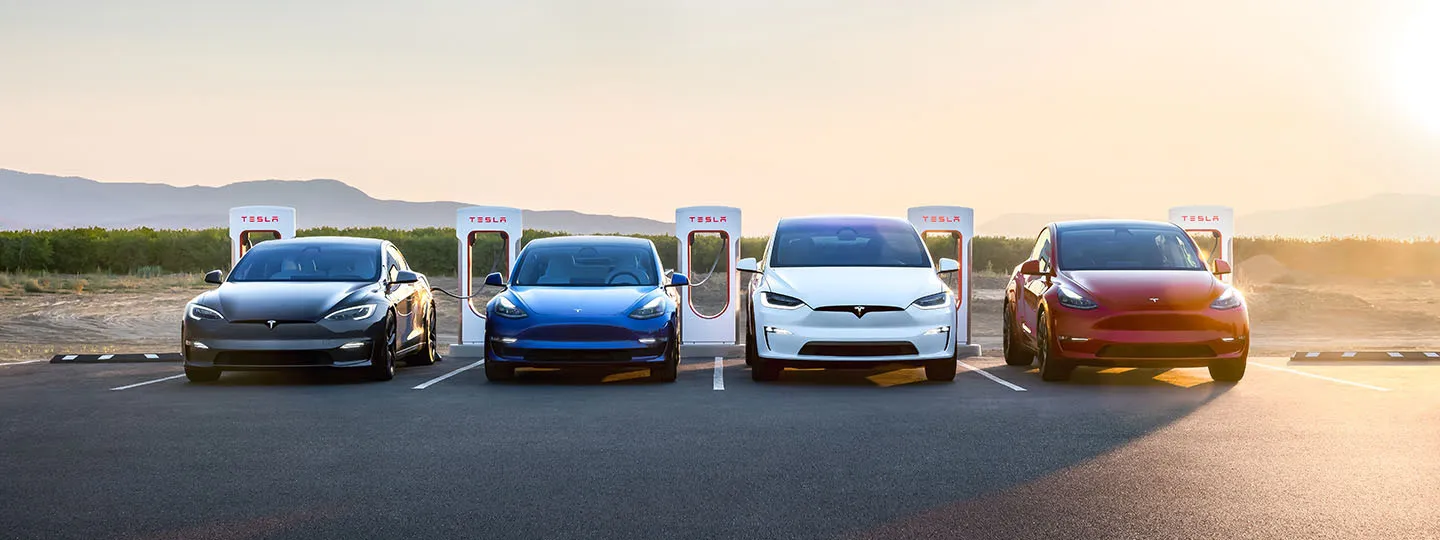
Tesla Supercharger Finder collects public Tesla Supercharger sites from the Tesla Find Us directory. Start from the worldwide directory or paste one country list, such as the United States or Iceland, and export site name, address, coordinates, status, and non-Tesla access without writing code.
It reads the public country lists on Tesla's website. It does not sign in to a Tesla account, and it does not report live stall availability or the price per kilowatt-hour.
Run it on the Apify platform to schedule refreshes, download JSON, CSV, Excel, or HTML, call the results through the API, and monitor failed runs.
Why use Tesla Supercharger Finder?
- Road trips — Build a country or city list before a long drive.
- Non-Tesla EV travel — Keep only sites Tesla marks as open to other electric vehicles.
- Fleet routing — Feed coordinates into route and charging plans.
- Site selection — See which cities already have a Supercharger.
- Coming-soon watch — Track stations Tesla still lists as not open.
- Coverage reports — Compare how many sites a country publishes.
- App backends — Refresh a map without a Tesla account.
- Journalism and research — Export a dated snapshot of the public network.
- NACS access checks — Read Tesla's public charging-accessibility label.
- City search — Match a name such as Austin or Reykjavík.
- Scheduled monitoring — Run the same country list every week on Apify.
- Sheets and Slack — Download JSON or CSV, or send results through Apify integrations.
What data can Tesla Supercharger Finder extract?
| Field | Type | Description |
|---|---|---|
id | string | Stable Tesla location id |
name | string | Public site name from the Find Us list |
address | string | Formatted street address |
city | string | City |
state | string | State, province, or region when Tesla publishes one |
postalCode | string | Postal code |
country | string | Country name |
latitude, longitude | number | Site coordinates |
status | string | Opening status, such as Open |
openToNonTesla | boolean | Whether Tesla lists the site for other EVs |
chargingAccessibility | string | Tesla's public access label, when present |
openingDate | string | Opening date when the list includes one |
roadsideAssistancePhone | string | Public roadside assistance number shown on the list |
url | string | Public Find Us page for the site |
The public list does not include live free-stall counts, charger power, or time-of-use energy prices. Those fields are left out rather than guessed.
How to scrape Tesla Superchargers
- Open Tesla Find Us and copy the directory URL, or open a country Supercharger list such as
https://www.tesla.com/findus/list/superchargers/Iceland. - Paste that URL into Start URLs.
- Set Maximum items. The limit applies to each start URL, not to the whole run combined.
- Optional: add country names, a search phrase, an open-only filter, or non-Tesla access only.
- Keep the unblocker proxy group enabled, then run the Actor.
- Download the dataset as JSON, CSV, Excel, or HTML.
Country names must match the directory label, including spaces. Use United States, not US, and China Mainland for mainland China.
How much will it cost to scrape Tesla Superchargers?
Each saved Supercharger is one result. On a pay-per-result plan you pay for saved sites, not for country pages that you skip after the limit is reached.
Tesla rejects ordinary datacenter and residential connections, so the default proxy is Apify's unblocker group. That proxy traffic is billed by Apify in addition to Actor compute. A country list is one page, even when it contains hundreds of sites, and the directory walks country pages only until maxItems is filled.
Keep maxItems at 5 for a first run. Raise it when you want a full country or the worldwide directory. A worldwide run visits one country list at a time, so leave a longer timeout if you set maxItems in the thousands.
Input
See the Input tab for every field.
| Field | What it does |
|---|---|
startUrls | Find Us directory or a /findus/list/superchargers/{country} URL |
maxItems | Sites to save per start URL. Default: 5 |
countries | Optional country names used with the directory |
query | Case-insensitive match on name, city, state, and address |
status | all, open, or coming_soon |
openToNonTeslaOnly | Keep sites Tesla marks as open to other EVs |
proxyConfiguration | Use Apify Proxy with the unblocker group |
Example: Iceland only, first five sites.
Example: open US sites whose name or city mentions Austin, from the directory.
Output
You can download the dataset in various formats such as JSON, HTML, CSV, or Excel.
Tips
- Paste a country list URL when you only need one country. That skips the rest of the directory.
- Use
countrieswhen the start URL ishttps://www.tesla.com/findus/listand you want a few countries in directory order. maxItemsstops the directory after enough matching sites are saved, so a small limit does not download every country.- If a run returns an access-denied error, confirm Use Apify Proxy is on and the proxy group is UNBLOCKER.
FAQ, disclaimers, and support
Does this use a Tesla account?
No. The Actor only reads public Find Us pages. Do not add a Tesla login, password, or session cookie.
Can I get live stall counts?
No. The public country list publishes the site record, not how many stalls are free right now.
Which URL should I start with?
Use https://www.tesla.com/findus/list for the directory, or a country URL such as https://www.tesla.com/findus/list/superchargers/United+States.
Is scraping Tesla Find Us allowed?
Our Actors are ethical and do not extract any private user data, such as email addresses, gender, or location. They only extract what the user has chosen to share publicly. We therefore believe that our Actors, when used for ethical purposes by Apify users, are safe. However, you should be aware that your results could contain personal data. Personal data is protected by the GDPR in the European Union and by other regulations around the world. You should not scrape personal data unless you have a legitimate reason to do so. If you're unsure whether your reason is legitimate, consult your lawyers.
Supercharger rows are public places. The roadside number is the public assistance number printed on the list, not a private contact.
Questions and bugs belong on the Issues tab. For programmatic runs, open the API tab in Apify Console.
Image Credit
Image credit: tesla.com