

Instagram Search Scraper
Pricing
from $1.29 / 1,000 results
Instagram Search Scraper
Keep Instagram search results in rows you can compare. Start with Instagram searches or result URLs; each returned search result keeps names, media count, query, media count label, and source links.
Pricing
from $1.29 / 1,000 results
Rating
0.0
(0)
Developer

ReapX
Maintained by CommunityActor stats
0
Bookmarked
1
Total users
0
Monthly active users
2 months ago
Last modified
Categories
Share
Keep Instagram search results in rows you can compare. Start with Instagram searches or result URLs; each returned search result keeps names, media count, query, media count label, and source links.
What it returns
Each row keeps the Instagram source record beside the fields needed to use it. The opening set is kind, name, query, url, mediaCount, mediaCountLabel, profilePicUrl, sourceUrl, route, and scrapedAt. The complete schema is declared before the run, and dataset views keep related fields together without changing the underlying row.
Captured row
Input
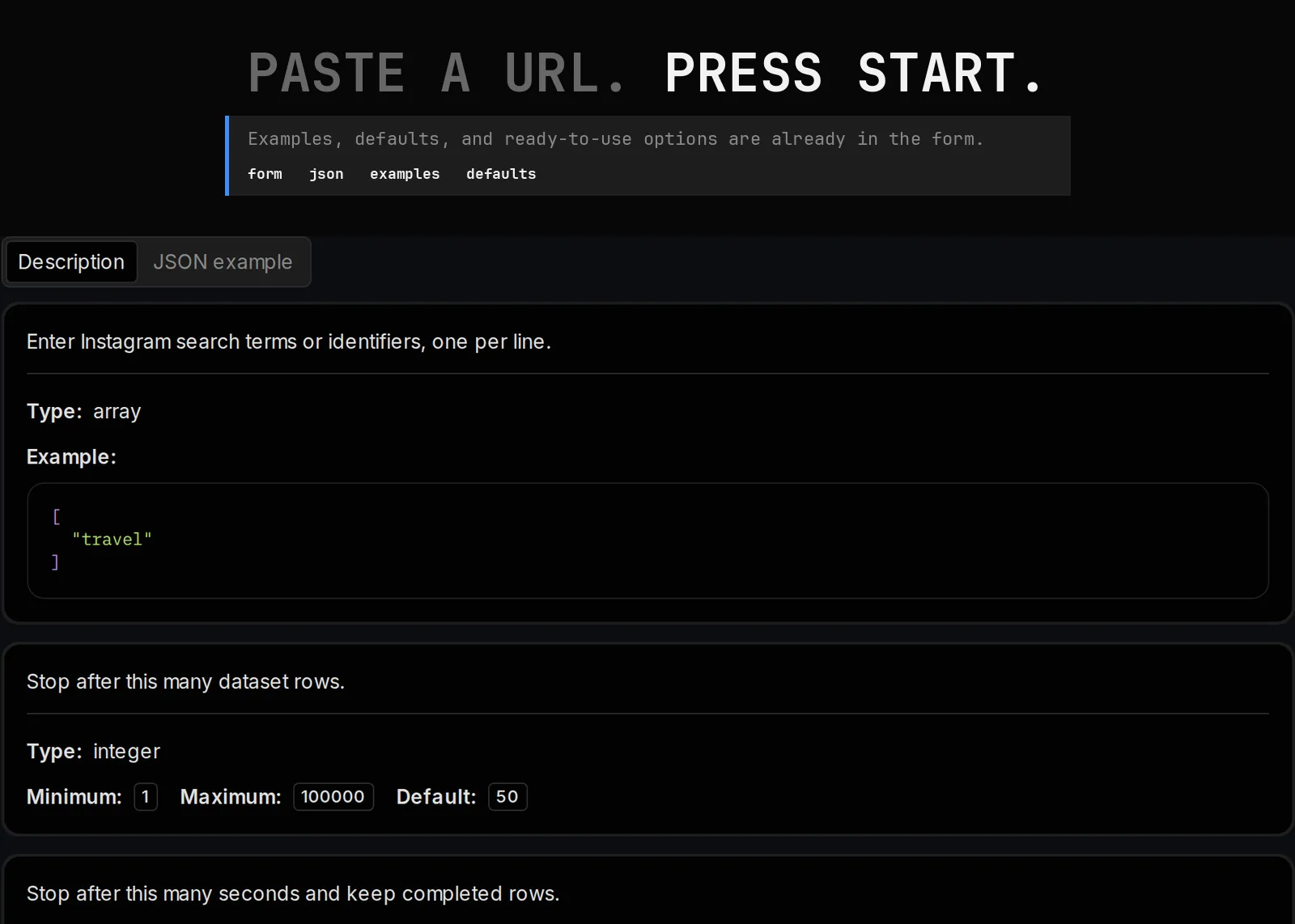
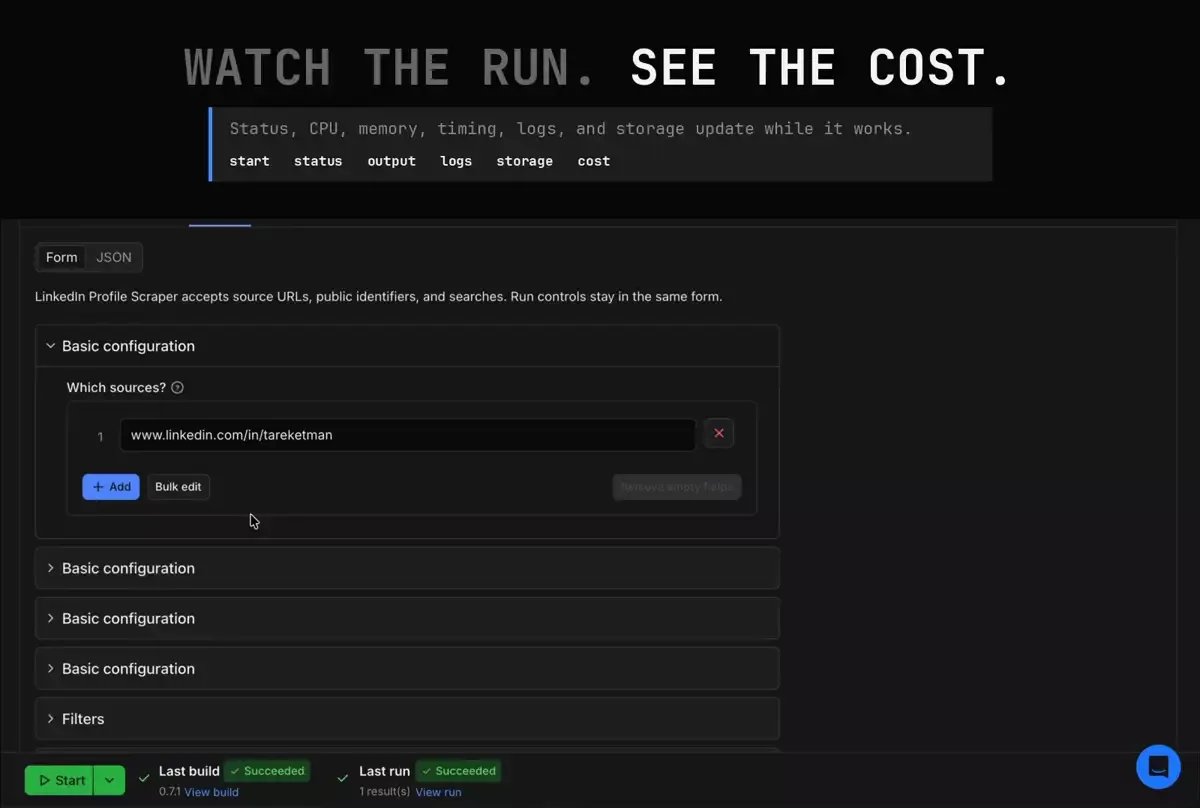
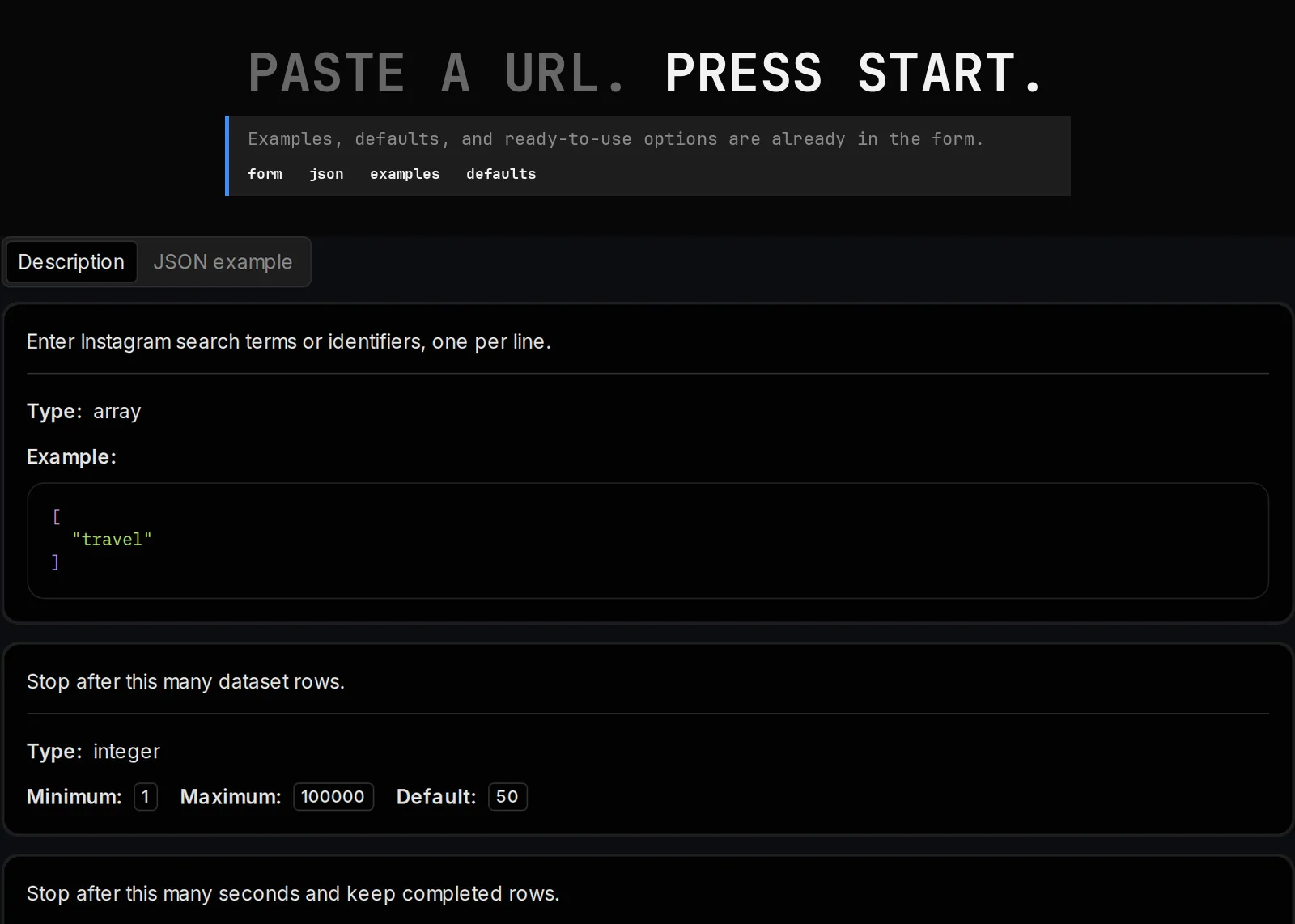
Instagram Search Scraper accepts source URLs. Run controls stay in the same form.
| Field | What it controls | Starting value |
|---|---|---|
startUrls | Enter Instagram search terms or identifiers, one per line. | ["travel"] |
maxItems | Stop after this many dataset rows. | 50 |
maxSeconds | Stop after this many seconds and keep completed rows. | 180 |
Example input
No field is required. Start with the filled example, then replace only the target values needed for the job. Run controls can stay at their starting values for the first collection.
Dataset fields
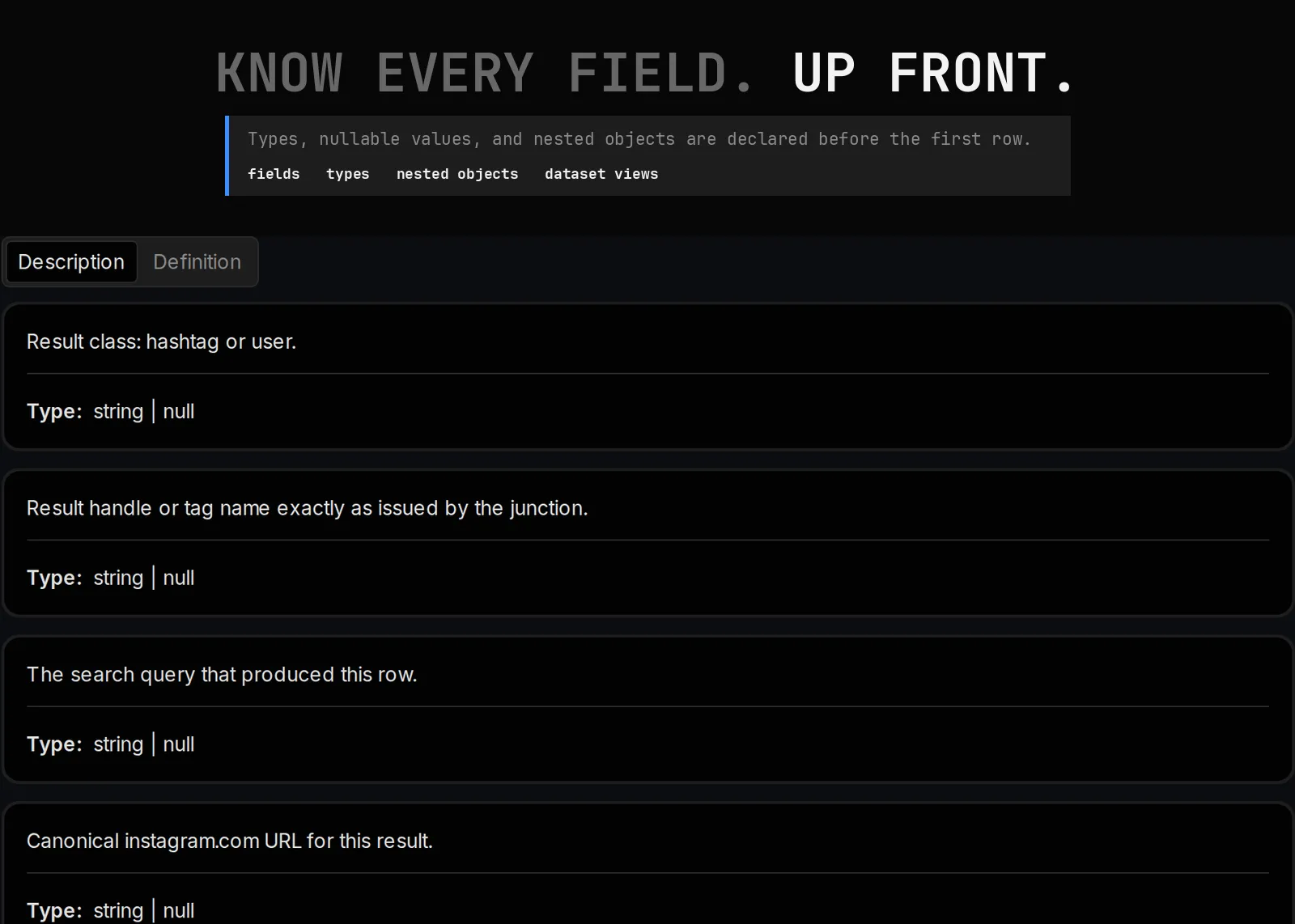
| Field | Type |
|---|---|
kind | string |
name | string |
query | string |
url | string |
mediaCount | integer |
mediaCountLabel | string |
profilePicUrl | string |
sourceUrl | string |
route | string |
scrapedAt | string |
Dataset views
Views are working surfaces for review and export. They select and order fields while leaving the stored row unchanged.
| View | Opening fields |
|---|---|
overview | name, mediaCount, mediaCountLabel, scrapedAt, query, url, profilePicUrl, and sourceUrl |
identity | name |
media | name, query, mediaCount, and mediaCountLabel |
timing | name, query, and scrapedAt |
provenance | query, url, profilePicUrl, sourceUrl, and route |
details | name, query, and kind |
Output and exports
| Output | Type | Destination |
|---|---|---|
results | string | {{links.apiDefaultDatasetUrl}}/items |
json | string | {{links.apiDefaultDatasetUrl}}/items?clean=true&format=json |
csv | string | {{links.apiDefaultDatasetUrl}}/items?clean=true&format=csv |
excel | string | {{links.apiDefaultDatasetUrl}}/items?clean=true&format=xlsx |
jsonl | string | {{links.apiDefaultDatasetUrl}}/items?clean=true&format=jsonl |
Completed rows are available in the Apify dataset as JSON, CSV, Excel, and JSONL exports. The run output also carries the declared links above for API clients and automations.
Pricing
$2.25 per 1,000 dataset items on the Free plan. Other Apify plans use the rates shown in the Pricing tab.
Console, API, schedules, and MCP
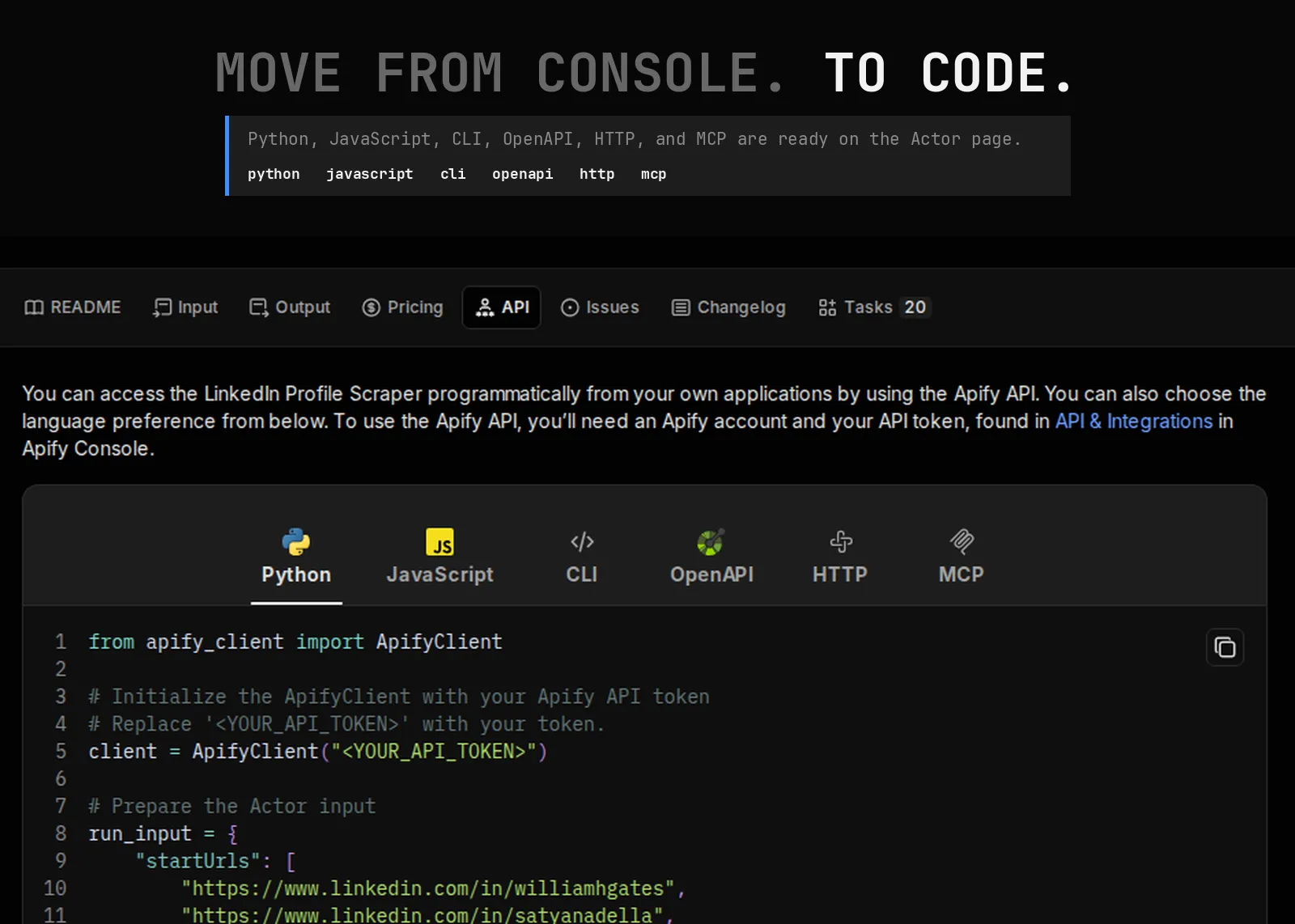
Runs can begin in Apify Console, from a saved task, or through the Actor API. A schedule can reuse the same input, and a run-finished webhook can pass the dataset or run ID to the next system.
For MCP selection, use Instagram Search Scraper. Its machine entry carries the same description, input field names, no-required-field contract, output types, dataset fields, views, and pricing facts as this document.
Saved tasks
Twenty saved-task products cover distinct lookup, comparison, research, operations, automation, and export jobs:
- Instagram Search kind full record: buyer-job; opens
overview. - Instagram Search name description set: buyer-job; opens
identity. - Instagram Search media count creative set: buyer-job; opens
media. - Instagram Search timing collection times publishing file: buyer-job; opens
timing. - Instagram Search source queries origin check: buyer-job; opens
provenance. - Instagram Search kind detail full record: buyer-job; opens
details. - Instagram Search kind and name detail handoff: buyer-job; opens
overview. - Instagram Search name and routes reading list: buyer-job; opens
identity. - Instagram Search media count label media asset list: buyer-job; opens
media. - Instagram Search collection times timing time window: buyer-job; opens
timing. - Instagram Search links source result lineage: buyer-job; opens
provenance. - Instagram Search kind name detail: buyer-job; opens
details. - Instagram Search core kind detail file: buyer-job; opens
overview. - Instagram Search identity name text file: buyer-job; opens
identity. - Instagram Search media count media count label media: buyer-job; opens
media. - Instagram Search collection times name timing: buyer-job; opens
timing. - Instagram Search profile pic URL source: buyer-job; opens
provenance. - Instagram Search kind detail file: buyer-job; opens
details. - Instagram Search kind core record view: buyer-job; opens
overview. - Instagram Search name identity copy review: buyer-job; opens
identity.
Integrations
Use the dataset API from any HTTP client, export rows to a spreadsheet, or send the run ID through an Apify webhook. Saved tasks give schedules and automation tools a stable input without changing the Actor contract.
Related products
- Instagram Bulk Export Scraper
- Instagram Profile Scraper
- Instagram Hashtag Scraper
- TikTok Data Export Scraper
- Google Search Data Scraper
When a run needs attention
- No rows: Open the target in a browser, check spelling and source visibility, then retry the saved example before widening the input.
- A field is empty: Check the field beside its source URL. A missing source value stays empty instead of being replaced with a guess.
- A target fails: Keep successful targets in the dataset, then retry only the affected input.
- An automation cannot find results: Read the dataset ID from the run and request its items endpoint directly.
FAQ
What do I get back from one run?
One row per search with 10 declared fields, opening on kind, name, query and url. The schema is published before the run, so you know the shape before you spend anything.
Do I need a instagram account or login?
No. The run works from the instagram sources you supply in the input. Nothing is posted, changed or accessed on your behalf.
What does a run cost?
The current rate is shown on the Pricing tab and is charged per row you receive, so a run that finds nothing costs close to nothing. Cap the run with the item limit when you want a predictable ceiling.
Can I try it before committing budget?
Yes. Cap the run with the item limit in the input and inspect the first rows. The cap is enforced before charging, so a trial run stays a trial.
What do I put in the input?
The staged input is already usable: startUrls, maxItems and maxSeconds. Replace the staged target with your own list when you are ready to run for real.
Are any fields required?
No field is required. Every input carries a working default, so the Actor can be started as-is and refined afterwards.
What happens if a source fails mid-run?
The run continues through the remaining sources and finishes with what it collected. Partial results are still written to the dataset rather than discarded.
Can I limit how long a run takes?
Yes. The maxItems input caps the run. Use it when you need a predictable cost and a predictable finish time.
How do I report a problem?
Open an issue on the Actor with the run ID, the input you used and the field or row that needs attention. The run ID lets the exact execution be inspected.
How is this different from Instagram Bulk Export Scraper?
Instagram Search Scraper answers one job: Keep Instagram search results in rows you can compare.. Instagram Bulk Export Scraper covers a different question on the same platform. Run both when you need both sides.
How do I read the output without scrolling through JSON?
Open the overview view on the Output tab. 6 views ship with the Actor (overview, identity, media, timing, provenance and details), each grouping the fields that belong to one question.
How do I get the data into my own tools?
Export the dataset as JSON, CSV, Excel or XML, call the dataset API directly, or attach a run-finished webhook and collect the dataset reference as soon as the run ends.
Can an agent or LLM call this?
Yes. Instagram Search Scraper is exposed over MCP with the same description, no-required-field input contract and output types shown here, so an agent can select and call it without a human in the loop.
Why is a value empty on some rows?
instagram does not expose every field on every search. An absent value stays empty rather than being filled with a guess, so a row never invents a fact it did not receive.
A run returned fewer rows than I expected. Why?
The usual causes are a narrow source list, an item cap still set low, or a source that genuinely holds less than expected. Widen the input or raise the cap and run again.
Can I schedule this to run on its own?
Yes. Save the input as an Apify task and attach a schedule. Keep separate tasks when different teams need different targets or delivery paths.
Do I need to configure proxies?
No. Network access is handled inside the Actor and needs no proxy configuration from you.
How fresh is the data?
Every row is collected during the run you start, not served from a cache. Re-run the same input whenever you need the current state of a instagram search.
Can I use the results commercially?
The Actor collects publicly accessible instagram information. You remain responsible for how you use it, including any privacy or contractual obligations that apply to your business.
How do I compare two runs?
Keep kind and name as your join key and diff the exports. The identity fields stay stable across runs, which is what makes a comparison meaningful.
Support
Use the Actor issue form for product questions, broken source routes, schema mismatches, and feedback. Include the smallest input that reproduces the problem. That is enough to locate the run and its dataset without sharing an entire working list.
Use this Actor only for data you are allowed to collect. Follow source terms, privacy law, and your own retention policy.


