
Google Maps Lead Scraper
Pricing
from $0.01 / 1,000 dataset items
Google Maps Lead Scraper
Build a qualified lead file from Google Maps. The run accepts Google Maps page URLs and keeps names, titles, addresses, phone numbers, and email addresses together for matching and research.
Pricing
from $0.01 / 1,000 dataset items
Rating
0.0
(0)
Developer

ReapX
Maintained by CommunityActor stats
0
Bookmarked
2
Total users
1
Monthly active users
an hour ago
Last modified
Categories
Share
Build a qualified lead file from Google Maps. The run accepts Google Maps page URLs and keeps names, titles, addresses, phone numbers, and email addresses together for matching and research.
The record
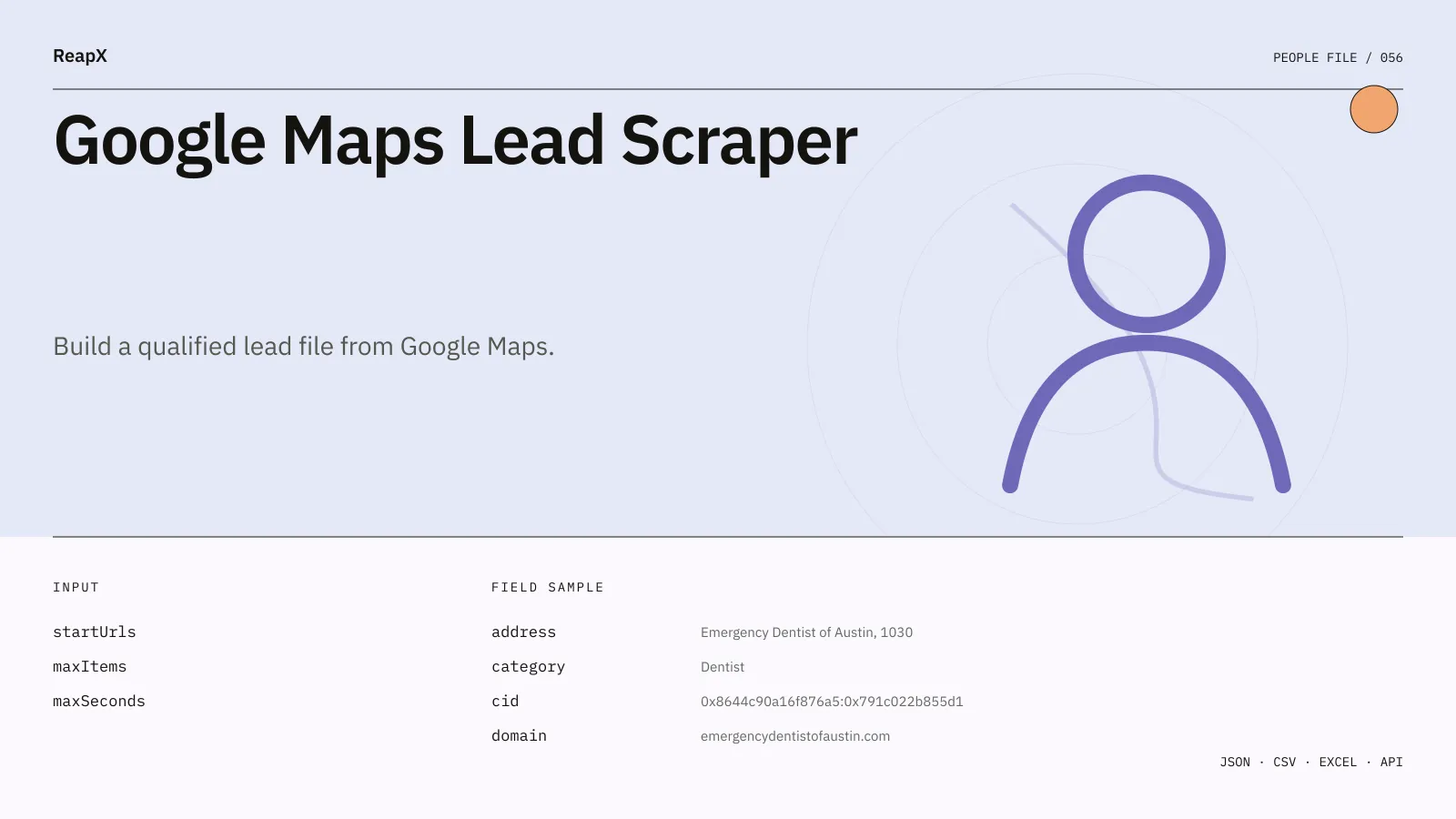
The dataset schema names every field before the run. The first working set is name, title, url, address, phone, website, domain, email, emails, socials, category, and rating. Dataset views keep related fields together without changing the underlying row.
Captured row
Input
Google Maps Lead Scraper accepts source URLs. Run controls stay in the same form.
| Field | What it controls | Starting value |
|---|---|---|
startUrls | Enter Google Maps search terms or identifiers, one per line. | ["dentists in austin"] |
maxItems | Stop after this many dataset rows. | 20 |
maxSeconds | Stop after this many seconds and keep completed rows. | 180 |
Example input
Price
$0.00001 per dataset item. Other Apify plans use the rates shown in the Pricing tab.
Console, API, schedules, and exports
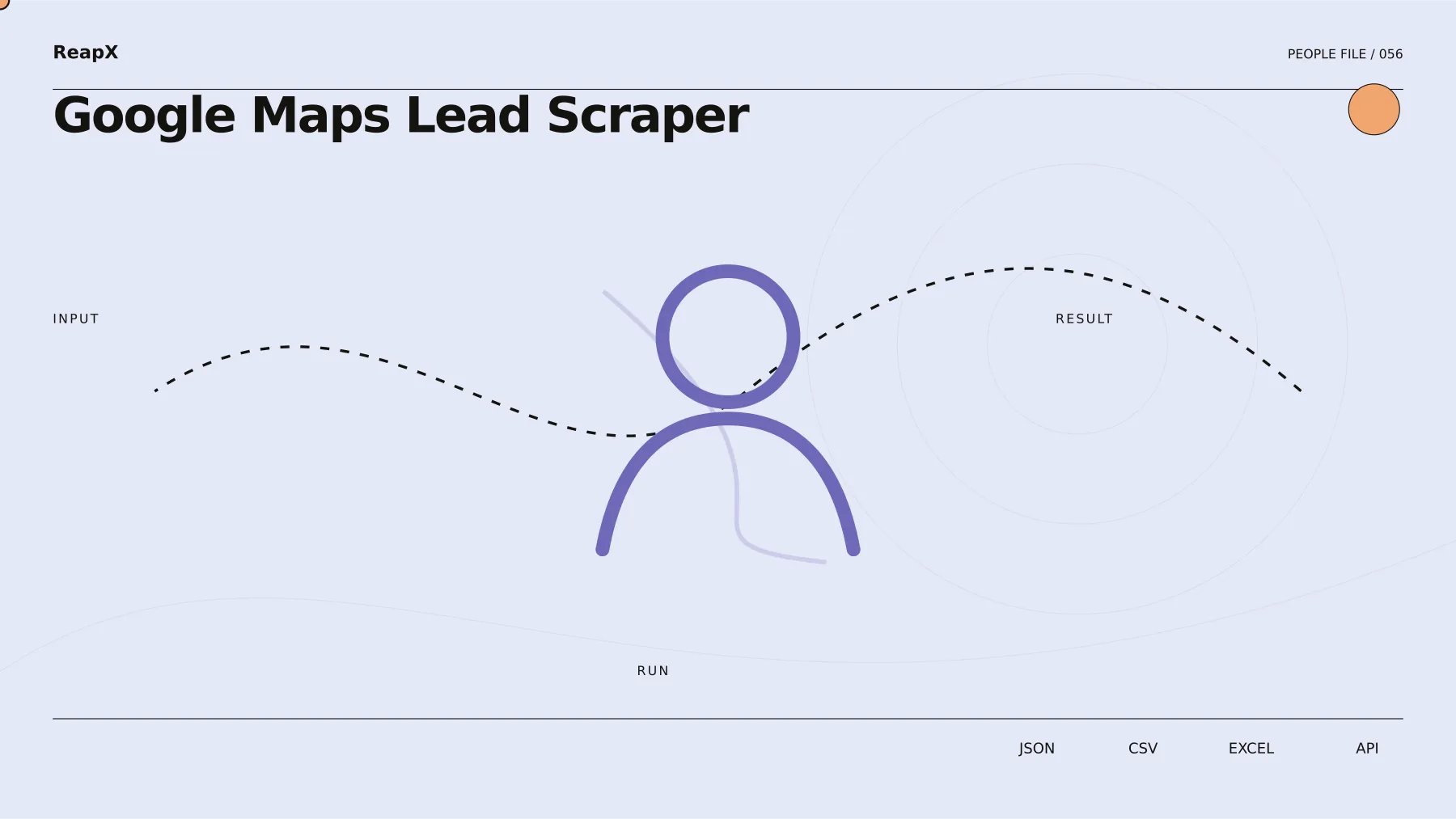
Runs can begin in Apify Console, from a saved task, or through the Actor API. A schedule can reuse the same input. Completed rows remain in the run dataset for API retrieval and Apify dataset exports.
Saved tasks
Twenty task pages cover distinct research, comparison, operations, automation, and export jobs. The opening set is:
- Google Maps lead exact lookup: Review one Google Maps record around
name,title,category, andaddress. The saved task usesstartUrls,maxItems, andmaxSecondsand opens theoverviewview. Configured in Google Maps Lead Scraper. - Google Maps lead account comparison: Compare Google Maps leads using
rating,reviewsCount,name, andtitle. Thestatsview keeps the differences close together. Configured in Google Maps Lead Scraper. - Google Maps lead source list: Process a saved Google Maps input queue with
startUrls,maxItems, andmaxSeconds. Source and identifier fields remain visible in theidentityview. Configured in Google Maps Lead Scraper. - Google Maps lead identity index: Index Google Maps leads by
name,title,route, anddomain. The saved input keeps the same matching keys from run to run. Configured in Google Maps Lead Scraper. - Google Maps lead contact coverage: Assemble a Google Maps register centered on
phone,website,domain, andemail. The task keepsstartUrls,maxItems, andmaxSecondsvisible for later review. Configured in Google Maps Lead Scraper. - Google Maps lead audience benchmark: Compare numeric and status fields across Google Maps leads, led by
rating,reviewsCount,latitude, andlongitude. Results open as thelocationtable. Configured in Google Maps Lead Scraper.
Related products
- Google Maps Email Scraper
- Google Maps Contact Scraper
- Google Maps Place Scraper
- LinkedIn Email Scraper
- Instagram Email Scraper
Support
Include the Actor ID, run ID, saved task name, and affected input when reporting an issue. That is enough to locate the run and its dataset.


