

Transcribe | Transcribe any video or audio
Pricing
from $50.00 / 1,000 results
Transcribe | Transcribe any video or audio
Transcribe any video or audio from YouTube, TikTok, Instagram, Twitter, and 1000+ sites
Pricing
from $50.00 / 1,000 results
Rating
0.0
(0)
Developer

REXREUS D.O
Maintained by CommunityActor stats
1
Bookmarked
3
Total users
0
Monthly active users
21 days ago
Last modified
Categories
Share
🎙️ Universal Video/Audio Transcriber
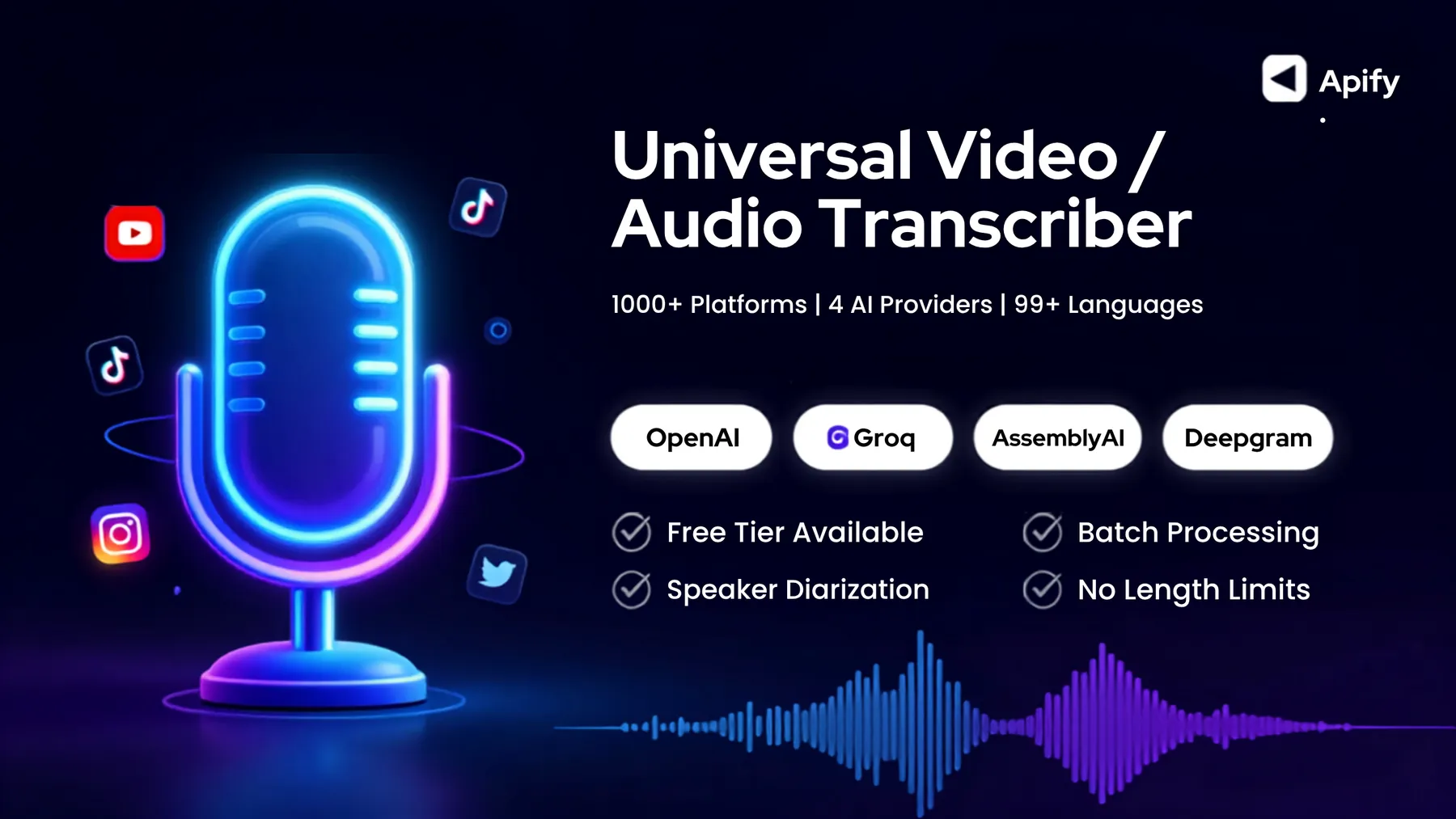
Transcribe any video or audio from YouTube, TikTok, Instagram, Twitter, and 1000+ sites
Powered by OpenAI · Groq · AssemblyAI · Deepgram — your choice of AI engine



✨ Why This Actor?
| Feature | What You Get |
|---|---|
| 🌐 1000+ platforms | YouTube, TikTok, Instagram, Twitter, Vimeo, SoundCloud, and virtually any site with video/audio |
| 🤖 4 AI providers | OpenAI Whisper, Groq (free tier!), AssemblyAI, Deepgram — pick the best fit |
| 💰 Free tier option | Groq offers generous free API credits — start transcribing for $0 |
| 📝 Multiple formats | JSON (full metadata), SRT (subtitles), VTT (web captions), TXT (plain text) |
| 🌍 99+ languages | Auto-detect or specify language — from English to Japanese to Arabic |
| 🔊 Speaker diarization | Identify who said what with AssemblyAI or Deepgram |
| 🔄 Batch processing | Paste 1 URL or 100 — the actor handles them all with per-URL error isolation |
| 📏 No length limits | Automatic compression + smart chunking handles hours of audio |
| 🔗 Direct media URLs | Bypass extraction entirely for direct MP3/MP4/WAV links |
| 🛡️ Resilient by design | Automatic retries, graceful error handling, state persistence across migrations |
🚀 Quick Start
Option 1: On Apify (Recommended)
- Open the Actor on Apify Console
- Paste your URLs — YouTube, TikTok, Instagram, etc.
- Choose a provider — OpenAI, Groq, AssemblyAI, or Deepgram
- Enter your API key — Get one from your chosen provider
- Click Start — Results appear in the Dataset within minutes
Option 2: Local Development
📊 Provider Comparison
Choose the provider that fits your needs:
| Provider | Price/min | Best For | File Limit | Timestamps | Translation | Diarization |
|---|---|---|---|---|---|---|
| OpenAI | $0.006 | All-around accuracy | 25 MB* | ✅ | ✅ | ❌ |
| Groq | FREE tier | Speed + budget | 25 MB* | ✅ | ✅ | ❌ |
| AssemblyAI | $0.0035 | Long videos + accuracy | ∞ | ✅ | ❌ | ✅ |
| Deepgram | $0.0043 | Low latency | ∞ | ✅ | ❌ | ✅ |
*Files over 25 MB are automatically compressed and chunked — no manual work needed.
Available Models
| Model | Provider | Highlights |
|---|---|---|
whisper-1 | OpenAI | Classic, reliable, all output formats |
gpt-4o-transcribe | OpenAI | Newer architecture, better at context |
gpt-4o-mini-transcribe | OpenAI | Cheapest OpenAI option |
whisper-large-v3 | Groq | High accuracy, free tier available |
whisper-large-v3-turbo | Groq | Fastest option, free tier |
universal-3-pro | AssemblyAI | Best overall accuracy, no file limit |
universal-2 | AssemblyAI | 99 languages, no file limit |
nova-3 | Deepgram | Latest Deepgram, best accuracy |
nova-2 | Deepgram | Proven and stable |
🔧 How It Works
🌐 YouTube Extraction
This actor automatically uses Apify residential proxy for YouTube extraction to bypass bot detection. No manual proxy configuration is needed — it's enabled by default in the actor input.
📥 Input
Basic Usage
Full Options
Input Fields Reference
| Field | Type | Required | Default | Description |
|---|---|---|---|---|
urls | Array | ✅ Yes | — | List of video/audio URLs to transcribe |
directMediaUrls | Array | No | — | Direct links to media files (bypasses extraction) |
provider | String | No | openai | openai, groq, assemblyai, or deepgram |
model | String | No | whisper-1 | Transcription model (see provider comparison) |
openaiApiKey | String | * | — | Required when provider is openai |
groqApiKey | String | * | — | Required when provider is groq |
assemblyaiApiKey | String | * | — | Required when provider is assemblyai |
deepgramApiKey | String | * | — | Required when provider is deepgram |
outputFormats | Array | No | ["json"] | Output formats: json, srt, vtt, txt |
language | String | No | auto | ISO-639-1 code (e.g., en, id, ja) |
translateToEnglish | Boolean | No | false | Translate non-English to English |
prompt | String | No | — | Context prompt for better accuracy |
speakerDiarization | Boolean | No | false | Identify speakers (AssemblyAI/Deepgram only) |
audioFormat | String | No | mp3 | Extraction format: mp3, m4a, wav, webm, flac |
maxDurationMinutes | Integer | No | 0 | Skip videos longer than X min (0 = no limit) |
debugMode | Boolean | No | false | Verbose logging for troubleshooting |
📤 Output
Each URL produces a record in the Dataset:
Output Formats
JSON — Full structured data with timestamps, confidence scores, and segments:
SRT — Standard subtitle format for video players:
VTT — Web-compatible subtitle format:
TXT — Clean plain text:
🏗️ Architecture
Key Design Decisions
- Compression-first: Audio is compressed to 16kHz mono 64kbps before sending to APIs — this means ~50 min of audio fits in 25 MB, dramatically reducing costs
- Silence-aware chunking: When files exceed provider limits, we split at silence boundaries instead of cutting mid-sentence
- Per-URL isolation: One failed URL never aborts the entire batch — errors are captured and stored alongside successful results
- Provider abstraction: Adding a new provider requires only implementing the
BaseProviderinterface — no changes to the pipeline - State persistence: Progress is saved to Apify KVS, so if the actor migrates servers mid-batch, it resumes where it left off
🔑 Getting API Keys
OpenAI
- Go to platform.openai.com
- Navigate to API Keys
- Create a new key starting with
sk-... - Pricing: $0.006/min (whisper-1), $0.02/min (gpt-4o-transcribe)
Groq (Recommended for Free Tier!)
- Go to console.groq.com
- Sign up for a free account
- Create an API key
- Pricing: Free tier available with generous rate limits
AssemblyAI
- Go to assemblyai.com
- Sign up and get your API key
- Pricing: $0.0035/min — best value for long videos
Deepgram
- Go to deepgram.com
- Sign up for $200 free credit
- Create an API key
- Pricing: $0.0043/min
🛠️ Development
Prerequisites
- Node.js ≥ 20
- ffmpeg (for audio compression)
- yt-dlp (for audio extraction from URLs)
Local Setup
Adding a New Provider
- Create
src/providers/your-provider.jsextendingBaseProvider - Implement
transcribe(audioBuffer, options)andget supportsTimestamps() - Add your provider to
PROVIDERSandMODEL_TO_PROVIDERinconfig.js - Update the factory in
providers/index.js
🐳 Docker
The actor runs in a Docker container with all dependencies pre-installed:
Build and run locally:
📋 Supported Platforms
yt-dlp supports 1000+ sites. Here are the most popular:
| Platform | Status | Notes |
|---|---|---|
| YouTube | ✅ | Videos, Shorts, Playlists |
| TikTok | ✅ | Public videos |
| ✅ | Reels, Posts, Stories | |
| Twitter/X | ✅ | Public tweets with video |
| ✅ | Public videos | |
| Vimeo | ✅ | All videos |
| SoundCloud | ✅ | Tracks, playlists |
| Twitch | ✅ | VODs, clips |
| ✅ | Video posts | |
| Dailymotion | ✅ | All videos |
| ✅ | Public videos | |
| Direct URLs | ✅ | MP3, MP4, WAV, M4A, WEBM, OGG, FLAC |
| ...and 990+ more | ✅ | See yt-dlp supported sites |
❓ FAQ
Q: How much does it cost? A: Depends on the provider. Groq offers a free tier. OpenAI charges $0.006/min. For a 1-hour video, expect ~$0.36 with OpenAI or $0 with Groq's free tier.
Q: How long does transcription take? A: Extraction + compression typically takes 1-3 minutes. API transcription is usually 10-30% of the audio duration. A 10-minute video is typically done in under 5 minutes total.
Q: Can I transcribe private/unlisted videos? A: Yes, if you provide a proxy configuration or the platform allows access via the URL alone. For geo-restricted content, use the proxy settings.
Q: What about very long videos (2+ hours)? A: The actor automatically compresses and chunks long audio. AssemblyAI and Deepgram have no file size limits, making them ideal for very long content.
Q: Can I translate non-English audio to English?
A: Yes! Enable translateToEnglish with OpenAI whisper-1 or Groq whisper-large-v3.
Q: How do I identify different speakers?
A: Enable speakerDiarization with AssemblyAI or Deepgram. This adds speaker labels (SPEAKER 1, SPEAKER 2, etc.) to the output.
Q: Can I run this locally without Apify?
A: Yes! Install ffmpeg and yt-dlp, set your API key in .env, and run npm start.
🤝 Contributing
Contributions are welcome! Here's how:
- Fork the repository
- Create a feature branch (
git checkout -b feature/amazing-feature) - Commit your changes (
git commit -m 'Add amazing feature') - Push to the branch (
git push origin feature/amazing-feature) - Open a Pull Request
📄 License
This project is licensed under the MIT License — see the LICENSE file for details.
🙏 Acknowledgments
- yt-dlp — The incredible media downloader powering extraction
- ffmpeg — The Swiss army knife for audio processing
- Apify — The platform that makes deployment effortless
- OpenAI, Groq, AssemblyAI, Deepgram — The AI engines making transcription possible
⭐ Star this repo if you find it useful!
Made with ❤️ for the transcription community


