

Tarazu -Shopify Free Shipping & Discount Tester
Pricing
from $30.00 / 1,000 scenarios
Tarazu -Shopify Free Shipping & Discount Tester
Test your Shopify store's free-shipping threshold, discount codes, automatic discounts and cart totals over the public Ajax Cart API. Boundary carts, exact money math and evidence for every verdict. Never opens checkout or places orders.
Pricing
from $30.00 / 1,000 scenarios
Rating
0.0
(0)
Developer

Sayuj Pillai
Maintained by CommunityActor stats
0
Bookmarked
2
Total users
1
Monthly active users
3 days ago
Last modified
Categories
Security
Limited permissionsShare
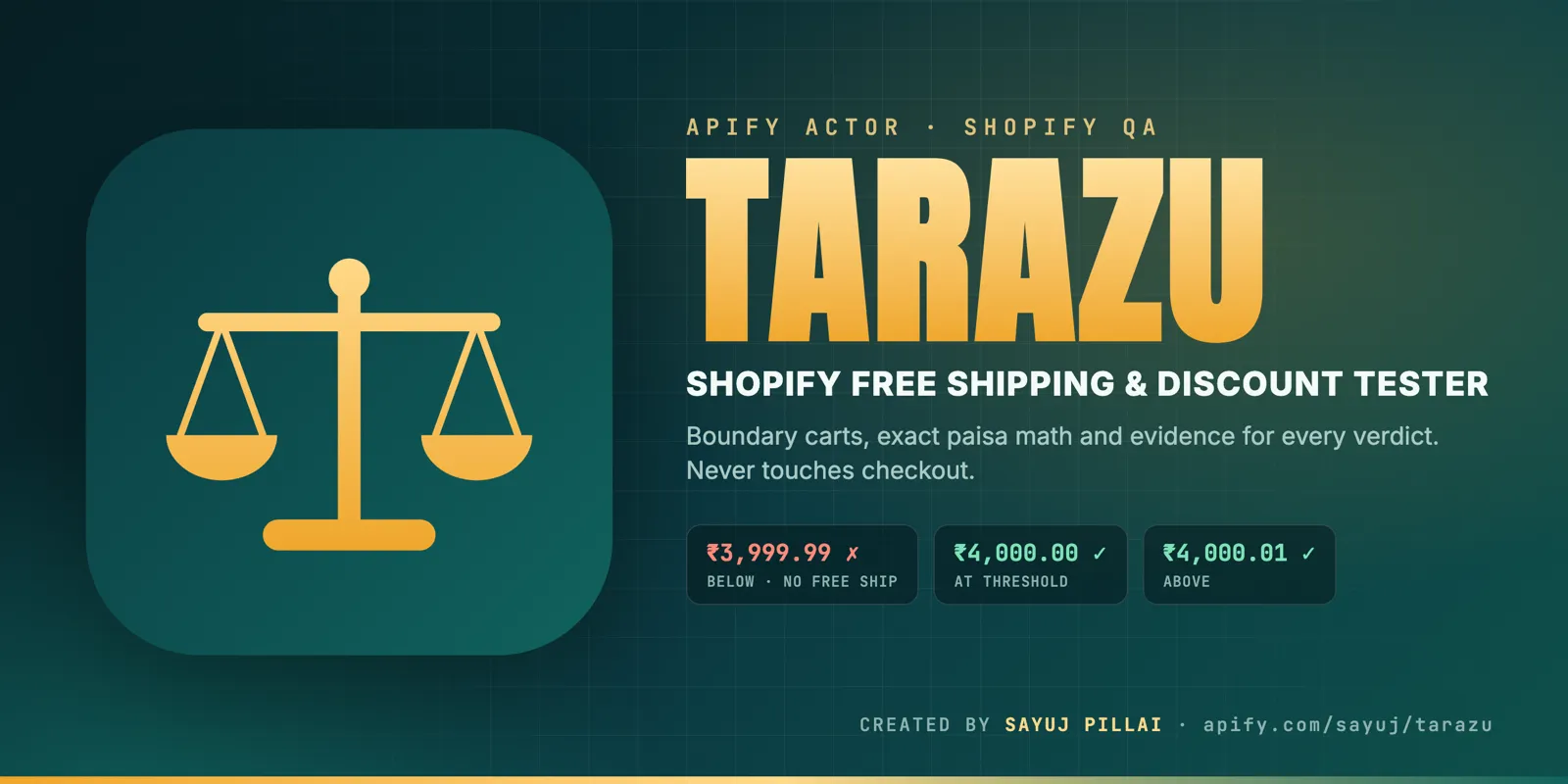
What is Tarazu?
Tarazu (Hindi/Urdu for balance scale) is a Shopify free shipping and discount tester. It checks that your
store's free-shipping threshold, discount codes, automatic discounts and cart totals behave the way you intended.
It builds real carts through the storefront's public Ajax Cart API, places them just below, exactly at and just above
your threshold, applies your codes, reads the real cart and shipping quotes, and gives every rule a verdict:
pass, fail, inconclusive or unsupported, each with evidence.
Tarazu never opens checkout and never places an order. It only uses cart endpoints, on stores you own or are authorized to test.
Who is it for?
- Shopify agencies and theme developers who want a quick QA pass after a theme, app or discount change.
- Merchants who want a check before a sale or campaign goes live, or a daily scheduled run.
- Anyone who has asked "does free shipping still apply after someone uses a discount code?"
What does it check?
| Check | What Tarazu verifies |
|---|---|
| Free-shipping threshold | Carts just below, at and above your threshold get (or don't get) a free rate. Tested before or after discounts, with >= or >. |
| Discount codes | The code applies (or doesn't), and takes off exactly the amount you expect. |
| Automatic discounts | An automatic discount is present and takes off the expected amount. |
| Cart totals | The total, subtotal or discount equals a number, or a multi-step formula such as "10% then ₹500 off". |
| Line prices | A variant's price in the cart is what you expect. |
| Variant availability | A sold-out variant really can't be added, and an in-stock one can. |
| Currency | The cart is in the currency of the market you pinned. If the currency is wrong, money checks are marked inconclusive instead of being compared across currencies. |
| Cart page total | The /cart page shows the same total as the cart API (depends on the theme). |
Checkout-only behaviour (cash on delivery, payment methods, tax, final checkout total, shipping-discount codes) is reported as unsupported, never guessed.
How to use it
- Try the demo first. Leave Mode on Demo store and click Start. Tarazu runs 11 scenarios against two built-in stores (one configured correctly, one with deliberate bugs) and shows every verdict type. Demo runs are free.
- Switch Mode to My store and enter your Store URL (for example
https://your-store.myshopify.com). - Tick I own this store or am authorized to test it.
- For a password-protected development or staging store, enter the Storefront password (Shopify admin → Online Store → Preferences). It is stored as a secret and never written to results or logs.
- Set Market country, Expected cart currency and a shipping address (country, province, postal code), which shipping quotes need.
- Add what you want to test:
- Free-shipping threshold (for example
4000) plus 2–5 Variants for boundary carts. Tarazu works out the carts closest to the threshold itself. - Discount code checks, for example
FLAT500on 4 posters, expecting ₹500.00 off. - Scenarios for anything else (JSON, see the example below).
- Free-shipping threshold (for example
Where do I find a variant ID? In Shopify admin open Products → your product → click the variant. The number at the
end of the URL is the variant ID. You can also open https://your-store/products/<handle>.js and read variants[].id.
Input example
Output example
One dataset row per check. This row is from a real run against a test store:
In the dataset these fields sit inside data, next to resultId, status, observedAt and sourceRefs (the exact
Shopify requests used as evidence). Each run also stores:
- REPORT: a readable HTML QA report you can share with a client.
- SUMMARY: JSON totals, per-scenario verdicts and why the run stopped.
- EVIDENCE-: the full cart, shipping quotes and request log for each scenario.
What the verdicts mean
- pass: the store behaves as you specified.
- fail: it doesn't. The message says what Tarazu expected and what it saw.
- inconclusive: Tarazu couldn't observe enough to decide (for example the shipping quote was unavailable or the currency was wrong). It never reports a pass without evidence.
- unsupported: the rule can only be seen at checkout, which Tarazu deliberately never opens.
How much does it cost?
Tarazu charges one scenario-tested event per live scenario that was actually tested, meaning the cart was read
and at least one check reached pass or fail. A typical suite (3 boundary carts, 2 code checks, 2 extra scenarios)
is 7 events. Demo runs, failed store connections and checkout-only (unsupported) scenarios are not charged.
See the Pricing tab for the current price per event.
Safety
- Only Shopify cart endpoints are allowed (
/cart.js,/cart/add.js,/cart/update.js, shipping rates and a few others). Checkout, orders, accounts and admin URLs are blocked in code before any request is sent. - Private and internal network addresses are refused, including through redirects.
- The storefront password and Crawler access signatures are secrets. Cart tokens are shortened in evidence.
- Requests are paced (1 s apart by default), and every scenario uses its own fresh cart.
Limitations
- Shipping-discount codes and free-shipping rules that only run at checkout don't show up in cart shipping quotes.
- A customer-segment discount code can look applied in a guest cart and still be removed at checkout.
- Shopify's bot protection can rate-limit automated carts. If you see
BOT_CHALLENGE, create a signature under Online Store → Preferences → Crawler access and paste both values into the input. - The cart page total check depends on your theme; headless storefronts report it as inconclusive.
FAQ
Does it create orders or touch checkout? No. It only builds carts, and the test carts simply expire.
Can I test my client's store? Only with the owner's permission. You must tick the authorization box for live runs.
Does free shipping use the total before or after discounts? On the stores we tested, Shopify used the total
after discounts: 4 × ₹1,000 with FLAT500 (₹3,500) did not get free shipping at a ₹4,000 threshold. Tarazu
lets you assert whichever rule you intend.
Can I schedule it? Yes. Save your input as a Task and add a schedule; failed checks show up as fail rows and
in the SUMMARY record.


