
Document Processing API — PDF, OCR & Validated JSON
Pricing
from $20.00 / 1,000 document results
Document Processing API — PDF, OCR & Validated JSON
Extract schema-validated JSON from PDFs, scans, images, DOCX, XLSX, emails, and text. Includes OCR, field evidence, custom rules, and workflow routing—no model API key required.
Pricing
from $20.00 / 1,000 document results
Rating
0.0
(0)
Developer

Scalogik LLC
Maintained by CommunityActor stats
0
Bookmarked
2
Total users
1
Monthly active users
2 months ago
Last modified
Categories
Share
Document Processing API — PDF, OCR & Validated JSON
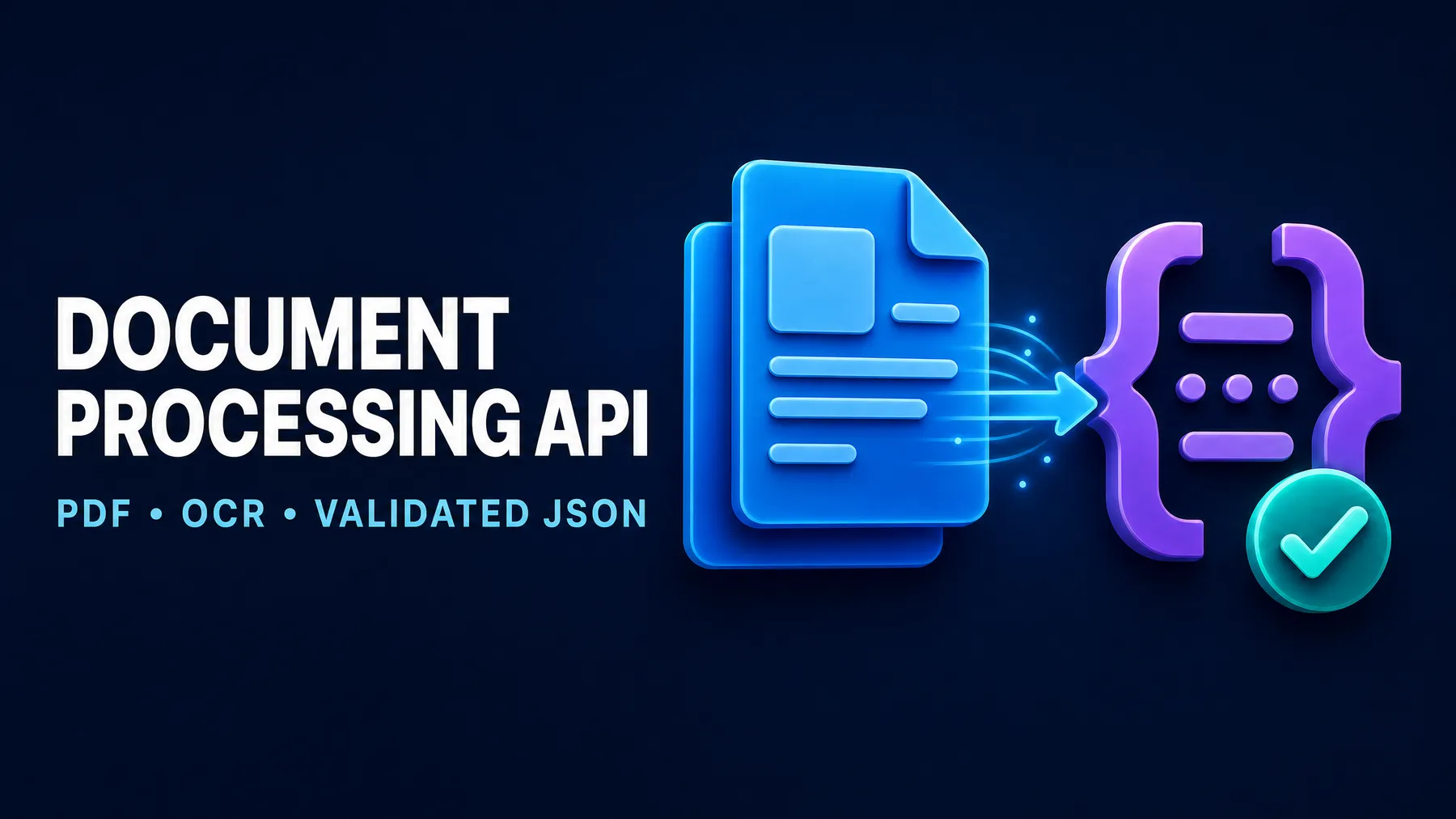
Turn PDFs, scans, images, DOCX files, spreadsheets, emails, and text documents into schema-validated JSON. This AI document processing API extracts exactly the fields in your JSON Schema, returns field-level evidence, applies deterministic validation rules, and routes every document to accepted, review, or rejected.
No separate model-provider API key is required. Upload a file or send document URLs, define the JSON you need, and receive workflow-ready results through Apify Console, REST API, Python, JavaScript, schedules, webhooks, or MCP. The Actor uses Apify OpenRouter with the token of the account that starts the run, so managed model-token usage is billed separately by Apify.
Built for reliable automation: constrained JSON output, local schema validation, evidence coverage, safe repair, transparent errors, and no successful-result charge when processing fails.
What this document processing API does
Most OCR APIs return text. Most PDF-to-JSON tools return a fixed structure. This Actor lets you define a custom Draft 2020-12 JSON Schema and combines extraction with validation and routing in one run.
| Capability | What you receive |
|---|---|
| Custom document data extraction | Only the fields and types declared in your JSON Schema |
| PDF and OCR processing | Digital PDF text extraction plus visual processing for scans and images |
| Validated JSON output | A local schema-validation result and exact violation paths |
| Evidence-backed extraction | Source quote, page or section, confidence, and verification state per field |
| Custom workflow rules | Declarative checks such as required values, regex, equality, range, and presets |
| Decision routing | accepted, review, or rejected for each document |
| Batch safety | Per-document errors, fail-fast control, document limits, and spending-limit stop |
| Managed AI | Gemini extraction through Apify OpenRouter; no separate provider key, with model-token usage billed by Apify to the run starter |
Supported document formats
The API accepts PDF, PNG, JPEG, WEBP, DOCX, XLSX, EML, CSV, JSON, HTML, Markdown, and plain text. Digital documents are parsed locally when possible. Scanned PDFs and direct image uploads are normalized into bounded JPEG inputs before managed visual extraction, preventing oversized base64 requests.
| Format group | Examples | Processing path |
|---|---|---|
| Digital and scanned PDF | Local text extraction or bounded page rendering | |
| Images | PNG, JPEG, WEBP | Multimodal visual extraction |
| Office | DOCX, XLSX | Local text and cell extraction |
| EML | Headers and plain/HTML body extraction | |
| Structured text | CSV, JSON, HTML, Markdown, TXT | Local normalization before extraction |
Common use cases
| Workflow | Example JSON fields |
|---|---|
| Invoice extraction API | invoice number, dates, supplier, VAT ID, currency, line items, totals |
| Receipt OCR API | merchant, transaction date, tax, total, payment method |
| Purchase-order processing | PO number, buyer, supplier, SKUs, quantities, delivery date |
| Certificate-of-Analysis parser | batch, analyte, method, specification, result, unit, pass/fail |
| Safety Data Sheet extraction | product, CAS numbers, hazards, PPE, transport class |
| Freight document automation | BOL number, shipper, consignee, freight class, weight, accessorials |
| Application and onboarding forms | applicant fields, missing evidence, validation status |
| Email attachment workflows | normalized message fields and document-derived business data |
Quick start: extract an invoice to JSON
Use the prefilled example in Apify Console for a safe first run. For your own document, provide one file and a schema:
The Actor returns one dataset row per document:
modelCostUsd is the diagnostic managed-model cost observed during processing. It corresponds to the separate Apify OpenRouter model-token usage billed to the account that starts the run; it is not an additional Scalogik Actor event charge.
Define your validated JSON output
outputSchema uses a safe subset of JSON Schema Draft 2020-12.1 The root must be an object. Supported field types are object, array, string, number, integer, boolean, and null. Nested objects and arrays are supported within launch limits.
Use nullable required fields when a document may omit information:
This structure forces the model to return predictable keys while preserving an explicit null when the source does not contain a value.
Add deterministic validation rules
AI extracts the fields; deterministic code evaluates your business checks. Rules use dotted field paths such as supplier.vatId or lineItems.0.sku.
| Operator | Purpose | Example |
|---|---|---|
required / exists | Field must contain a value | Invoice number is present |
equals / notEquals | Exact value comparison | Currency equals EUR |
contains | String or array membership | Description contains a term |
regex | Full-string pattern validation with a short safety timeout | Internal reference format |
gt, gte, lt, lte | Numeric comparison | Total is greater than zero |
in | Value belongs to an allowlist | Document type is permitted |
matchesPreset | Common formats | Email, ISO date, currency code, VAT ID |
Rules have error or warning severity. The standard route policy sends schema or rule errors to rejected, warnings or evidence coverage below 60% to review, and clean results to accepted. The conservative policy reviews warnings or coverage below 90%; strict also rejects warnings or incomplete evidence; review_all sends every schema-valid, rule-clean extraction to review.
Evidence and review queues
Each populated scalar field can include a verbatim source quote and page or section reference. Evidence from locally extracted text is checked against the source and marked verified: true or false. Visual-only evidence is marked verified: null because there is no independent text layer against which to compare it.
evidenceCoverage reports the share of populated scalar fields with evidence. This makes it possible to route incomplete extractions to review without treating model confidence as proof.
API integration
Apify generates REST, Python, JavaScript, CLI, webhook, schedule, and MCP integration options for every Actor.2
REST API
Python
JavaScript
MCP and AI agents
After publication, add the Actor through Apify’s hosted MCP server. OAuth-capable clients can connect without placing an API token in the MCP configuration.3
Input reference
| Input | Type | Required | Description |
|---|---|---|---|
document | File/URL string | One source | Single-click upload or HTTPS file URL |
documentUrls | URL array | One source | Batch of public HTTPS documents |
inlineDocuments | Object array | One source | API-supplied text with filename and MIME type |
outputSchema | JSON object | Yes | Required validated output structure |
extractionInstructions | String | No | Field interpretation or workflow context |
validationRules | Object array | No | Up to five deterministic checks |
routePolicy | Enum | No | standard, strict, or review_all |
pdfMode | Enum | No | auto, digital, or scanned |
includeEvidence | Boolean | No | Return source evidence; default true |
includeRawText | Boolean | No | Return bounded source text; default false |
failFast | Boolean | No | Stop after the first processing error |
maxDocuments | Integer | No | Run limit from 1 to 20 |
You may combine an uploaded document, documentUrls, and inlineDocuments in one run, up to maxDocuments. Results retain a stable one-row-per-source order.
Output reference
| Field | Meaning |
|---|---|
status | success, partial, or error |
route | accepted, review, or rejected |
schemaValid | Whether data satisfies the requested schema |
data | Extracted custom JSON object |
evidence | Field-indexed quotes, location, confidence, and verification |
evidenceCoverage | Evidence coverage from 0 to 1 |
violations | Schema and deterministic-rule failures |
warnings | Non-fatal extraction, evidence, or format warnings |
document | MIME type, size, page count, and SHA-256 hash |
processing | Model, parser path, attempts, duration, tokens, and model cost |
error | Stable safe error code, message, and retryability |
Pricing
The Scalogik Actor price is $0.02 per successful or partial document result, plus $0.00005 per Actor start. Error results do not receive the document-processed charge. The Actor’s own platform usage is included in this event price. The managed extraction call uses apify/openrouter with the account token for the user who starts the run; Apify bills that account separately for actual model-token usage. Customers need no separate OpenAI, Gemini, or OpenRouter provider key, but should allow for this additional Apify usage charge.
| Processed documents | Approximate event price |
|---|---|
| 1 | $0.02005 |
| 100 | $2.00005 |
| 1,000 | $20.00005 |
These estimates exclude any optional costs created outside this Actor, such as storing a source file on another service.
Security and privacy
Documents are processed in memory for the run and are not copied into Actor storage. Raw text is excluded from output by default. Stored source URLs omit user information, query strings, and fragments. The downloader rejects non-HTTPS URLs, URL credentials, loopback and private-network destinations, blocked DNS resolutions, unsafe redirects, oversized files, and unsupported content types.
The managed request denies provider data collection where supported. Nevertheless, this service sends document content to a managed model provider for extraction. Do not process documents unless you have the necessary rights, notices, agreements, and retention policy.
Limits and honest expectations
| Limit | Launch value |
|---|---|
| Documents per run | 20 |
| File size | 20 MiB |
| PDF pages | 50 total |
| Rendered scanned-PDF pages | 10 |
| JSON Schema properties | 150 |
| Spreadsheet cells | 50,000 |
| Validation rules | 5 |
| Model repair passes | 1 |
No document AI system is perfect. Poor scans, handwriting, complex nested tables, password-protected files, malformed documents, and ambiguous values can produce errors or review results. Use route, violations, and evidence rather than assuming every extracted value is correct.
Quality verification
The private release passed 151 automated tests with 87.99% branch-aware coverage. A controlled Apify Cloud benchmark extracted 70/70 expected fields across digital PDF, scanned PDF, PNG, DOCX, XLSX, EML, and text fixtures. All seven latest format results were schema-valid, had full evidence coverage, and routed to accepted.
The benchmark is deliberately disclosed as a controlled fixture test; it does not predict accuracy on every real-world document. See the repository QA report for method, costs, runs, and limitations.
FAQ
What is the difference between this API and a basic OCR API?
OCR converts pixels into text. This Actor converts documents into a caller-defined JSON structure, validates the output, attaches evidence, applies rules, and assigns a workflow route.
Can I use it as a PDF-to-JSON API?
Yes. Supply a PDF URL or upload and define the JSON Schema. Digital PDFs use local text extraction; scanned PDFs use bounded page-image processing.
Can it extract invoices and receipts?
Yes. Invoice and receipt fields are a common schema, but the Actor is not limited to a fixed financial-document template.
Do customers need an OpenAI, Gemini, or OpenRouter key?
No separate provider key is needed. The Actor uses Apify OpenRouter with the Apify token of the account that starts the run. Apify bills that account separately for actual model-token usage in addition to the Scalogik Actor event price.
Is the returned JSON guaranteed to match my schema?
The Actor validates the result locally. A valid result has schemaValid: true; a failed schema remains visible with violations and is routed according to policy. The API does not silently describe invalid JSON as valid.
Are failed documents charged?
The custom document-processed event is applied only to successful and partial result rows. Error rows are returned without that Scalogik event charge. Any managed-model token use already consumed before an error may still be charged by Apify OpenRouter.
Can I batch documents?
Yes. Provide up to 20 document URLs or inline documents in one run. Each input produces an independent result row.


