

18vr Video Downloader | How to Download 18vr Videos
Pricing
Pay per usage
18vr Video Downloader | How to Download 18vr Videos
Keep 18vr scenes for offline viewing by saving them in the desktop browser where you already watch, and skip the separate downloader website.
Pricing
Pay per usage
Rating
0.0
(0)
Developer

SERP Downloaders
Maintained by CommunityActor stats
0
Bookmarked
2
Total users
1
Monthly active users
18 days ago
Last modified
Categories
Share
Keep 18vr scenes for offline viewing by saving them in the desktop browser where you already watch, and skip the separate downloader website.
Once a supported 18vr scene is open and its player has finished loading, the extension scans the page for video sources and shows you what it found. Everything takes place in the tab you are already using, so no second tab or outside tool gets involved.
Get it Here
👉 Get it here: 18vr Downloader
- ✅ Saved videos go straight to your device and are never routed through any server of ours
- ✅ The extension carries no advertising, tracking or analytics
- ✅ Linux, Mac and Windows desktops are all supported
Preview
How It Works
- Head to the scene: Browse to the 18vr page that holds the video you want to keep and wait for it to load the way it always does.
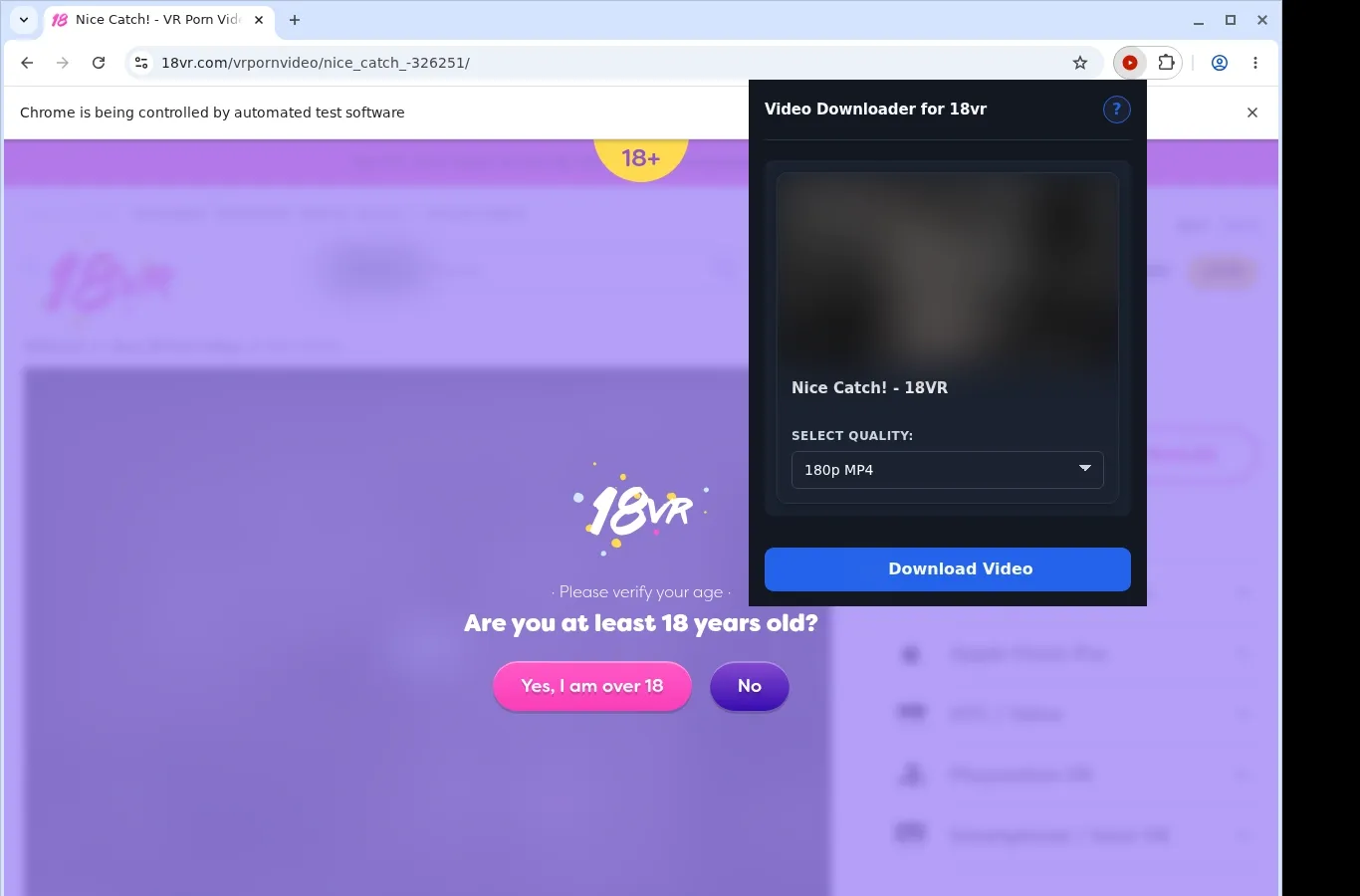
- Spot the source: Launch the extension and it checks the page for an available video source, then offers a download option tied to that page.
- Select a format and save: Open the dropdown of formats, choose from the file options offered, and the completed video lands on your device.
What It Does
- A single click sends the video you are viewing onto your own device.
- The extension adds a download button to the video page, which means you can kick things off right where you are watching.
- The extension's toolbar popup brings the same download action within easy reach whenever you need it.
- Only one video can be downloaded at once, so the extension stays tied to the scene on your screen.
- The file itself is written by the download manager that comes with your browser, and its status shows up in the same list your browser uses for any other download.
- Each saved file is filed into a folder reserved for 18vr, which keeps your library in order.
18vr Downloader vs. Separate Online Downloader Site
Rather than bouncing between sites, you trigger the download from inside the page you are already on, using either the on-page button or the toolbar popup.
| 18vr Downloader | Separate Online Downloader Site |
|---|---|
| Your starting point is a button that shows up inside the 18vr page itself. | Nothing is added to the page, which sends you elsewhere to begin. |
| The extension's toolbar popup works as a shortcut you can use anytime. | Starting means copying the page link and handing it to a different site. |
| The video you currently have open is the one it acts on. | Once a link is submitted elsewhere, the surrounding player context can be missing. |
| File saving is handed to the manager that is part of your browser. | Handling of the download is up to whatever system the third-party site runs. |
| Each saved file is filed into its own 18vr folder, which helps keep your library in order. | Where the file ends up, and what it is called, is the website's decision. |
Compatibility
Browsers: Chrome, Firefox, Edge, Brave, Opera, Whale, Yandex
Works with:
- Scene pages on 18vr
- MP4 or HLS sources, whichever the page exposes
- Yandex, Whale, Opera, Brave, Firefox, Edge and Chrome on the desktop
- Video served from the related p.badoinkvr domains whenever the page uses them
Out of scope:
- Streams that are protected
- Headset synchronization for VR
- Turning a file into another stereoscopic or projection type
- Mobile browsers, as well as Safari
FAQ
What do I do to begin saving a video from 18vr? Go to a supported 18vr scene page and wait until the player is ready. A download button will be shown on the page. Press it, and the extension locates the video source, after which your browser takes over through its standard downloads system and stores the file.
Which file types does it save? The extension works with the MP4 streams that come from 18vr while a video is being played. The file is saved as an MP4 in its original form, with no conversion step, so it is identical to the version the site serves.
Where will my saved videos end up? Inside your browser's default download location, a folder reserved for 18vr holds every saved file. Because everything is grouped together, finding a video later for offline viewing is simple.
Is it possible to save several videos in parallel? No. Downloads are limited to one video at a time, which keeps the process uncomplicated and means your browser's downloads aren't overwhelmed.
Know Before You Use It
- Nothing can be saved unless the open page exposes a source the extension is able to use.
- Sometimes the player has to finish initializing before anything is detected.
- The 18vr player sets which quality levels are on offer.
- Access restrictions stay in place, and no VR conversion step is included.
Only download videos you own or have permission to save.
