1BigClub Video Downloader | How to Download 1BigClub Videos
Pricing
Pay per usage
1BigClub Video Downloader | How to Download 1BigClub Videos
Saving a 1BigClub video takes a single click in the browser you already use, with no converter sites and no extra tabs.
Pricing
Pay per usage
Rating
0.0
(0)
Developer

SERP Downloaders
Maintained by CommunityActor stats
0
Bookmarked
2
Total users
1
Monthly active users
18 days ago
Last modified
Categories
Share
Saving a 1BigClub video takes a single click in the browser you already use, with no converter sites and no extra tabs.
Visit a 1BigClub post and wait for the page to finish loading. Once the player kicks in, the downloader locates the video source by itself, so there is nothing to track down in the page's code and no buried links to dig out.
Get it Here
👉 Get it here: 1BigClub Downloader
- ✅ Nothing you save is routed through our servers
- ✅ Contains no ads, tracking or analytics
- ✅ Compatible with Windows, macOS and Linux computers
Preview
How It Works
- Open the 1BigClub page: Browse to the post containing what you wish to keep, and wait while the browser finishes loading it.
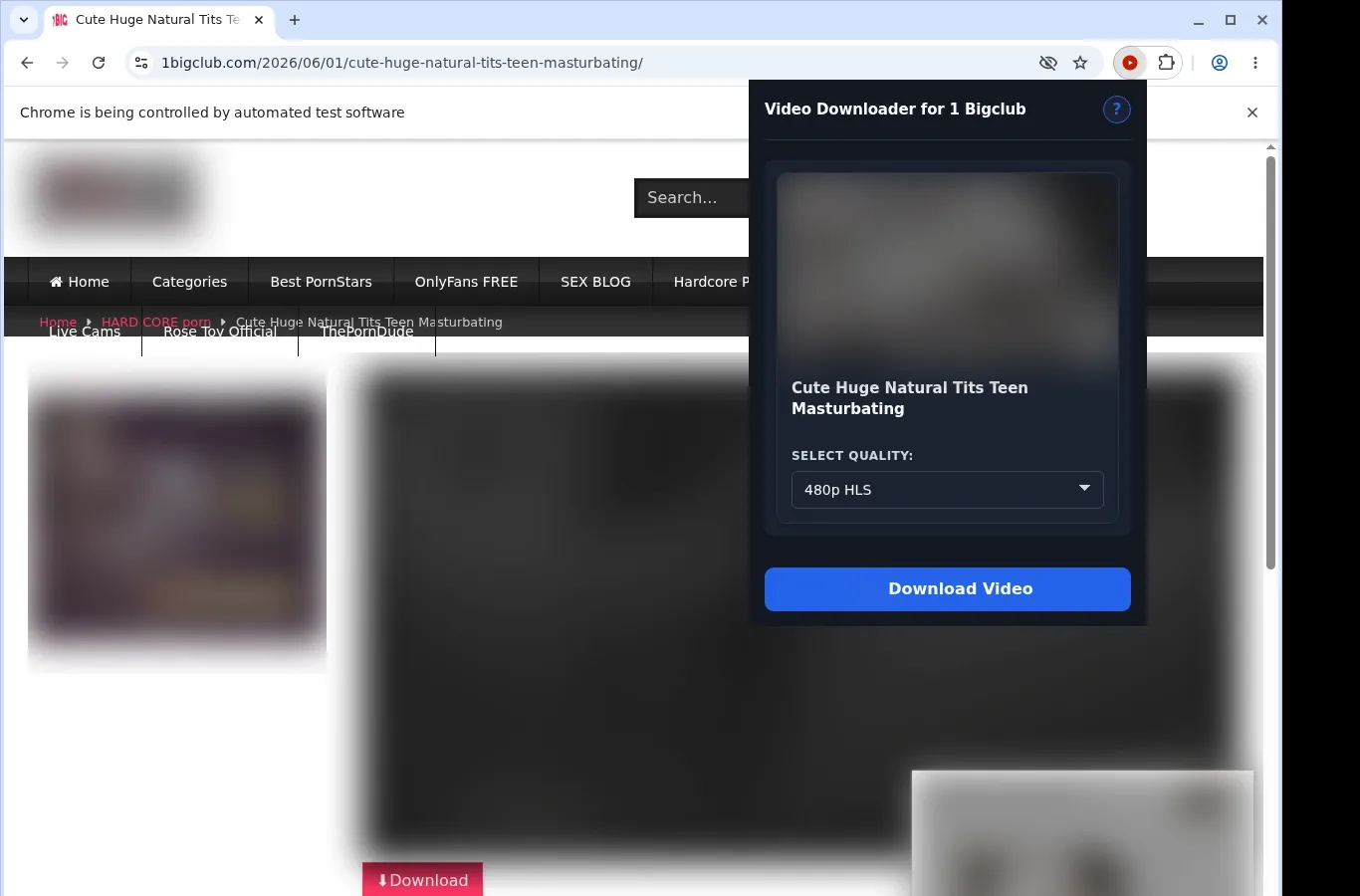
- Find the video: Launch the extension. It checks the current page for a video source and presents a matching download option.
- Pick a format and save: From the format menu, choose whichever of the offered files suits you, and the finished video is written straight to your computer.
What It Does
- Brings downloading to 1BigClub without sending you out of the browser.
- Starts the job from a button on the video page, with the toolbar popup as an alternative starting point.
- Takes a single video per download, which keeps the workflow plain.
- Lets the browser itself perform the transfer, with the download list showing how far along it is.
- Files each finished video automatically in a folder for 1BigClub inside your downloads location.
- Handles MP4 sources and compatible HLS streams whenever the page makes them available.
1BigClub Downloader vs. Online downloader website
You save from the video page itself, and the result waits for you in a folder reserved for it.
| 1BigClub Downloader | Online downloader website |
|---|---|
| Files go into a 1 Bigclub folder without any action from you | Where the file ends up, and what it's called, is up to whichever site you use |
| The transfer is run by the download manager that's part of your browser | The file has to be collected from a separate site's results page |
| Once it's done, you launch the file from your browser's downloads panel | Getting it may mean going back to the tool's page |
| Copes with how the site itself delivers streaming video | Video sources tied to a session can go unnoticed by some web tools |
| The 1BigClub page you're on stays open in front of you | You step away from the video page, copy its address and submit it elsewhere |
Compatibility
Browsers: Chrome, Firefox, Edge, Brave, Opera, Whale, Yandex
Works on:
- 1BigClub posts
- Any MP4 source the page makes available
- HLS streams the extension can work with
- Desktop Brave, Chrome, Edge, Firefox, Opera, Whale and Yandex
- Computers running macOS, Windows or Linux
Does not cover:
- Getting past stream protection
- Fetching many videos in a batch
- Safari
- Phone and tablet browsers
FAQ
What's the process for saving a 1BigClub video? Visit the 1BigClub post and give the player time to load. The extension then adds a button to the page, and either that button or the popup from your toolbar will begin the save.
Which folder holds my downloads? A 1 Bigclub folder is created for you within the downloads location your browser already uses, and every saved file goes in there. The browser's downloads list shows each one too.
Do I get a choice of quality? That depends on the video. Whenever the page lists several quality levels, a format menu opens so you can choose, and what you can pick is determined by what the site provides for that video.
Is Firefox one of the browsers it works with? Yes. Firefox works, along with the other desktop browsers listed above, on Windows, macOS or Linux.
Know Before You Use It
- The open page has to offer a source the extension is able to handle
- Starting the player may be necessary before anything is detected
- Each post can present a different set of formats
- Neither access-control workarounds nor bulk crawling are part of the extension
Only download videos you own or have permission to save.