

3Movs Video Downloader | How to Download 3Movs Videos
Pricing
Pay per usage
3Movs Video Downloader | How to Download 3Movs Videos
3Movs Video Downloader | How to Download 3Movs Videos Apify actor.
Pricing
Pay per usage
Rating
0.0
(0)
Developer

SERP Downloaders
Maintained by CommunityActor stats
0
Bookmarked
2
Total users
0
Monthly active users
4 months ago
Last modified
Categories
Share
Download 3movs videos from the page you're watching.
Get it Here
Get it here: https://serp.ly/3movs-downloader?via=apify
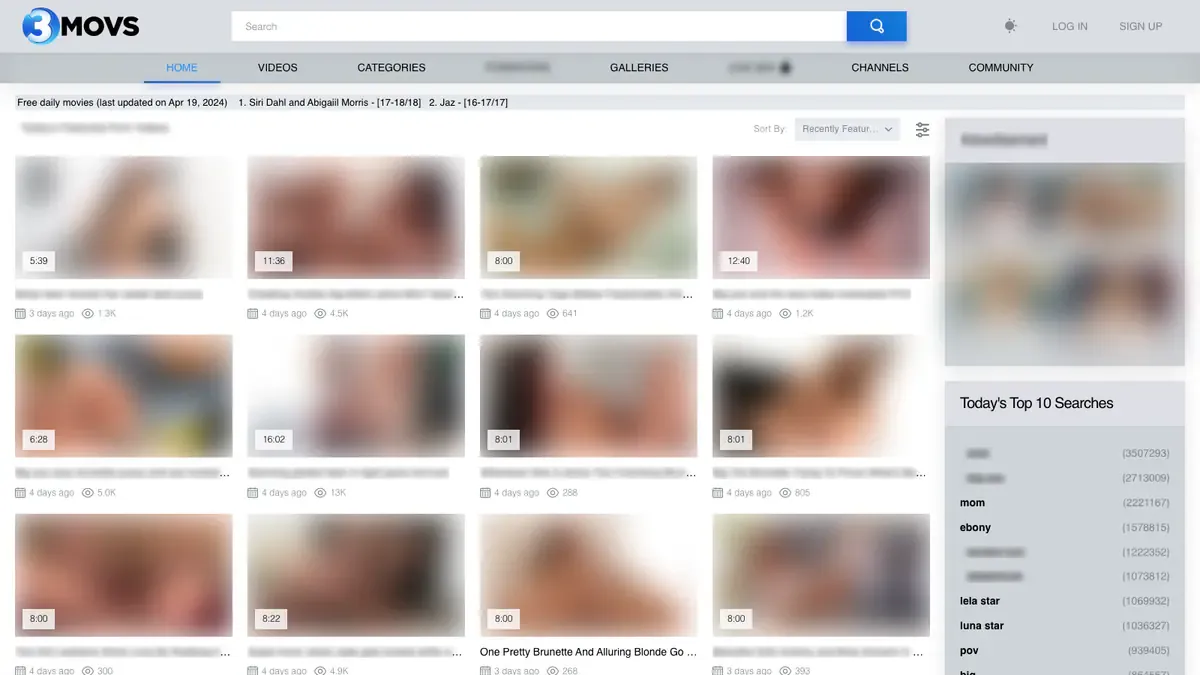
3movs Downloader is a browser extension that helps you save videos from 3movs pages directly in your browser. Open a supported 3movs video page, let the player load, and use the player button, popup, or right-click menu to review detected media options and save through the browser.
- Works directly from 3movs pages you're already viewing
- Detects MP4 and HLS media when exposed by the page or player
- In-page player download button for quick access
- Right-click context menu for page and video contexts
- Organizes downloads in a dedicated 3movs folder
Table of Contents
- Why 3movs Downloader
- Features
- How It Works
- Step-by-Step Tutorial: How to Download Videos from 3movs
- Supported Formats
- Who It's For
- Common Use Cases
- Troubleshooting
- Trial & Access
- Installation Instructions
- FAQ
- Notes
- License
- About 3movs
Why 3movs Downloader
3movs video pages often hide the final media URL behind player scripts, numeric video IDs, or dynamic loading. The standard browser right-click save option rarely captures the actual stream, leaving you to inspect page source or use separate downloader sites.
3movs Downloader works from the page you are already viewing. It checks for playable media candidates, filters out ads and thumbnails, and presents detected formats in a clean interface. You can use the player button, extension popup, or right-click menu to start a download without leaving the page.
Features
- 3movs-specific host matching for
3movs.com,www.3movs.com, and subdomains - In-page player download button configured for the 3movs Fluid Player wrapper
- Detects direct MP4 and HLS candidates when exposed by the page or player
- Filters obvious ad, thumbnail, sprite, preview, and timeline noise
- Quality labels from detected resolution where available
- Right-click context menu with "Download 3movs Video" option
- Organized
3movsdownload folder for saved files - In-page download manager with progress UI
How It Works
- Install the extension from the latest release.
- Open 3movs and go to a supported video page.
- Start playback so the extension can detect the media.
- Open the popup or use the on-page controls.
- Choose the quality option you want.
- Start the download and wait for the MP4 export to finish.
- Save the final file locally.
Step-by-Step Tutorial: How to Download Videos from 3movs
- Install the 3movs Downloader extension from the latest GitHub release.
- Open your browser and navigate to a 3movs video page.
- Press play on the video player to initialize the media stream.
- Look for the download button that appears on the player interface.
- Click the button to open the detected media options.
- Select the quality or format you prefer from the available choices.
- Confirm the download and wait for the progress indicator to complete.
- Save the final MP4 file to your local device.
Supported Formats
- Input: Direct MP4 and HLS/M3U8 media candidates when exposed by 3movs pages, player scripts, or supported adapter fallbacks
- Output: MP4
Saved files use MP4 so they are easier to replay on standard media players, move between devices, or archive locally.
Who It's For
- 3movs viewers who want a simple browser-based way to save videos for offline viewing
- Users who prefer an extension button over web downloader copy/paste flows
- People who want to avoid command-line tools or desktop applications
- Anyone looking for a page-aware detection workflow instead of manual source inspection
Common Use Cases
- Save a 3movs video for offline viewing when you don't have internet access
- Detect MP4 or HLS media exposed by a 3movs video page without inspecting source code
- Use a player button instead of opening developer tools to find stream URLs
- Pick the clearest detected quality where multiple variants are available
- Trigger detection from the extension popup or right-click context menu
Troubleshooting
No media detected on the page Refresh the page and make sure the video player has started playback before opening the extension.
Download button does not appear on the player Try using the extension popup or right-click menu instead of the in-page button.
Only low quality options available Quality depends on what the 3movs page or player exposes. Not all pages offer multiple resolutions.
Files save to the wrong folder
Check your browser download settings. The extension saves to a 3movs folder by default.
Extension does not activate on 3movs pages Confirm the extension is installed and has the required permissions for 3movs domains.
Trial & Access
- Includes 3 free downloads so you can test the workflow first
- Email sign-in uses secure one-time password verification
- No credit card required for the trial
- Unlimited downloads are available with a paid license
Start here: https://serp.ly/3movs-downloader?via=apify
Installation Instructions
- Open the latest release page: GitHub Releases
- Download the correct build for your browser.
- Install the extension.
- Open a supported 3movs page.
- Use the popup to detect and download the media.
FAQ
How do I download a 3movs video? Open a supported 3movs video page, let the player load, then use the player button, extension icon, or right-click menu to choose a detected media option.
What formats can it find? The extension normalizes direct MP4 and HLS/M3U8-style media URLs when the 3movs page or player exposes them.
Are all qualities guaranteed? No. Quality options depend on what the page, player, or same-origin API exposes. Some pages may offer one file, while others may expose multiple resolutions.
Where are files saved?
Downloads are organized under a 3movs folder by the download configuration.
Do I need to start playback first? Often yes. Video pages commonly reveal final stream URLs only after the player initializes or playback begins.
Notes
- Only download content you own or have explicit permission to save
- An internet connection is required for downloads
- Press play first if no stream appears on the detection list
- Quality options depend on source availability from 3movs pages
License
This repository is distributed under the proprietary SERP Apps license in the LICENSE file. Review that file before copying, modifying, or redistributing any part of this project.
About 3movs
3movs is an adult video platform featuring a large collection of content across various categories. This extension helps users save videos from 3movs pages directly in the browser, providing a more convenient workflow than manual source inspection or external downloader tools.


