

Animeporn Video Downloader | How to Download Animeporn Videos
Pricing
Pay per usage
Animeporn Video Downloader | How to Download Animeporn Videos
Download Animeporn videos right from your browser with one simple click.
Pricing
Pay per usage
Rating
0.0
(0)
Developer

SERP Downloaders
Maintained by CommunityActor stats
0
Bookmarked
2
Total users
1
Monthly active users
4 days ago
Last modified
Categories
Share
Download Animeporn videos right from your browser with one simple click.
If you are partway through an Animeporn video and decide to keep it, open the extension once the player has loaded. It spots the available video source by itself and puts a download option in front of you. The extension also filters out ads and previews, so what you see is the real video file, and you never have to leave the page.
Get it Here
👉 Get it here: Animeporn Video Downloader
- ✅ Downloaded files never reach our servers
- ✅ Zero ads, zero tracking, zero analytics
- ✅ Supports Linux, Mac and Windows setups
Preview
How It Works
- Start on Animeporn: Visit the Animeporn page with the video you would like to save and wait while it loads in your browser as normal.
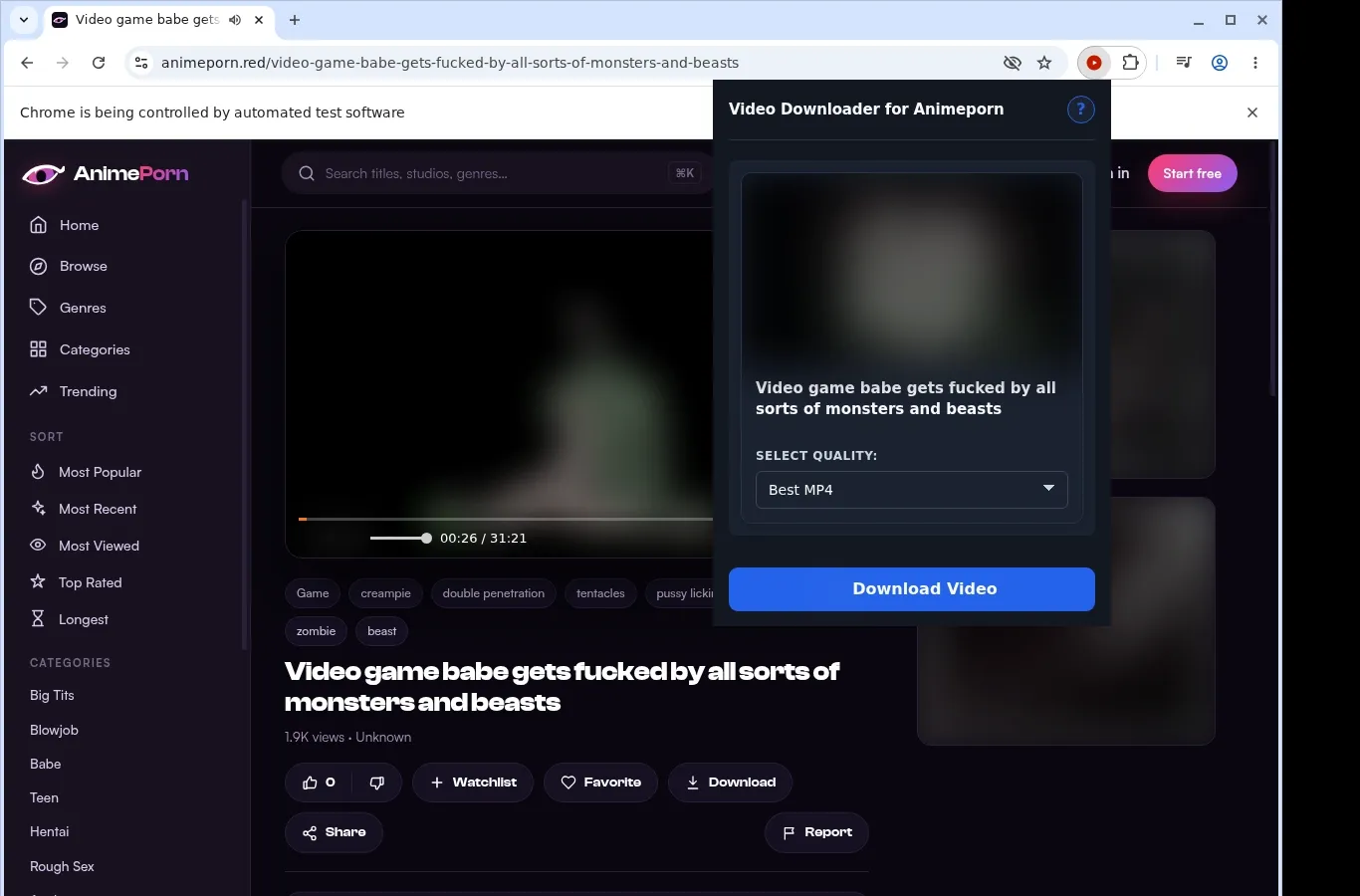
- Let it detect the video: Open the extension, which finds the video source on the page and displays a download option for what you are viewing.
- Select a file and save: In the format menu, pick the file option you prefer, and the completed video is stored on your device.
What It Does
- Picks up Animeporn videos from the very page you are watching.
- Begins a download with the button placed on the video page.
- Gives quick access to the downloader through the extension toolbar popup.
- Handles one video per run, which keeps the process dependable.
- Leaves the actual file transfer to your browser's own downloader.
- Shows progress in the built-in download list of your browser.
Animeporn Video Downloader vs. Separate Online Website
Saving straight into a folder of its own, compared with an online site whose output is hard to predict.
| Animeporn Video Downloader | Separate Online Website |
|---|---|
| Files go into an Animeporn folder of their own automatically | Resulting files can carry generic names with no folder organization |
| Downloads remain on your device for viewing again later | Whatever the site gives you is yours to manage and store |
| Any compatible player can open the finished MP4 | The output format may differ, based on how the site processes it |
| Your browser's usual download system shows clear progress | Progress can only be seen on that other site's page |
| MP4 files stay in MP4 format, unconverted | A few sites may re-encode the file or alter its type |
Compatibility
Browsers: Chrome, Firefox, Edge, Brave, Opera, Whale, Yandex
Where it works:
- Animeporn video pages
- Desktop browsers that support extensions
- Videos open to your current browser session
- Pages with a usable video source
- Computers on macOS, Windows or Linux
Outside its scope:
- Any mobile browser
- Safari
- Streams that use DRM encryption or are otherwise protected
- Removed videos and ones that are unavailable
- Crawling in bulk or scraping galleries
- Bypassing private, paid, regional, age-gated or permission limits
FAQ
What do I do to download an Animeporn video? Load the Animeporn video page. The extension picks up the video and puts a download button on the page or in the toolbar popup. Click either one to save.
Where does the download option show up? As a button on the video page. The same save action is available if you open the extension's toolbar popup.
Which formats are supported? MP4 videos that Animeporn makes available. They are saved as MP4 with no conversion, so the file remains just as the site delivered it.
Is it possible to run several downloads together? No. To keep things dependable, the extension takes one video at a time. Concentrate on the Animeporn page you are on and wait for its download to complete.
Know Before You Use It
- A saveable video option needs to be exposed by the source page
- You should already be able to view the video in your browser
- The extension might need playback to start before it detects the active source
- Quality choices are limited to those that the player or host in use makes available
Only download videos you own or have permission to save.


