

Bdsmship Video Downloader | How to Download Bdsmship Videos
Pricing
Pay per usage
Bdsmship Video Downloader | How to Download Bdsmship Videos
Bdsmship Downloader does its detection on the page you chose, nowhere else.
Pricing
Pay per usage
Rating
0.0
(0)
Developer

SERP Downloaders
Maintained by CommunityActor stats
0
Bookmarked
2
Total users
1
Monthly active users
17 days ago
Last modified
Categories
Share
Bdsmship Downloader does its detection on the page you chose, nowhere else.
It sits on the Bdsmship page you have open. When the player has loaded, it finds compatible video and shows only the formats and qualities that the player really provides.
Get it Here
👉 Get it here: Bdsmship Downloader
- ✅ Files are never routed through our servers
- ✅ Free of ads, trackers and analytics
- ✅ Runs on Windows, Mac and Linux
- ✅ Support by email, handled by the developers themselves
Preview
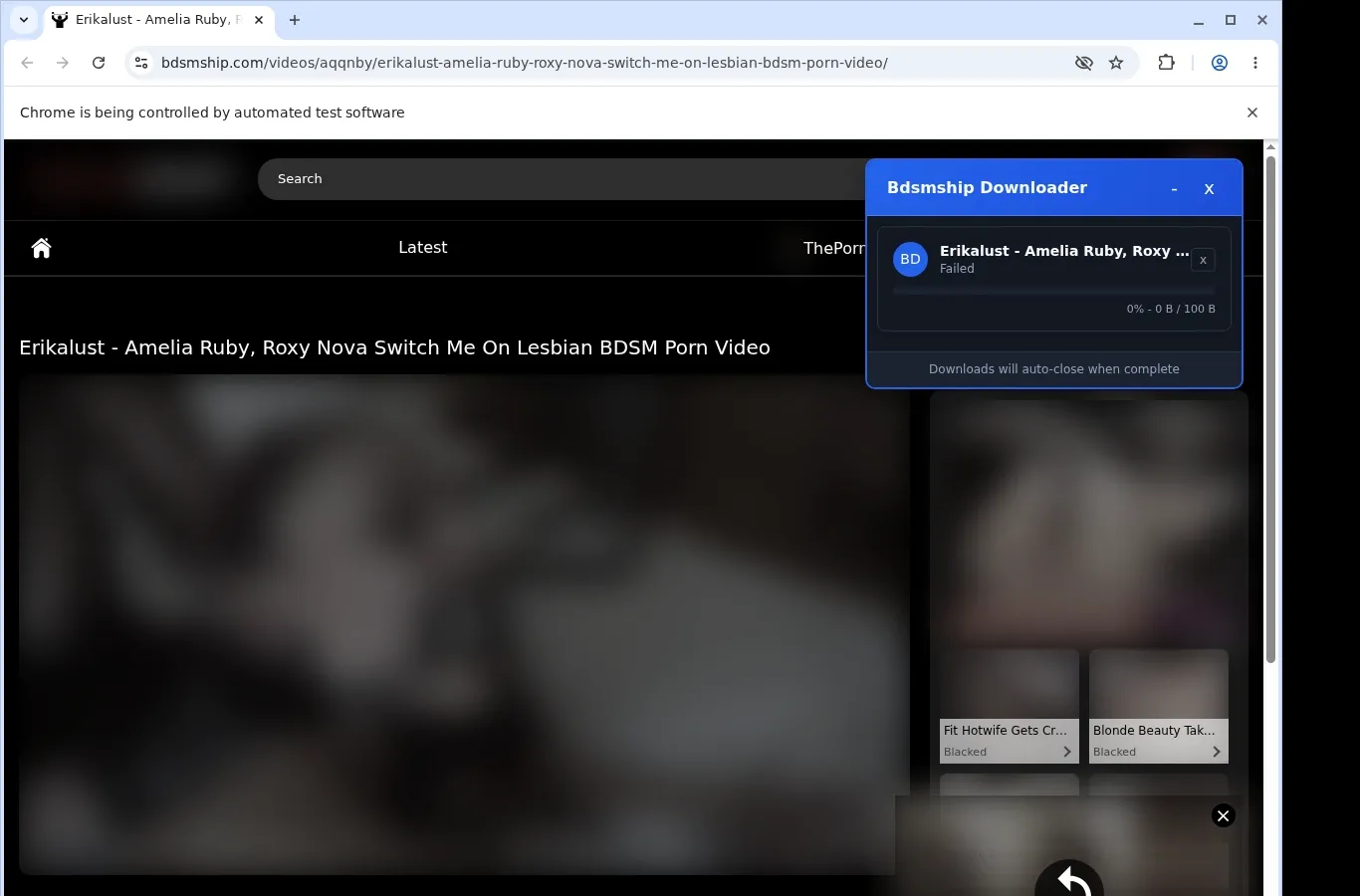
How It Works
- Visit Bdsmship: Browse to the Bdsmship page holding the video and wait for it to finish loading.
- Let it find the video: Click the extension, which looks for a usable video source and offers a download for the page you're on.
- Pick and save: Choose one of the listed file options from the format menu, and the finished video is written to your device.
What It Does
- Copy Bdsmship videos straight into your device's storage.
- Start a save with the obvious download button on the video page.
- The toolbar popup of the extension is a second starting point.
- Videos go through one by one, for a plain and direct workflow.
- The file is passed to your browser's standard download manager.
- Follow the transfer in the download list you already know.
Bdsmship Downloader vs. Online Downloader Website
Stay on Bdsmship while saving, so your viewing isn't interrupted.
| Bdsmship Video Saver | Online Downloader Website |
|---|---|
| You never leave the Bdsmship page or get redirected | Pasting a Bdsmship link elsewhere pulls you off the page |
| A button on the video page kicks off the save | The page address must be copied and handed to an outside service |
| Videos are kept on your device for offline viewing | Getting the file may mean going back to an outside results page |
| Uses the video source the site itself relies on | A submitted Bdsmship link can lose session-specific availability |
| The toolbar popup offers another way to begin | Nothing is available in-page; a separate website is required |
Compatibility
Browsers: Chrome, Firefox, Edge, Brave, Opera, Whale, Yandex
Works with:
- Pages on Bdsmship domains
- The configured player wrapper
- Direct media that is compatible
- HLS streams that are compatible
- Browsers on desktop that support extensions
Not designed for:
- Streams protected by DRM
- Safari, plus browsers on phones and tablets
- Crawling many pages in bulk
- Media that is unavailable
- Anything beyond your current access
FAQ
What is the way to begin saving on Bdsmship? Bring up the video page and let its player load. After that, press the download button on the page or open the extension toolbar popup to save the video you're viewing.
Which folder receives my saved files? Files are written to a dedicated Bdsmship folder within your browser's default download location, and the browser's download list gets you to them fast.
Is it possible to run several downloads together? No. It handles a single video page at a time, so finish or cancel the current download before starting one from another page.
Which video sources can the extension detect? Whatever source the current Bdsmship page provides once its player has loaded. If that is a compatible stream, a download option is displayed.
Know Before You Use It
- Video options have to be present on the page you're viewing
- Which formats and qualities show up is decided by the page
- You might need to press play before the video is detected
- Works only in desktop browsers that support extensions
Only download videos you own or have permission to save.


