

CamShowDownload Video Downloader
Pricing
Pay per usage
CamShowDownload Video Downloader
A download button appears next to the player, so saving a CamShowDownload video takes one click.
Pricing
Pay per usage
Rating
0.0
(0)
Developer

SERP Downloaders
Maintained by CommunityActor stats
0
Bookmarked
2
Total users
1
Monthly active users
15 days ago
Last modified
Categories
Share
CamShowDownload Video Downloader | How to Download CamShowDownload Videos
A download button appears next to the player, so saving a CamShowDownload video takes one click.
As you watch a video on CamShowDownload, the extension picks up the available media and adds a download button beside the player. Click that button and the file is ready to be saved. Your browsing carries on without leaving the page.
Get it Here
👉 Get it here: CamShowDownload Video Downloader
- ✅ Your files never pass through our servers
- ✅ Ad-free, with no tracking or analytics
- ✅ Runs on Windows, Mac and Linux
- ✅ Email support from the people behind it
Preview
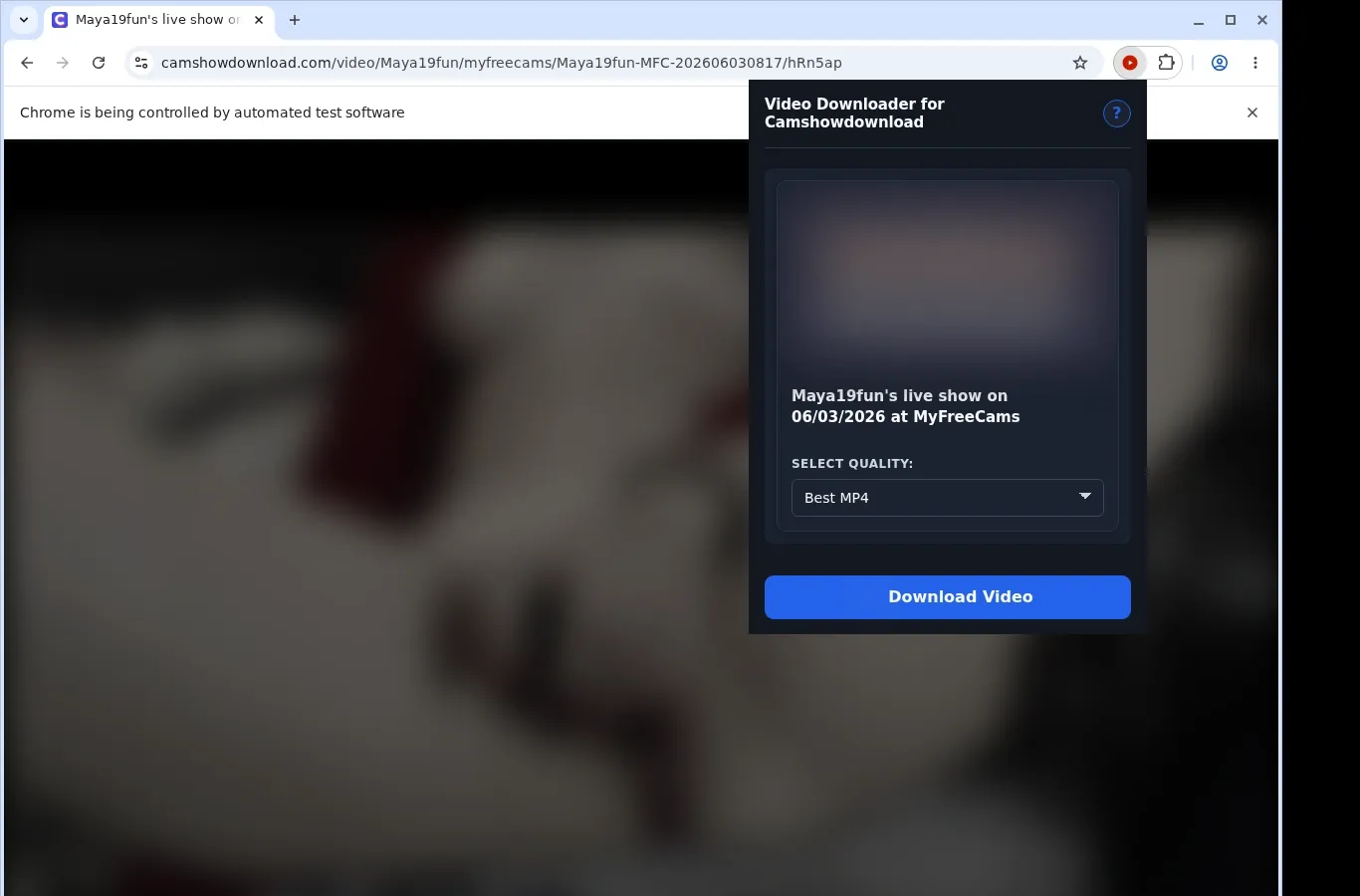
How It Works
- Visit CamShowDownload: Head to the CamShowDownload page with the video you want and let it load in the browser as normal.
- Locate the video: Start the extension so it can spot the video source and present a download option for this page.
- Choose and save: Select a file option in the format menu, and the completed video goes onto your device.
What It Does
- Lets you pull videos while you're browsing CamShowDownload.
- Begins the download from the button on the video's own page.
- Provides the toolbar popup as a second starting point.
- Processes a single video at a time.
- Goes through the standard download manager in your browser.
- Lets you watch transfer progress inside that download manager.
CamShowDownload Video Downloader vs. Typical Online Downloader Website
Downloads finish inside your browser, which keeps progress easy to follow.
| CamShowDownload Video Downloader | Typical Online Downloader Website |
|---|---|
| Hands the job to the browser's built-in download manager | Progress lives in another site's interface |
| You see progress in the browser's download list | You may have to go back to the outside site for status |
| Files go to a dedicated Camshowdownload folder | A generic filename in a default location is common |
| Runs right on the CamShowDownload page you're viewing | The page address has to be copied into another service |
| Notices the video you're watching | A shared page link can lose the player or session context |
Compatibility
Browsers: Chrome, Firefox, Edge, Brave, Opera, Whale, Yandex
Compatible With:
- CamShowDownload video pages
- Desktop browsers that support extensions
- Videos your current browser session can access
- Pages with a usable video source
- Windows, macOS and Linux
Outside Its Scope:
- Mobile browsers
- Safari
- Streams protected by DRM encryption
- Videos that were removed or are unavailable
- Bulk crawling or scraping of galleries
- Bypassing private, paid, regional, age-gated or permission restrictions
FAQ
What's the first step to download a CamShowDownload video? Open the video page and wait for it to load. A download button shows up beside the player, and clicking it saves the current video to your device.
Where is the download button located? Next to the video player on the CamShowDownload page you're on. The extension's toolbar popup is a second place to start.
Can several videos download simultaneously? Only one at a time. Leave the source tab open until your browser's download manager reports the transfer as complete.
Which file format do I get? MP4, with no conversion applied. The extension uses the MP4 source that the site provides.
Know Before You Use It
- A saveable video option has to be exposed by the source page
- Being able to view the video in your browser is a prerequisite
- Detection of the active source can require playback to be running
- What quality choices you see depends on the current player or host
Only download videos you own or have permission to save.


