

CzechCasting Video Downloader | Download CzechCasting Videos
Pricing
Pay per usage
CzechCasting Video Downloader | Download CzechCasting Videos
Keep watching CzechCasting while the extension quietly prepares a copy of the video for you.
Pricing
Pay per usage
Rating
0.0
(0)
Developer

SERP Downloaders
Maintained by CommunityActor stats
0
Bookmarked
2
Total users
1
Monthly active users
a month ago
Last modified
Categories
Features
Share
CzechCasting Video Downloader | How to Download CzechCasting Videos
Keep watching CzechCasting while the extension quietly prepares a copy of the video for you.
Press play on a CzechCasting video and the extension works out where the file is coming from. You never paste a link or open a separate tool, because it all happens in the tab you're already using.
Get it Here
👉 Get it here: CzechCasting Video Downloader
- ✅ Nothing you download is routed via our servers
- ✅ There are no ads, trackers or analytics
- ✅ Compatible with Windows, Mac and Linux
- ✅ Questions get a reply by email from its creators
Preview
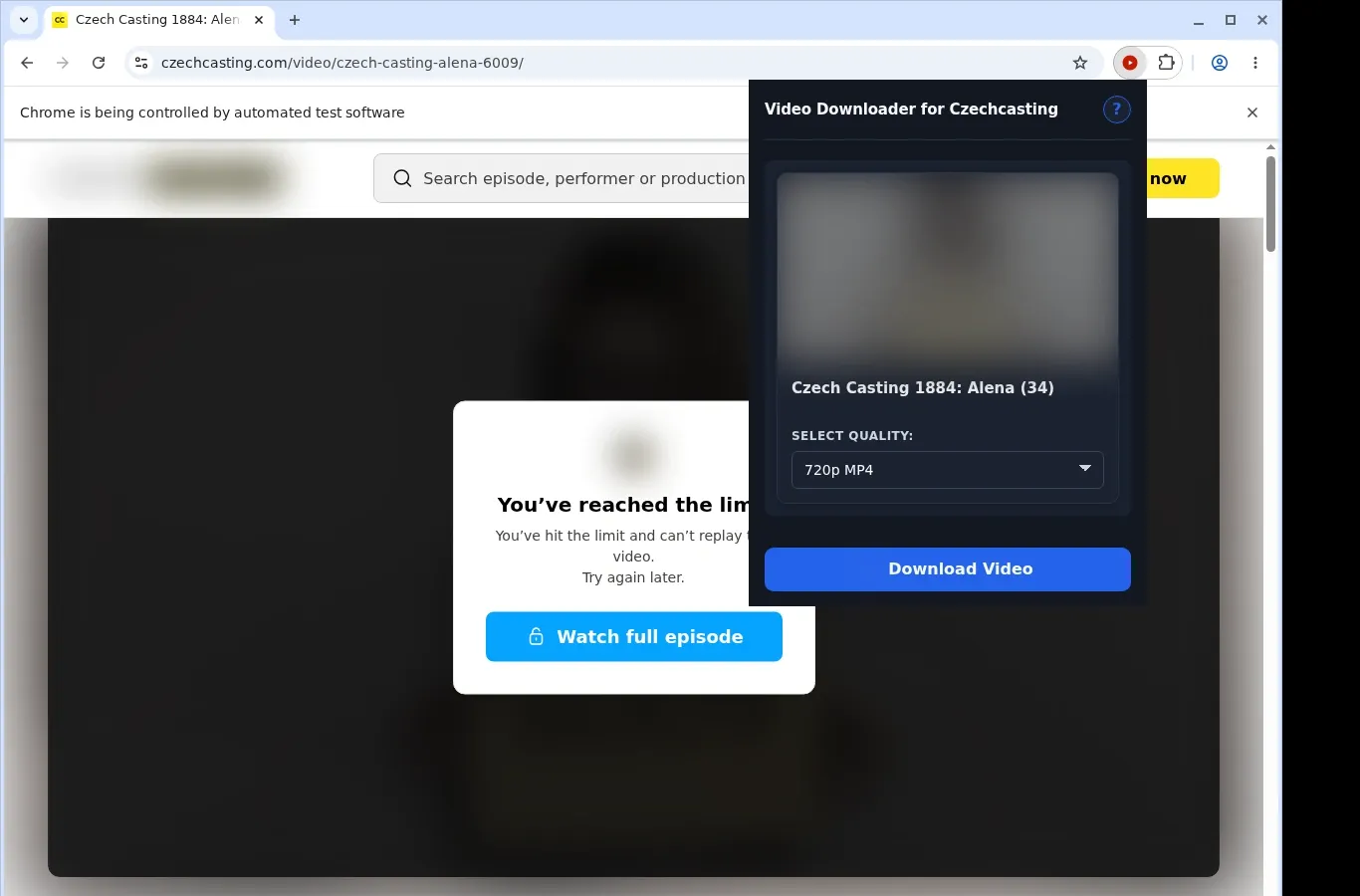
How It Works
- Go to the video: Browse to the CzechCasting page holding the clip you'd like, and wait for it to load in your browser as normal.
- Spot the source: Bring up the extension, which checks the page and surfaces a download option for the video on it.
- Select and save: Use the format menu to choose an offered file, then store the finished video on your device.
What It Does
- Turn CzechCasting videos into MP4 files you can play later without a connection.
- Press the button added to the video page to begin a download.
- The toolbar popup provides a second route into the same action.
- It works through one video at a time, so the process stays uncluttered.
- File transfer is left to the download system your browser already has.
- Follow how far along a save is in your browser's own downloads list.
CzechCasting Video Downloader vs. Online downloader website
The extension reads the video you have open, so there's no need to hand a web address to anyone else.
| CzechCasting Video Downloader | Online downloader website |
|---|---|
| It detects the source on the CzechCasting page that's open | A page link must be copied and sent to a different service |
| Uses the video already loaded in your browser's player | Pasting a link can drop the player and session details |
| Stream addresses never need to be dug out by hand | A bare page link may hide embedded video from some tools |
| Everything stays on the current page and the current video | You step away from the page and rely on an outside site to make sense of it |
| One click on the page's own download button | A link the site can't resolve leaves you with nothing |
Compatibility
Browsers: Chrome, Edge, Brave, Opera, Whale, Yandex
Works With:
- Pages on CzechCasting that carry a video
- Desktop browsers that allow extensions
- Whatever your current browser session is able to watch
- Pages with a source the extension can work with
- Windows, macOS and Linux computers
Not Designed For:
- Browsers on mobile devices
- Safari
- Protected or DRM-encrypted streams
- Videos that are gone or no longer available
- Large-scale crawling and gallery scraping
- Anything private, paid, region-limited or age-gated, and any attempt to skirt permissions
FAQ
How do I save a CzechCasting video? Open the page for the video, then either press the download button shown there or use the toolbar popup. The extension picks up the MP4 source and begins the save.
Where do my files go? Your browser's usual download system stores them in a Czechcasting folder of their own. The browser's downloads list, or your chosen download folder, will show them.
Is it possible to save several videos together? Only one at a time. Stay on the CzechCasting page with the video in question and let the download complete before you start the next.
What kind of file do I end up with? An MP4. CzechCasting's MP4 streams are saved in that same format with no conversion, so any compatible player should open the result.
Know Before You Use It
- A video the extension can save must be offered by the source page
- Viewing the video in your browser has to work already
- Detecting the active source can require you to start playback
- What quality you can pick is decided by the current player or host
Only download videos you own or have permission to save.
