

Faply Video Downloader | How to Download Faply Videos
Pricing
Pay per usage
Faply Video Downloader | How to Download Faply Videos
Play, detect and download Faply videos right in your browser, without leaving the page.
Pricing
Pay per usage
Rating
0.0
(0)
Developer

SERP Downloaders
Maintained by CommunityActor stats
0
Bookmarked
2
Total users
1
Monthly active users
19 days ago
Last modified
Categories
Features
Share
Play, detect and download Faply videos right in your browser, without leaving the page.
Saving a Faply video shouldn't take a string of workarounds. Faply Video Downloader works on the page you're already on: begin playback, open the extension, and it picks up the video source that's available. No additional tabs or confusing steps get in the way.
Get it Here
👉 Get it here: Faply Video Downloader
- ✅ What you download is never routed via our servers
- ✅ You won't find ads, tracking or analytics
- ✅ Runs on Windows, Mac and Linux
- ✅ Email questions go to the developers who made it
Preview
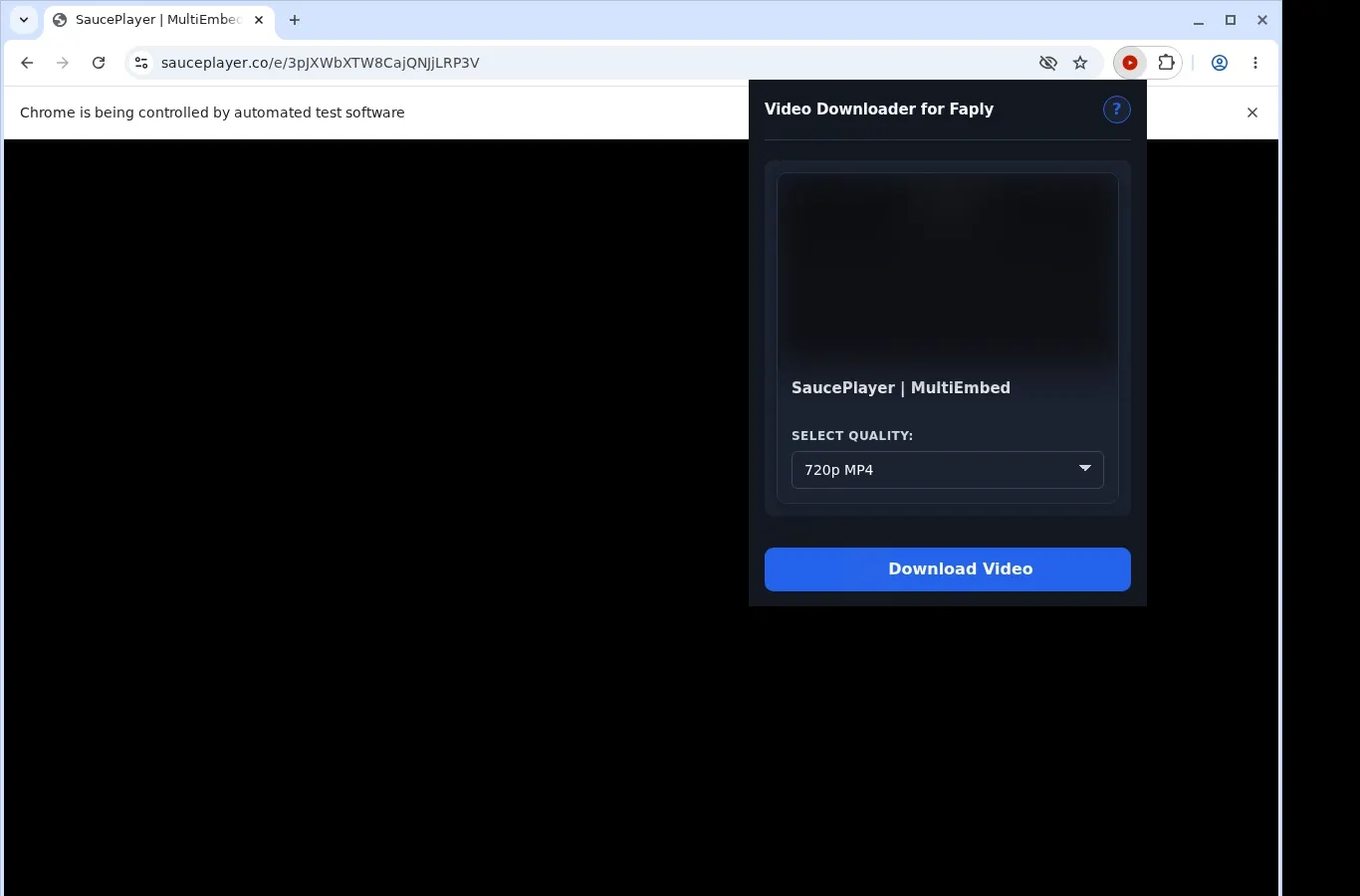
How It Works
- Visit Faply: Browse to the Faply page with the video you'd like and let it load as it normally does.
- Let it find the video: Click the extension, which locates the video source on the page and shows a download option.
- Choose a format and save: Select one of the file options in the format menu, and the finished video is saved to your device.
What It Does
- Saves Faply videos to your device when you press the download button on the video page.
- Provides another route through the extension's toolbar popup.
- Handles a single download at a time, which keeps it direct.
- Displays progress in your browser's regular download list.
- Stores completed files in a dedicated Faply folder so they stay organized.
- Retrieves the MP4 stream Faply serves for the clip on screen.
Faply Video Downloader vs. Online Link-Based Tool
The extension handles detection and downloading through your own browser, and the Faply video stays in front of you.
| Faply Video Downloader | Online Link-Based Tool |
|---|---|
| It runs from the Faply video page you're on. | You copy the Faply page link and head somewhere else. |
| The download button on the video is the starting point. | The link gets pasted into an outside site's input page. |
| The extension remains focused on the video that's open. | Player and session context are lost once a link is submitted. |
| Progress is visible in your browser's list. | Progress appears only on the external tool's page. |
| Files go straight into a dedicated Faply folder. | The web tool dictates filenames and locations. |
Compatibility
Browsers: Chrome, Edge, Brave, Opera, Whale, Yandex
Works With:
- Video pages on Faply
- Desktop browsers that support extensions
- Videos your current browser session can view
- Pages offering a usable video source
- Linux, macOS and Windows desktops
Not Designed For:
- Browsers on mobile devices
- Apple's Safari browser
- Streams that are protected or DRM-encrypted
- Videos that have been removed or are unavailable
- Bulk crawling or gallery scraping
- Getting past private, paid, regional or age-gated access
FAQ
How do I begin downloading a Faply video? Play the video on Faply. Then press the download button on the page, or open the extension's toolbar popup and choose the detected source to start saving.
Is it possible to download two videos together? Only one download runs at a time, to keep things simple. Let the current transfer end before you start another from a different page.
Where can I locate the files I saved? Finished downloads end up in a dedicated Faply folder inside your browser's default download location, and the browser's download list shows progress.
Which format does the downloader save? It retrieves the MP4 stream served by Faply and leaves the file as an MP4 the whole way, with no conversion.
Know Before You Use It
- The page needs to expose an option for saving the video
- Being able to view the video in your browser is a prerequisite
- You might have to start playback before the extension detects the active source
- Available quality depends on the current player or host
Only download videos you own or have permission to save.
