

Freepornmovie Video Downloader | Download Freepornmovie Videos
Pricing
Pay per usage
Freepornmovie Video Downloader | Download Freepornmovie Videos
Keep Freepornmovie videos on your device for offline viewing, and never leave the page to do it.
Pricing
Pay per usage
Rating
0.0
(0)
Developer

SERP Downloaders
Maintained by CommunityActor stats
0
Bookmarked
2
Total users
1
Monthly active users
14 days ago
Last modified
Categories
Features
Share
Freepornmovie Video Downloader | How to Download Freepornmovie Videos
Keep Freepornmovie videos on your device for offline viewing, and never leave the page to do it.
There's no tab switching involved. When a Freepornmovie video page is open, the downloader looks for direct MP4 sources that the site exposes, so copying links or using another tool isn't necessary.
Get it Here
👉 Get it here: Freepornmovie Video Downloader
- ✅ Files go straight to your device and never pass through our servers
- ✅ Free of ads, tracking and analytics
- ✅ Runs on Windows, Mac and Linux
- ✅ Support by email, handled by the team that made the tool
Preview
How It Works
- Load the video page: Browse to the Freepornmovie video you want and give the page time to finish loading as usual.
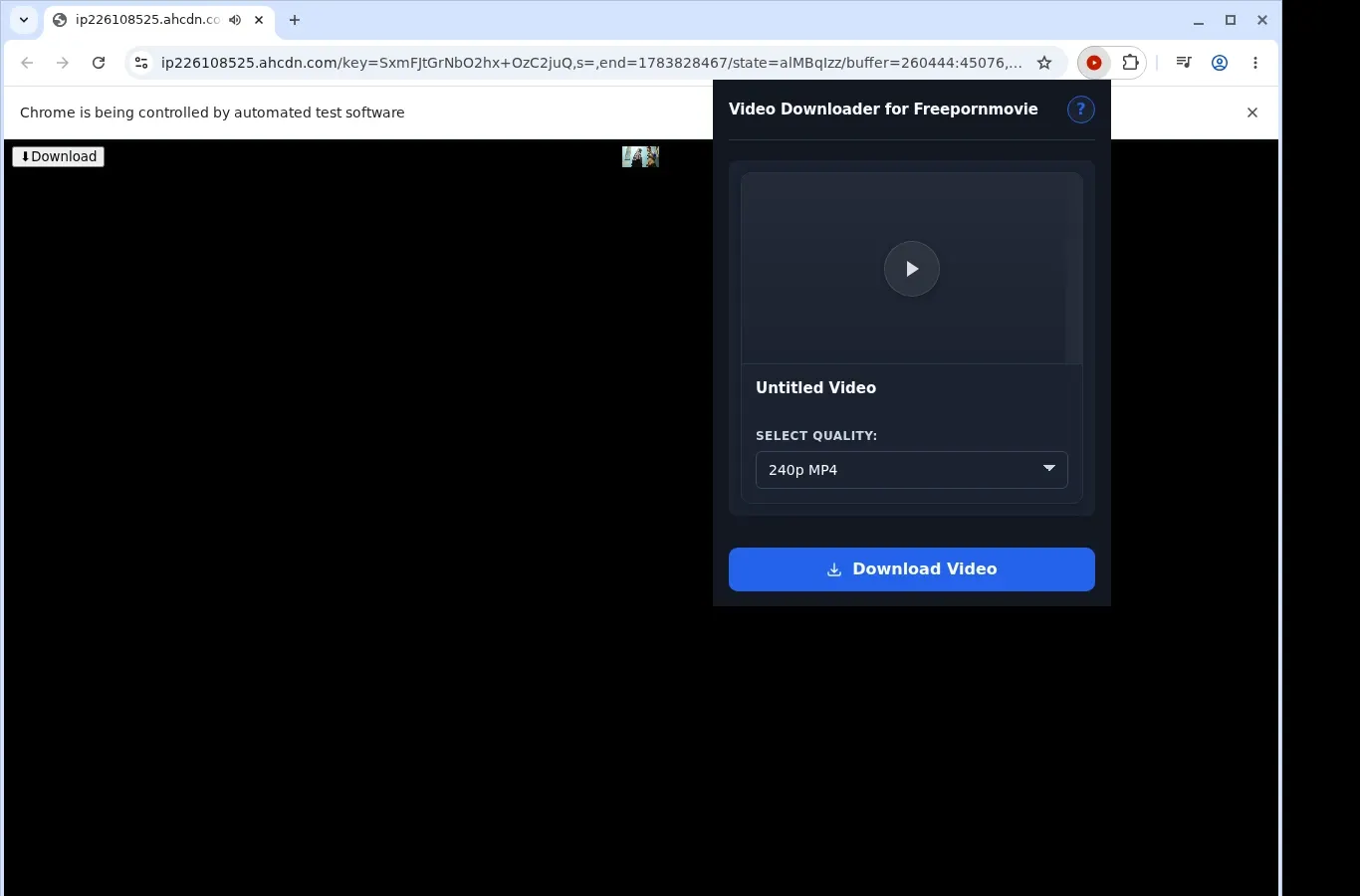
- Let the extension find it: Click the extension so it can locate the video source on the current page and surface a download choice.
- Pick a format, then save: Select the file option that suits you from the format menu, and the finished video is written to your device.
What It Does
- Pulls Freepornmovie videos down from within your browser.
- Places a control next to the video that sends off the file request.
- Starts a download from the extension's popup on your toolbar, too.
- Takes a single video at a time, which keeps the experience focused.
- Leans on the transfer handler already built into your browser.
- Lists active and completed downloads in your browser's own download list.
Freepornmovie Video Downloader vs. Third-party downloader website
The extension offers a clear MP4 choice, while web tools can return outputs that differ.
| Freepornmovie Video Downloader | Third-party downloader website |
|---|---|
| Offers MP4, matching what Freepornmovie streams | The output options can vary from one web tool to another |
| Keeps the video in its original MP4 format | A site may convert the file or alter it |
| The format menu lays out the available file option plainly | What formats you get depends on the online tool |
| Acts the same way on every Freepornmovie page | Each use of a separate service can give different results |
| Operates right on the Freepornmovie page | Submitting a link drops the playback context |
Compatibility
Browsers: Chrome, Edge, Brave, Opera, Whale, Yandex
Works With:
- Freepornmovie video pages
- Compatible direct media your browser can reach
- Direct MP4 media, when it's available
- Windows, macOS and Linux
- Supported desktop browsers with extension support
Outside Scope:
- Mobile browsers
- Safari
- DRM-protected media
- Videos that were removed or are unavailable
- Bulk collection of a site
- Getting around login, payment, age, regional or permission restrictions
FAQ
What's the way to begin a download? Open a Freepornmovie video page and wait for the player to load. Then press the download button on the page, or use the extension's toolbar popup to send the request.
Which video format will I receive? The original MP4. The extension saves what the page provides, with no conversion and no change to the file type.
Where are the files saved? They go into a dedicated Freepornmovie folder inside your browser's default download location, so saved videos stay organized and easy to locate.
Is it possible to save multiple videos at the same time? No. The downloader works through one video at a time, which keeps each active page simple and dependable.
Know Before You Use It
- The page you're on has to offer video options
- You need to be able to watch the media in your browser already
- Playback may have to start before a source becomes visible
- Which formats and quality levels you get depends on the current page
Only download videos you own or have permission to save.
