

Fyxxr Video Downloader | How to Download Fyxxr Videos
Pricing
Pay per usage
Fyxxr Video Downloader | How to Download Fyxxr Videos
Grab a Fyxxr video from the tab you already have open, with no detour.
Pricing
Pay per usage
Rating
0.0
(0)
Developer

SERP Downloaders
Maintained by CommunityActor stats
0
Bookmarked
2
Total users
1
Monthly active users
8 days ago
Last modified
Categories
Features
Share
Grab a Fyxxr video from the tab you already have open, with no detour.
This extension stays on the video page you're viewing, so you don't have to copy any links or jump to a different app. It sits inside the current tab and locates the video source once the player has loaded.
Get it Here
👉 Get it here: Fyxxr Video Downloader
- ✅ Files go straight to your device and never pass through our servers
- ✅ Free of ads, tracking and analytics
- ✅ Runs on Windows, Mac and Linux
- ✅ Support by email, handled by the developers themselves
Preview
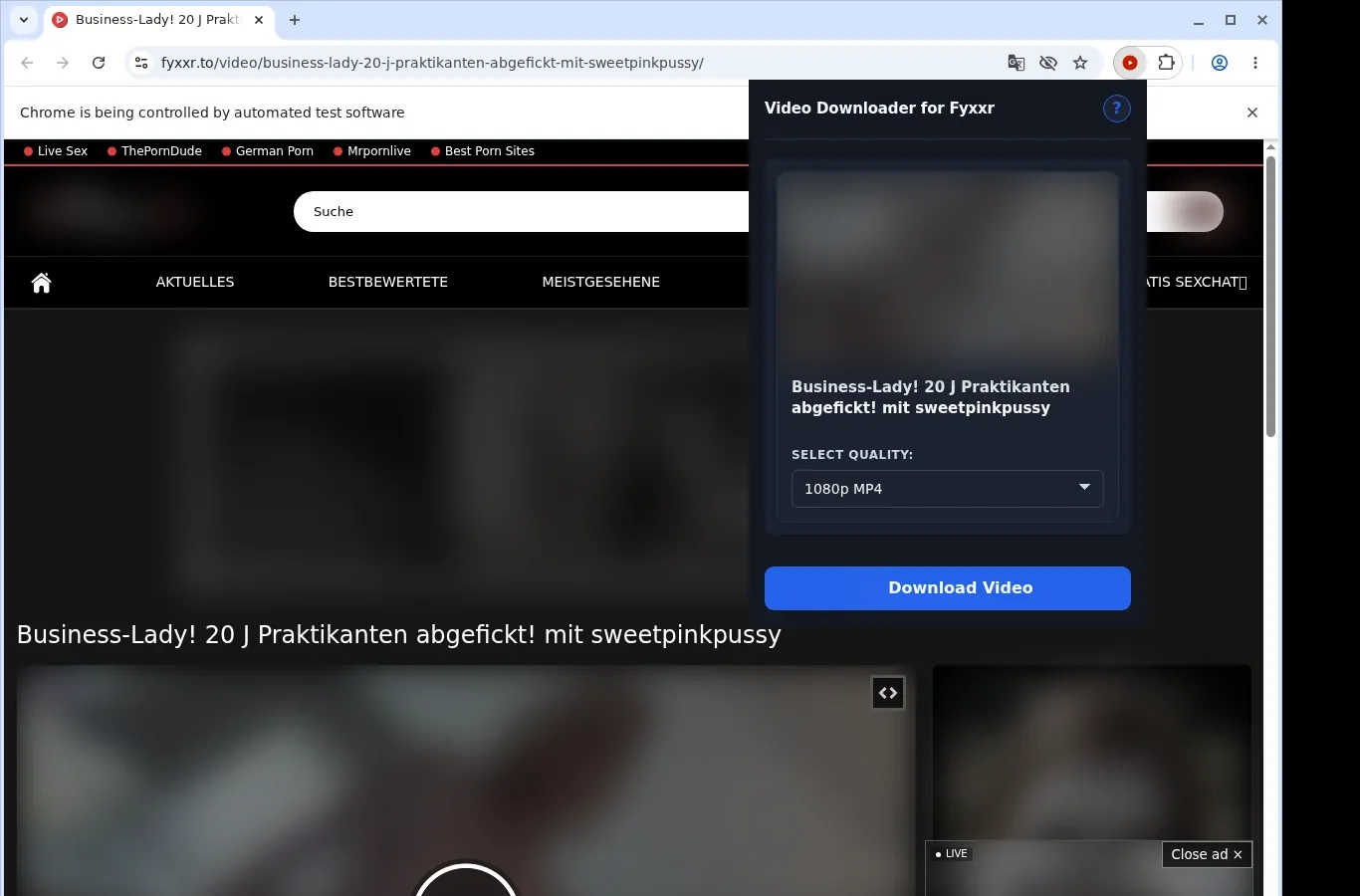
How It Works
- Load the video page: Browse to the Fyxxr page holding the clip you're after and give it time to load as usual.
- Let it spot the source: Launch the extension; it looks for the video source and offers a download for the page you're on.
- Pick a format, then save: Use the format menu to select one of the offered files, and the finished video lands on your device.
What It Does
- Lets you watch offline once a Fyxxr video is saved.
- One click on the page you're viewing kicks off the transfer.
- Offers the toolbar popup of the extension as a second way in.
- Takes one video per run, which keeps things simple.
- Hands the file to your browser's own download system, so nothing feels unfamiliar.
- The remaining progress is visible in your browser's downloads list.
Fyxxr Video Downloader vs. Online Downloader Website
Begin saving from the page you're already on, rather than going through the extra stages a separate website needs.
| Fyxxr Video Downloader | Online Downloader Website |
|---|---|
| Press the download button on the Fyxxr page you have open | You have to copy the link and head off to another site |
| The toolbar popup offers a second route | Nothing happens in the page; a separate input page is needed |
| You keep watching the same video | Moving off the video page can drop the player's context |
| No new tab, no leaving Fyxxr | The page address has to be handed to an outside service |
| A quick, direct flow from the current page | More steps: copy, paste, then wait on the site |
Compatibility
Browsers: Chrome, Edge, Brave, Opera, Whale, Yandex
Supported:
- Fyxxr video pages
- Desktop browsers that support extensions
- Videos your current browser session can already reach
- Pages that expose a usable video source
- Windows, macOS and Linux systems
Out of Scope:
- Mobile browsers
- Safari
- Streams protected by DRM encryption
- Videos taken down or otherwise unavailable
- Crawling in bulk or scraping galleries
- Bypassing private, paid, regional, or age-gated access, or site permissions
FAQ
How do I begin saving a Fyxxr video? Let the video page finish loading, then click the download button shown on the page. The toolbar popup of the extension works too.
Where do saved videos end up? Your browser's regular download flow places them in a dedicated Fyxxr folder, and they also appear in the browser's downloads list.
Which file format do I end up with? MP4. The extension picks up the MP4 source the site offers and gives you the final file with no conversion.
Is it possible to grab several videos together? Not at once. The extension takes one video at a time, which keeps the focus on the page you're viewing.
Know Before You Use It
- The page you're on has to offer a video that can be saved
- Viewing the video in your browser must already work for you
- Starting playback may be needed before the active source can be detected
- What quality you can pick is decided by the player or host
Only download videos you own or have permission to save.
