

CelebHub Video Downloader | How to Download CelebHub Videos
Pricing
Pay per usage
CelebHub Video Downloader | How to Download CelebHub Videos
Keep CelebHub videos you're able to watch already, available on demand and without leaving your browser.
Pricing
Pay per usage
Rating
0.0
(0)
Developer

SERP XXX
Maintained by CommunityActor stats
0
Bookmarked
2
Total users
1
Monthly active users
15 days ago
Last modified
Categories
Share
Keep CelebHub videos you're able to watch already, available on demand and without leaving your browser.
Found something on CelebHub worth keeping? The extension slots into your browsing session. Once playback begins, it picks out the active player and lists the formats and qualities the page provides. Select one, and your browser's usual download process stores the file.
Get it Here
👉 Get it here: CelebHub Video Downloader
- ✅ Our servers never handle your downloads
- ✅ No advertising, tracking or analytics
- ✅ Supports Windows, Mac and Linux
- ✅ Email support from the makers themselves
Preview
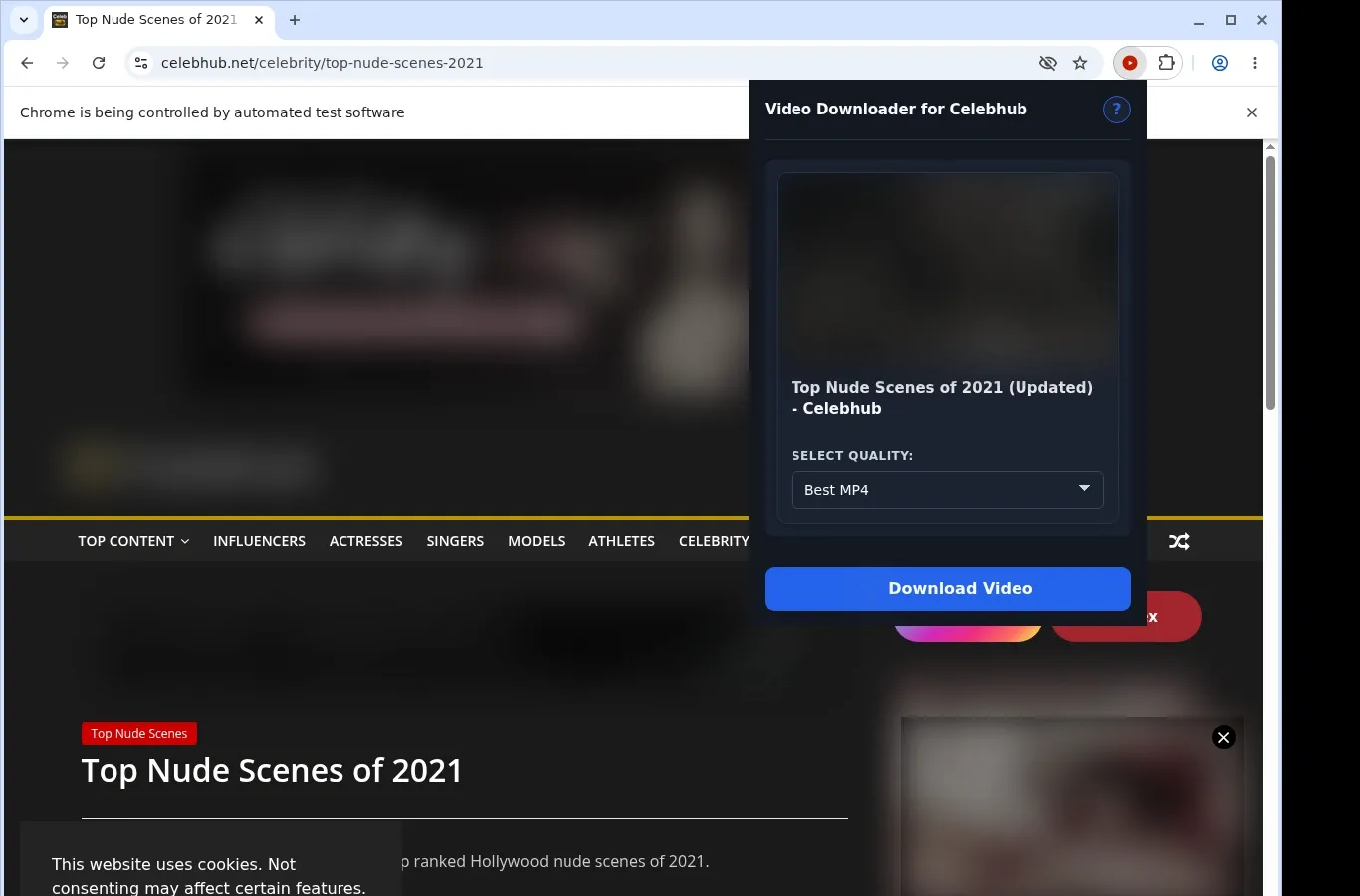
How It Works
- Load the CelebHub video: Browse to the CelebHub page with the content you'd like to keep and let your browser load it normally.
- Find the source: Launch the extension. It looks for the available video source and shows the download choice for this page.
- Select and store: From the format menu, choose a file option, and the completed video is saved right onto your device.
What It Does
- Puts CelebHub videos on your hard drive so you can watch later without streaming.
- Shows a download helper on the open viewing page; click it to start capturing the clip.
- Offers a second starting point through the extension's toolbar popup.
- Runs a single video download per go, keeping the process clear.
- Leaves the file transfer to your browser's regular download system.
- Lets you check progress in the browser's list of downloads.
CelebHub Video Downloader vs. Online Downloader Website
Because the extension locates the video you're watching at this moment, downloading it is direct.
| CelebHub Video Downloader | Online Downloader Website |
|---|---|
| Picks up the video playing on the CelebHub page you're on | The CelebHub page link has to be copied and submitted by hand |
| Handles the player embedded in the page | Generic link tools can miss the embed or the session |
| You remain on the CelebHub video page | A separate downloader site means leaving the page |
| One click on the page button begins the download | You depend on the external site's interface to continue |
| Concentrates on the single video you opened | The tool could be unsure which video you meant |
Compatibility
Browsers: Chrome, Firefox, Edge, Brave, Opera, Whale, Yandex
Supported Setups:
- Video pages on CelebHub
- Desktop browsers that support extensions
- Videos available in your current browser session
- Pages with a usable video source
- Windows, macOS or Linux systems
Outside the Design:
- Mobile browsers
- Safari
- Streams that are protected or use DRM encryption
- Videos taken down or not available
- Crawling in bulk or scraping galleries
- Circumventing private, paid, regional or age-gated limits, or permission checks
FAQ
How do I download a CelebHub video? Open the video page and wait for it to load. Press the download button on the page or use the extension icon in the toolbar, pick the MP4 option offered, and your browser's normal download process saves it.
Where do my downloads end up? In a dedicated Celebhub folder within your browser's default download location. Once a download finishes, the files are waiting there, neatly grouped.
Which video format is saved? MP4, the same as what CelebHub serves while you watch. No conversion happens, so the file is ready to play on your device.
Can I run several downloads simultaneously? No, the extension does one video download at a time. That keeps things simple and makes sure each file saves properly from the CelebHub page you have open.
Know Before You Use It
- The page must expose a video option that can be saved
- Watching the video in your browser must already be possible
- Playback could be needed before the extension spots the active source
- Available quality depends on the player or host in use
Only download videos you own or have permission to save.


