

Epawg Video Downloader | How to Download Epawg Videos
Pricing
Pay per usage
Epawg Video Downloader | How to Download Epawg Videos
Keep Epawg videos from the very page you are watching, with no need to hunt for links.
Pricing
Pay per usage
Rating
0.0
(0)
Developer

SERP XXX
Maintained by CommunityActor stats
0
Bookmarked
4
Total users
1
Monthly active users
19 days ago
Last modified
Categories
Features
Share
Keep Epawg videos from the very page you are watching, with no need to hunt for links.
Say you are on an Epawg page with a video worth keeping. Let it load and begin playing, then open the extension. It looks for the video source that the page's player exposes, so you can skip digging through page code or turning to outside sites.
Get it Here
👉 Get it here: Epawg Downloader
- ✅ Downloads never pass through our servers
- ✅ No ads, tracking or analytics
- ✅ Runs on Windows, Mac and Linux
- ✅ Email support from the people who built it
Preview
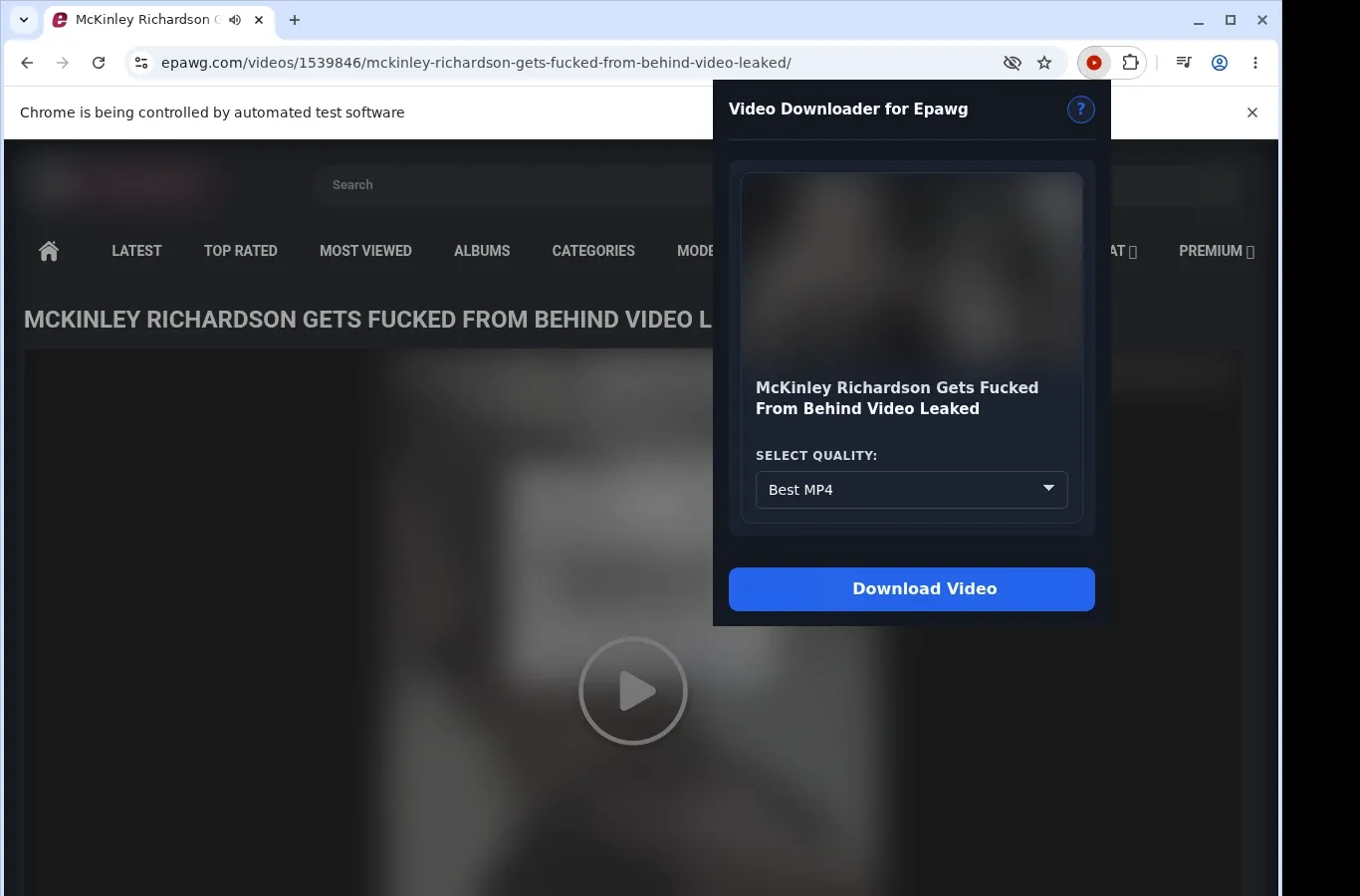
How It Works
- Visit Epawg: Browse to the Epawg page with the video you want and wait while it loads in your browser.
- Find the source: Open the extension. It searches for the available video source and shows a download option for the page you are on.
- Choose and save: Pick one of the file options from the format menu, and the finished video is stored on your device.
What It Does
- Lets you keep Epawg recordings as a personal offline copy.
- Begins a download with one click on the video page you have open.
- Gives you the toolbar popup as a second quick way to start.
- Downloads a single video per run, keeping things focused.
- Leaves the saving to your browser's built-in download manager.
- Lets you follow the download's progress in the browser's list.
Epawg Downloader vs. Generic Link Tool
This extension is made to see the Epawg video you have open, and it does not work from generic page links.
| Epawg Downloader | Generic Link Tool |
|---|---|
| Identifies the video playing in your Epawg tab | A pasted page address can miss the embedded video |
| Aims at the playback you can see | General-purpose tools may misread the page |
| Detects the video through the player in your current session | Copying a link frequently drops the player context |
| Takes only the Epawg clip you are watching | Unrelated media from the page may be picked up |
| Built around how Epawg delivers its video | Depends on how well the tool parses the site |
Compatibility
Browsers: Chrome, Edge, Brave, Opera, Whale, Yandex
Supported:
- Single video pages on Epawg
- Pages that offer compatible direct MP4 media
- Desktop browsers on Windows, macOS, and Linux
- Yandex, Whale, Opera, Brave, Edge, and Chrome
Outside Its Scope:
- Safari and mobile browsers
- DRM-protected streams
- Media your current session cannot access
- Workarounds for access or permission limits
- Saving in bulk from multiple pages
FAQ
What is the way to start an Epawg download? Go to an Epawg video page, let it load, and start playback. Then press the download button on the page or use the toolbar popup. A save option is offered whenever a compatible MP4 is available.
Which folder do the downloaded Epawg videos land in? A dedicated Epawg folder inside your browser's default download location. If you prefer another folder, change it in your browser's download settings.
Is downloading several videos together possible? No. The extension handles a single video per download, which keeps the process simple and lets each save finish without conflicts or interruptions.
In what format does the video come? MP4, the native format Epawg provides. It is saved as it is, with no conversion step, so it remains an MP4.
Know Before You Use It
- The page you are on has to expose a compatible direct MP4
- Playback might be required before the browser can see the media
- Downloads depend on access the source site has already given you
- Leave the source tab open while the browser gets the save ready
Only download videos you own or have permission to save.
