

Fapshots Video Downloader | How to Download Fapshots Videos
Pricing
Pay per usage
Fapshots Video Downloader | How to Download Fapshots Videos
Download Fapshots videos from the page you're already on, with no new tabs and no extra steps.
Pricing
Pay per usage
Rating
0.0
(0)
Developer

SERP XXX
Maintained by CommunityActor stats
0
Bookmarked
2
Total users
1
Monthly active users
14 days ago
Last modified
Categories
Features
Share
Download Fapshots videos from the page you're already on, with no new tabs and no extra steps.
Keep watching on the Fapshots page while you save. After playback starts, the extension picks up the active source, so there are no outside sites to visit and no links to copy. It fits into the way you already watch.
Get it Here
👉 Get it here: Fapshots Video Downloader
- ✅ Downloads skip our servers entirely
- ✅ Free of ads, tracking, and analytics
- ✅ Compatible with Windows, Mac, and Linux
- ✅ Email support from the people behind it
Preview
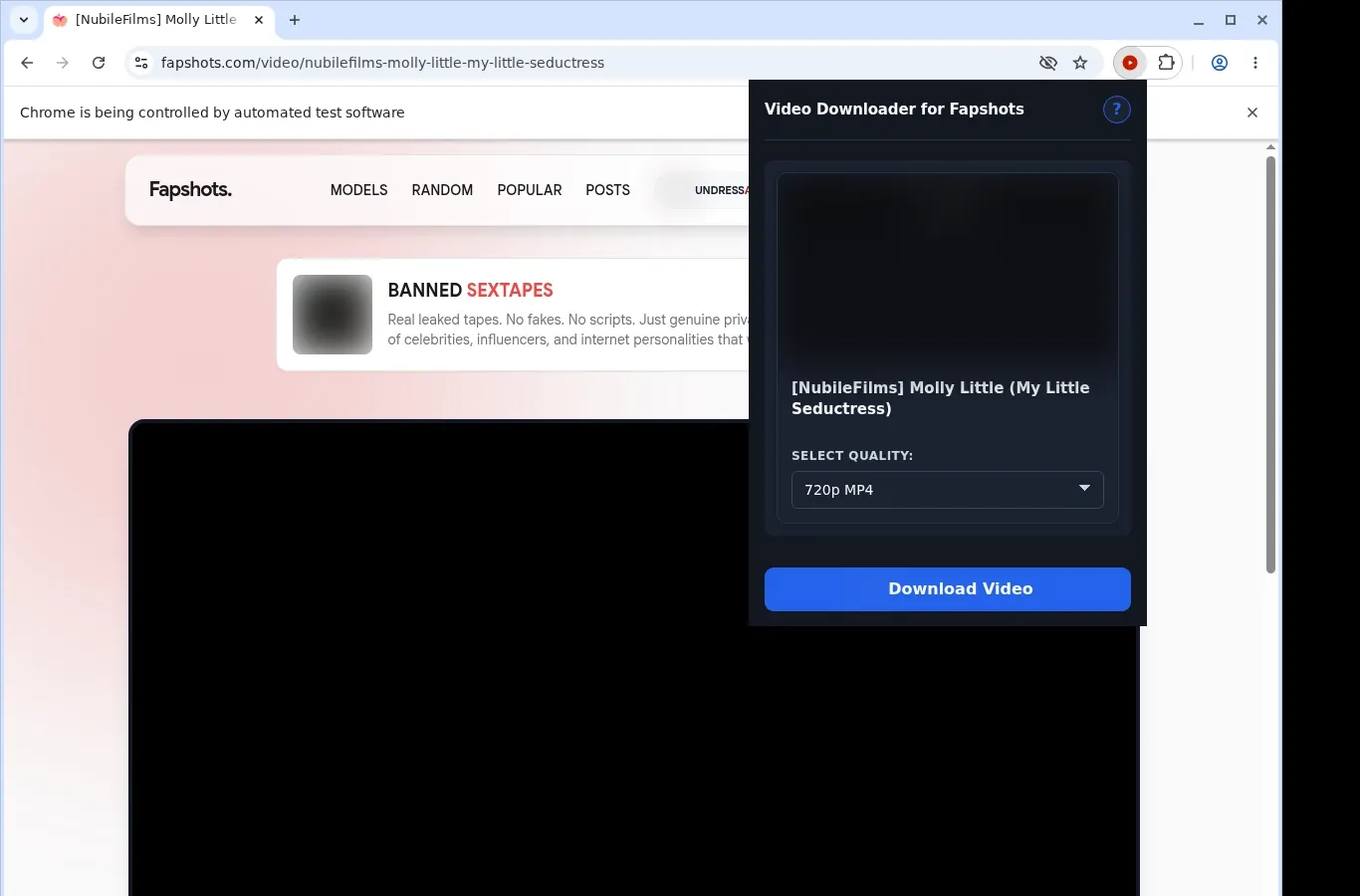
How It Works
- Start on Fapshots: Visit the Fapshots page with the video you want and wait for it to load in your browser.
- Find the source: Click the extension, which locates the video source on the page and presents a download option.
- Select a format: Use the format menu to choose a file option, then save the video straight to your device.
What It Does
- Bring Fapshots videos to your computer so you can play them offline.
- Click the button on the video page to start a download.
- Prefer the toolbar? Its popup gives you a second way to begin.
- Only the clip that's currently playing is grabbed, with no batch queues.
- The file transfer runs through your browser's regular download system.
- Watch the progress bar in your browser's download shelf.
Fapshots Video Downloader vs. Online downloader website
See progress inside your own browser rather than depending on a separate website.
| Fapshots Video Downloader | Online downloader website |
|---|---|
| Relies on the browser's download manager | You go back to the site to see the status |
| Progress bar appears in the download shelf | Progress is shown by the web tool's own interface |
| File goes directly to your device | A results page may add extra steps |
| No additional tabs to watch | The site often has to stay open |
| Shows up in the familiar download list | Progress display comes from an unfamiliar third party |
Compatibility
Browsers: Chrome, Edge, Brave, Opera, Whale, Yandex
Works With:
- Video pages on Fapshots
- Desktop browsers that support extensions
- Videos your current browser session can access
- Pages that offer a usable video source
- Windows, macOS, and Linux
Not Designed For:
- Mobile browsers
- Safari
- Protected or DRM-encrypted streams
- Videos that were removed or are unavailable
- Scraping galleries or crawling in bulk
- Bypassing private, paid, regional, or age-gated access
FAQ
How do I begin downloading a Fapshots video? Press the download button on the video page you're viewing, or use the extension's toolbar popup. Detection of the active source happens once playback starts.
Which video format will I receive? An MP4 file taken from the Fapshots player. No conversion is applied, so the original format is kept.
Where do my files go after downloading? They land in a dedicated Fapshots folder, which makes them easy to find among your other downloads.
Is it possible to download more than one video at a time? No. One video is handled at a time, and the extension stays on the clip playing in the active page.
Know Before You Use It
- The page needs to expose a video option that can be saved
- The video has to be viewable in your browser already
- Detection of the active source can require playback first
- Available quality depends on the current player or host
Only download videos you own or have permission to save.
