FemdomHD Video Downloader | How to Download FemdomHD Videos
Pricing
Pay per usage
FemdomHD Video Downloader | How to Download FemdomHD Videos
Grab FemdomHD videos with a single click, so you don't have to look for direct MP4 links in page requests.
Pricing
Pay per usage
Rating
0.0
(0)
Developer

SERP XXX
Maintained by CommunityActor stats
0
Bookmarked
2
Total users
1
Monthly active users
14 days ago
Last modified
Categories
Features
Share
Grab FemdomHD videos with a single click, so you don't have to look for direct MP4 links in page requests.
If you're on the FemdomHD page already, there's no reason to make it harder. Open the extension as the video loads and it locates the available MP4 source on its own. Network tabs and page inspection aren't needed.
Get it Here
👉 Get it here: FemdomHD Downloader
- ✅ Your files never pass through our servers
- ✅ There are no ads, tracking, or analytics
- ✅ Available on Windows, Mac, and Linux
- ✅ Email support from the team that made it
Preview
How It Works
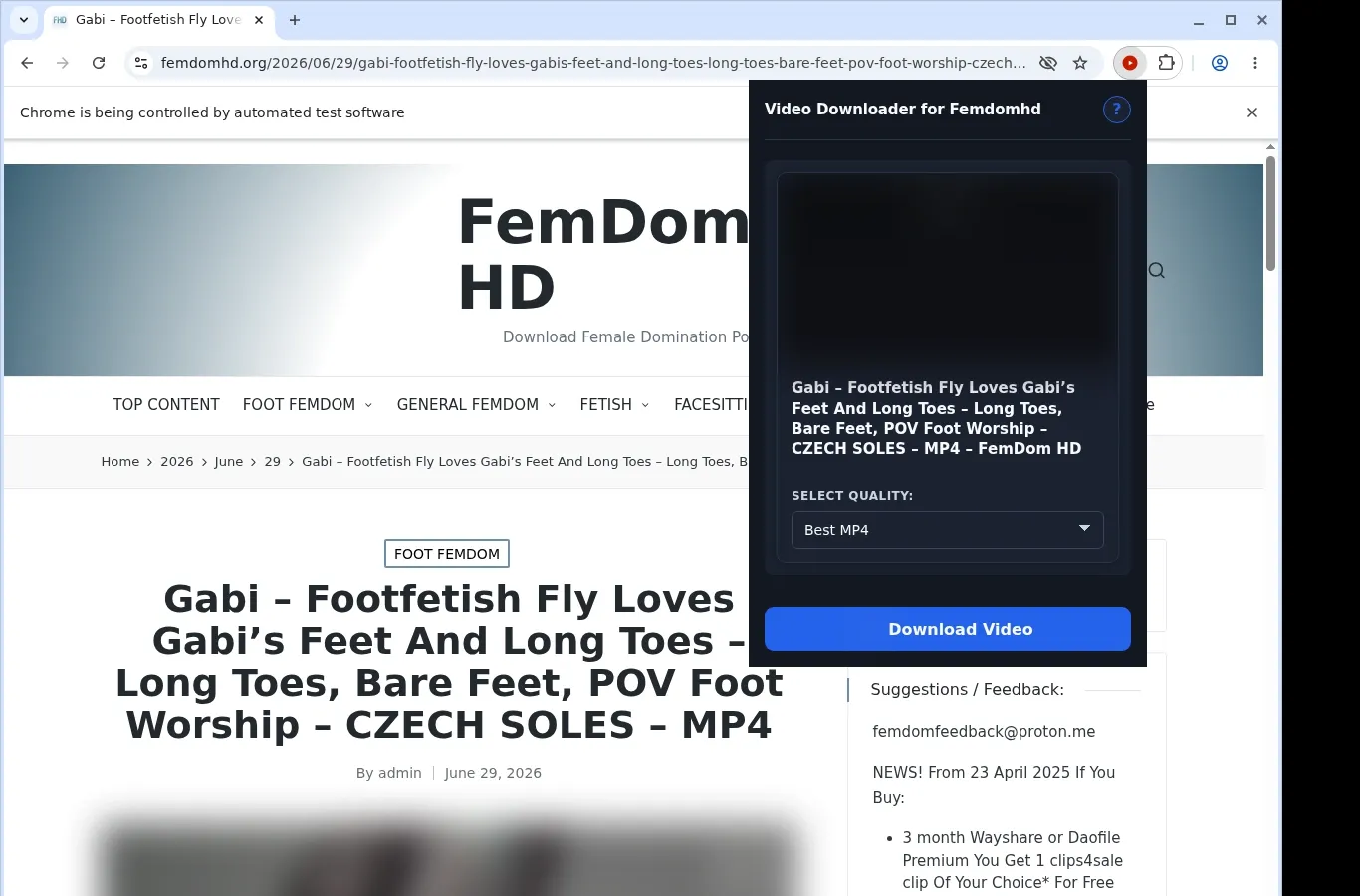
- Head to FemdomHD: Visit the FemdomHD page with the video you want and let it load in your browser as usual.
- Detect the source: Click the extension. It finds the video source available on the page and offers a download for it.
- Pick a format and save: In the format menu, choose a file option and save the completed video to your device.
What It Does
- Store FemdomHD videos locally on your device.
- Click the button on the page to save the video you're currently watching.
- The toolbar popup gives you another handy way to trigger a download.
- You handle a single video at a time, which keeps the session clear.
- Your browser's built-in download system manages the transfer.
- See how the download is going in the standard browser downloads list.
FemdomHD Downloader vs. Separate online downloader site
The extension relies on the download list you already know, while an online downloader tracks progress on its own pages.
| FemdomHD Downloader in your browser | Separate online downloader site |
|---|---|
| Progress shows in your browser's download list | Progress is on the online tool's own page |
| Built-in browser download system does the work | Depends on an external site's interface and uptime |
| Files go into a Femdomhd folder | Files may end up somewhere generic with no clear label |
| No extra service page to watch | The downloader site may need to stay open |
| Finished MP4 plays in your usual video player | Output could call for a specific player or a conversion step |
Compatibility
Browsers: Chrome, Edge, Brave, Opera, Whale, Yandex
Works With:
- FemdomHD video pages that are compatible
- Direct MP4 delivery via s*.wayshare.cc
- H.264 MP4 video, when the page exposes it
- A single active page at a time
Not Supported:
- Getting around protected streams or access controls
- Bypassing paid, private, or region-restricted content
- Bulk collection or mirroring a site
- Pages lacking a compatible direct MP4
FAQ
How do I begin a download on FemdomHD? Wait for the video player to start loading, then use the download button on the page or open the extension popup. The extension finds the available MP4 and starts a browser download.
Which format does the extension save? The direct MP4 that the FemdomHD page hands to your browser. It remains MP4, unconverted.
Where do downloaded videos end up? Your browser's normal download system saves them in a folder named Femdomhd. Progress can be followed in the standard downloads list.
Can several videos be downloaded together? It's built around one video at a time. Start the download for the current page, let it finish, and then go to another page for the next one.
Know Before You Use It
- The current page has to expose a compatible direct MP4
- The player may need to load before the file is available
- Quality and length differ from page to page
- Protected delivery and access controls are not bypassed
Only download videos you own or have permission to save.