

Freexhamster Video Downloader | Download Freexhamster Videos
Pricing
Pay per usage
Freexhamster Video Downloader | Download Freexhamster Videos
Pull a video from the Freexhamster tab you already have open, with no page change.
Pricing
Pay per usage
Rating
0.0
(0)
Developer

SERP XXX
Maintained by CommunityActor stats
0
Bookmarked
2
Total users
1
Monthly active users
8 days ago
Last modified
Categories
Features
Share
Freexhamster Video Downloader | How to Download Freexhamster Videos
Pull a video from the Freexhamster tab you already have open, with no page change.
The downloader works inside the Freexhamster video tab in your desktop browser and relies on playback-assisted detection to spot media that can be saved. There's no link copying and no second tool to open.
Get it Here
👉 Get it here: Freexhamster Downloader
- ✅ Nothing you download passes through our servers
- ✅ Ad-free, with no tracking or analytics
- ✅ Supports Windows, Mac and Linux
- ✅ Email help from the people behind it
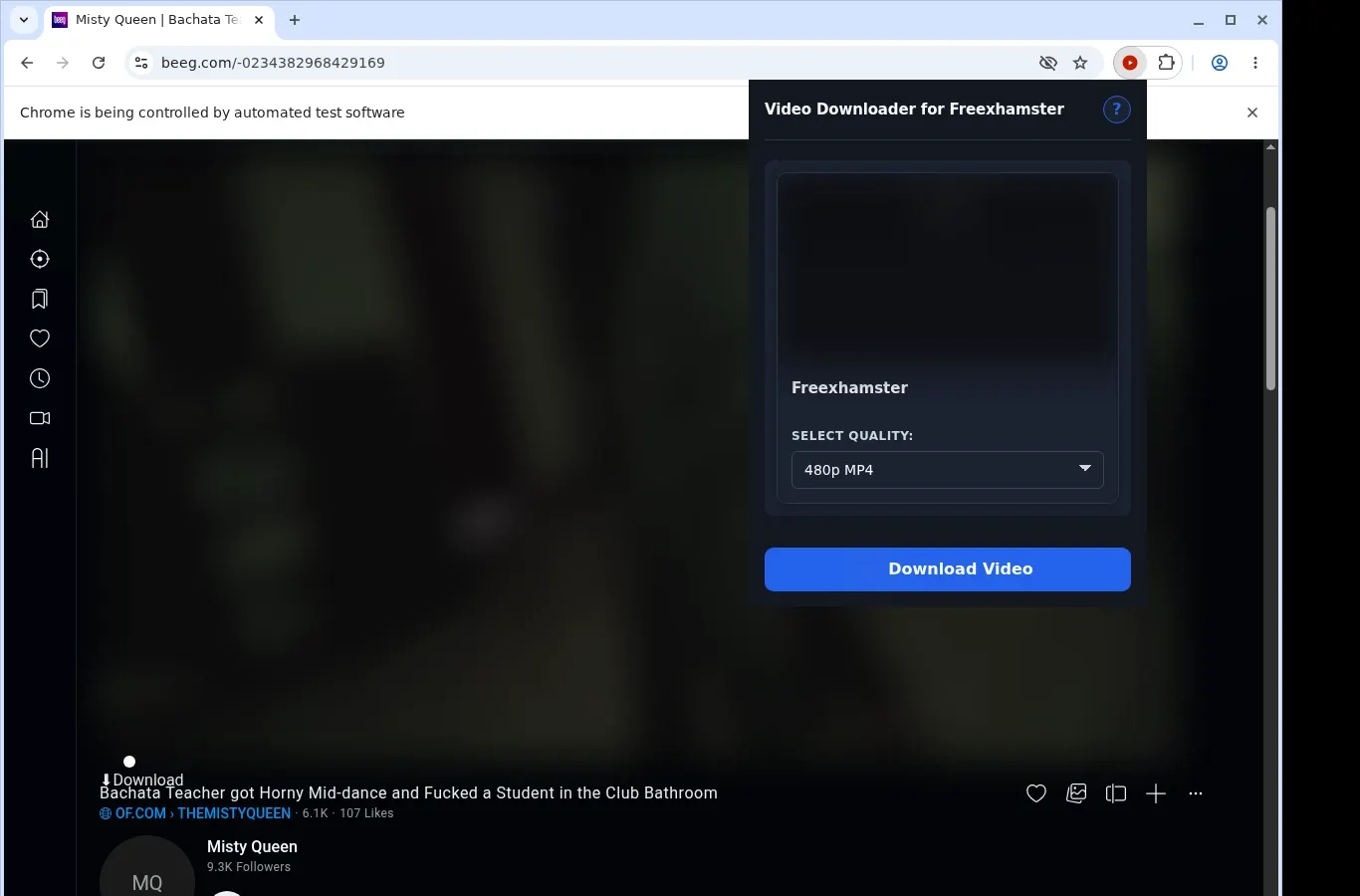
Preview
How It Works
- Visit Freexhamster: Navigate to the Freexhamster page holding the video and let it load in the usual way.
- Spot the media: Click the extension and it looks up the video source, then offers a download option for this page.
- Choose and store: Select a file option in the format menu, and the video is saved right onto your device.
What It Does
- Stores Freexhamster MP4 videos on your device for offline viewing.
- Starts each download from a button on the video page you're viewing.
- Gives quick access through the extension's toolbar popup.
- Handles a single video per download, which keeps things straightforward.
- Leaves the file transfer to your browser's own download manager.
- Shows progress in the browser's standard download list.
Freexhamster Downloader vs. Online Video Downloader Website
The extension identifies the video playing on Freexhamster at that moment and gets it ready to save.
| Freexhamster Downloader | Online Video Downloader Website |
|---|---|
| Identifies the video that's playing on Freexhamster. | Depends on a pasted page address that may lose player context. |
| Operates from the Freexhamster page already open. | Means leaving the watch page for another site. |
| Targets the embedded video stream rather than only the page URL. | Embedded videos can be missed when only a page link is supplied. |
| Puts a download button on the video page itself. | There's no in-page button, so you copy and submit the link elsewhere. |
| Relies on the browser's download manager for dependable transfer. | Progress is tied to the outside site's interface. |
Compatibility
Browsers: Chrome, Edge, Brave, Opera, Whale, Yandex
Supported:
- Freexhamster video pages
- Available MP4 media
- Files accessible to the current session
- Desktop browsers that support the extension
- Windows, macOS and Linux desktops
Not Supported:
- Safari and browsers on phones or tablets
- DRM-protected streams
- Mass downloading or scraping of galleries
- Bypassing logins, payment, age gates or regional limits
- Media that has been taken down or can't be reached
FAQ
How do I begin a Freexhamster download? Open a video page and start playback. Then press the download button shown on the page, or open the extension popup to start the save.
Does it support several downloads at once? No. Videos are processed individually, so you can concentrate on the current page and handle each file through your browser.
What folder are saved videos placed in? A dedicated Freexhamster folder inside your default download location, which keeps your offline files apart from other downloads.
Which format does the file use? The original MP4 from the site, with no conversion, so it stays just as it was streamed.
Know Before You Use It
- The open page has to expose a saveable video file to your browser.
- Media may not appear until normal playback has started.
- The quality you get is whatever file the page provides.
- Don't close the source tab until the browser has begun downloading.
Only download videos you own or have permission to save.
