Linear Bootstrap MCP
Pricing
from $350.00 / 1,000 generate and bootstraps
Linear Bootstrap MCP
Turn a sentence into a full Linear project — milestones, epics, issues, dependencies, labels. Reads your team's existing conventions so the output matches how you already work. 7 tools + included agent skill, avg ~300 tokens of context per tool use. Free tools for exploring, pay only for creation.
Pricing
from $350.00 / 1,000 generate and bootstraps
Rating
0.0
(0)
Developer

Lo Ferris
Maintained by CommunityActor stats
0
Bookmarked
1
Total users
0
Monthly active users
4 months ago
Last modified
Categories
Share
Linear Bootstrap
Describe a project in plain language, get a fully structured Linear project — milestones, epics, issues, labels, and dependency chains.
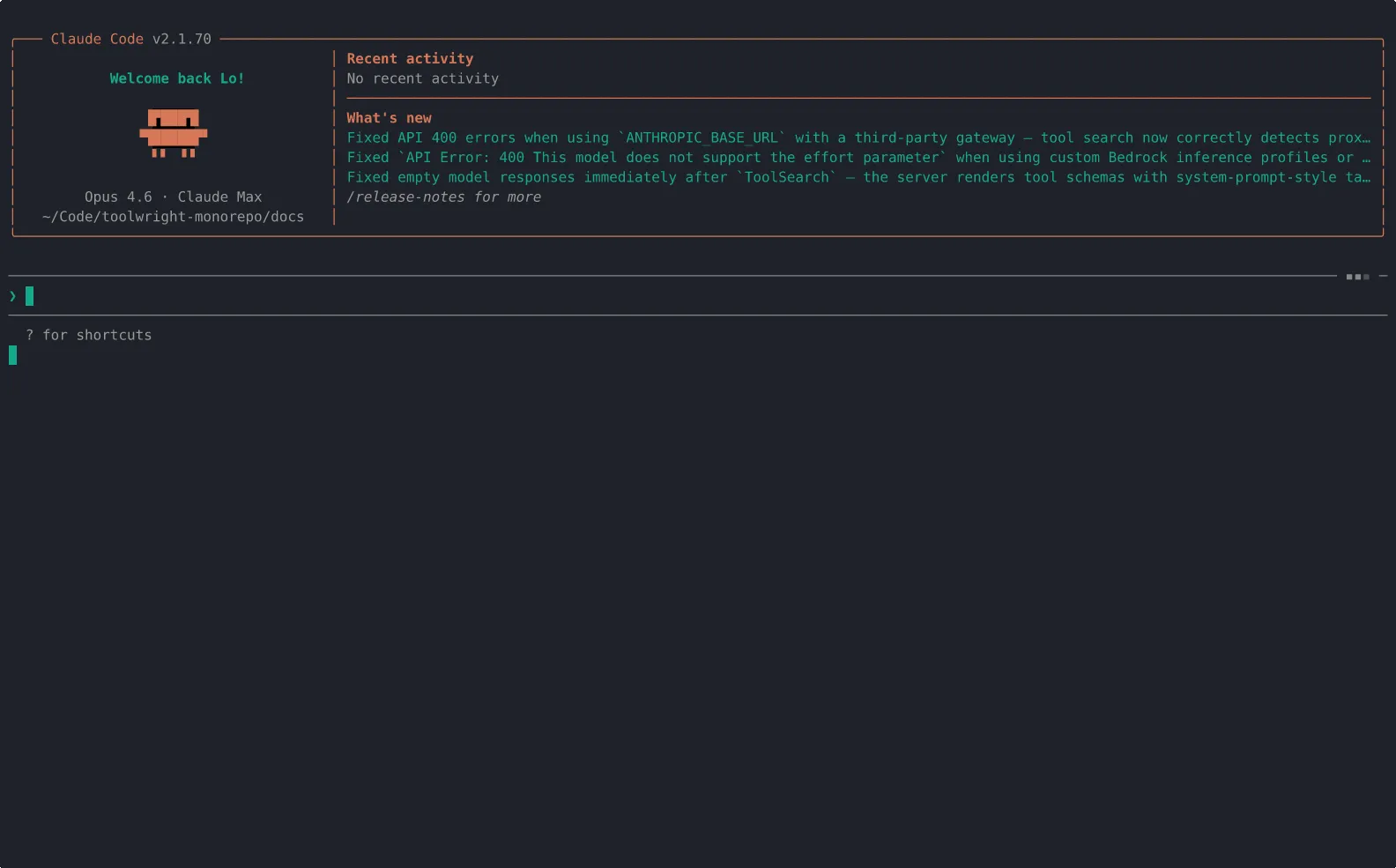
The server reads your team's existing conventions (workflow states, labels, cycles) and generates plans that fit how your team already works. Existing labels are reused, not duplicated. Issues start in your team's default state. Project names avoid collisions with active work.
Pricing
Pay per tool call. Read-only tools are free.
| Tool call | Cost | What happens |
|---|---|---|
generate-and-bootstrap | $0.35 | Generate plan + validate + create in Linear |
bootstrap-project | $0.25 | Create everything in Linear from a plan |
generate-plan | $0.10 | LLM call for plan generation |
add-epic | $0.10 | Add epic + issues to existing project |
list-teams | free | List your Linear teams |
introspect-workspace | free | Read team conventions |
validate-plan | free | Check plan for structural issues |
A typical project bootstrap costs $0.35 (one generate-and-bootstrap call). The step-by-step workflow (generate-plan → validate-plan → bootstrap-project) costs the same: $0.10 + free + $0.25 = $0.35.
LLM costs are included — the server handles plan generation internally using Anthropic models. You only provide your Linear API key.
What It Does
One tool call like this:
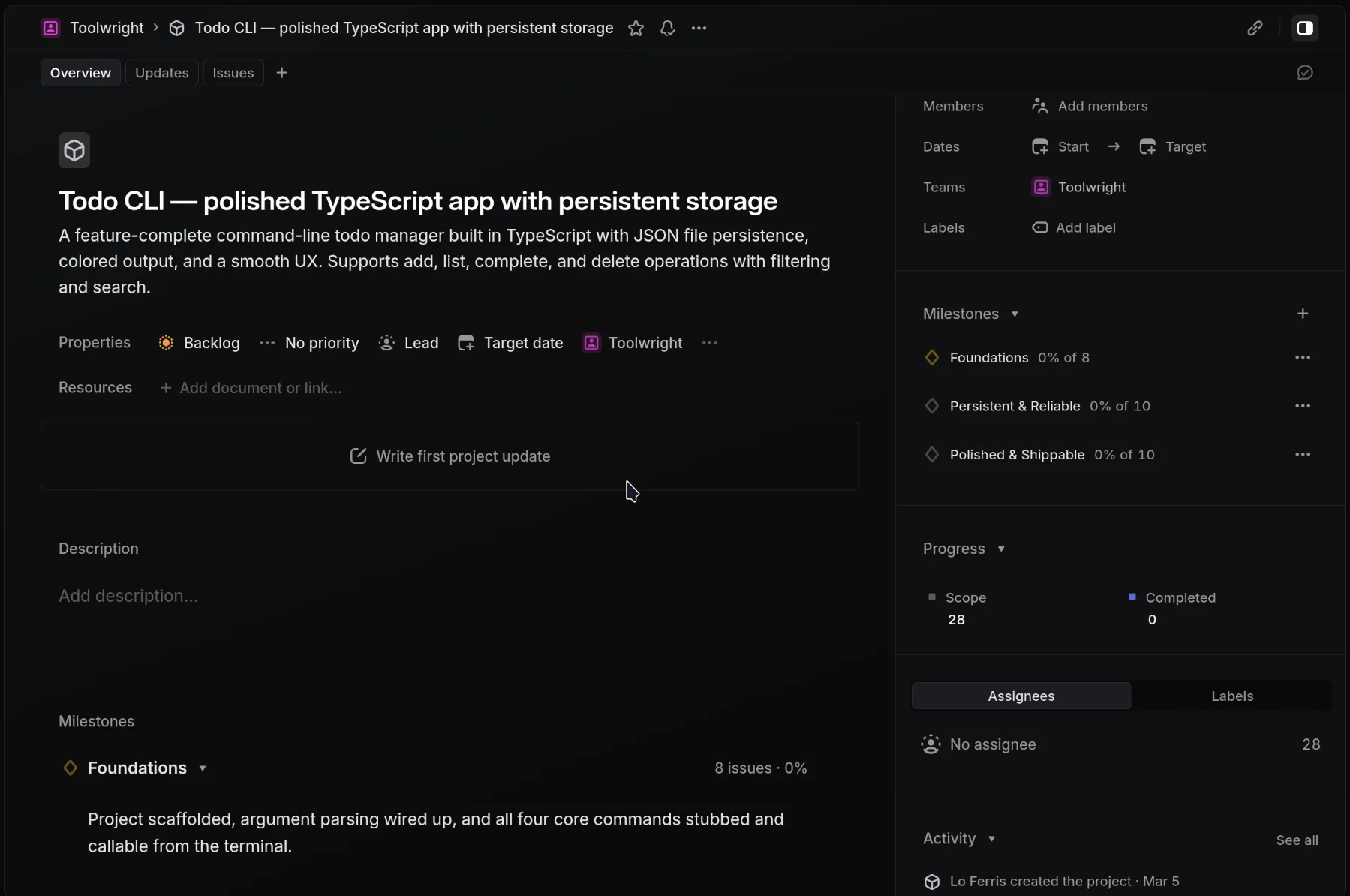
Creates all of this in Linear:
- Project with description
- Milestones (e.g. Spec & design → MVP → Launch → Polish)
- Epics as parent issues (Linear doesn't have a dedicated epic type — these are regular issues with children), each wired to a milestone
- Issues with labels, priorities, and descriptions
- Dependencies between issues (blocks/blocked-by)
- Labels reused from your team when they exist, created only when new
The plan generation is context-aware — it introspects your team's workspace first, so the output respects your existing setup rather than creating a mess of duplicates.
Before (vanilla Linear MCP)
- ~30 individual tool calls to create a project structure
- Each call adds tokens to your agent's context window
- Failures cascade — one bad call breaks the chain
- No awareness of your team's existing labels or conventions
- Result: duplicated labels, wrong workflow states, generic structure
After (Linear Bootstrap)
- 2 tool calls (generate plan + bootstrap) or 1 compound call
- ~300 tokens of context overhead (plan cached server-side)
- Atomic execution with partial failure recovery
- Workspace introspection reuses your team's labels and respects conventions
- Result: a project that looks like your team set it up
Project Archetypes
The project_type parameter tailors the plan to how that kind of project is actually structured in practice:
| Type | When to use | Example milestones |
|---|---|---|
| feature (default) | New user-facing functionality | Spec & design → MVP behind flag → Public launch |
| infrastructure | Internal tooling, platform work | Prototype → Dogfood → Org-wide rollout |
| api | Public or internal API | API design sign-off → Implementation → GA |
| migration | Moving between systems | Dual-write → Backfill → Cutover → Decommission |
Tools (7)
| Tool | What it does |
|---|---|
list-teams | List your Linear teams |
introspect-workspace | Read team conventions (states, labels, cycles, projects) |
generate-plan | Generate a structured plan from natural language |
validate-plan | Check plan for structural issues (circular deps, etc.) |
bootstrap-project | Create everything in Linear from a plan |
add-epic | Add an epic with issues to an existing project |
generate-and-bootstrap | All-in-one: generate + validate + create |
How It Works
Context-aware generation — Before generating a plan, the server reads your team's workspace: workflow states, labels, active cycle, existing projects. This context is injected into the LLM prompt so plans use your team's naming conventions and avoid conflicts.
Label reuse — During bootstrap, existing team labels are matched by name. New labels are only created when there's no match. No duplicates.
Plan caching — The full plan is cached server-side and referenced by plan_id. Only a summary crosses into your agent's context window (~100 tokens vs ~3,000+ for the full plan). This keeps multi-step workflows lean.
Idempotency — bootstrap-project checks for an existing project with the same name before creating. If found, it returns the existing project ID without making changes.
Context Efficiency
Most MCP servers add full payloads into your agent's context window. Linear Bootstrap caches plans server-side and returns only a plan_id + summary. This matters when your agent is juggling multiple MCP servers in one conversation.
| Approach | Context burn |
|---|---|
| Vanilla Linear MCP (40 calls) | ~15,000+ tokens |
| Linear Bootstrap (full plan inline) | ~6,000–9,000 tokens |
| Linear Bootstrap (plan caching) | ~300 tokens |
Workflow
Step by step (full control):
- Call
list-teamsand pick yourteam_id. - Call
generate-planwith your description andteam_id. You get back aplan_idand summary. - Call
validate-planwith theplan_idto check for structural issues. - Call
bootstrap-projectwith theplan_idandteam_idto create everything in Linear.
One-shot (skip the review):
Call generate-and-bootstrap — it runs all three steps internally and creates the project in one call.
Both paths auto-introspect the workspace. Context is cached for 30 minutes per team.
Setup
You need one thing: a Linear API key. That's it. Create one here.
The server handles LLM calls internally using Anthropic models. Your project description is sent to the LLM for plan generation. No Linear data (issues, comments, user info) is sent — only the description you provide and a summary of team labels/states for context.
Security
No credentials are logged or cached to disk. Plan and workspace caches are in-memory only and cleared on server restart. The LLM receives only your project description and a summary of team labels/states — no issue content, comments, or user data.
Also Available As
- Open source: Full source on GitHub — self-host with your own LLM and Linear keys. MIT licensed. Free forever.
- Agent Skill: Ships with a SKILL.md for Claude Code, Cursor, Copilot, and any agent that supports the Agent Skills format.
- Plugin: The
linear-project-managerplugin adds skills, agents, and commands that teach your agent when to uselinear-bootstrapvs the official Linear MCP — preventing anti-patterns like creating issues one-by-one. Available for Claude Code, with portability snippets for Cursor, Windsurf, Roo Code, and Cline.
Built By
Toolwright ADK — open-source Agent Development Kit for production MCP servers and companion Skills. MIT licensed.