

Trustpilot Reviews Scraper — 1,000+ Reviews & Replies
Pricing
from $0.40 / 1,000 results
Trustpilot Reviews Scraper — 1,000+ Reviews & Replies
Collect Trustpilot review history beyond the first public pages, with original text, business replies, reviewer details and verified coverage counts. Three simple workflows include company profiles, public contacts and discovery.
Pricing
from $0.40 / 1,000 results
Rating
0.0
(0)
Developer

Kelopr_bk
Maintained by CommunityActor stats
0
Bookmarked
29
Total users
3
Monthly active users
5 days ago
Last modified
Categories
Features
Share
Trustpilot Reviews Scraper
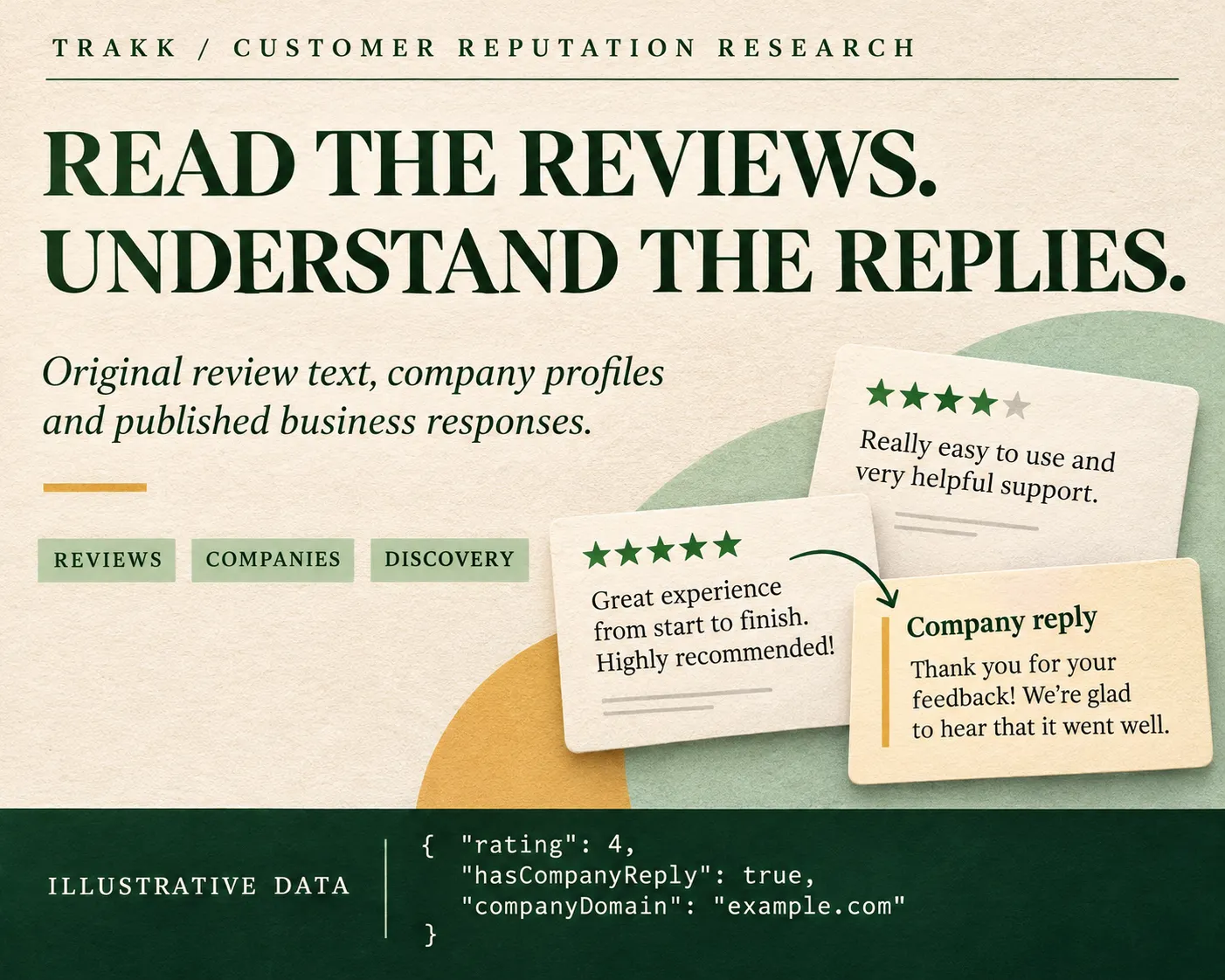
⭐ Original reviews. Published replies. A clearer company picture.
Turn Trustpilot company pages into useful research data: review text and star ratings, publication and experience dates, reviewer details, verification labels, business responses, company profiles and published contacts. Choose Reviews, Company profiles or Discover companies in one simple form. No Trustpilot account or cookies are required from you.
Use the results for customer feedback research, competitor comparisons, public business contact discovery and response prioritization. Original text stays in its source language, with its paragraph breaks preserved. Source facts and calculated sample insights have separate fields.
Included with ordinary results: company details · published replies · reviewer profiles · reply timing · response priorities · CSV / Excel / JSON export
🚀 Start with three choices
- Choose what you want to collect.
- Enter company domains, links or search phrases, one per line.
- Set the maximum results and click Start.
The limit applies to saved results across the whole run. Repeated companies, duplicate reviews, filtered records and failed requests do not use up your result allowance. Completed records appear as they are collected; you can inspect and export them while the run is still active.
🧭 Three workflows
| Workflow | What to enter | What you receive |
|---|---|---|
Reviews & company replies · REVIEWS | Domains, company website links, Trustpilot company links or search phrases | One row per matching review, including its company profile and any published reply |
Company profiles & contacts · COMPANIES | The same company inputs, or a phrase to find businesses | One enriched company profile per result, including published contact information |
Discover companies · SEARCH | A company name, search phrase or Trustpilot category URL | Enriched profiles for businesses discovered in those search results |
A company website link identifies its domain. The Actor collects its Trustpilot profile; it does not crawl the business website for private or unpublished information. Trustpilot review links identify a company too: select your desired review subset with the form's filters rather than relying on parameters copied from a browser URL.
In either company-only workflow, review filters and review pattern analysis are inactive. The run explains accepted inactive options in its summary. Search discovery covers the businesses exposed by the requested search or category page, rather than claiming to enumerate every business on Trustpilot.
Companies you already know
Discover businesses in a niche
Use one phrase per entry. A comma inside one phrase remains part of that phrase; it does not silently create several additional searches. In Reviews, a phrase discovers companies and then collects their reviews. Choose Discover companies when you want the business profiles themselves.
🎯 Keep only the reviews you need
| Setting | Effect |
|---|---|
stars | Keep selected ratings, from "1" through "5"; empty means all ratings |
languages | Keep ISO language codes such as en, de, fr or ru; empty means all available languages |
withReplies | Keep reviews with a company response present in the source |
publishedAfter | Keep reviews published strictly after a cutoff; accepts an ISO timestamp or Unix seconds/milliseconds |
For example, collect low-rated German feedback that has received a business response:
Filters can legitimately match nothing. The run summary distinguishes a valid empty selection from an unavailable source. A cutoff always uses publication time, not the experience date or the date a company last replied. It is never silently loosened to fill the requested result limit.
💬 Review fields
| Group | Fields and meaning |
|---|---|
| Identity | reviewId, reviewUrl, sourceUrl |
| Review content | title, text, rating, language, likes |
| Dates | datePublished, dateExperienced, dateUpdated, dateSubmitted when published |
| Reviewer | consumerName, consumerId, consumerProfileUrl, consumerCountry, consumerReviewCount, consumerImageUrl |
| Reviewer context | consumerIsVerified, consumerHasImage, consumerReviewsOnSameDomain, consumerReviewsOnSameLocation |
| Review verification | isVerified, verificationLevel, verificationLabel, isVerifiedLabel, verificationSource, reviewSourceName, reviewVerificationCreatedAt, reviewHasDachExclusion |
| Moderation | isFiltered, isPending, hasUnhandledReports, isCurrentlyUnderModeration, plus source report details when provided |
| Business response | hasCompanyReply, companyReplyText, companyReplyDate, companyReplyUpdatedDate |
| Location and products | reviewLocationId, reviewLocationName, published location address fields, productReviewCount and source product information |
The review verification flag is different from the reviewer's own identity verification. Trustpilot can mark an invited review with isVerified: true while showing an Invited label. Use verificationLabel or isVerifiedLabel if your analysis specifically requires the visible Verified review label. consumerIsVerified describes the reviewer separately.
Published replies retain the original message, dates and paragraph breaks. A missing reply does not create a blank paid result: it is represented within the review's own row. All company profile fields remain available on review records by default.
🏢 Company fields and contacts
| Group | Selected fields |
|---|---|
| Identity and links | companyId, companyName, companyDomain, companyUrl, companyWebsite, companyWebsiteTitle |
| Ratings | trustScore, companyRating, companyReviewCount, companyReviewCountLast12Months, companyRating1Star through companyRating5Star |
| Published contacts | companyEmail, companyEmails, companyPhone, companyPhones, companyContactUrl |
| Address | companyAddress, companyCity, companyPostalCode, companyCountryCode, companyContactCountry |
| Description and branding | companyDescription, companyDescriptionHtml, company logo/profile images, published custom header and Facebook link |
| Categories | Category names, IDs, primary category, category hierarchy and published category rankings |
| Company state | Claimed status/date, closed or temporarily closed state, review collection flags, paid-feature and subscription flags |
| Verification | Published identity/payment/Google/Persona verification flags and business verification availability |
| Branches | companyLocationsCount, companyLocationNames, companyListedLocationCount, companyLocationsJson |
| Trust signals | Published customer guarantee, consumer alerts, merge status/history and AI-response flags |
| Source context | companySelectedLanguage, companySelectedSort, companySelectedStars, companyHasActiveFilters, visible review counts |
Contacts come from the company's public Trustpilot profile. A contact form is a URL, not an email address: it appears in companyContactUrl. A business may publish a phone, an email, a support form, or none of these. The Actor does not invent a contact from the company's name or domain.
companyListedLocationCount describes the locations actually included in the page's location list. companyLocationsCount is the source's overall count, when supplied. These values can differ; a short location preview is not a complete branch directory.
Competitors and the company's own summaries
Where Trustpilot publishes comparable businesses, the output includes their names, domains, review counts and TrustScores in companyCompetitors and related fields. Calculated additions include the competitor average, this company's score gap, rank within the available set and the number of comparable businesses it outscores.
Trustpilot's own AI summary and topic summaries are retained when present. These are source-provided summaries, separate from the Actor's rule-based sample analysis. Empty source summaries remain empty.
📊 Reply insights that stay tied to the data
Review-level calculations include responseDelayHours, experienceToReviewDays and publicationDelayHours when the necessary timestamps are available and ordered consistently. Low-star reviews without a known reply receive needsCompanyResponse and a response priority.
The Companies output adds:
unansweredLowStarReviewsand links to priority reviews;medianResponseHourswithresponseDelaySampleSize;sampleLowStarReviewCountandsampleLowStarReplyRatePercent;sampleOldestReviewAtandsampleNewestReviewAt;- collected rating/language distributions, average saved rating and topic counts.
These figures describe only the reviews saved in this run, after your filters. They are not presented as company-wide response rates. Published profile reply statistics remain in separate company* fields. Topic matching uses English keyword rules; other languages keep their original content and an explicit unsupported topic-analysis status.
🔎 Optional transparency and pattern analysis
Public transparency metrics add the statistics Trustpilot exposes for a company: collection methods, reported reviews, reviews taken offline or reactivated, reply behavior and the available 12-month rating distribution. Enable includeTransparency when you need this context. Some companies or pages do not expose these values; missing metrics are not replaced with zero.
Statistical review pattern analysis is optional and off by default. An eligible business needs at least 50 saved reviews before it receives a score. The analysis reports sample size, coverage and methodological limitations. A pattern is not proof that a business or reviewer submitted fake reviews. Eligible analysis costs $0.05 once per run, according to the existing one-time event; a run without an eligible analysis does not incur that event.
📦 Output, exports and reports
Open the run's Output tab for review results, published replies, company profiles, response priorities and the run summary. The default dataset holds the selected result type; Companies holds profiles and sample summaries. Export through Apify to JSON, CSV, Excel or other supported dataset formats. Original compatibility field names remain available for existing integrations.
An included HTML report is saved as report in the run's key-value store when company data is available. It brings the collected ratings, topics, response statistics and business comparison into one shareable view. The report is based on the same saved data, not an additional collection of reviews.
The OUTPUT summary explains pages fetched, discovered and saved records, duplicates, filters, source errors and each company's stopping reason. It also tells you when a result limit, time limit, budget limit or public review window stopped collection. Errors and diagnostics are not inserted as paid review results.
💰 Pricing and predictable limits
| Event | Current price |
|---|---|
| Successfully saved review or company profile | $0.40 per 1,000 results |
| Actor Start | $0.00005 per started GB of assigned memory, minimum one event |
| Eligible optional statistical analysis | $0.05 once per run |
Replies, ordinary company details and sample response insights do not create an extra result event. Output views and secondary company/summary tables do not multiply the primary result charge. Set a maximum result count and a maximum run charge in Apify to control the size of a collection. The Actor stops new work when its charge limit is reached and retains already delivered data.
📚 Coverage and source limits
Complete review history beyond the first public pages
Requests for more than 200 reviews automatically expand the collection across smaller groups of published reviews. The Actor verifies source counts, removes overlaps and continues through those groups, keeping the same original text, reviewer details, moderation flags and business responses. No extra option or additional review event is needed.
To request an entire company history, set maxResults high enough for the company rather than leaving it at the initial sample size:
For example, a company with 850 available reviews can return 850 unique records under a limit of 1,000; the Actor does not add filler records to reach the limit. The compact form derives its page allowance from your result limit. Existing API tasks with an explicit maxReviewsPerCompany or maxPagesPerCompany retain those limits.
Check whether the history is complete
Each company in OUTPUT.sources includes:
| Field | Meaning |
|---|---|
historyExpectedReviews | The review count supplied for the active source selection |
historyUniqueReviews | Distinct source reviews processed during collection |
historyComplete | Whether the processed unique count matches a consistent source count |
historyUncollectedReviews | Reviews still outside the collected history when the count is reliable |
historySourceCountMismatch | The unfiltered listing and profile counters disagree, so complete coverage cannot be confirmed |
stopReason | Source exhaustion, a result/page/budget/time limit, source error, or an unresolved public window |
historyComplete: true is based on source counts and unique IDs, not just a successful run status. Counts describe the source snapshot observed during the run. Newly added, removed or moderated reviews can change the total while collection is running.
A result limit remains a requested maximum. If Trustpilot cannot expose a group of indistinguishable reviews, if a source filter does not split correctly, or if your page/time/budget limit stops collection, the summary keeps historyComplete: false and explains the remaining coverage. When the source counters disagree, an unknown remaining count stays empty. Date-cutoff runs keep their existing filtered collection behavior; omit publishedAfter when requesting the complete historical archive.
Unavailable fields are omitted or left empty; genuine source values of 0 and false are preserved. An unavailable exact date, phone, email, branch address or response is never reconstructed from unrelated fields. Source-wide rating counts and selected-language review counts can refer to different populations, so they remain separately labelled.
🔌 Existing API integrations
The compact form replaces the long list of setup controls without removing the established API inputs. Existing tasks can continue using mode, companyDomains, startUrls, businessUnitIds, searchQueries, maxReviewsPerCompany, maxPagesPerCompany, sort, verified, includeCompanyProfile, rawOutput and the other supported legacy settings.
For business unit IDs, the reliable legacy form is <businessUnitId>:<domain>. A bare ID can only be resolved when the company exposes the necessary public lookup. Company domains are usually simpler.
Keep one input style per integration. The new workflow determines whether the run returns reviews or company profiles, while maxResults remains a run-wide limit. Review-level fields and existing compatibility aliases retain their meanings.


