
Google Maps Scraper API — Leads & Optional Emails
Pricing
from $20.00 / 1,000 lead extracteds
Google Maps Scraper API — Leads & Optional Emails
Google Maps scraper for local business leads by keyword and location. Export names, phones, websites and coordinates. Email discovery is off by default; $0.02 per lead plus $0.05 per run. Positive MX checks and successful Firecrawl recovery cost $0.05 each when used.
Pricing
from $20.00 / 1,000 lead extracteds
Rating
0.0
(0)
Developer

Tugelbay Konabayev
Maintained by CommunityActor stats
1
Bookmarked
31
Total users
0
Monthly active users
18 hours ago
Last modified
Categories
Share
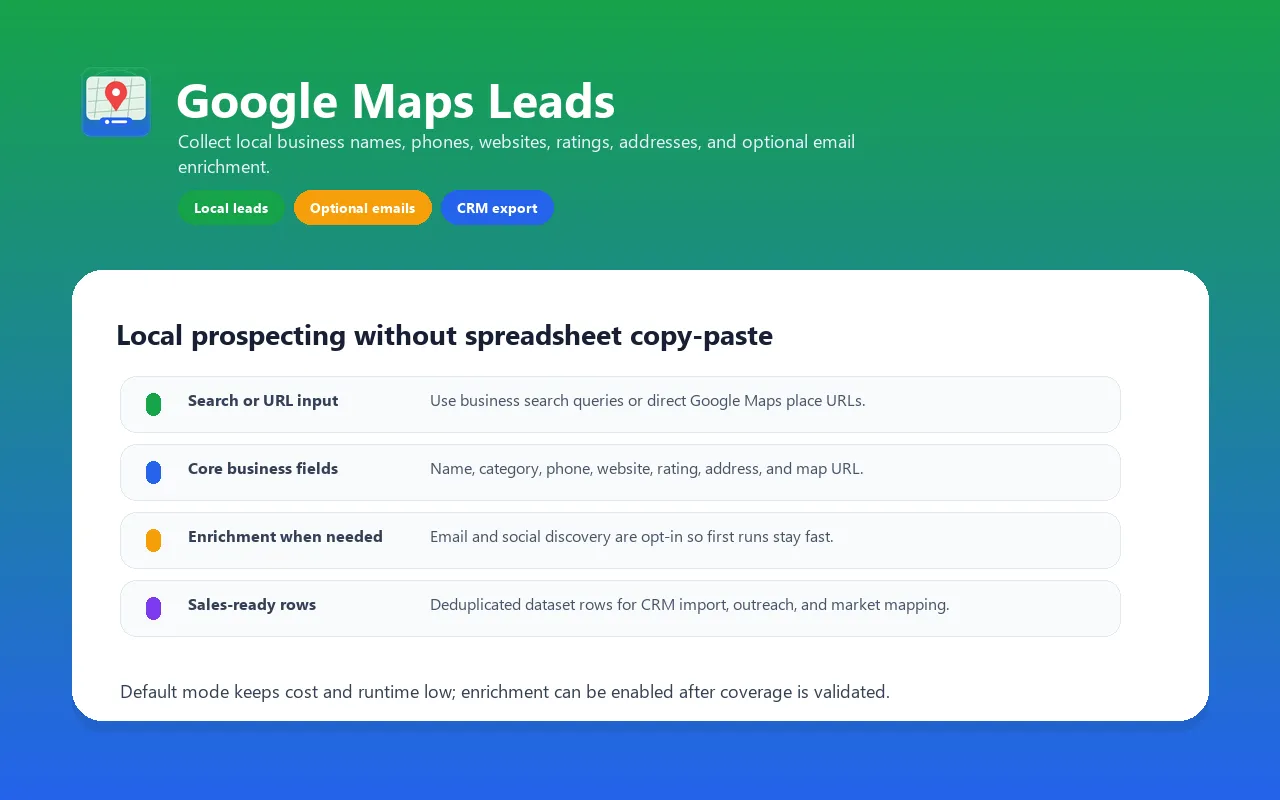
Google Maps scraper API for local business leads. Search a keyword + location and export business names, phone numbers, websites, ratings, and coordinates. Website email discovery is off by default; found candidates can have a non-Null MX signal, not mailbox verification. First-run cost — 10 basic leads cost $0.25 ($0.05 start + 10 × $0.02); 100 basic leads cost $2.05. Opt-in email discovery can trigger separate $0.05 events for a positive MX check or successful Firecrawl recovery. See the pricing table below before enabling enrichment. Bounded blocking recovery — optional 2Captcha/CapSolver handling and proxy support can recover some challenged runs, but access is never guaranteed. MX domain checks — DNS lookup records whether a non-Null MX exchanger is published; it does not prove that the domain or individual mailbox will accept a message. Firecrawl-powered website enrichment — when website email discovery is enabled and a direct fetch finds no email, Firecrawl can retry the site. A separate event is charged only when that retry recovers new fields. Optional per-record quality score — when enabled, a 0.0-1.0 completeness score helps you filter leads downstream.
For implementation notes, examples, and local lead-generation workflows, see the Google Maps Leads Extractor guide on Konabayev.com.
Why use this Google Maps lead extractor?
This Actor combines a bounded Google Maps search workflow with optional public-website enrichment. It is designed for teams that want one structured dataset and Apify-native scheduling instead of maintaining separate collection, normalization, and export jobs.
- Optional blocking recovery. Proxy support and configured CAPTCHA providers can recover some challenge paths. They do not guarantee access, and the run reports when blocking remains.
- Email-domain routing signal. MX checks record whether a non-Null MX exchanger is published; they do not prove that the domain or mailbox will accept a message or that outreach is permitted.
- Optional website fallback. Firecrawl can retry a business website when the direct request does not produce usable enrichment. It does not bypass authentication or private content.
- Optional quality score.
qualityScoreis a documented completeness heuristic for filtering rows, not a guarantee of contactability or conversion.
Comparison
| Capability | This Actor | General Store scraper | Official Google Places API |
|---|---|---|---|
| Primary use | Export public place rows with optional website enrichment | Varies by Actor | Supported place data through an official API |
| Blocking behavior | Proxy and optional solver recovery; still best-effort | Varies by implementation | Governed by official quotas and SKU rules |
| Website email enrichment | Optional public-site extraction plus MX-domain signal | Varies by Actor | Not supplied as a website-email workflow |
| Output | Apify Dataset with quality/provenance fields | Actor-specific | Official response schema |
| Automation | Apify API, schedules, webhooks, MCP | Usually Apify-native | Custom integration required |
| Pricing | PPE events plus the published Actor-start event | Actor-specific | Current Google Maps Platform pricing |
| Best fit | Apify-native lead research and enrichment | Compare current Store outputs and reviews | First-party supported place-data integration |
What You Extract
Core Google Maps fields (always present)
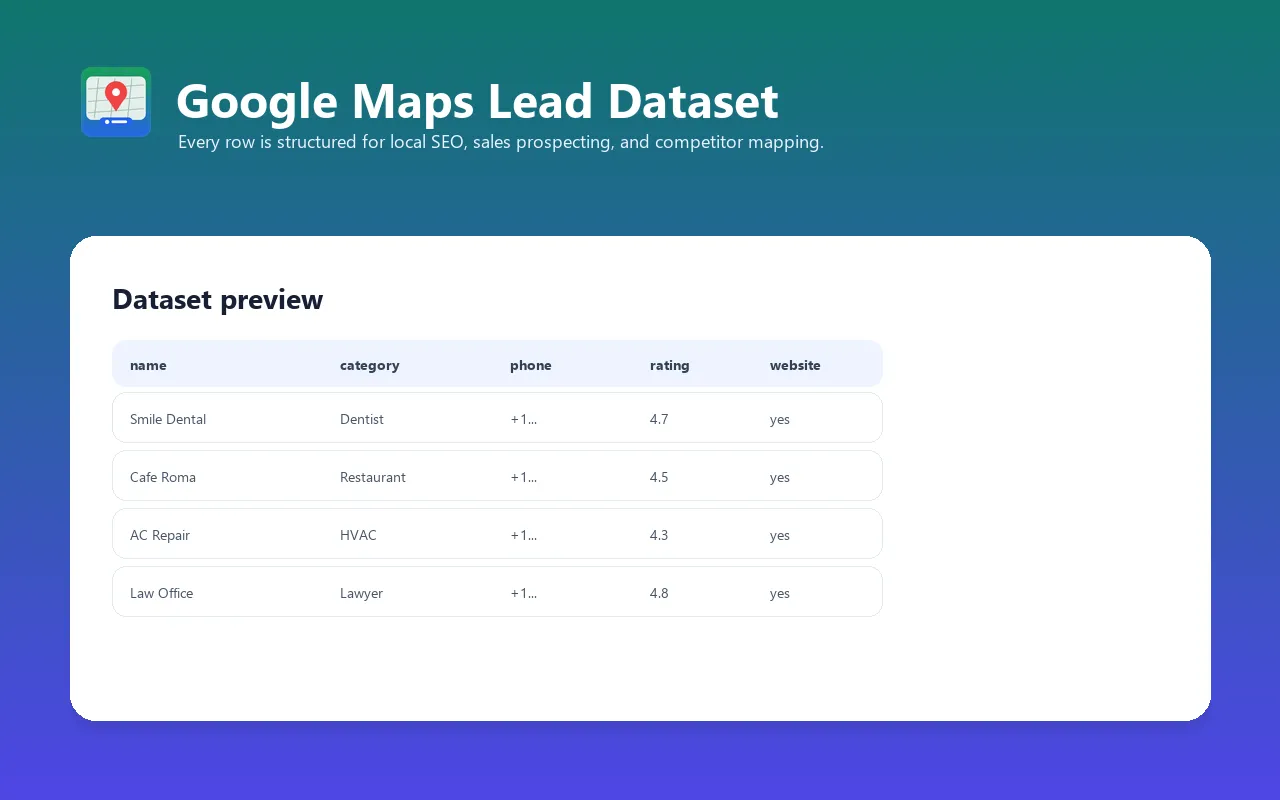
name— business name (deduped within the run)category— primary Google categoryaddress+ parsedcity,state,postalCode,countryphone— when listedwebsite— when listedrating,reviewsCount— when visiblesourceStatus—limited_viewwhen Google explicitly returns its limited-view notice; review counts and the full week may be unavailable.standard_viewmeans no such notice was detected, not that every field exists.unavailablemeans detail extraction failed and only the discovered business name remains. The actor returns and charges existing result events for the fields actually available; filter this column when you need detailed records.priceLevel—$/$$/$$$/$$$$when visibleopeningHours— raw text from Google Mapslatitude,longitude— explicit coordinates of the selected place from its URL; a map viewport center is not used as a substituteplaceUrl— Google Maps URLsearchQuery— which input query found this placeextractedAt— ISO 8601 UTC timestamp
Optional and derived fields (available on all Apify plans)
email— extracted from a public website and retained when a non-Null MX record is observed or the DNS check is inconclusiveemailVerified— legacy field name;trueonly when DNS returns a non-Null MX exchanger, never proof of domain or mailbox deliverabilitysocialMedia—{facebook, instagram, twitter, linkedin, youtube, tiktok}URLswebsiteEnriched—trueif Firecrawl rescue was used (anti-bot-protected sites)websiteTitle,websiteDescription— meta tags from business websiteopeningHoursStructured—{monday: {open: "09:00", close: "17:00"}, tuesday: ..., ...}qualityScore— 0.0-1.0 weighted completeness score
Output quality signals
Inspect these per-record signals before importing leads into your workflow:
| Signal | Meaning and limitation |
|---|---|
qualityScore | Optional weighted completeness score from 0 to 1; it is not independent verification of the business or a guarantee of contact coverage |
| Phone, website and email | Returned when found in the selected public sources and requested enrichment; some records have missing contact fields |
emailVerified | A true value means a non-Null MX exchanger was observed for the email domain; it does not verify the mailbox, ownership or deliverability |
The runtime does not enforce a dataset-wide contact-rate or average-score threshold before delivery. Lead results are charged when stored; optional enrichment events follow their documented delivery conditions. A low completeness score does not automatically make a delivered lead free. Start with a small sample and inspect the fields relevant to your use case.
How to run: input examples
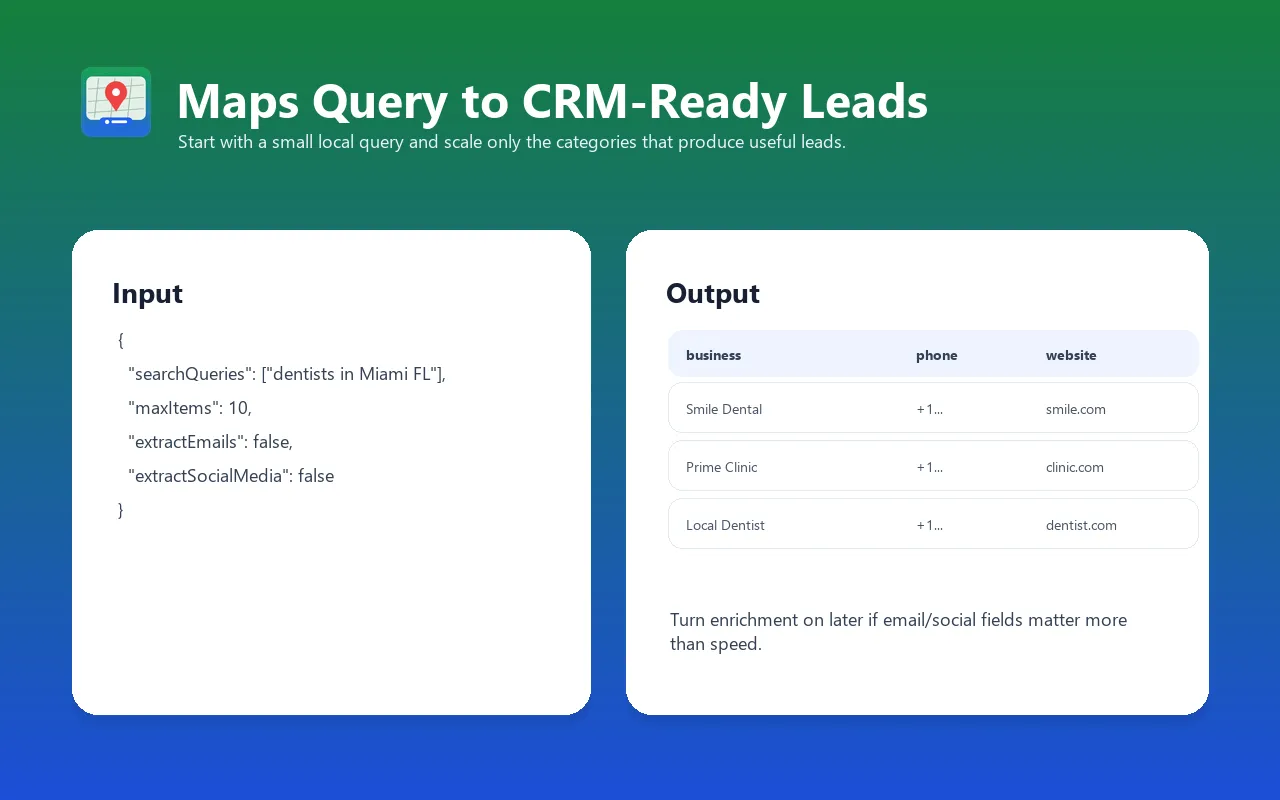
- Start with one keyword/location query and a small result limit; keep optional website/email enrichment off.
- Inspect source place URLs, contact coverage,
qualityScore, andextractedAtbefore enabling paid enrichment. - Scale only validated markets and follow consent, suppression-list, privacy, and outreach requirements.
Fast first run (no enrichment)
B2B prospecting with email and social enrichment
Multiple cities, deduped output
Direct place URLs (CRM enrichment)
Cost-controlled high-volume run
Output example with optional enrichment enabled
This example requires extractEmails: true, extractSocialMedia: true, and verifyEmailMx: true. The fast first-run input above leaves email and social discovery off; do not expect these fields from that input. emailVerified: true means a non-Null MX record was observed for the domain, not that the mailbox accepts mail.
Pricing — Pay Per Event (effective 2026-05-20)
Premium pricing reflects the higher cost of CAPTCHA solving and Firecrawl enrichment, charged only when those services actually deliver a result.
| Event | Price | When charged |
|---|---|---|
actor-start | $0.05 | Once per run |
lead-extracted | $0.02 | Per business pushed to dataset |
email-verified | $0.05 | Legacy event name; charged only when DNS returns a non-Null MX exchanger, not proof of deliverability |
website-enriched | $0.05 | Only when Firecrawl recovered fields the basic fetch missed |
Realistic run costs
| Scenario | Cost breakdown | Total |
|---|---|---|
| 100 leads, no enrichment | $0.05 + 100 × $0.02 | $2.05 |
| 100 leads, 60 MX-checked email domains | $0.05 + 100 × $0.02 + 60 × $0.05 | $5.05 |
| 100 leads, 60 MX-checked + 30 enriched | $0.05 + 100 × $0.02 + 60 × $0.05 + 30 × $0.05 | $6.55 |
Compare to Google Places API: same 100 leads with phone, website, opening hours = ~$10-17 (depending on field-mask tier). Plus you must build the integration yourself.
Best Use Cases
- B2B sales prospecting — find local businesses by category and collect email candidates for separate mailbox-level validation before outreach.
- Agency lead-gen — identify businesses with weak online presence (no website, sparse hours, low rating) for SEO/web-design pitches.
- CRM enrichment — feed existing place URLs through this Actor to add MX-checked email candidates, social profiles, and structured hours.
- Local market mapping — quantify competitor density, average rating, and price-level distribution by neighborhood.
- Lead qualification — combine phone, address, and MX-checked email candidates, then validate and review them before CRM import.
- Quality-filtered scraping — set
qualityScore >= 0.7to feed only complete records into your funnel. - Recurring local-market monitoring — schedule weekly runs and watch new entrants/closures.
Programmatic Usage
Python
JavaScript / TypeScript
LangChain tool
MCP (Apify MCP Server, Streamable HTTP)
FAQ
Q: How does the Actor handle Google blocking? A: An explicit HTTP refusal (including 403 or 429) stops acquisition without retries, proxy rotation, or solver recovery. Already saved rows remain available. A small, sanitized diagnostic is recorded when possible; see Troubleshooting below.
Q: Why an MX check instead of a full SMTP probe? A: SMTP probes are slow and often refused by receiving servers. This check only records a published non-Null MX exchanger; it does not prove that the domain or individual mailbox accepts mail. Use a dedicated consent-aware validation service when mailbox-level evidence is required.
Q: When does websiteEnriched get charged?
A: Only when the basic httpx fetch returned no email and Firecrawl rescue actually retrieved new data. If both fail or basic fetch worked, no website-enriched event fires.
Q: What if my business doesn't list a website on Google Maps?
A: You still get name, phone, address, hours, rating, coordinates. email, socialMedia, and websiteEnriched will be null. The lead is still useful — phone-based outreach.
Q: How many leads can I extract per run? A: The input schema allows 1-500 places per query. Total runtime and output depend on query count, target responses, proxy/solver behavior, enrichment settings, memory, and Apify platform limits; start with 10 and measure your own workload before scaling.
Q: Does it work outside the US?
A: Yes. Address parsing is best for US ("Street, City, ST ZIP" pattern); international addresses appear in address but city/state/postalCode may be null. All other fields work globally. Set language to your locale's ISO 639-1 code (es, de, ru, ar, etc.).
Q: Can I schedule recurring runs? A: Yes — Apify Schedules. Common patterns: weekly per-city refresh, daily for hot markets, hourly for new-listing detection on a specific category.
Q: What about Google's Terms of Service? A: The Actor is limited to public pages and does not use Google account credentials or private owner fields. Public visibility is not permission for every downstream use: review Google's current terms, privacy/marketing law, consent requirements, and your jurisdiction before collection or outreach.
Q: Why not just use the Google Places API? A: Use the official Places API when you need a supported first-party integration, stable documented fields, and official quota handling. Use this Actor when you specifically need an Apify Dataset, scheduling/MCP integration, and optional public-website enrichment in one workflow. Compare current pricing and terms before choosing.
Troubleshooting
SOURCE_REFUSED / HTTP 429
The first HTTP refusal is recorded in the run's default key-value store as
SOURCE_REFUSAL and in its log with the prefix SOURCE_REFUSAL_DIAGNOSTIC.
The record contains the status, search/detail stage, direct/proxy route, attempt,
coarse response location and server family, parsed Retry-After, and fixed
boolean-derived signals such as unusual_traffic or quota_exceeded.
These signals describe the response; they do not establish Google's internal
reason. rootCause: "not_established" explicitly preserves that uncertainty.
Collection reads only the received response and the current page. It sends no
additional source requests and does not store page text, full headers, search
queries, URLs, IP addresses, cookies, or credentials in this diagnostic.
Reads are bounded to 0.5 seconds and storage to 2 seconds. If the page or storage
is unavailable, the Actor still preserves the original refusal and stops.
Successful runs do not create this record. Honor any Retry-After; do not use
this diagnostic as permission to retry or work around a refusal.
Empty dataset returned
- Check that
searchQueriesorplaceUrlsis set (run will fall back to a demo query and warn). - Try a different region — some niches have very few Google Maps listings.
- Set
maxConcurrency: 1to slow down and avoid being rate-limited.
Low emailVerified rate
- Many small-business websites use contact forms instead of mailto links — emails simply aren't on the page.
- Disable
verifyEmailMxto keep raw emails (you'll get more results but need to validate downstream). - Enable
firecrawlFallbackif not already — recovers emails from JS-rendered/anti-bot-protected sites.
CAPTCHA logs but no 2captcha solves logged
- The
TWOCAPTCHA_API_KEYenv var must be set on the actor (Console → Settings → Environment variables, marked Secret). - Check your 2Captcha balance: https://2captcha.com/enterpage
- CapSolver (
CAPSOLVER_API_KEY) acts as fallback if 2Captcha returns no token.
Run took too long
- Drop
maxItems, raisemaxConcurrency(cap is 10). - Disable
extractEmails/extractSocialMediafor the first scoping run, then re-run with enrichment on confirmed targets.
Validation evidence and Google terms (2026-07-14)
Validation on 2026-07-14 establishes a public-source and enrichment boundary:
- Google's Maps Platform Terms describe licensing, customer obligations, privacy, and use restrictions for official Maps services.
- Google's Terms of Service remain authoritative for Google surfaces; this independent Actor is not a Google Places API client or Google-endorsed product.
- Results retain place URLs, search query, validation/enrichment flags, quality score, and
extractedAtfor source checks. - Strict Actor QA validates schemas, links, metadata, Docker configuration, enrichment defaults, and PPE declarations before release.
Users must follow current terms, privacy/marketing law, consent rules, and suppression lists. This evidence does not verify contact ownership, guarantee deliverability, rankings, sales, or AI citations.
Support
Send the run ID, sanitized keyword/location, public place URL, enabled enrichment options, expected field, observed row, and visible error. Do not send credentials, solver keys, cookies, or private lead lists.
Limitations
- Email enrichment only works when the business website lists an email. No magic — if a business uses a contact form, the email isn't there.
- A non-Null MX record is only a routing signal. The domain or mailbox can still reject mail. For deeper validation, pipe
emailthrough NeverBounce / ZeroBounce after this run. - Opening-hours parser handles common formats. "Mon-Fri 9-5", "Monday: 9 AM-5 PM", "Open 24 hours", "Closed". Exotic formats (e.g., "Shabbat Closed") fall back to null for that day; the raw text remains in
openingHours. - CAPTCHA handling is best-effort. Solver providers, challenge types, target changes, and proxy reputation can still leave a run blocked or incomplete.
- No reviews extracted. This actor focuses on the place's metadata + contact info. For reviews, use a dedicated reviews scraper.
Related Actors
- Contact Finder Pro — Find public contact candidates and domain-level MX signals from company websites
- 2GIS Scraper — Extract companies and contact fields from 2GIS markets
- JustDial Leads Extractor — Build India business lead lists by category and city
- Sulekha Business Scraper — Extract public Sulekha service-provider listings
- Website Tech Stack Detector — Add technology and CRM-routing signals to business websites
See all actors: apify.com/tugelbay
Verification update — 2026-09-05
The candidate contact discovery follows up to three pages on the business website (20 seconds total). MX selection has a separate 20-second total budget, prefers a positive domain signal, and retains an inconclusive candidate without marking it verified. Two live London agency leads produced two email-verified events. Firecrawl charges require a new saved email, social link, title, or description; an empty response or an email rejected by MX alone does not qualify.
Changelog
- 3.0 (2026-05-06) — Premium rebrand. CAPTCHA bypass via 2Captcha + CapSolver, MX-checked email domains, Firecrawl fallback for website enrichment, structured opening-hours JSON, per-record quality score, premium PPE pricing scheduled for 2026-05-20.
- 2.0 (2026-04-24) — Fixed proxy support for browser, retry logic, race condition fix.
- 1.0 (2026-04-15) — Initial release: Google Maps search + place extraction with optional email/social enrichment.


