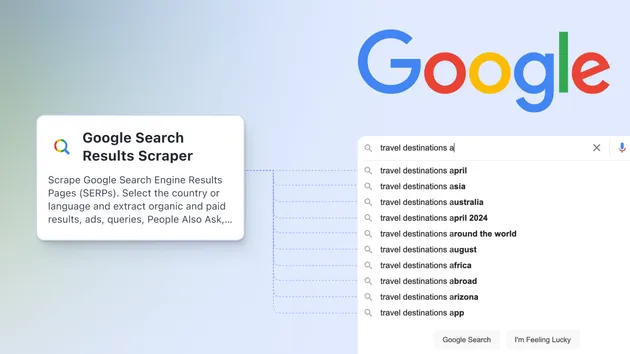
Google Search Scraper
Pricing
from $2.00 / 1,000 pages
Google Search Scraper
Fast Google SERP scraper for SEO teams, marketers, and agencies. Collect live organic rankings, ads, People Also Ask, related searches, and knowledge panels by keyword, country, and language in clean page-based output.
Pricing
from $2.00 / 1,000 pages
Rating
0.0
(0)
Developer

VortexData
Maintained by CommunityActor stats
0
Bookmarked
38
Total users
1
Monthly active users
3 months ago
Last modified
Categories
Share
What does Google Search Results Scraper do?
Google Search Results Scraper collects live Google Search SERP data for any keyword. Use it to monitor SEO rankings, analyze competitors, discover keyword ideas, check search ads, or build search result reports without opening Google manually.
Enter one or more search terms, choose a country, language, and result depth, then download structured results from Apify in JSON, CSV, Excel, HTML, XML, or RSS.
Why use this Google SERP scraper?
- 🔎 Live Google results for keywords, brands, products, locations, and competitors
- 📈 SEO-ready output with positions, titles, URLs, descriptions, ratings, reviews, and sitelinks
- 📢 Ads and shopping results when they appear on the page
- ❓ People Also Ask, related searches, and knowledge panel data
- 🌍 Localized SERPs by country and language
- 📄 Simple page-based rows: page 1, page 2, page 3, and so on
How to scrape Google Search results
- Add keywords in Search queries. Use one search per line.
- Choose Results to request:
10,20,30,40,50,100, orall. - Select Country and Language.
- Optionally enable mobile results, freshness filters, exact match, site search, or file type filters.
- Click Start and export the dataset.
Input example
With this input, the Actor collects the first two Google results pages for each keyword.
Output example
Each dataset item represents one Google results page.
What can you use the data for?
- 📊 Track keyword rankings over time
- 🥊 Compare your website with competitors
- 🔁 Find related search terms for content planning
- 📢 Review ads shown for commercial keywords
- ❓ Collect People Also Ask questions for FAQs
- 🌍 Compare SERPs across countries and languages
Notes
Google results can vary by location, language, device, personalization, and time. For audits or debugging, enable Save page snapshots to keep the original Google HTML returned during the run.