

Google Ads Search Term Audit: Wasted Spend Report
Pricing
from $800.00 / 1,000 campaign audits
Google Ads Search Term Audit: Wasted Spend Report
Review your own search-term export against explicit irrelevant categories and thresholds. Protect conversions and allowed terms, inspect evidence, and compare named snapshots. No account connection or automatic changes.
Pricing
from $800.00 / 1,000 campaign audits
Rating
0.0
(0)
Developer

Zaiq
Maintained by CommunityActor stats
0
Bookmarked
2
Total users
1
Monthly active users
25 days ago
Last modified
Categories
Features
Share
Google Ads Search Term Review Report
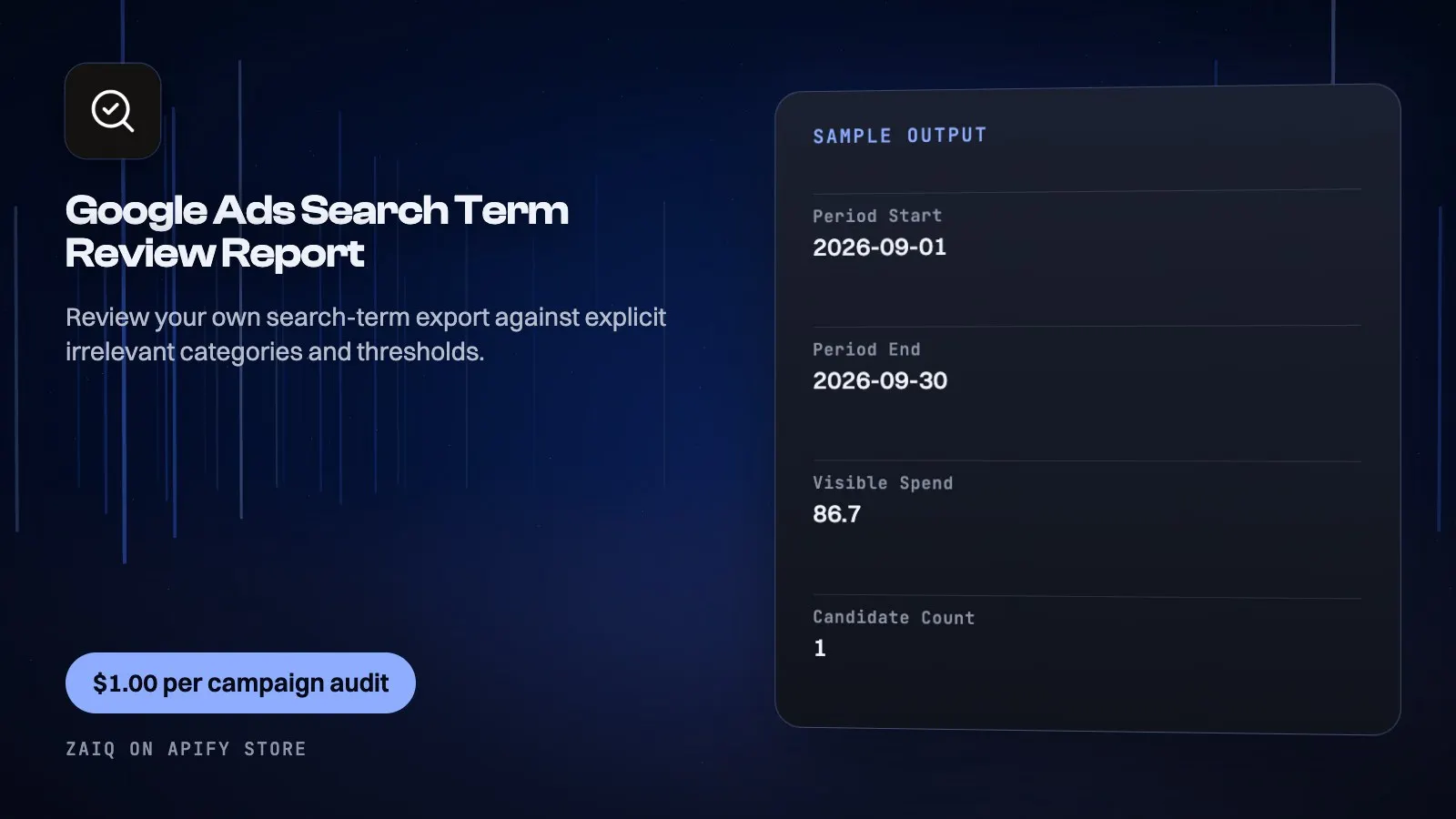
Review your own search-term export against explicit categories and thresholds. Campaign-wide term groups show reported conversion evidence for human review.
The default is a free fictional synthetic demonstration. Paste CSV, TSV or JSON or select your own accessible dataset. No ad account is connected or changed.
What you get
| Field | What it holds |
|---|---|
| Campaign audit | Visible search-term spend, impressions, clicks and reported conversions. Up to 100 grouped term excerpts retain source row numbers and per-row spend, clicks and conversion evidence; ad-group and match-type hashes are not anonymisation. |
| Review protection | Rows with equivalent terms across ad groups are grouped within each campaign. Converting or unknown-conversion terms, protected phrases, match-type conflicts and terms below your thresholds are preserved. |
| Comparisons | Optional named aggregate snapshots compare compatible rules and scopes. |
| SUMMARY | Run status, audit-event counts, input size and notes. |
What people use it for
- Agency reviews: Sort buyer-defined irrelevant phrases by observed spend for human review.
- Recurring checks: Compare compatible snapshots from successive reporting periods.
How to use it
- Run the fictional demo or choose your own CSV, TSV, JSON text or accessible dataset.
- For buyer data supply scope, period, currency, explicit categories, protected phrases and review thresholds.
- Check each group, incomplete conversions, attribution delay, sample size and match behaviour. No negatives are generated or applied.
- Select an existing private dataset with the dataset picker (READ), and select an existing private snapshot store with its picker (READ and WRITE) when comparing or saving snapshots. Legacy dataset ID/name and snapshot store name inputs remain for environments where access is already granted; they do not themselves grant limited-permission access. Do not combine picker and legacy fields for the same resource.
Input
| Field | Example | Notes |
|---|---|---|
| Mode | Synthetic free demo | The default uses fictional data. |
| Data | CSV, TSV or JSON | Default labels, ignoring case and treating spaces as underscores: campaign; search_term or Search term; spend or Cost; impressions or Impr.; clicks; conversions; optional id, ad_group or Ad group, match_type or Match type. Conversions may be blank or absent and are then unknown. A UTF-8 BOM is accepted. |
| Column mapping | Optional JSON object | Map field keys campaign, search_term, spend, impressions, clicks, conversions, ad_group, match_type or id to source headers, for example {"search_term":"Query","spend":"Amount","impressions":"Views"}. Ambiguous aliases require an explicit mapping. A column cannot serve two fields. Cost must be in currency units; cost_micros is not supported. |
| Rules | Explicit phrase categories | Whole-word phrase matches; not semantic intent. |
| Snapshots | Private store and unique name | Optional; no raw terms saved in snapshots. |
Output
Each result is one row in the run's dataset (download it as JSON, CSV, Excel, XML or HTML, or read it through the API). An example row (values shortened):
Every example value is fictional and synthetic, not a buyer run. SUMMARY records Actor audit events; the platform start charge is separate.
Pricing
- $1 per completed campaign audit using buyer data. Invalid inputs and unsuccessful campaigns do not incur an audit event.
- The fictional demo has no audit event charge. Apify also charges an Actor start fee of $0.00005 per GB of run memory, rounded up with a minimum of one event.
What typical jobs cost at the list price:
| Job | Cost |
|---|---|
| One campaign, default memory | $1.00005 including one start event |
| Two campaigns, default memory | $2.00005 including one start event |
| Synthetic demo, default memory | $0.00005 start event only |
Set a maximum cost per run. The platform start fee is separate from campaign audit events. Verify actual charges and caps in your account.
Tips
- Use a stable non-sensitive scope label and consistent rules for snapshots.
- Check conversion delays, match types, sample size and protected phrases before acting.
Use it through the API
Python
JavaScript
HTTP (one call, results back)
Integrations and schedules
- Schedules: run it every hour, day or week from the Apify Console (Schedules) and keep a history of results.
- Make, Zapier, n8n, Google Sheets, Slack, Airtable: connect it through Apify's integrations, or send each finished run to a webhook.
- Datasets: results stay in the run's dataset; export them or read them by API whenever you need them.
Use it with AI agents (MCP)
Add Apify's MCP server (https://mcp.apify.com) to Claude, ChatGPT, Cursor, VS Code or any MCP client. The agent can find this Actor and run it for you: ask it for "review my search-term export using my explicit categories". AI agents can also pay for runs directly through Apify's agentic payments.
Limits
- Metrics must be plain unsigned decimal numbers matching (0|[1-9][0-9]*)(.[0-9]+)?, such as 0, 0.5 or 1234.50; surrounding whitespace is allowed. No leading zeroes, comma, currency symbol, exponent, sign, or thousands separator. Impressions and clicks must be whole-valued. Exports with other locale formats must be converted by the buyer; a real Google Ads export has not been verified.
- Visible search-term spend is not total account spend; zero conversions does not prove waste or savings. Results are review prompts only, never negative recommendations.
- Up to 20,000 rows, 100 campaigns and 8 MB of input. Reports include at most 100 grouped term excerpts; counts include all groups.
- Campaign-wide grouping combines ad groups. Punctuation and case variants are conservatively grouped. It cannot establish conversion attribution, match semantics or account-wide safety.
- Terms containing obvious contact details, URLs, markup or formula prefixes are redacted. Automated redaction is incomplete: names, business identifiers, bare domains and other sensitive data can appear. Remove sensitive data before uploading.
- The input remains in your run storage; output can contain search terms, category labels and aggregate data. Access controls, exports, integrations and sharing are your responsibility. Hashes are not anonymisation.
- Snapshot names are reserved before delivery. Concurrent writers are last-writer-wins, not atomic; choose a unique name per run.
- No website fetching, ad account login, model or external data service is used. Customer-owned Apify storage is used for input, output and optional snapshots.
- Comparisons require the same resolved column mapping as well as the same review scope and rules. Snapshots created by earlier grouping versions are incompatible.
- If delivery or billing cannot be reconciled after an interruption, the run stops paid work and leaves existing results, charges and snapshots for review. Check SUMMARY and the dataset; this is separate from the spending limit.
FAQ
Does this change my account?
No. It does not connect to an ad account.
Are candidates proven waste?
No. Human review and conversion timing are essential.
Are sample results real?
No. The default is a fictional demonstration.
Support
Questions, a site that changed, or a field you need? Open an issue on this Actor's Issues tab: we answer there, usually within a day.
Also found as: search term review, negative keyword review, paid search audit.


