

Target Scraper: Prices, Store Stock, Promotions & Tracking
Pricing
from $2.50 / 1,000 search results
Target Scraper: Prices, Store Stock, Promotions & Tracking
Target.com (US) search results, category and product pages: price, regular price, sale type, promotions, rating, brand, TCIN, UPC, and the units in stock at stores near any ZIP. Every run shows what changed since your last one. No account needed.
Pricing
from $2.50 / 1,000 search results
Rating
0.0
(0)
Developer

Zaiq
Maintained by CommunityActor stats
0
Bookmarked
2
Total users
1
Monthly active users
10 days ago
Last modified
Categories
Features
Share
Target Scraper: prices, store stock, promotions and price tracking (target.com)
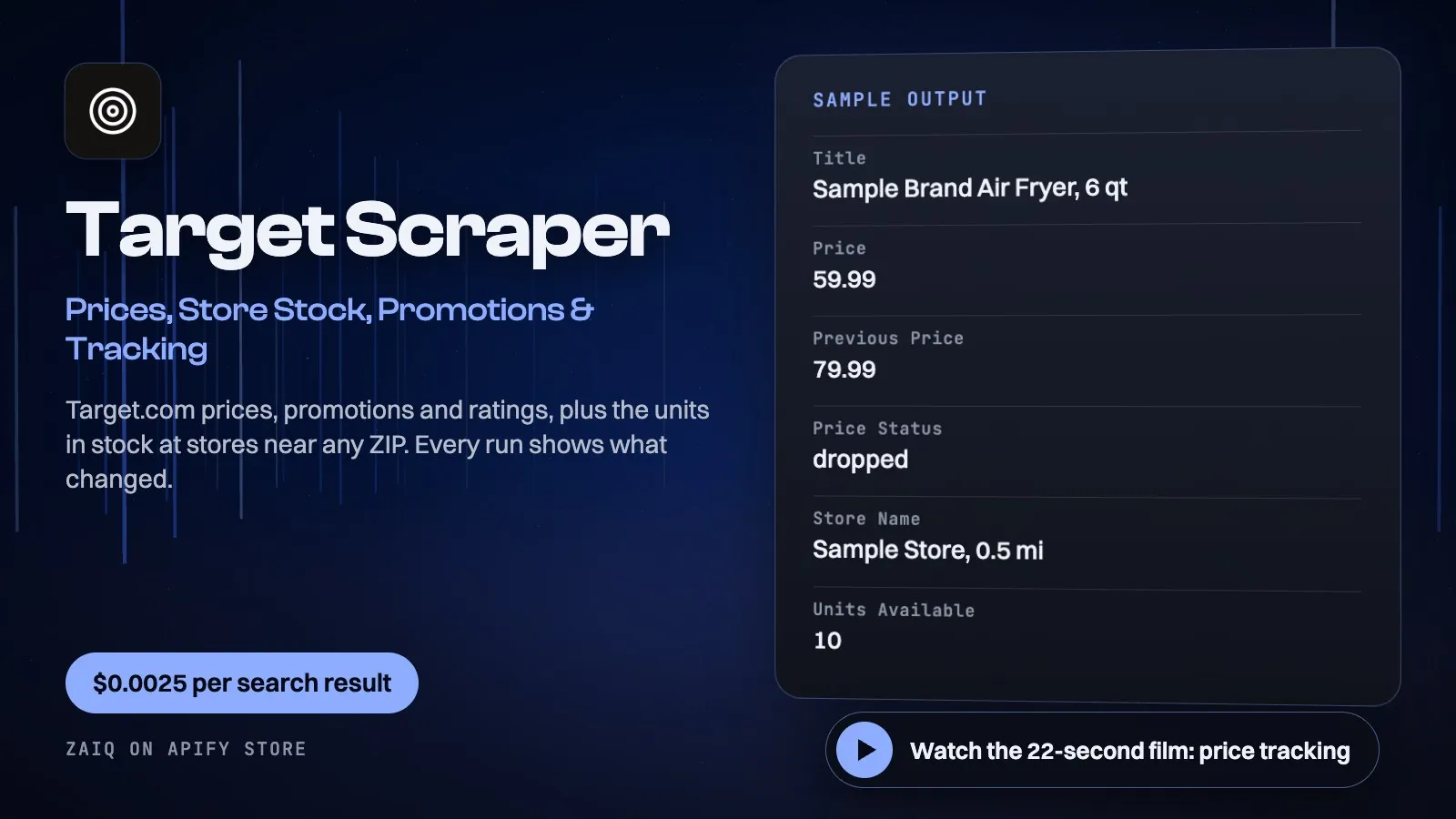
Watch the 22-second film: price tracking
Get Target.com (US) data without an account: search results and category pages with price, regular price, sale type, promotions, rating, brand, TCIN, DPCI and the sponsored flag, priced for the store or ZIP you choose; full product pages with review count, UPC, description, highlights, specifications and return policy; and store stock, with the units available and pickup status at the stores near any ZIP.
Try it in a minute: the form is filled in. Press Start and you get 24 real results for about $0.06.
Built for price monitoring, store stock and restock checks, competitor and MAP checks, promotion tracking and catalogue data.
Run it again and see what changed: every product is compared with your last run, with nothing to set up and at no extra cost. Schedule it daily and filter on priceStatus for a price-drop feed.
What you get
| Field | What it holds |
|---|---|
| Search and category results | tcin, title, brand, price, priceMax, regularPrice, priceType, onSale, formattedPrice, promotions, rating, ratingCount, sponsored, dpci, image, url, storeId, rank |
| Product pages | tcin, title, brand, price, regularPrice, promotions, rating, ratingCount, reviews, recommendedPercent, ratingBreakdown, upc, dpci, category, description, highlights, specifications, returnPolicy, images, url |
| Store stock | tcin, title, storeId, storeName, address, city, state, postalCode, distanceMiles, unitsAvailable, inStore, pickup, curbside, pickupDate, url, zipCode |
| Price tracking, on every product row | previousPrice, priceChange, priceChangePercent, priceStatus (first-seen, unchanged, dropped, raised, no-price), firstSeenAt |
What people use it for
- Price monitoring: track prices and sale prices for any search, category or list of products, every day
- Store stock checks: the units available at each store near a ZIP, for restock alerts and local availability
- Promotion tracking: see which products carry a promotion, and what it says
- Store price checks: compare the same products across Target stores by changing the store ID
- Assortment and search share: which products and brands rank for a search, and which are sponsored
- Catalogue data: UPCs, TCINs, DPCIs, specifications and images for product feeds
- Review signals: average rating, review count, recommendation rate and star breakdown
How to use it
- Enter searches or paste Target search or category links, and choose an order.
- Add a store ID for that store's prices, and turn on Open every search result if you want UPCs and ratings.
- Click Start. Schedule it daily for price tracking.
Input
| Field | Example | Notes |
|---|---|---|
| Searches | air fryer | Words, or target.com search and category links |
| Results per search | 24 | Up to 1,200 |
| Sort | Relevance | Price low/high, best sellers, newest, highest rated |
| Target store ID | empty | Prices come from this store |
| ZIP code | empty | Prices from the nearest store; center of the stock check |
| Include sponsored results | off | Keep paid listings, flagged |
| Products | https://www.target.com/p/.../-/A-<tcin> | Links or TCINs |
| Open every search result | off | Read each result's product page too |
| Check store stock | off | Units and pickup status per store near your ZIP |
| Stores to check per product | 5 | Up to 20 |
| Stock only for product links | off | No product page row, only store stock |
| Track price changes | on | Compares every product with your last run; free |
| Tracking list name | empty | Optional: separate lists keep separate histories |
Output
Each result is one row in the run's dataset (download it as JSON, CSV, Excel, XML or HTML, or read it through the API). An example row (values shortened):
A record named SUMMARY in the run's key-value store says what each input returned, with any notes (for example an account that does not exist), what was charged and how much traffic the run used.
Pricing
- $0.0025 per search result
- $0.006 per product page, read in full
- $0.0015 per store-stock row (one product at one store)
- Products that don't exist and refused pages are free
What typical jobs cost at the list price:
| Job | Cost |
|---|---|
| 1,000 search results | $2.50 |
| 100 full product pages | $0.60 |
| Daily price check of 200 products for a month | $15 |
| Stock of 100 products at 5 stores | $0.75 |
On Apify's Scale and Business plans the per-event prices are lower (Store discounts). Set Maximum cost per run and the Actor stops cleanly when it is reached: you never pay more than that.
Tips
- For restock alerts, give product links, a ZIP code, Check store stock and Stock only for product links, and schedule it hourly.
unitsAvailableis the count Target's own Find in Store can promise. - Schedule a daily run and filter on
priceStatus=droppedfor a price-drop feed. The run's summary lists the biggest moves. - For price tracking, search and category results are the cheap way: they carry price, regular price and promotions. Open product pages only when you need UPCs, ratings or specifications.
- A TCIN is the number after /A- in a target.com product link; paste either.
- Prices can differ by store. Run the same list with several store IDs to compare them.
Use it through the API
Python
JavaScript
HTTP (one call, results back)
Integrations and schedules
- Schedules: run it every hour, day or week from the Apify Console (Schedules) and keep a history of results.
- Make, Zapier, n8n, Google Sheets, Slack, Airtable: connect it through Apify's integrations, or send each finished run to a webhook.
- Datasets: results stay in the run's dataset; export them or read them by API whenever you need them.
Use it with AI agents (MCP)
Add Apify's MCP server (https://mcp.apify.com) to Claude, ChatGPT, Cursor, VS Code or any MCP client. The agent can find this Actor and run it for you: ask it for "the 100 cheapest air fryers on Target with their regular prices and promotions". AI agents can also pay for runs directly through Apify's agentic payments.
Limits
- Target.com (US) only.
- Ratings and UPCs come with product pages, not search results.
- Target shows at most 1,200 results for a search; split broad searches into narrower ones.
- If an address is refused the Actor tries another and never solves a check. Pages it could not read are listed in SUMMARY and not charged.
FAQ
How does price tracking work?
Each run compares every product with your last run and adds the previous price, the change and a status. It keeps one small key-value store in your Apify account and costs nothing extra. Run one list at a time, and turn it off with trackPrices: false.
How accurate is store stock?
unitsAvailable is the number Target's own Find in Store shows it can promise at that store right now. A shelf count can differ.
Do I need a Target account?
No. Everything is what a signed-out shopper sees on target.com.
Can I get one store's prices?
Yes: set the store ID. Every row says which store it was priced for.
Can I scrape a whole category?
Yes: paste the category link (it ends in /N-...). Each one returns up to 1,200 results.
What does it cost to run?
Only the events above; there is no monthly fee.
Related Actors from Zaiq
- walmart-scraper: the same products on Walmart
- sams-club-scraper: club prices at Sam's Club
- amazon-product-scraper: the same products on Amazon, in 23 stores
Support
Questions, a site that changed, or a field you need? Open an issue on this Actor's Issues tab: we answer there, usually within a day.
Also found as: target scraper, target api, target product scraper, target price tracker, target.com scraper, target store prices, target promotions scraper, tcin lookup.


