

Video Frame Extractor $0.90/1K Frames: Timestamped Frames
Pricing
from $0.72 / 1,000 video frames
Video Frame Extractor $0.90/1K Frames: Timestamped Frames
Extract timestamped JPEG frames and a compact storyboard from public video-file URLs. Choose evenly spaced frames or exact times. Get image links and source timestamps for visual workflows, without a model call or download fee. $0.90 per 1,000 frames.
Pricing
from $0.72 / 1,000 video frames
Rating
0.0
(0)
Developer

Zaiq
Maintained by CommunityActor stats
0
Bookmarked
2
Total users
1
Monthly active users
9 days ago
Last modified
Categories
Features
Share
Video Frame Extractor: Timestamped Frames & Storyboard
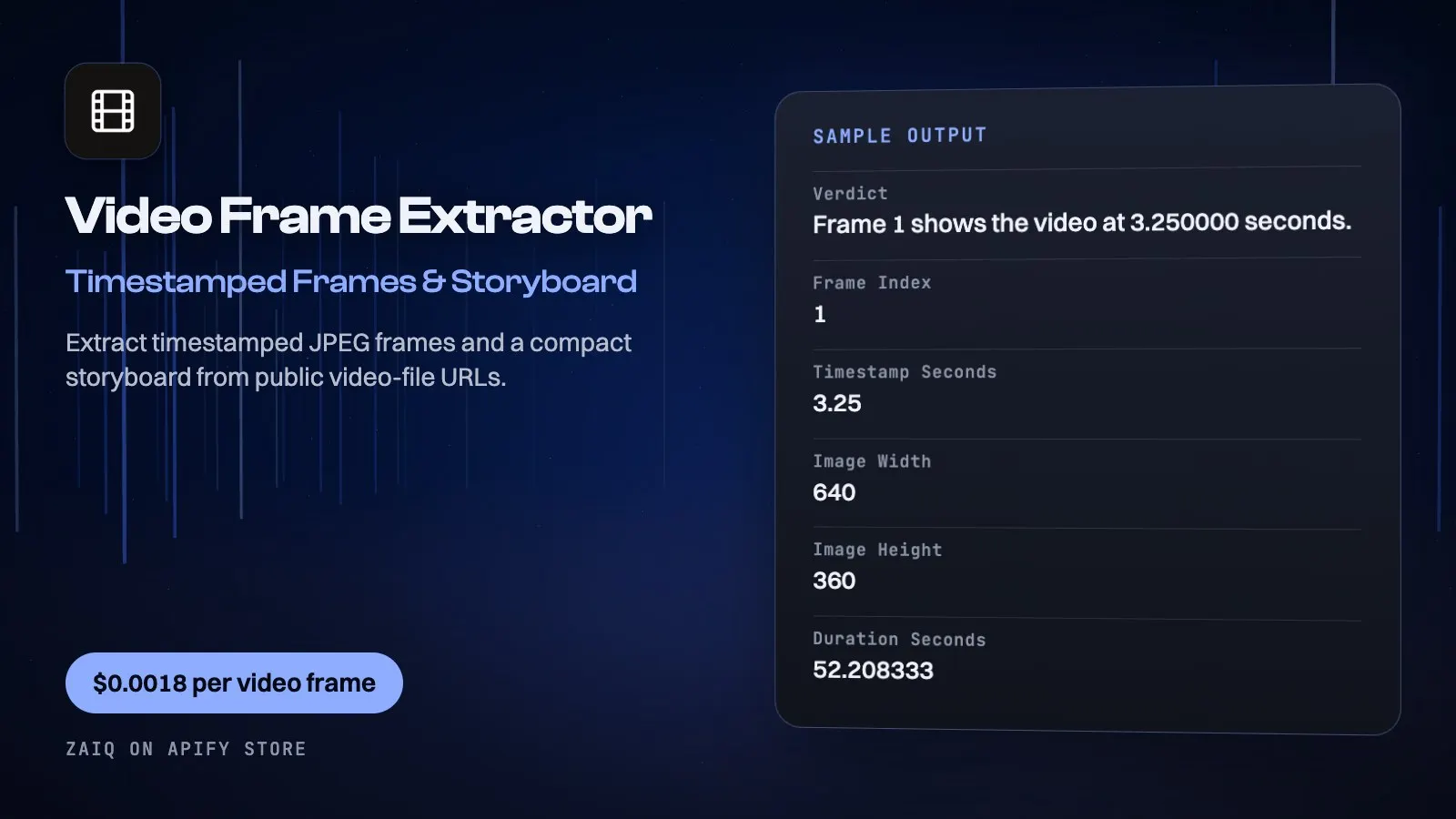
Extract 8, 16 or 32 evenly spaced JPEG frames, or 8 to 32 frames at supplied times, plus a compact storyboard from a public video-file URL. Each row links to its image and records the actual decoded timestamp.
$0.0009 per delivered frame: eight frames cost $0.0072, including the storyboard. There is no separate download, minute, model or custom startup fee. Unusable clips produce a free note.
For short clips up to 50 MB, 120 seconds and 1920 × 1080 pixels (or portrait equivalent). Files must be publicly accessible without signing in.
What you get
| Field | What it holds |
|---|---|
| verdict | A sentence describing the returned frame, or explaining a free note. |
| recordType / resultId | frame or note, with a stable result identifier. |
| timestampSeconds | The selected frame’s presentation time, relative to the first decoded frame. Six decimal places; actual precision depends on the source. |
| requestedTimestampSeconds | The sampling target. It may differ from the returned frame time. |
| imageUrl / imageWidth / imageHeight | A JPEG link and its dimensions, with aspect ratio and quarter-turn rotation retained. |
| durationSeconds / samplingMethod | Duration derived from decoded frames; uniform or timestamps. |
| storyboardUrl | A compact JPEG grid labeled with frame numbers and decoded times. |
| status / sourceUrl / observedAt | Delivery state, final public source URL and observation time. |
| SUMMARY | Package links, all image links, delivered and charged counts, duplicate skips, source failures and limits. |
What people use it for
- Visual workflows: Pass a small fixed set of still images into a later analysis step. This Actor makes no model call.
- Clip inspection: Open a storyboard to see the samples and their source times.
- Repeated sampling: Use the same requested timestamps when comparing revisions of a short clip.
How to use it
- Keep the ready-filled input for a working first run, or paste your public video-file URLs.
- Choose 8, 16 or 32 frames and a maximum width of 320 or 640 pixels.
- For timestamps mode, supply between 8 and 32 distinct times. Their count determines the package size; frameCount applies only to uniform mode.
- Set a spending limit large enough for complete packages; start the run and open Frames or SUMMARY.
Input
| Field | Example | Notes |
|---|---|---|
| videoUrls | ["https://media.example.com/clip.mp4"] | Up to 10 URLs across all aliases. The example address is a placeholder; the input form has a working public prefill. |
| mode | uniform | uniform samples the middle of equal time intervals and selects the nearest frame. timestamps selects the first frame at or after each requested time. |
| frameCount | 8 | Uniform mode: 8, 16 or 32. Ignored in timestamps mode, where the number of distinct supplied times determines the count. |
| timestamps | [0, 1, 3, 7, 10, 20, 30, 40] | 8 to 32 distinct seconds from the first decoded frame, sorted and deduplicated. Every requested time must be within the clip. |
| width | 640 | 320 or 640; maximum width, no upscaling. |
| maxChargeUsd | 0.02 | Application cap; the lower of this and the platform cap applies. Raise it for larger packages or batches. |
| url / urls / startUrls | Public file URLs | API aliases. startUrls also accepts objects with a url property. Bare domains and search queries are unsupported. |
Output
Each result is one row in the run's dataset (download it as JSON, CSV, Excel, XML or HTML, or read it through the API). An example row (values shortened):
This example row comes from the real 25 October 2026 prefill test. Source and storage site addresses have been replaced with example addresses; no real names or handles are included. The timestamp, dimensions, duration and result ID are the captured values. SUMMARY links the storyboard and every frame, and explains free notes, source failures and skipped inputs.
Pricing
- $0.0009 per delivered video frame, the same on every Apify plan.
- Eight frames: $0.0072. Sixteen: $0.0144. Thirty-two: $0.0288. The storyboard is included.
- No separate media-download, minute, model or custom startup event. Note rows cost nothing.
- The complete requested package must fit the remaining budget before downloading. Every image is decoded, checked and stored before any frame is charged.
- Launch price. It may rise later; Apify emails every user 14 days before any price increase takes effect, and a rise can happen at most once a month.
What typical jobs cost at the list price:
| Job | Cost |
|---|---|
| One video, 8 frames | $0.0072 |
| One video, 16 frames | $0.0144 |
| One video, 32 frames | $0.0288 |
| Two videos, 8 frames each | $0.0144 |
| 10 usable videos, 8 frames each | $0.072 |
The default application limit is $0.02. Increase maxChargeUsd for more frames and set the platform Maximum cost per run accordingly. Both limits apply. Prices listed here exclude any future mandatory platform fee; none is configured for this release.
Tips
- Use a file URL that opens directly as a video, rather than a page containing a video player.
- Start with eight frames. Increase the count only when you need closer sampling.
- For precise requests, inspect timestampSeconds as well as requestedTimestampSeconds. Video frame rates determine the available times.
- Download the images you need to retain; their availability follows the run’s key-value-store retention.
Use it through the API
Python
JavaScript
HTTP (one call, results back)
Integrations and schedules
- Schedules: run it every hour, day or week from the Apify Console (Schedules) and keep a history of results.
- Make, Zapier, n8n, Google Sheets, Slack, Airtable: connect it through Apify's integrations, or send each finished run to a webhook.
- Datasets: results stay in the run's dataset; export them or read them by API whenever you need them.
Use it with AI agents (MCP)
Add Apify's MCP server with this Actor already pinned (https://mcp.apify.com?tools=zaiq/video-frame-extractor) to Claude, ChatGPT, Cursor, VS Code or any MCP client. The agent can find this Actor and run it for you: ask it for "extract eight timestamped frames from this public video-file URL". AI agents can also pay for runs directly through Apify's agentic payments.
Limits
- At most 10 inputs, 50,000,000 bytes per file, 120 seconds, 20,000 decoded frames and 1920 × 1080 source pixels (portrait equivalent allowed).
- Tested containers include MP4, WebM, Ogg, MOV, MKV, AVI and FLV. Codec support depends on the bundled decoder; corrupt or unsupported files produce free notes.
- Each package needs the requested number of distinct selected pictures (8 minimum, 32 maximum). Static clips, repeated selected pictures, too few decoded frames and times beyond the last frame are free notes; no substitute pictures are invented.
- Uniform sampling does not select scenes or score thumbnails. Black frames can appear among otherwise distinct samples. There is no speech transcription, face analysis or image interpretation.
- No signed-in content, cookies, playlists, social video-page downloader, local network addresses or custom request headers. Access checks and source refusals are reported.
- The processing worker is bounded to 22 seconds per eight requested frames: 22 for eight, 44 for sixteen and 88 for thirty-two, with proportional limits for other timestamp counts. Slow sources may return free notes. After 20 seconds of failed processing, later new inputs are skipped.
- Prepared packages and stable frame IDs survive normal run restarts. Platform interruption and storage behavior remain subject to the deployment review. Mirrored or skewed display transforms are unsupported.
FAQ
Does it call a vision model?
No. It only downloads, decodes and saves frames.
Are timestamps exact?
timestampSeconds is taken from the decoded source frame. A requested time between source frames selects the next frame in timestamps mode. Uniform mode selects the nearest frame to each target.
Why did a static clip produce no paid frames?
The package must contain the requested number of distinct pictures. Repeating one image eight times would not deliver the promised package.
What happens if my budget is too small?
The video is not downloaded. You receive a free note and a summary explaining the limit.
Where are the images?
In the run’s key-value store, linked from every frame row and SUMMARY. The storyboard is a separate JPEG in the same store.
Can I submit a watch page?
No. Provide the public video file directly.
Support
Questions, a site that changed, or a field you need? Open an issue on this Actor's Issues tab: we answer there, usually within a day.
Also found as: video frame extractor, timestamped video frames, video storyboard, MP4 to JPEG, video frames API.


