Instagram Login API with 2FA | Session Cookie Authentication
Pricing
from $0.09 / login
Instagram Login API with 2FA | Session Cookie Authentication
Login to Instagram with email/password and two-factor authentication. Stores session cookies server-side for use with the Instagram Automation API. No browser needed.
Pricing
from $0.09 / login
Rating
0.0
(0)
Developer

Zen Studio
Maintained by CommunityActor stats
0
Bookmarked
103
Total users
5
Monthly active users
17 hours
Issues response
12 days ago
Last modified
Categories
Share
From Zen Studio, creators of the Instagram Automation API, Instagram DM & Comment Monitor, RedNote Search and Douyin Search.
Why choose this actor?
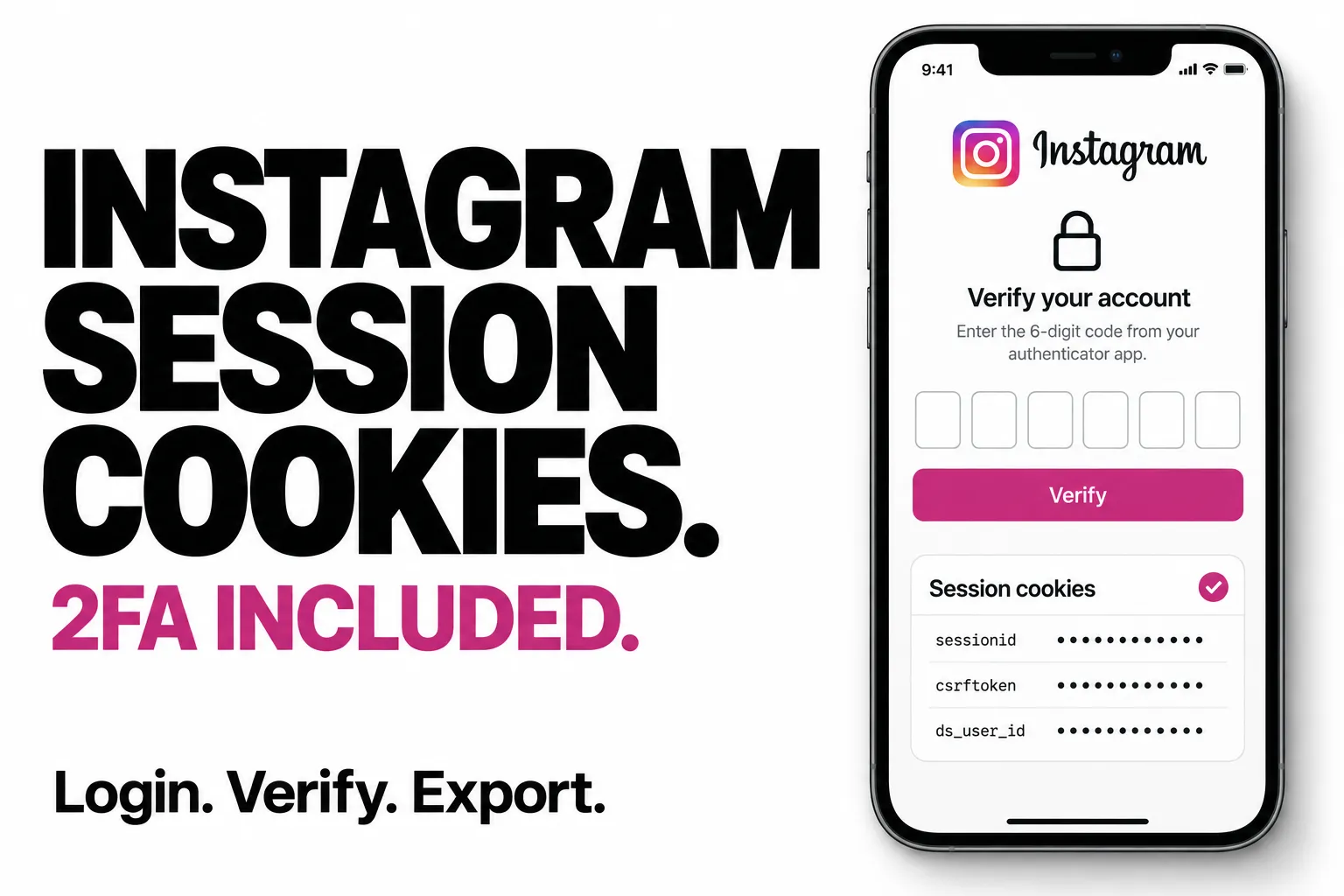
Get session cookies for your own tools. Log in to your Instagram account and receive structured JSON with sessionid, csrftoken, ds_user_id and supporting cookies. Use the returned values in your own authenticated scripts and integrations.
Complete verification without restarting the flow. Start with your email or username and password. If verification is required, the actor returns pending_2fa; run it again with the same account and your verification code to complete the login. Successful authentication returns the session cookies.
Choose your login country. Select the country where you normally use the account. The actor returns a clear status for a successful login, pending verification or an error, so your code can handle the next step. Instagram may still require additional checks that the actor cannot complete.

Start with your own account
Open actor input, replace the placeholders with your Instagram login details, and choose your usual country. If the result is pending_2fa, run again with the same email and the received code; omit the password for that step. See the two-step example.
Keep returned cookies private: they grant access to your account. See current pricing for login charges.
| Zen Studio · Social & Messaging | ||||
 IG Login IG LoginYou are here |  Instagram API Instagram API43 actions |  DM Monitor DM MonitorLive webhooks |  RedNote RedNotePost search |  Douyin DouyinVideo search |
Copy to your AI assistant
Copy this block into ChatGPT, Claude, Cursor, or any LLM to start using this actor.
How It Works
-
Run 1 (Login) — Provide
email+password. If the account has no 2FA, returns cookies immediately. If 2FA is enabled, returnspending_2faand triggers the verification code. -
Run 2 (Verify) — Provide
email+code(the 6-digit code from your email or authenticator app). Completes authentication and returns cookies.
Output
Successful Login
Pending 2FA
Error
Quick Start
Login (No 2FA)
Login (With 2FA)
Step 1 — Start login:
Output: status: "pending_2fa" — check your email for the code.
Step 2 — Submit code:
Output: status: "ok" with session cookies.
Input Parameters
| Parameter | Type | Required | Description |
|---|---|---|---|
email | string | Yes | Instagram email or username |
password | string | For login | Instagram password (not needed for 2FA completion) |
code | string | For 2FA | 6-digit verification code from email or authenticator |
country | string | No | Login country code (default: US) |
Login Country
Use the country where your Instagram account is normally accessed from. Logging in from an unexpected location may trigger additional security challenges.
Pick one of the countries offered in the dropdown. If yours is not listed, choose the closest one available.
API Integration
Python
JavaScript
Pricing
Pay-per-event pricing. You only pay for successful logins.
| Event | Price |
|---|---|
| Actor start | $0.00005 |
| Successful login | $0.099 |
Failed logins, pending 2FA states, and errors are not charged.
FAQ
Q: How long do sessions last? A: Sessions typically last days to weeks depending on account activity and Instagram's security policies.
Q: What if I enter the wrong 2FA code? A: The actor returns an error. Run it again with the correct code. The pending state persists between runs.
Q: Does this work with authenticator apps? A: Yes. Any 6-digit TOTP code from Google Authenticator, Authy, or similar apps works.
Q: Why use a specific login country? A: Instagram flags logins from unusual locations. Use the country where you normally access your account to avoid additional security challenges.
Legal Compliance
This actor authenticates with credentials you provide for your own Instagram account. You are responsible for complying with Instagram's Terms of Service and applicable data protection regulations.