
Arxiv Papers Scraper
Pricing
from $2.99 / 1,000 results
Arxiv Papers Scraper
arXiv Papers Scraper is a Python utility designed to efficiently extract research papers, abstracts, author details, and publication metadata from arXiv, converting academic archives into structured, analysis-ready formats.
Pricing
from $2.99 / 1,000 results
Rating
0.0
(0)
Developer

ZeroBreak
Maintained by CommunityActor stats
0
Bookmarked
2
Total users
1
Monthly active users
2 days ago
Last modified
Categories
Share
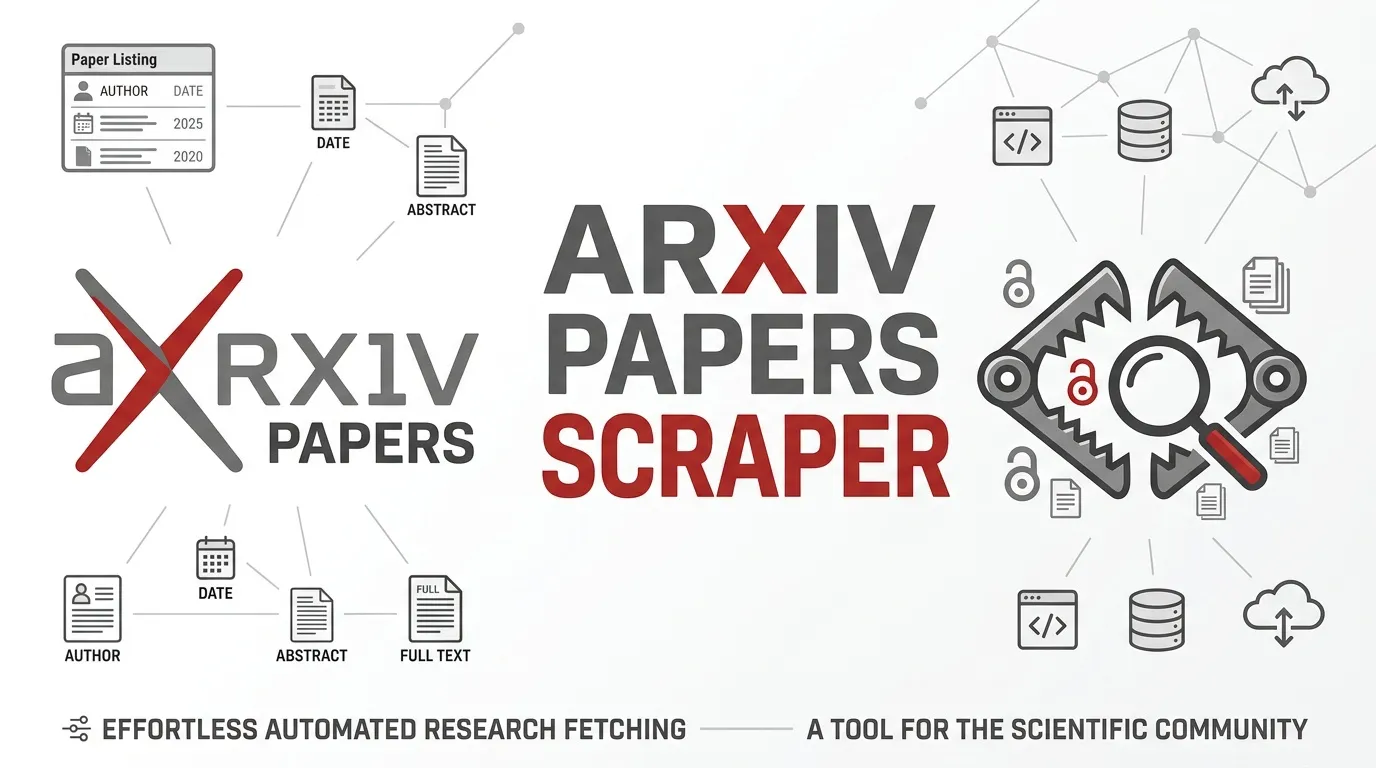
arXiv Papers Scraper uses the public arXiv Atom API to search academic papers and save matching records for export as JSON, CSV, or Excel. No login or API key is required.
Search using standard arXiv query syntax, such as all:python, ti:machine learning, au:smith, or cat:cs.AI. The actor stores paper titles in paperTitle because the dataset reserves the field name title. The overview table still displays this column as Title.
Use Cases
- Literature reviews: Collect papers on a topic before a reading group or research session.
- Dataset building: Export titles, authors, abstracts, and paper links for research datasets.
- Category monitoring: Schedule recurring searches for categories such as
cat:cs.LG. - Research briefings: Gather recent submissions in a field without manually browsing search results.
- Paper link tracking: Store abstract URLs alongside Atom IDs for future reference.
Input
| Parameter | Type | Default | Description |
|---|---|---|---|
searchQuery | string | all:python | arXiv query sent as search_query. Supports syntax such as all:, ti:, au:, and cat:. |
sortBy | string | submittedDate | Sorting option: relevance, lastUpdatedDate, or submittedDate. Results are ordered descending. |
maxItems | integer | 100 | Maximum number of papers to save, from 1 to 1,000. |
timeoutSecs | integer | 300 | Maximum time in seconds for starting new API calls. |
requestTimeoutSecs | integer | 30 | Timeout in seconds for each Atom API request. |
Example Input
What Data Does This Actor Extract?
Each paper is saved as one dataset row. If a query is invalid or an API request fails, the actor writes an error row instead of failing the entire run.
Example Output
Output Fields
| Field | Type | Description |
|---|---|---|
paperTitle | string | Paper title with markup removed. |
link | string | URL of the paper's abstract page. |
published | string | Published or updated timestamp provided by the feed. |
author | string | Author names in feed order, joined by commas. |
summary | string | Paper abstract with markup removed. |
id | string | Atom entry ID. Duplicate IDs are discarded. |
sourceUrl | string | Atom API URL that returned the paper. |
scrapedAt | string | UTC timestamp when the record was saved. |
error | string | Present only for error records; contains an error explanation. |
input | string | Query or setting associated with an error record. |
How It Works
- Reads the search query, sorting option, item limit, and timeout settings.
- Requests results from the public arXiv Atom API using pagination.
- Parses the Atom feed and extracts the paper fields described above.
- Skips papers whose Atom IDs have already been saved.
- Requests subsequent pages until it reaches the configured item limit, the feed's total result count, or a short page.
- Waits 3.1 seconds between API calls.
- Retries HTTP 429 responses, HTTP 5xx responses, and timeouts with waits of 2, 4, and 8 seconds, or follows the
Retry-Aftervalue when provided by arXiv. - Writes one error row and finishes the run if the query is empty, the sorting option is unsupported, the feed contains no results, or the response body is not a valid Atom feed.
The actor uses the public export Atom API and identifies itself through its User-Agent, which includes a contact email.
Limits and Terms
- Request frequency: arXiv asks API clients to make no more than one request every three seconds over a single connection. The actor uses one connection and waits 3.1 seconds between calls.
- Page size: Each request asks for at most 100 results, staying within the API page limit.
- Maximum results: A single run can save up to 1,000 papers.
- Metadata licensing: arXiv metadata is released under CC0. When republishing records, link back to arXiv.
- Paper references: The
linkandidfields point to the paper's abstract page or its Atom entry identifier, respectively.
FAQ
Does the arXiv Atom API require an API key?
No. The public export API does not require an API key or login.
How many papers can one run export?
The maximum is 1,000 papers per run. The default is 100. Large collections take longer because the actor respects the API's request-frequency guidance.
What happens if no papers match the query?
The actor completes the run and writes a single row containing an error field with a short explanation.
Why is the title field called paperTitle?
The dataset schema reserves the field name title. The actor uses paperTitle for the paper's title, while the overview table labels the column Title.
Can I sort results by relevance or date?
Yes. Set sortBy to relevance, lastUpdatedDate, or submittedDate.
Can I schedule recurring searches?
Yes. Recurring runs can help keep research collections and category-monitoring datasets up to date.
Pricing
The actor is free to run. Apify platform usage may still incur charges based on the resources consumed.
Trademark Notice
arXiv and related names, logos, and trademarks belong to their respective owners. Their use in this documentation is solely to identify the data source and does not imply affiliation, sponsorship, endorsement, or partnership.
Disclaimer
This actor is an independent tool and is not affiliated with, endorsed by, sponsored by, or officially associated with arXiv or its owners. Data is collected from publicly available sources. Users are responsible for complying with applicable terms of use, rate limits, attribution requirements, and licensing conditions.
Is Web Scraping Legal?
This actor collects publicly available arXiv metadata through its public API without logging in or bypassing access controls. The legality of collecting and using public data depends on the circumstances and applicable laws.
- Personal data: If collected records contain personal data, privacy laws such as the GDPR or CCPA may apply. Collect and retain personal data only when you have an appropriate legal basis.
- Copyright: Metadata and full-text papers can have different licensing conditions. Do not republish copyrighted article content without the necessary permission.
- Terms of use: Respect the source's terms, request-frequency guidance, and applicable attribution or licensing requirements.
- Legal advice: This section provides general information, not legal advice. Consult a qualified lawyer if you are unsure about your obligations.


