

Inaturalist Observations Scraper
Pricing
from $2.99 / 1,000 results
Inaturalist Observations Scraper
iNaturalist Observations Scraper is a Python tool designed to extract and organize biodiversity data from iNaturalist. Easily fetch observation records, species information, locations, and media links into clean CSV or JSON formats for analysis and research.
Pricing
from $2.99 / 1,000 results
Rating
0.0
(0)
Developer

ZeroBreak
Maintained by CommunityActor stats
0
Bookmarked
2
Total users
1
Monthly active users
15 hours ago
Last modified
Categories
Share
iNaturalist Observations Scraper: Wildlife Observations and Taxa Export
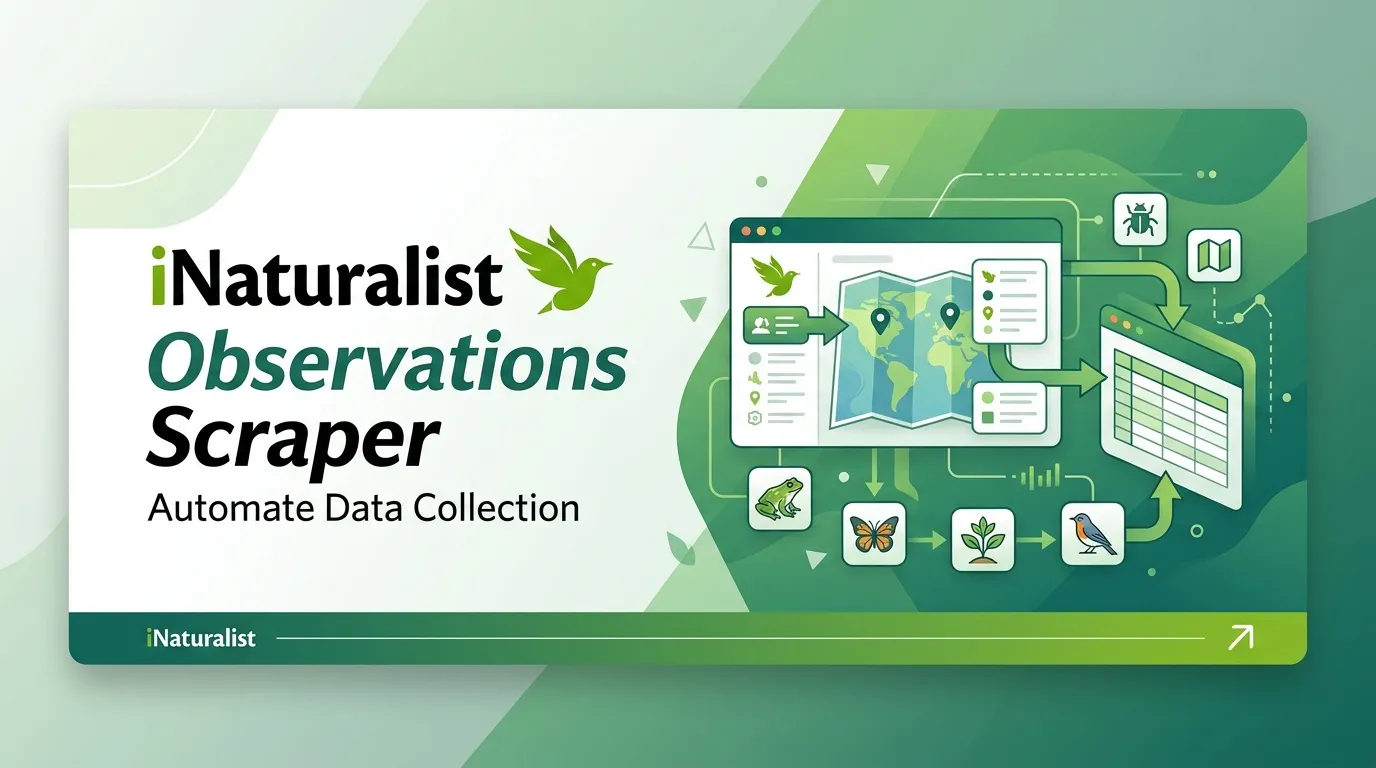
iNaturalist Observations Scraper collects publicly available wildlife observations and taxonomic records through the official iNaturalist API. It requires no login or API key and produces structured JSON data that can be exported to CSV or Excel.
Search for a scientific or common taxon name, limit observation results to a specific place ID, and choose between observations and taxonomy lookup. Configure a record limit and schedule recurring runs to refresh your dataset.
Features
- Wildlife observation export: Collect public sightings for a species or higher taxonomic group.
- Taxa lookup: Retrieve taxonomic rank, ancestry, common names, and related metadata.
- Place filtering: Restrict observation searches to a specific iNaturalist place ID.
- License information: Preserve observation license codes and photo licensing details.
- Scheduled collection: Refresh datasets periodically and maintain your own historical records.
- Research metadata: Collect quality grades, observation dates, and public observation links.
- Pagination: Retrieve multiple pages until the record limit or runtime limit is reached.
- Duplicate detection: Remove duplicate records using their IDs.
- Automatic retries: Retry HTTP 429 responses, server errors, and timeouts with backoff.
- Error handling: Save failed searches as error rows rather than stopping the entire run.
Use Cases
- Wildlife research: Export recent observations for a species or taxonomic group.
- Taxonomy research: Resolve names to taxonomic ranks, ancestry, and common names.
- Regional biodiversity analysis: Filter observations by a known place ID.
- License checks: Review observation and photo license information before reuse.
- Scheduled monitoring: Collect new observations periodically and track new IDs.
- Research datasets: Export observation metadata for Python, Pandas, spreadsheets, and analytical workflows.
Input Parameters
| Parameter | Type | Default | Description |
|---|---|---|---|
taxonName | string | Python | Scientific or common name to search. |
placeId | integer | Empty | Optional iNaturalist place ID. Used only in observations mode. |
mode | string | observations | Choose observations for sightings or taxa for matching taxonomic records. |
maxItems | integer | 100 | Maximum number of records to save. Clamped to 1–1000. |
timeoutSecs | integer | 300 | Maximum runtime in seconds. |
requestTimeoutSecs | integer | 30 | HTTP timeout for each request, in seconds. |
Example Input
To restrict observations to a particular region, add a known place ID:
Replace 1 with the intended iNaturalist place ID. Taxa mode ignores placeId.
What Data Does This Actor Extract?
The actor supports two modes.
- Observations mode: Each row represents an individual wildlife sighting. Multiple sightings of the same species remain separate records.
- Taxa mode: Each row represents a matching taxonomic record. The
idfield identifies the taxon rather than an observation.
Taxonomic information comes from the nested taxon data. Text fields are cleaned where appropriate, and photo information is reduced to selected metadata.
Example Output
The example illustrates the available fields. Observation-specific fields may be empty in taxa mode.
Output Fields
| Field | Type | Description |
|---|---|---|
id | integer | Observation ID or taxon ID, depending on the selected mode. |
rank | string | Taxonomic rank. |
rank_level | integer | Numeric taxonomic rank level. |
iconic_taxon_id | integer | Iconic taxon ID. |
ancestor_ids | array | IDs of ancestor taxa. |
is_active | boolean | Whether the taxon is active. |
name | string | Scientific name, with HTML removed. |
parent_id | integer | Parent taxon ID. |
ancestry | string | Taxonomic ancestry path. |
extinct | boolean | Extinction flag. |
provisional | boolean | Provisional taxon flag. |
default_photo | object | Selected photo metadata, including license and image URLs. |
taxon_changes_count | integer | Number of taxon changes. |
taxon_schemes_count | integer | Number of taxon schemes. |
observations_count | integer | Number of observations reported for the taxon. |
flag_counts | object | Resolved and unresolved flag counts. |
current_synonymous_taxon_ids | string or null | IDs of current synonymous taxa, when available. |
atlas_id | string or null | Atlas ID, when available. |
complete_species_count | integer | Number of complete species associated with the taxon. |
wikipedia_url | string | Related Wikipedia URL. |
complete_rank | string | Finest taxonomic rank covered by the taxon. |
matched_term | string | Search term that matched the taxon. |
iconic_taxon_name | string | Iconic taxon name. |
preferred_common_name | string | Preferred common name or species guess when available. |
qualityGrade | string | Observation quality grade. Empty in taxa mode. |
speciesGuess | string | Observer's species guess. Empty in taxa mode. |
timeObservedAt | string | Time the organism was observed. Empty in taxa mode. |
observationUuid | string | Observation UUID. Empty in taxa mode. |
observedOn | string | Calendar date of the observation. Empty in taxa mode. |
licenseCode | string | License code associated with the observation. Photo licensing remains in default_photo. |
recordUri | string | Public observation page URL. Empty in taxa mode. |
sourceUrl | string | API request URL associated with the returned record. |
scrapedAt | string | UTC timestamp when the record was saved. |
error | string | Error description, present in failure rows. |
input | object | Snapshot of the original input for a failure row. Proxy URLs are not copied. |
A bad mode, blank taxon name, HTTP error, or search with no results can produce an error row. Duplicate IDs are dropped, and maxItems stops the run even when additional pages exist.
How It Works
- Validates the input and checks the mode, taxon name, and optional place ID.
- Calls the appropriate public iNaturalist endpoint for observations or taxa, using a contact User-Agent.
- Retrieves results through pagination, requesting up to 200 records per page.
- Continues until the record limit, final page, or runtime limit is reached.
- Waits at least one second between requests.
- Retries HTTP 429 responses, HTTP 5xx errors, and timeouts up to three additional times, using delays of 2, 4, and 8 seconds or longer when required by
Retry-After. - Keeps the selected fields, removes HTML from applicable text, and writes records to the dataset.
Requests are sent directly unless proxy use is enabled in the actor configuration.
Troubleshooting
The Dataset Contains Only an Error Row
A bad mode, blank name, failed API request, or search with no matching records can produce an error row. Read the error field for details.
The Name Matches No Records
Check the spelling of taxonName and try a recognized scientific or common name. If no matching record exists, the actor records an explanatory error row.
Fewer Records Were Collected Than Expected
Check maxItems, which defaults to 100 and cannot exceed 1000. Also check timeoutSecs, as the runtime limit can prevent additional pages from being requested.
The Place Filter Does Not Work
The placeId parameter is used only in observations mode. Make sure the value is a positive integer corresponding to the intended iNaturalist place.
Can I Filter by Observation Date?
Date-range inputs are not supported. After exporting, filter records using observedOn or timeObservedAt.
Why Are There Multiple Records for the Same Species?
Observations mode returns individual sightings, not one record per species. Multiple observations of the same species are expected. Deduplication removes repeated IDs rather than separate sightings.
Should I Enable a Proxy?
A proxy is not required for the standard configuration. Requests are sent directly unless proxy use is explicitly enabled.
Limits and Data Usage
- The public iNaturalist API does not require an API key for these requests.
- The actor aims to stay near one request per second.
- The maximum page size is 200 records.
- The maximum number of records per run is 1000.
maxItemsdefaults to 100.- Date filters are not available as input parameters.
- Deep paging through
id_aboveis not used. - Observations and photos may have different licenses. Review the
licenseCodefield and the photo'slicense_codebefore reusing content. - Attribution and reuse conditions depend on the license attached to each record or image.
Frequently Asked Questions
Does the iNaturalist Observations Scraper need an API key?
No. Both observations mode and taxa mode use the public API without requiring a login or API key.
How many wildlife observations can one run export?
maxItems defaults to 100 and has a maximum of 1000. A run collecting 1000 records may require multiple pages, with a one-second pause between requests. Allow sufficient time by setting timeoutSecs to 300 or higher when needed.
What happens if the name matches nothing?
The run can complete with a dataset containing one error row that explains the unsuccessful search.
Can I collect taxa and observations in the same run?
No. Each run uses one mode. Run the actor again with mode set to taxa if you also need matching taxonomic records.
Will a proxy be used?
Only if proxy use is enabled in the actor configuration. Direct requests are used by default.
Can I export the results to CSV, JSON, and Excel?
The actor produces a JSON dataset that can be downloaded or exported as CSV or Excel for research and analysis.
Can I schedule recurring collections?
Yes. Schedule recurring runs to refresh observations or taxa results. Store previously collected IDs in your own database if you want to track new records over time.
Pricing
The actor is free to run. Apify platform usage is billed separately according to your applicable plan.
Trademark Notice
iNaturalist and related names, logos, and trademarks belong to their respective owners. They are referenced only to identify the data source and do not imply affiliation, sponsorship, endorsement, or partnership.
Disclaimer
This actor is an independent tool and is not affiliated with, endorsed by, sponsored by, or officially associated with iNaturalist or its owners.
Data is collected from publicly available sources. Users are responsible for complying with applicable source terms, rate limits, attribution requirements, and licensing conditions.
Is Web Scraping Legal?
This actor collects publicly available data from iNaturalist, primarily through its public API, without logging in or bypassing access controls. The legality and conditions of using public data depend on applicable laws, source terms, data licenses, and intended use.
- Personal data: If results include personal information, such as names, email addresses, or profile details, privacy laws may apply. Collect and store personal data only when you have an appropriate lawful basis.
- Copyright and image licenses: Observation notes, descriptions, and photographs may be subject to copyright or specific licenses. Check the license attached to each record and image before reuse.
- Terms of use: Respect applicable source policies, request limits, attribution requirements, and licensing conditions.
- Legal advice: This information is provided for general educational purposes and does not constitute legal advice. Consult a qualified professional if you need guidance on a specific use case.


