
London Tfl Status Scraper
Pricing
from $2.99 / 1,000 results
London Tfl Status Scraper
London TfL Status Scraper is a Python tool that extracts real-time transit status, line disruptions, and station updates from Transport for London (TfL) into clean CSV or JSON formats for commuting analytics.
Pricing
from $2.99 / 1,000 results
Rating
0.0
(0)
Developer

ZeroBreak
Maintained by CommunityActor stats
0
Bookmarked
2
Total users
1
Monthly active users
2 days ago
Last modified
Categories
Share
London TfL Status Scraper: Tube Line Status and Arrivals
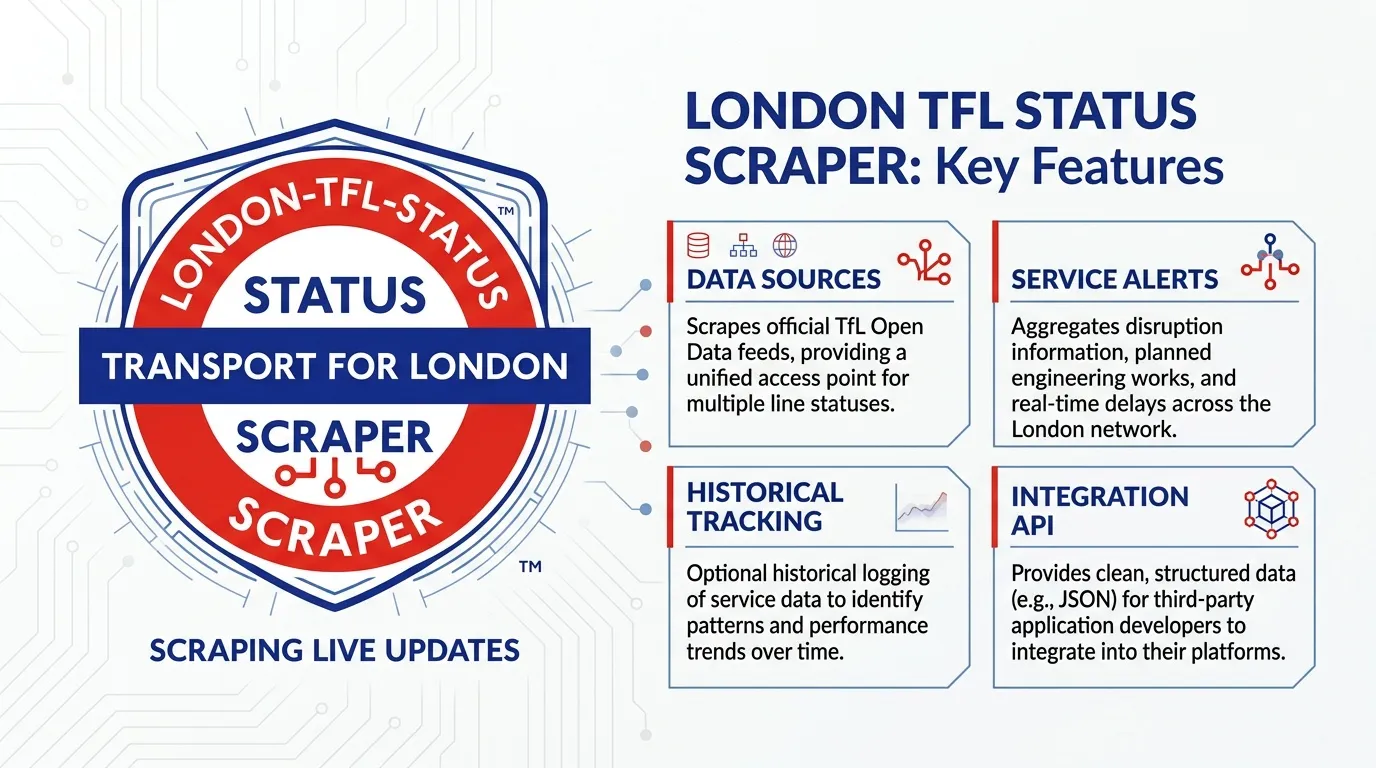
Collect and organize London Underground line status, live arrival predictions, and station search results. Export structured records to JSON, CSV, or Excel for transport monitoring, service dashboards, operational reporting, and scheduled data collection.
The actor supports three modes: status, arrivals, and stoppoints. The default mode collects Tube line status, producing one row per line. Arrivals mode collects predictions for a specified line, while stop search finds matching stations and stop points.
Attribution: When reusing the data, credit it as Powered by TfL Open Data.
Use Cases
- Service status dashboards: Track Tube lines, service severity, and reported disruptions.
- Arrival monitoring: Collect arrival predictions, platforms, destinations, and station information.
- Station lookup: Find stop points and organize station identifiers, zones, and coordinates when available.
- Scheduled exports: Repeat the same collection at regular intervals and compare results over time.
- Operational records: Keep source references and collection timestamps with each record.
What Data Does the London TfL Status Scraper Extract?
The actor supports three collection modes:
- Status: One row per Tube line, including line identifiers, names, status descriptions, and disruption information.
- Arrivals: One row per arrival prediction, including station, line, platform, and destination information.
- Stop points: One row per matching search result, including available stop identifiers and location details.
Each output row includes scrapedAt. The optional app key is never stored in the dataset, and unused source fields are omitted.
Example Line Status Record
Input Parameters
| Parameter | Type | Default | Description |
|---|---|---|---|
mode | string | status | Collection mode: status, arrivals, or stoppoints. |
lineId | string | victoria | Tube line identifier for arrivals mode, such as victoria. |
query | string | oxford circus | Station or stop-point search text for stoppoints mode. |
maxItems | integer | 100 | Maximum output rows, clamped to 1–1,000. |
timeoutSecs | integer | 300 | Maximum time for starting requests, in seconds. |
requestTimeoutSecs | integer | 30 | Timeout for an individual request. |
Example Input
Tube Line Status
Line Arrivals
Stop Search
Output Fields
| Field | Type | Description |
|---|---|---|
$type | string | Source entity type, when available. |
id | string | Line ID, prediction ID, or stop-point ID. |
name | string | Line or stop name, when available. |
modeName | string | Transport mode, such as tube. |
disruptions | array | Disruption information associated with a line status. |
created | string | Creation timestamp on a line status record. |
modified | string | Modification timestamp on a line status record. |
lineStatuses | array | Status information, including severity and description. |
routeSections | array | Route section information on line status records. |
serviceTypes | array | Service type information, such as regular service. |
crowding | object | Crowding information, when available. |
stationName | string | Station associated with an arrival prediction. |
lineName | string | Line name on an arrival prediction. |
platformName | string | Platform information for an arrival. |
destinationName | string | Destination associated with an arrival. |
searchQuery | string | Search phrase associated with a stop-point result. |
scrapedAt | string | UTC timestamp when the row was saved. |
error | string | Error information, present on error rows. |
Additional fields may be retained when they are relevant to the selected collection mode.
FAQ
How many rows can one run save?
The default is 100 rows, and the maximum is 1,000. The number of Tube lines is generally well below this limit, while arrival predictions may produce more records.
What happens if the line ID or mode is incorrect?
Invalid input produces an error row. If a request reaches TfL and is rejected, the actor records the failure and continues without crashing the run.
Can I export CSV or Excel?
Yes. The dataset can be exported as JSON, CSV, or Excel using the available Apify dataset export options.
Does the actor paginate through arrivals?
No. Each supported mode processes a single response and does not follow a next-page cursor.
Do I need to provide attribution?
Yes. When reusing the collected data, credit it as Powered by TfL Open Data and follow the applicable source terms.
Trademark Notice
Transport for London (TfL) and its related names, logos, and trademarks belong to their respective owners. They are used in this documentation solely to identify the source of the data and do not imply affiliation, sponsorship, endorsement, or partnership.
Disclaimer
This Actor is an independent tool and is not affiliated with, endorsed by, sponsored by, or otherwise officially associated with Transport for London. Users are responsible for complying with applicable source terms, attribution requirements, and data-use restrictions.
Is Web Scraping Legal?
Collecting information that is already public is generally legal. Scraping is not the same thing as hacking, and there is no single law that bans it. The limits are the usual ones: do not break into accounts, do not take private or confidential data, and be careful with personal data and copyrighted works. A site's terms can also restrict how you access it. Facts such as a public name, price, or rating are not the same thing as republishing someone's article or photo.
This actor collects information from public pages. It does not log in and it does not bypass access controls.
For a longer explanation, see Apify's article Is web scraping legal?.


