

Nonprofit Explorer Scraper
Pricing
from $2.99 / 1,000 results
Nonprofit Explorer Scraper
Nonprofit Explorer Scraper is a Python tool designed to extract tax-exempt organization data, Form 990 filings, revenue, expenses, and executive compensation from ProPublica's Nonprofit Explorer API. It exports structured financial data into CSV or JSON formats for analysis.
Pricing
from $2.99 / 1,000 results
Rating
0.0
(0)
Developer

ZeroBreak
Maintained by CommunityActor stats
0
Bookmarked
2
Total users
1
Monthly active users
15 hours ago
Last modified
Categories
Share
Nonprofit & Charity Scraper: IRS Form 990 Financials by State and Category (Free)
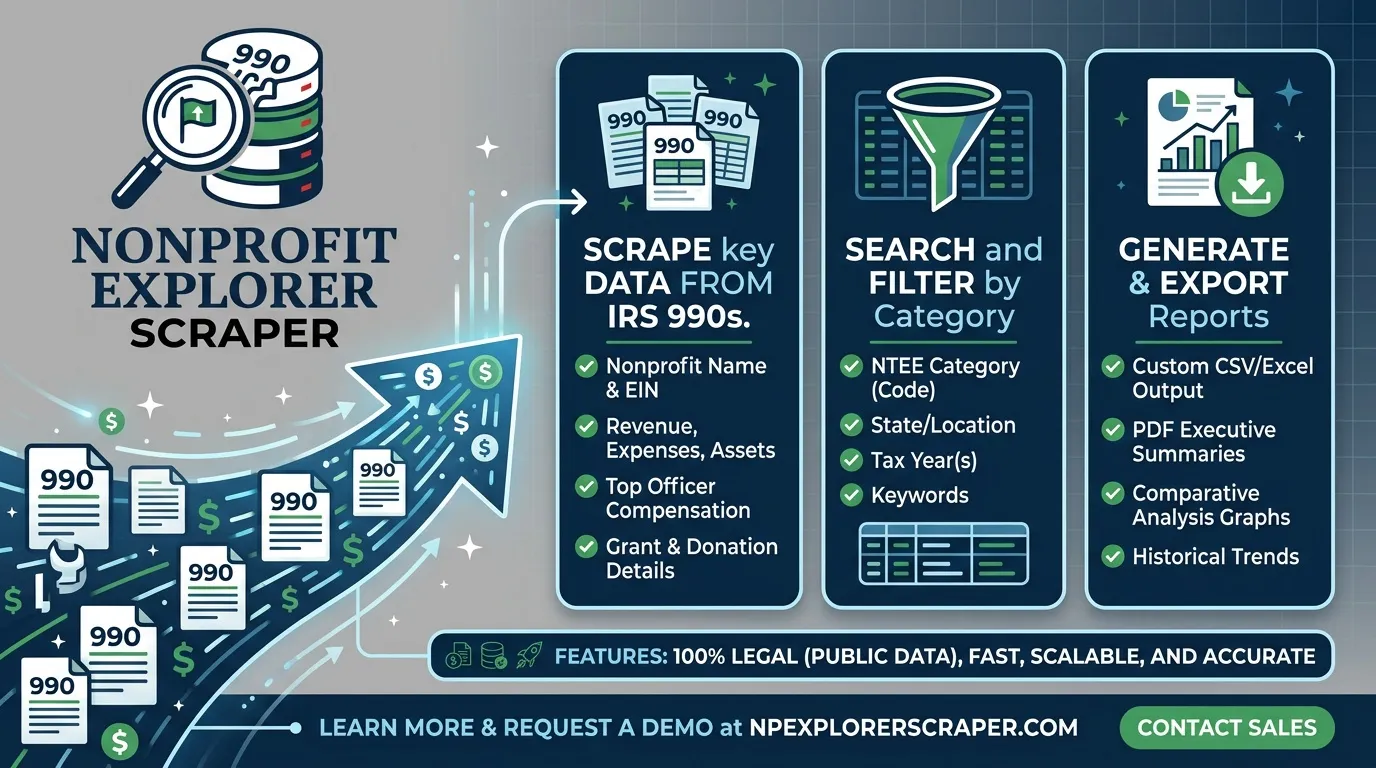
Search US charities and foundations by name, state, NTEE category, and 501(c) classification, or look up organizations using their Employer Identification Numbers (EINs). Depending on the selected mode, results can include organization details, financial summaries, officer compensation percentages, filing history, and Form 990 PDF links.
The actor supports summary searches, financial enrichment, and direct organization lookups. It does not download filing PDFs; it stores their links when available.
Use Cases
- Grant prospecting: Find food banks in New York or arts organizations in Texas and review their reported revenue and assets.
- B2B sales: Build nonprofit lead lists for software, consulting, or audit services and filter organizations by revenue.
- Donor research: Look up a charity by EIN and review its available financial information and filing links.
- Journalism: Analyze reported financial figures and retain source attribution when publishing findings.
- Market sizing: Count organizations by state, NTEE category, and 501(c) classification within the search result limit.
Input Parameters
| Parameter | Type | Default | Description |
|---|---|---|---|
mode | string | search | Search mode: search, search_with_financials, or organizations. |
query | string | food bank | Keyword search. Supports quoted phrases, + required terms, and - excluded terms. |
states | array | Empty | State codes for state-specific searches. Use two-letter codes. ZZ represents locations outside the US. |
nteeCategory | string | Any | NTEE major group filter, using values 1–10. |
subsectionCode | string | Any | 501(c) subsection code. For example, 3 represents 501(c)(3), while 92 represents 4947(a)(1). |
eins | array | Empty | EINs for organization lookup mode. EINs may include a dash. |
filingsToInclude | integer | 3 | Number of newest filings with financial information to retain per organization. Range: 0–20. |
includeAllFinancialFields | boolean | false | Include raw financial field names from the underlying records. |
minRevenue | integer | Empty | Exclude organizations below the specified latest Form 990 revenue. Applies to financial modes. |
maxItems | integer | 100 | Maximum organizations per run. Hard cap: 5,000. |
requestDelayMs | integer | 500 | Delay between requests. Minimum: 250 milliseconds. |
timeoutSecs | integer | 300 | Maximum run duration in seconds. |
requestTimeoutSecs | integer | 30 | Timeout for each request. |
Example Inputs
1. Search for Food Banks in New York
2. Find Arts Organizations in Texas With Financial Data
3. Look Up Organizations by EIN
What Data Does This Actor Extract?
The fields returned depend on the selected mode.
Search Mode
Returns a concise organization record containing:
- EIN and formatted EIN
- Organization name and subtitle
- City and state
- NTEE code and subsection code
- Search relevance score
- Organization profile reference
- Data source attribution
Financial Search and Organization Lookup Modes
These modes can add organization addresses, Business Master File (BMF) financial amounts, filing history, and filing PDF links.
The latestTotalRevenue and latestPdfUrl convenience fields mirror the corresponding values in latestFiling, making them easier to display in dataset tables.
Supported filing types include 990, 990-EZ, and 990-PF.
Example Output
The values above illustrate the output structure and are sample data, not a guarantee of the latest figures.
Failed organization lookups are also recorded. These rows can include the original input, an error such as NOT_FOUND, PAGINATION_OUT_OF_RANGE, or HTTP_<code>, and a statusCode. Duplicate EINs are skipped.
Export the resulting dataset as JSON, CSV, or Excel from the Apify run.
Output Fields
| Field | Type | Description |
|---|---|---|
ein | integer | Organization EIN as an integer. |
einFormatted | string | EIN formatted as XX-XXXXXXX, preserving leading zeros. |
name | string | Organization name. |
city | string | Organization city. |
state | string | State or location code. |
nteeCode | string | National Taxonomy of Exempt Entities code. |
subsectionCode | integer | Applicable tax-exemption subsection code. |
revenueAmount | integer | Revenue amount from the Business Master File. |
assetAmount | integer | Asset amount from the Business Master File. |
latestFiling | object | Latest filing's available financial totals and PDF link. |
filings | array | Newest filings with financial information. |
pdfOnlyFilings | array | Filing years for which only a PDF is available. |
latestTotalRevenue | number | Revenue from the latest filing, when available. |
latestPdfUrl | string | PDF link for the latest filing, when available. |
dataSource | string | Source attribution included with each row. |
error | string | Error information for failed inputs. |
statusCode | integer | HTTP status code when available for a failed lookup. |
Some fields are mode-dependent and may be absent or null when the underlying record does not contain the relevant information.
How It Works
- Searches by state: Builds separate searches for the selected states and applies the configured organization filters.
- Retrieves result pages: Processes available pages without exceeding the supported pagination range.
- Enriches financial records: In financial modes, retrieves additional organization details and filing information for each new EIN.
- Normalizes filing data: Sorts filings by tax period and maps form codes to
990,990-EZ, or990-PF. - Handles request failures: Applies delays between requests and backs off when rate limits or server errors occur.
- Removes duplicate EINs: Skips repeated organizations to reduce duplicate records.
- Exports the results: Makes collected data available in JSON, CSV, and Excel formats.
Pagination and Search Limits
A single search can return a maximum of 10,000 organizations. When that limit is reached, the search may be truncated.
To explore more organizations, narrow the search using a state, NTEE major group, or 501(c) subsection. Pagination errors are recorded, and the affected search is stopped rather than continuing beyond the supported range.
Data Sources, Limits, and Attribution
The dataset combines nonprofit organization and financial information associated with:
- ProPublica Nonprofit Explorer
- IRS Exempt Organizations Business Master File (EO BMF)
- IRS Statistics of Income (SOI) annual extract
Important limitations:
- The free run limit is 5,000 organizations.
- The actor uses a default delay of 500 milliseconds between requests, with a minimum configurable delay of 250 milliseconds.
- Requests are processed sequentially, and retry delays are applied to HTTP 429 and 5xx responses.
- A single search cannot return more than 10,000 organizations.
- Form 990-N e-postcard filers are not included in this database.
- Financial summaries can reflect processed IRS data years, while newer filing information may be available only as a PDF.
- Financial fields missing from a filing are not guessed or fabricated.
- Form 990 PDF files are not downloaded; available links are stored in the dataset.
When publishing findings, credit the relevant data sources, including ProPublica Nonprofit Explorer and the IRS. Follow the applicable source terms governing attribution, reuse, and redistribution. In particular, review restrictions on republishing raw datasets, charging for access to the data, or reselling it.
FAQ
What is an EIN?
An Employer Identification Number (EIN) is the IRS identification number assigned to an organization. You can provide it with or without a dash, such as 14-2007220 or 142007220.
The output includes einFormatted to preserve the nine-digit format and leading zeros, so 01-0191203 remains correctly formatted.
What is an NTEE code?
The National Taxonomy of Exempt Entities (NTEE) classifies nonprofit organizations by purpose and activity.
The major-group filter covers categories such as arts, education, environment and animals, health, human services, international affairs, public benefit, religion, mutual benefit, and unknown or unclassified organizations. The output may contain a more specific code, such as A20 or K31.
What is the difference between Form 990, Form 990-EZ, and Form 990-PF?
- Form 990: The standard annual information return for many tax-exempt organizations.
- Form 990-EZ: A shorter annual return for eligible smaller organizations. Some financial fields may be unavailable.
- Form 990-PF: The annual return used by private foundations.
The actor uses these labels in formType and does not invent figures for fields that a filing leaves blank.
Why do I see fewer than 10,000 results?
A single search is limited to 10,000 organizations, corresponding to the supported pagination range. Narrow your search by state, NTEE group, or 501(c) subsection to retrieve a more targeted dataset.
Does the actor download Form 990 PDFs?
No. It stores available PDF links in the output rather than downloading the documents.
Why do some organizations have missing financial fields?
Financial information depends on the available source records and filing type. Some records contain summary figures only, and some filings omit particular fields. Missing values are left unavailable rather than estimated.
Trademark Notice
ProPublica and related names, logos, and trademarks belong to their respective owners. Their use in this documentation is solely to identify the data source and does not imply affiliation, sponsorship, endorsement, or partnership.
Disclaimer
This actor is an independent tool and is not affiliated with, endorsed by, sponsored by, or officially associated with ProPublica.
Is Web Scraping Legal?
Collecting information that is already public is generally legal. Scraping is not the same thing as hacking, and there is no single law that bans it. The limits are the usual ones: do not break into accounts, do not take private or confidential data, and be careful with personal data and copyrighted works. A site's terms can also restrict how you access it. Facts such as a public name, price, or rating are not the same thing as republishing someone's article or photo.
This actor collects information from public pages. It does not log in and it does not bypass access controls.


