

Ourairports Data Scraper
Pricing
from $2.99 / 1,000 results
Ourairports Data Scraper
OurAirports Data Scraper extracts global aviation metadata (ICAO/IATA codes, coordinates, runways, frequencies) from OurAirports into CSV/JSON formats for GIS and flight tracking.
Pricing
from $2.99 / 1,000 results
Rating
0.0
(0)
Developer

ZeroBreak
Maintained by CommunityActor stats
0
Bookmarked
2
Total users
1
Monthly active users
4 days ago
Last modified
Categories
Share
OurAirports Data Scraper: Airports and Runways CSV Export
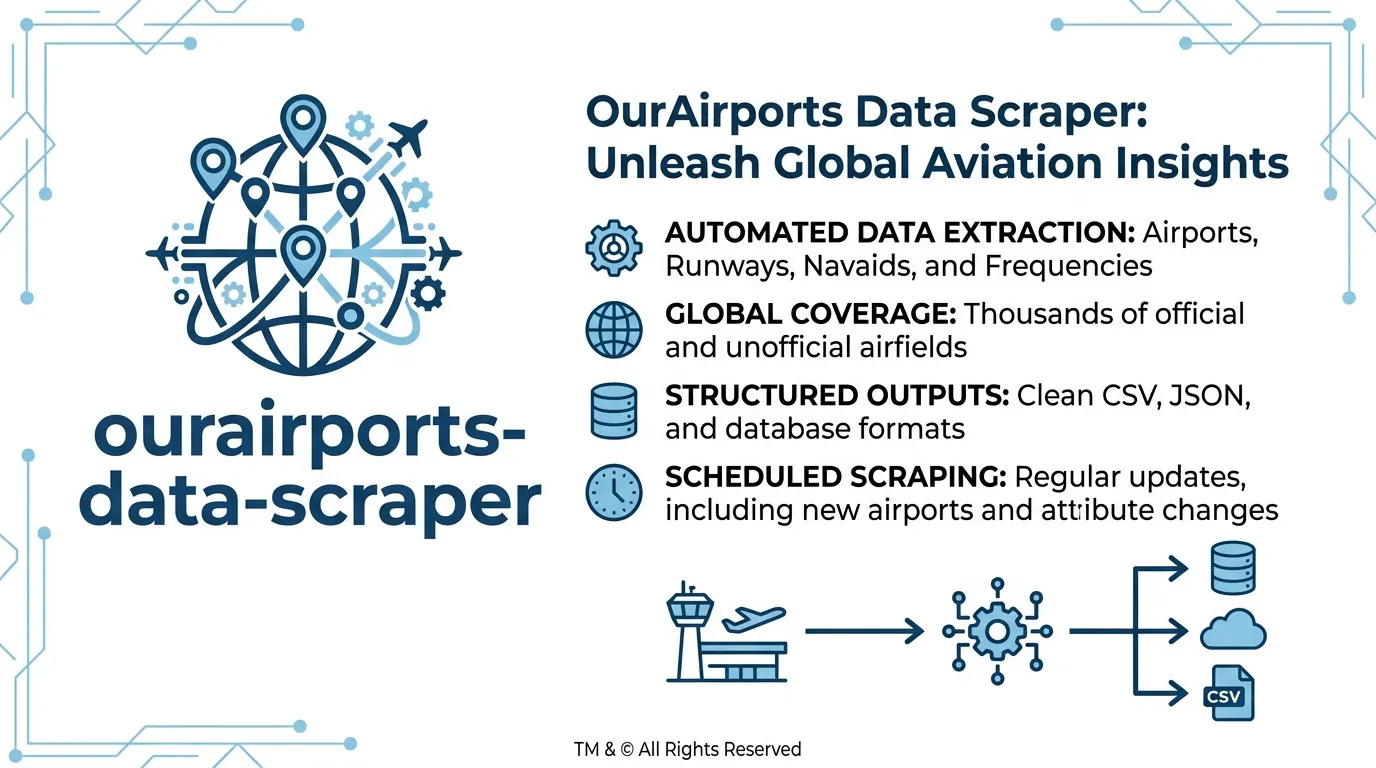
Collect publicly available airport and runway data from OurAirports and save filtered records to an Apify dataset. Export results as JSON, CSV, or Excel for aviation research, geographic analysis, travel planning, and reference-data matching.
The actor supports two datasets: airports and runways. It downloads the selected CSV file once per run, applies the relevant filters, removes duplicate IDs, and stops when the configured row limit is reached.
Use Cases
- Airport directories: Collect airport identifiers, IATA and ICAO codes, coordinates, and airport types.
- Runway datasets: Organize runway length, width, surface, and runway-end identifiers.
- Travel research: Combine airport names with municipalities, elevation, and scheduled-service information.
- Scheduled data refreshes: Rerun the same country and airport-type filters to compare changes over time.
- Reference-data matching: Join runway records to airport records using
airport_identandident.
What Data Does the OurAirports Scraper Extract?
The actor supports two collection modes:
- Airports: Produces one row per matching airport after applying the country and airport-type filters.
- Runways: Produces one row per runway, including dimensions, surface, lighting, closure status, and runway-end information.
Country and airport-type filters apply only to airport records because the runway dataset does not contain those fields. You can join the two datasets afterward to associate runways with airports.
The source column type is saved as airportType to avoid conflicts with the dataset field name.
Input Parameters
| Parameter | Type | Default | Description |
|---|---|---|---|
dataset | string | airports | Dataset to collect: airports or runways. Unsupported values produce an error row. |
country | string | US | ISO country code matched against iso_country. An empty value includes all countries. Ignored in runway mode. |
type | string | large_airport | Airport type, such as large_airport or heliport. An empty value includes all airport types. Ignored in runway mode. |
maxItems | integer | 100 | Maximum matching rows to save. Hard maximum: 1,000. |
timeoutSecs | integer | 300 | Maximum run duration in seconds. |
requestTimeoutSecs | integer | 30 | Timeout for an individual download attempt before retry handling. |
Example Input
Collect large airports in the United States:
To collect runway records instead, change dataset to runways. Country and airport-type filters will not apply in that mode.
Output Fields
| Field | Type | Description |
|---|---|---|
id | string | Source record identifier. |
ident | string | Airport identifier. |
airportType | string | Airport category from the source type column. |
name | string | Airport name with HTML tags removed. |
latitude_deg | string | Latitude in degrees. |
longitude_deg | string | Longitude in degrees. |
elevation_ft | string | Elevation in feet. |
continent | string | Continent code. |
iso_country | string | ISO country code. |
iso_region | string | ISO region code. |
municipality | string | Associated city or town. |
scheduled_service | string | Scheduled-service indicator. |
iata_code | string | IATA airport code. |
icao_code | string | ICAO airport code. |
gps_code | string | GPS identifier. |
local_code | string | Local airport code. |
home_link | string | Airport homepage reference, when available. |
wikipedia_link | string | Wikipedia reference, when available. |
keywords | string | Additional source keywords. |
airport_ident | string | Associated airport identifier on a runway record. |
airport_ref | string | Airport reference associated with a runway. |
length_ft | string | Runway length in feet. |
width_ft | string | Runway width in feet. |
surface | string | Runway surface type. |
lighted | string | Indicates whether the runway is lighted. |
closed | string | Runway closure indicator. |
| Runway-end fields | string | Low-end and high-end identifiers, coordinates, elevations, headings, and displaced thresholds. |
sourceUrl | string | Source CSV reference for the download. |
scrapedAt | string | UTC timestamp when the row was saved. |
error | string | Error information, present on error rows. |
input | string | JSON snapshot of the input associated with an error row. |
Example Airport Record
Limits and Error Handling
Row Limits and Processing
The actor clamps maxItems to a range of 1–1,000. It downloads the selected CSV file once per run, filters the records locally, skips duplicate id values, and saves rows until the configured cap or timeout is reached.
There is no page-based pagination. The source files are large, so each run processes the selected file after downloading it.
Download Retries
Failed downloads are retried up to three additional times for HTTP 429 responses, HTTP 5xx responses, and timeouts. The retry delays are 2, 4, and 8 seconds unless a Retry-After value specifies a different wait.
If the response is not a valid CSV file, including an HTML page returned with a successful HTTP status, the actor saves an error row.
Empty Results and Invalid Inputs
- Unsupported dataset names produce an error row without attempting a download.
- If the selected filters match no records, the actor saves an error row.
- If a download fails, error information is included in the dataset.
- Country and airport-type filters are ignored in runway mode.
Data Source and Licensing
The actor uses the public OurAirports airport and runway datasets. Review the source's licensing and attribution requirements before redistributing collected records.
Each output row includes sourceUrl to identify the relevant source file.
FAQ
Does the OurAirports scraper need an API key?
No. The actor downloads publicly available CSV files. No login or API key is required.
Why is the airport type field called airportType?
The source CSV uses type for airport classification. The actor renames that field to airportType in the output.
Can I filter runways by country?
Not directly. The runway dataset does not include a country column. Collect airport records for your desired country, then join the datasets using ident on airport records and airport_ident on runway records.
What happens if I enter an unsupported dataset name?
The actor saves an error row and finishes without attempting to download an unsupported file.
Can I export the results to CSV or JSON?
Yes. Use the Apify dataset export options to download records as JSON, CSV, or Excel.
How does the actor handle failed downloads?
It retries eligible failures, including rate limits, server errors, and timeouts. If the download still fails or the response is not a valid CSV, an error row is saved.
Changelog
- 1.0: Added airport and runway CSV collection, local airport filtering, duplicate-ID handling, download retries, and capped dataset exports.
Trademark Notice
OurAirports and its related names, logos, and trademarks belong to their respective owners. They are used in this documentation solely to identify the source of the data and do not imply affiliation, sponsorship, endorsement, or partnership.
Disclaimer
This Actor is an independent tool and is not affiliated with, endorsed by, sponsored by, or otherwise officially associated with OurAirports or its owners. Users are responsible for complying with applicable source terms, licensing, attribution, and data-use requirements.
Is Web Scraping Legal?
Collecting information that is already public is generally legal. Scraping is not the same thing as hacking, and there is no single law that bans it. The limits are the usual ones: do not break into accounts, do not take private or confidential data, and be careful with personal data and copyrighted works. A site's terms can also restrict how you access it. Facts such as a public name, price, or rating are not the same thing as republishing someone's article or photo.
This actor collects information from public pages. It does not log in and it does not bypass access controls.
For a longer explanation, see Apify's article Is web scraping legal?.


