
Agoda Reviews Scraper
Pricing
from $2.10 / 1,000 results
Agoda Reviews Scraper
[💰$3 / 1K] ⚡ Fast, cheap Agoda reviews scraper. No login, no API key. Hotel reviews from Agoda and Booking.com plus tour and activity reviews, by hotel name or URL. Rating, text, original language, stay dates, traveler and room type, country, photos, hotel replies, category scores.
Pricing
from $2.10 / 1,000 results
Rating
0.0
(0)
Developer

Aboo Script
Maintained by CommunityActor stats
0
Bookmarked
2
Total users
1
Monthly active users
21 hours ago
Last modified
Categories
Share
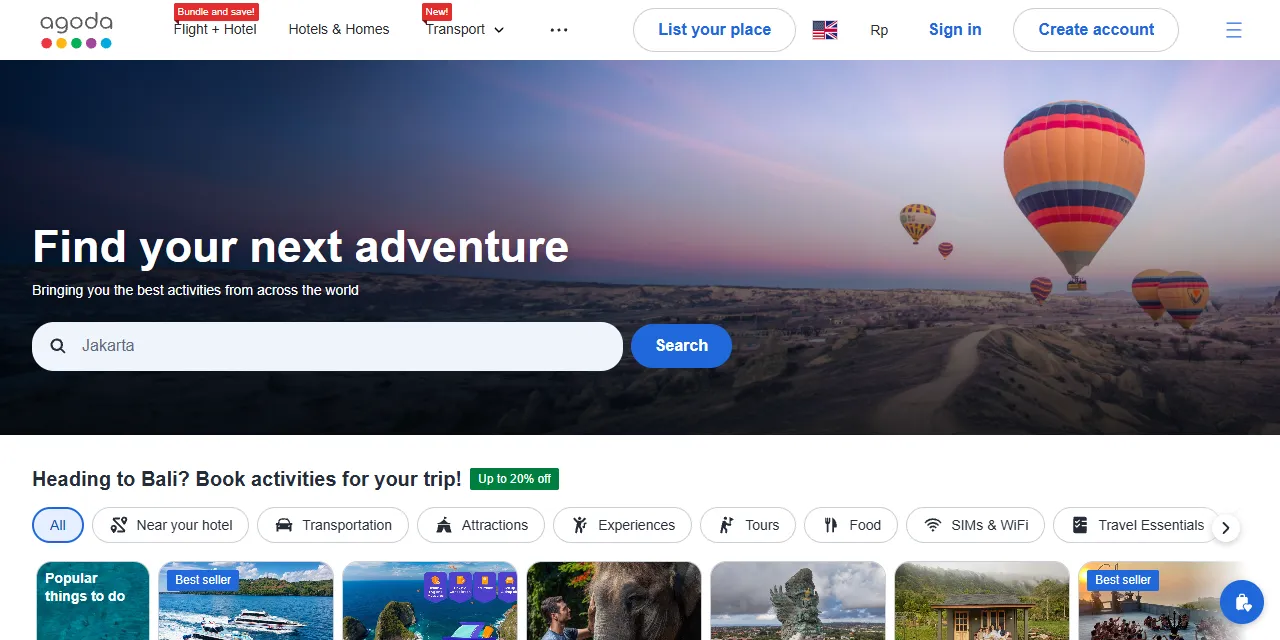
Agoda Reviews Scraper extracts guest reviews of hotels and activities from Agoda into clean, structured data you can download as JSON, CSV, Excel, or HTML. Paste an Agoda hotel or activity page, or just type a hotel name, and get every review with its rating, title, text, original language, stay dates, traveler type, room type, reviewer country, guest photos, and the hotel's reply. Hotel reviews include both Agoda and Booking.com reviews shown on Agoda, and activity reviews include TripAdvisor, Viator, and other sources. No account or login required.
Introduction
Agoda is one of the largest online travel platforms in Asia, with millions of hotels, apartments, and resorts worldwide, plus tours, attractions, and tickets through Agoda Activities. Its verified guest reviews are a rich source of feedback about cleanliness, service, location, and value.
This Agoda reviews scraper collects the same public reviews you see in your browser and turns them into a ready-to-use dataset. You can run it once, schedule it to run daily to catch new reviews, or connect it to your own tools.
What data can you extract from Agoda reviews?
- ⭐ Rating, rating scale, and rating label (for example "Exceptional")
- 📝 Review title and text, plus the liked and disliked parts of Booking.com reviews
- 🌐 Original title and text in the reviewer's language, with the language code
- 📅 Review date, check-in and check-out dates, and length of stay
- 🧳 Traveler type (couple, family, solo, business, group) and room type
- 👤 Reviewer name, country, and expert reviewer badge
- 📷 Guest photos with captions
- 💬 Hotel or operator reply with responder name and date
- 👍 Helpful and unhelpful votes
- 🏨 Hotel or activity name, ID, overall rating, review count, and page URL
- 📊 Optional hotel rating summary: scores per category (cleanliness, facilities, location, room comfort, service, value for money) with city averages, scores per traveler type and review source, score distribution, and most mentioned topics
Use Cases
- 📈 Reputation monitoring: follow new reviews of your own hotel or tour and react to complaints quickly.
- 🕵️ Competitor analysis: compare ratings, strengths, and weaknesses of competing hotels in the same city.
- 🧠 Sentiment analysis: feed thousands of reviews into text analysis or AI models to find what guests love and hate.
- 🗂️ Market research: understand what different traveler types expect from hotels and activities in a destination.
- 🤖 AI and automation: feed clean, structured data into spreadsheets, dashboards, or AI workflows.
How to scrape Agoda reviews step by step
- Paste one or more Agoda hotel or activity URLs into Start URLs, or type hotel names into Hotel names.
- Set Maximum reviews per hotel or activity to how many reviews you want for each URL or hotel name.
- Optionally choose review sources, sort order, minimum rating, traveler type, languages, or a start date.
- Click Start and wait for the run to finish.
- Download your data in JSON, CSV, Excel, or HTML from the Output tab.
Input
- Start URLs: Agoda pages to scrape. Supported pages: hotel pages (
https://www.agoda.com/marina-bay-sands/hotel/singapore-sg.html), hotel review pages (.../reviews/...), search URLs with a selected hotel (/search?selectedproperty=...), and activity pages (https://www.agoda.com/activities/detail?activityId=...). - Hotel names: hotel names to look up on Agoda. The first matching hotel is scraped for each name.
- Maximum reviews per hotel or activity: how many reviews to collect for each start URL or hotel name. Use 0 for all reviews.
- Hotel review sources: Agoda reviews, Booking.com reviews, or both.
- Sort by: most recent, most helpful, rating high to low, or rating low to high.
- Minimum rating: only reviews with at least this rating on Agoda's 1-10 scale. Activity ratings (1-5 stars) are compared at half the value.
- Only reviews with photos: only reviews that include guest photos.
- Reviews from date: only reviews written on or after this date.
- Traveler type (hotels): only hotel reviews from business travelers, couples, solo travelers, families with young children, families with teens, or groups.
- Review languages (hotels): only hotel reviews written in the selected languages.
- Include hotel rating summary: adds one extra item per hotel with its full rating breakdown.
You can use start URLs, hotel names, or both in the same run. The review options apply to every URL and hotel name.
Input Examples
Scrape reviews of a hotel and an activity:
Search by hotel name:
Recent couple reviews in English with a rating of 8 or more, plus the rating summary:
Output
Each review is saved as one item in the dataset. Here is an example of a hotel review:
Activity reviews use the same fields, with reviewType set to activity, a 1-5 ratingScale, and the original review site in source:
With Include hotel rating summary, each hotel also gets one item with reviewType set to hotelSummary, holding sources (per review source: review count, score, category scores with city averages, traveler type scores, score distribution, and topics) and facilityMentions.
You can download the dataset in JSON, CSV, Excel, XML, or HTML, or access it through the Apify API.
Notes
- Only hotel pages, hotel review pages, search URLs with a selected hotel, and activity pages are supported. Other Agoda pages (city searches, home page) are skipped.
- Agoda shows only reviews with written text. Ratings without text are counted in
placeReviewCountbut are not returned as reviews. - Booking.com reviews are available for some hotels only, and Agoda shows older Booking.com reviews only.
- Each page of hotel reviews mixes Agoda and Booking.com reviews, so with both sources selected the dataset alternates between them.
- Traveler type and language filters work for hotels only. Activity reviews have no language, traveler type, stay dates, or room type, so these fields are
null. - Rating, photo, and date filters for hotels are applied while scraping. With a narrow filter and a large hotel, the run may read many pages to find enough matching reviews.
- Review text is in English (translated by Agoda when needed). The original text is in
originalTextwhen the review was written in another language. - A review is saved only once per run, even when the same hotel is added twice.
Why use the Agoda Reviews Scraper?
- ✅ No login needed: works with public data only, so there is no account to manage.
- 🏨 Hotels and activities in one tool: hotel reviews from Agoda and Booking.com, and tour reviews from TripAdvisor, Viator, and more.
- 🔎 Find hotels by name: no need to look up URLs first.
- 🎯 Rich filters: traveler type, language, minimum rating, photos only, and start date.
- 📊 Rating breakdown: category scores, city averages, and traveler type scores in one item per hotel.
- 🧹 Clean data: numbers are real numbers, dates use one standard format, and text is free of HTML.
- 💸 Pay for what you need: set a review limit per hotel and keep every run small and cheap.
FAQ
How many reviews can I scrape?
Set any number in Maximum reviews per hotel or activity, or 0 for all reviews. The actor keeps going until it reaches your limit or runs out of reviews.
Do I need an Agoda account?
No. The actor only collects publicly available reviews. You do not need to log in or provide any account details.
How do I get only new reviews?
Sort by Most recent and set Reviews from date. The actor stops as soon as it reaches older reviews, so daily or weekly runs stay small.
Can I scrape reviews on a schedule?
Yes. Use Apify Schedules to run the actor every day or week and get fresh reviews automatically.
Why are some fields empty?
Not every review shows every detail. For example, Booking.com reviews have liked and disliked parts instead of a single text, and many reviews have no photos or hotel reply. Missing values are returned as null.
Can I request a new feature or filter?
Yes. If you need other inputs, such as scraping every hotel in a city, get in touch and they can be added.
Can I get a custom or private version?
Yes. The actor can be customized for your workflow, delivered as a private version, or a new scraper can be built for a different website. Use the contact details below.
Need to scrape other review platforms?
- Fragrantica Reviews Scraper: perfume reviews with ratings, votes, and reviewer details from Fragrantica.
- Ticketmaster Scraper: concerts, sports, and theater events with venues, dates, and ticket prices.
Need help or want a custom solution?
- 📧 Email: aboo.script@gmail.com
- 🧩 More scrapers: Apify profile
Image Credit
Image credit: Agoda


