

amfori Members Scraper
Pricing
from $2.80 / 1,000 results
amfori Members Scraper
Fast amfori member scraper. No login or API key required. Extract member names, countries, company websites and logos by directory URL or keyword, with country filters. Export structured company data for supplier research and market analysis.
Pricing
from $2.80 / 1,000 results
Rating
0.0
(0)
Developer

Aboo Script
Maintained by CommunityActor stats
0
Bookmarked
2
Total users
1
Monthly active users
4 days ago
Last modified
Categories
Share
amfori Scraper
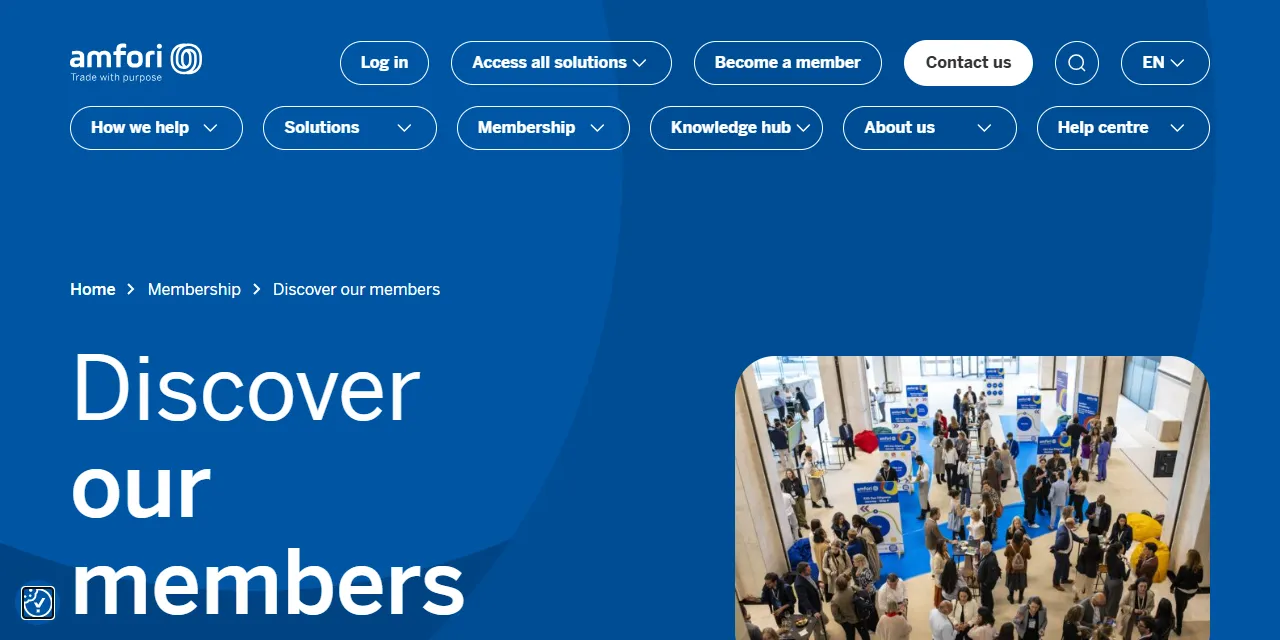
amfori Scraper extracts member companies from amfori into structured data. Paste a member directory URL or search by name to collect company names, countries, websites and logos. Download results as JSON, CSV or Excel.
Introduction
amfori helps businesses manage supply chain risks and improve sustainable business practices. Its public member directory lists companies across industries and countries. This actor turns those listings into a dataset for company research and business development.
What data can you extract from amfori?
- 🏢 Member company name:
name. - 📍 Published country:
country. - 🔗 Company website:
website. - 🖼️ Company logo:
logoUrl. - 📄 Directory page where the member appeared:
sourceUrl.
Use Cases
- Company research: find businesses participating in amfori.
- Market analysis: compare member companies across countries.
- Lead discovery: build a list of company websites for further research.
- Automation: refresh member data on a schedule and connect it to spreadsheets or dashboards.
How to scrape amfori step by step
- Paste directory URLs into Start URLs, or enter company names in Search queries.
- Optionally add country slugs for keyword searches, such as
belgiumordenmark. - Set Maximum results per URL or query.
- Click Start, then download the dataset from the Output tab.
Input
- Start URLs: member directory URLs, including
https://www.amfori.org/discover-our-members/and the older/en/membership/discover-our-memberspath. Country and name filters are preserved. Start at a later page with?_paged=2or?page=2. - Search queries: member names or keywords, one per entry. Multiple queries and start URLs can be used together.
- Countries: optional country slugs for Search queries only. Multiple countries use OR. Examples:
belgium,denmark,germany,the-netherlands,united-kingdom. The input field description lists all supported values. Start URLs use their own country filters. - Maximum results: default
5per URL or query. Use0to collect all matching members.
Input Examples
Default directory input:
Search member names:
Output
Each member is saved as one dataset item. This is a real result:
Export the dataset as JSON, CSV, Excel, XML or HTML, or access it through the Apify API.
Notes
- Only the public member directory is supported. Other page types are skipped.
- Listings link directly to company websites. The actor does not visit those websites or collect email addresses, phone numbers or certification records.
- The directory does not offer a member type filter.
- Missing countries, websites or logos are returned as
null. - Duplicate members within the same URL or query are removed. Separate searches can include the same company.
- Different page numbers for the same search share one result limit.
- Search and country results reflect the directory at the time of the run. Membership does not establish a company's certification status.
Why use the amfori Scraper?
- No login needed: collect public member information without an account.
- Keeps your filters: use directory URLs with name and country filters.
- Controlled result counts: keep runs small or collect every matching member.
- Ready for automation: schedule runs and use the structured output in your workflow.
FAQ
Do I need an amfori account?
No. This actor collects publicly visible member listings.
How many members can I collect?
Set a result limit, or use 0 to continue until all matching directory pages have been processed.
Can I run it on a schedule?
Yes. Use Apify Schedules for regular directory updates.
Can I request additional filters or a custom version?
Yes. Additional filters, private versions and custom scrapers can be requested using the contact details below.
Need to scrape other sustainability company directories?
- 1pacteclimat.fr Scraper: collect companies that signed the French business climate pledge, including sectors, commitments and websites.
Need help or want a custom solution?
- 📧 Email: aboo.script@gmail.com
- 🧩 More scrapers: Apify profile
Image Credit
Image credit: amfori


